Digital Basic 8C Wear OS 4+ vVARY
OQ Watchfaces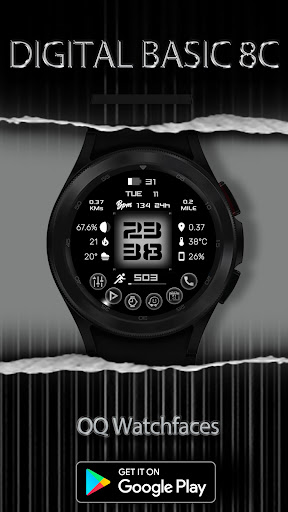



/
About this app
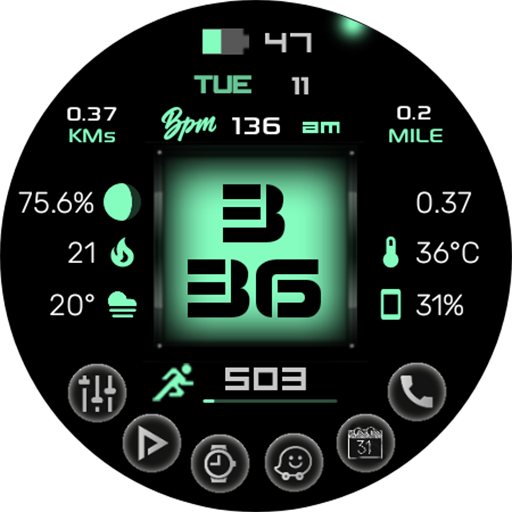
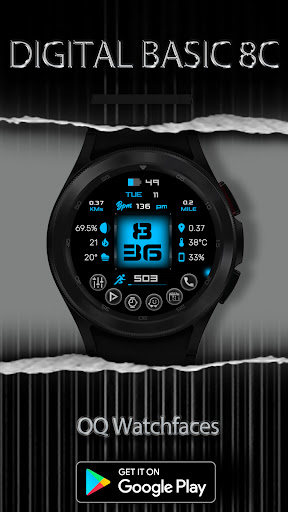
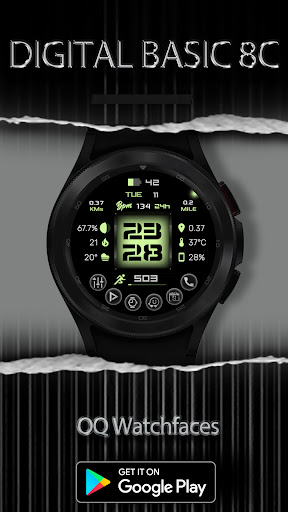
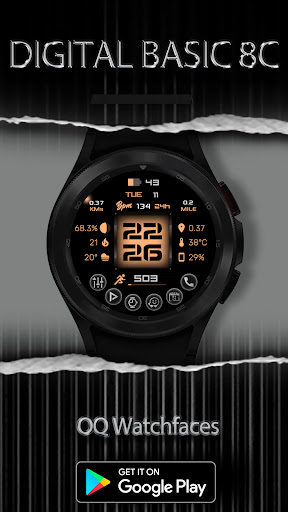
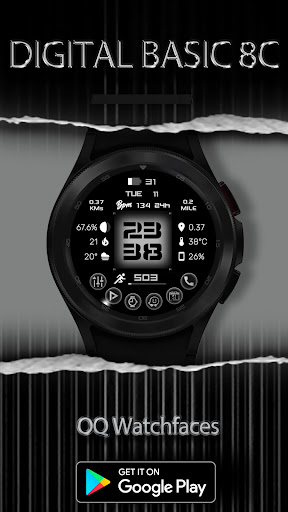
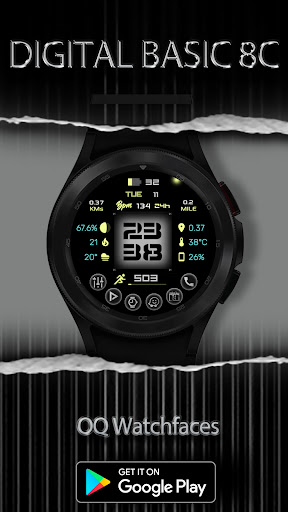
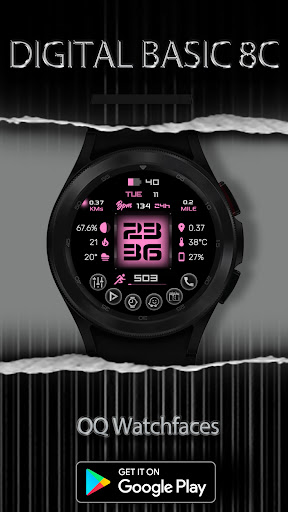
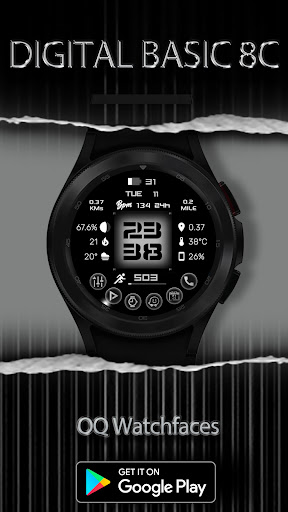
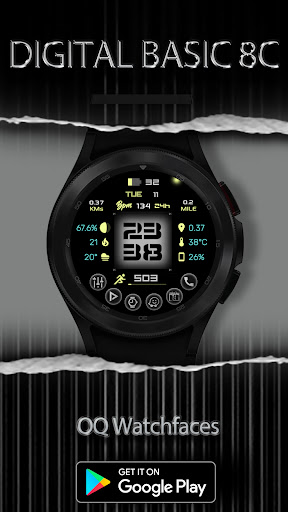
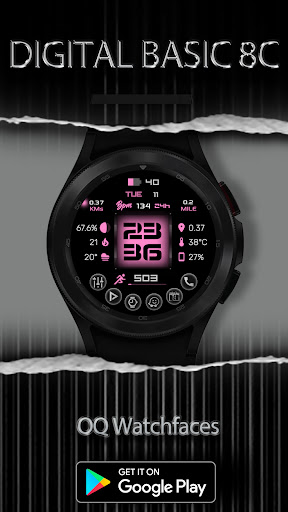
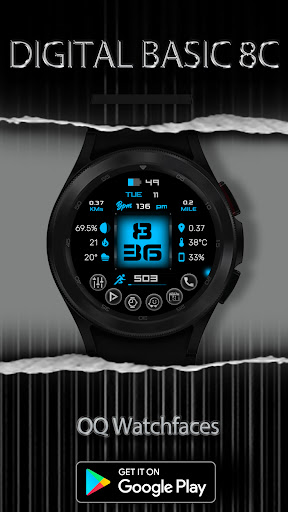
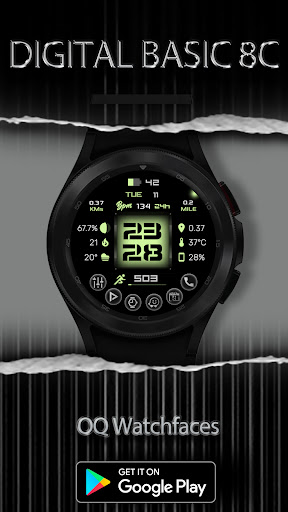
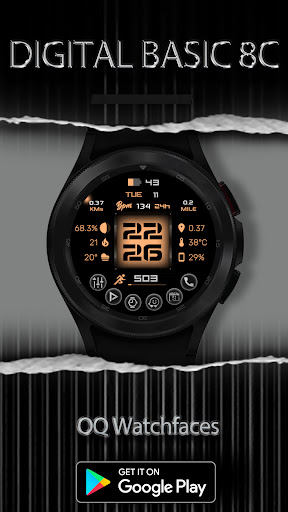
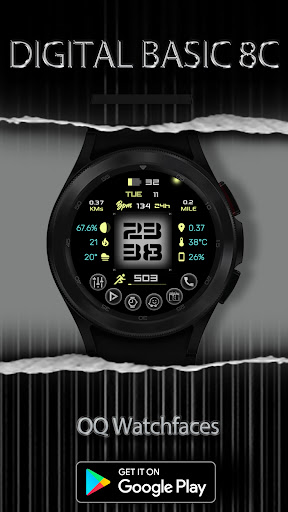
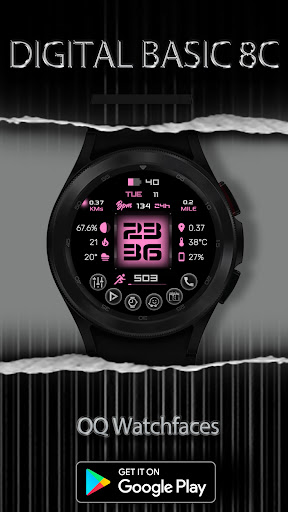
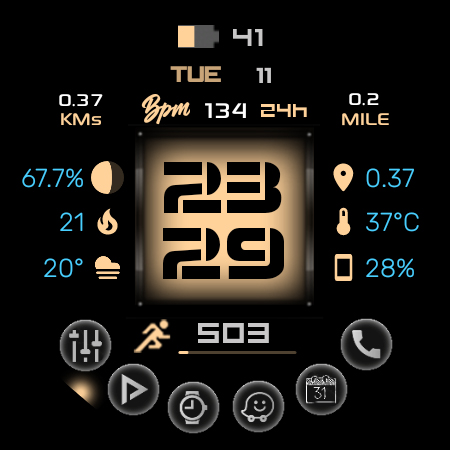
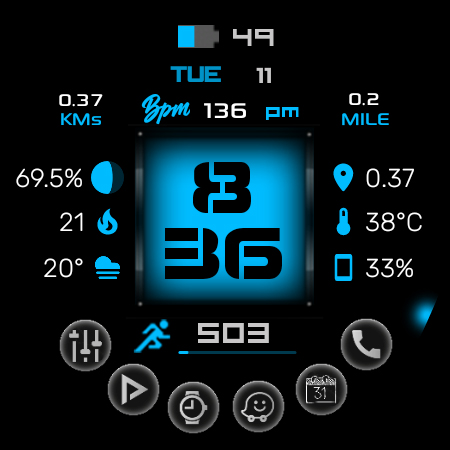
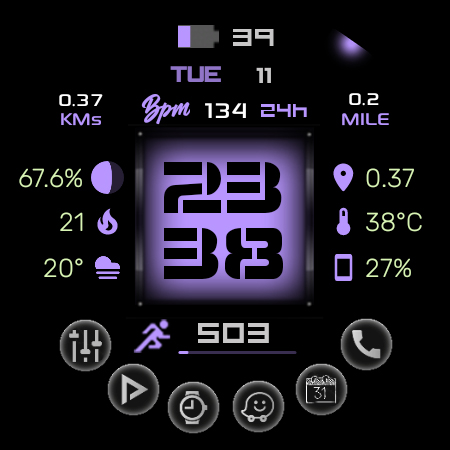
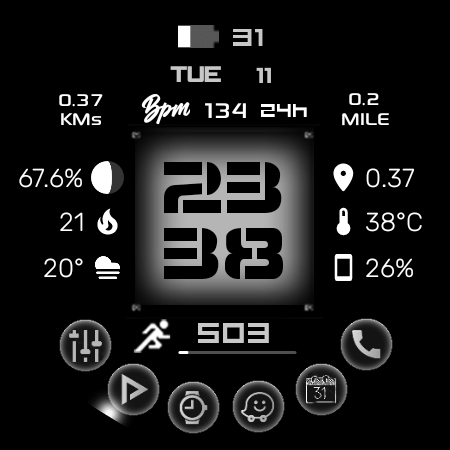
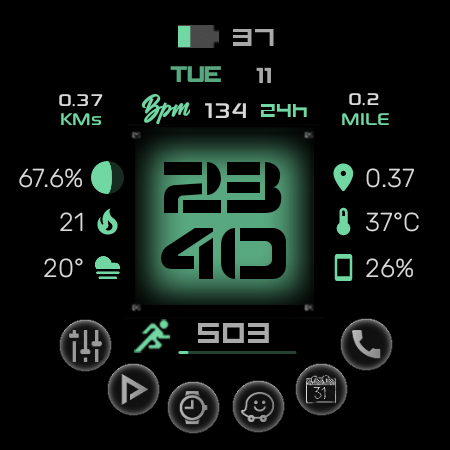
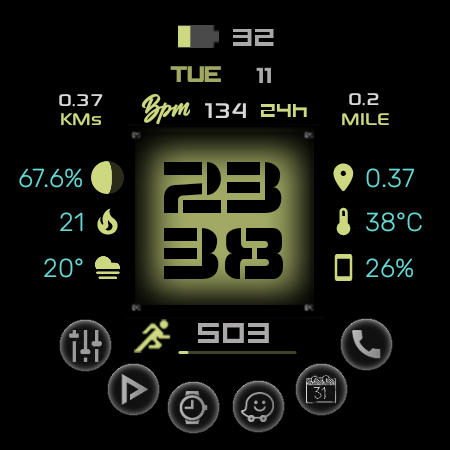
A stylish watchface for Wear OS has many customizations and color style options.
=======================================================
NOTICE: READ THIS ALWAYS BEFORE AND AFTER DOWNLOADING
=======================================================
a. This is the 2nd variant of Digital Basic 8B watch face for Wear OS 4+ devices made on request by some users with different font style for hours and minutes text. Why 2nd variant because Samsung Studio does not have the option to add function for users to change fonts in a watch face made with the software.
b. This watch face contains a lot of options in customization menu.If for some reason it takes time to load customization options in Wearable app wait for at least 8 secs to let load up all customization menu options while opening on Galaxy wearable app.
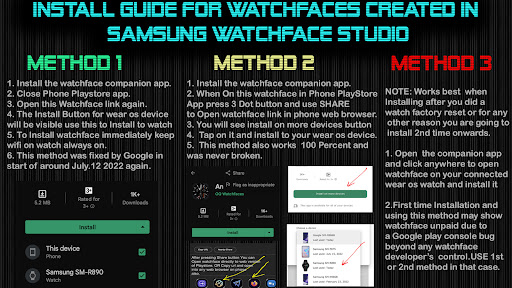
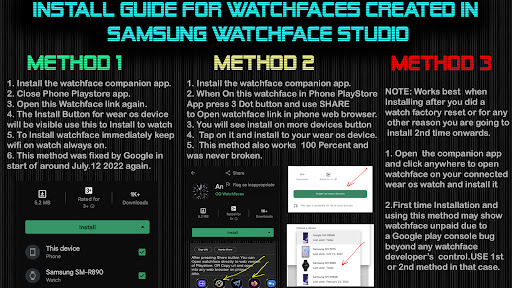
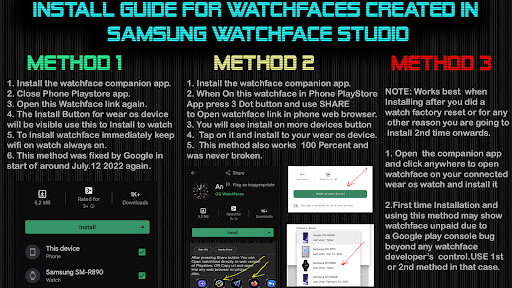
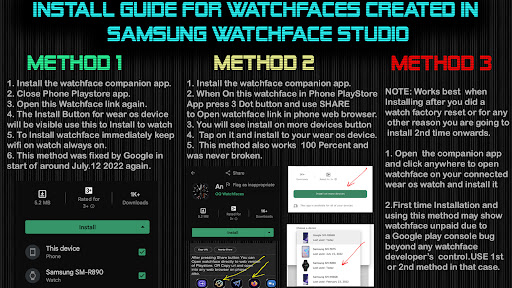
c. An Effort has be done to make a INSTALL GUIDE which is attached as an image with screen previews.It is the 1st image in previews for Newbie Android Wear OS Users or for those who don't know how to install the watch face to your connected device. So it is requested to users to read it before posting cannot install statements reviews.
c. DO NOT PAY TWICE FROM WATCH PLAY STORE . READ The Install Guide Image again. See 3 x methods 100 percent working to install both phone app and watch app . The install guide clearly says tap to open connected on connected watch is when you are installing it for the first time.
=======================================================
FEATURES AND FUNCTIONS
=======================================================
The watch face has following features:-
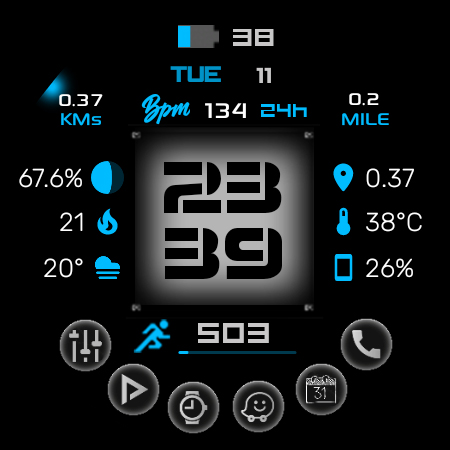
1. The watch face supports both 12H and 24H Modes. Please Note that to use mode of your choice you have to select it on the phone your watch is connected. And If you are using an LTE watch and it is not connected to the phone then go to watch settings and then change time mode from there.
2. Tap On BPM Text or Reading and it will start blinking and will stop blinking when the sensor completes reading and then the reading will be updated to fresh one.
3. Tap on Battery icon or text to open watch battery settings menu.
4. Tap On BPM Text or Reading and it will start blinking and will stop blinking when the sensor completes reading and then the reading will be updated to fresh one. BPM Text can also be hidden if you like from customization menu.
5. User Customizable Complications are available in the customization menu.Which support complications like weather,feels like,and notifications etc.
6. The Frame around Hour and Minutes digits is also customizable via customization menu.
7. The background Color Of Main Hour and Minutes digits inside the frame can be switched On/Off From customization separately from customization menu.
8. You can also hide various elements on the screen like hiding all six complications left and right of the time on Main and AoD from customization menu.
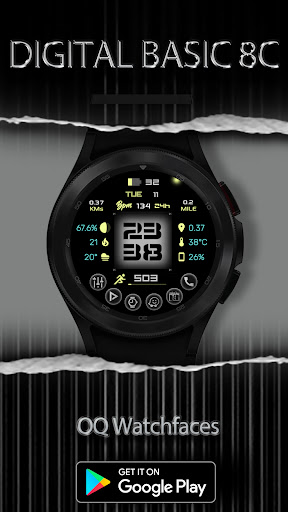
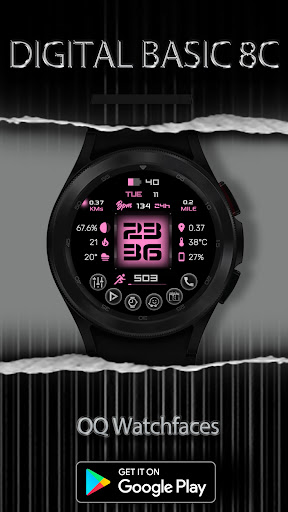
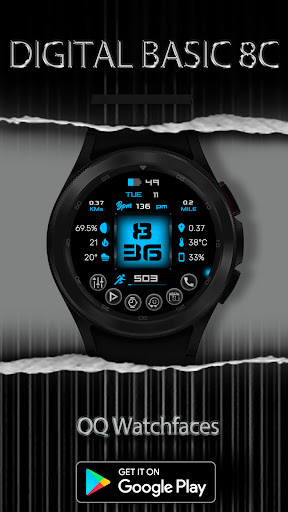
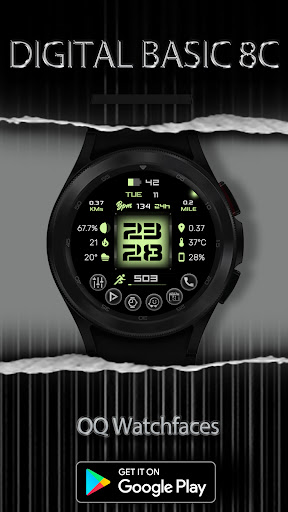
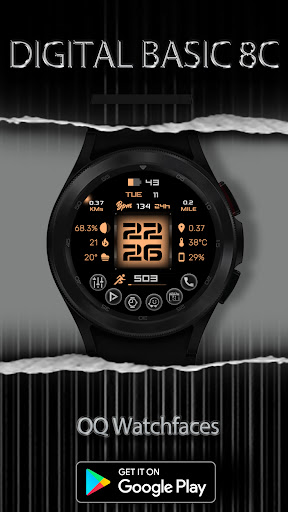
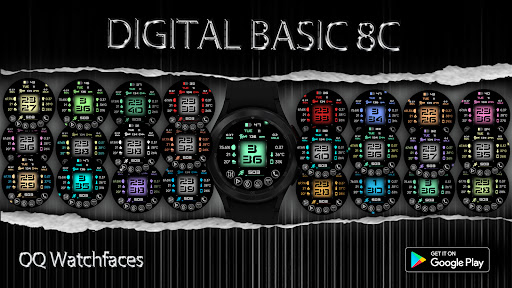
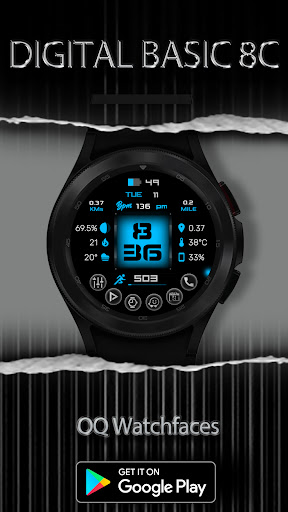
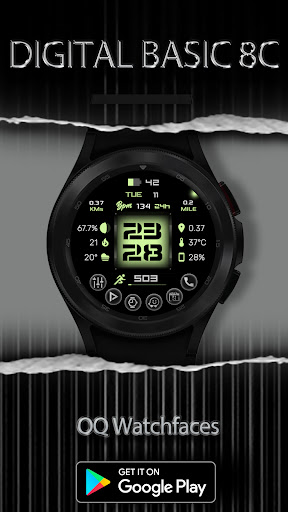
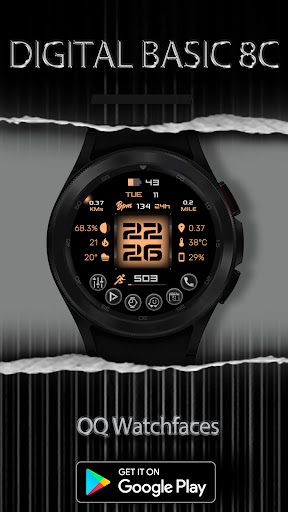
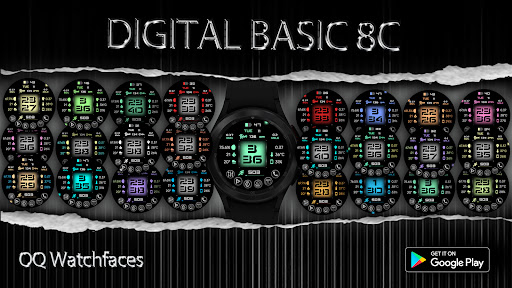
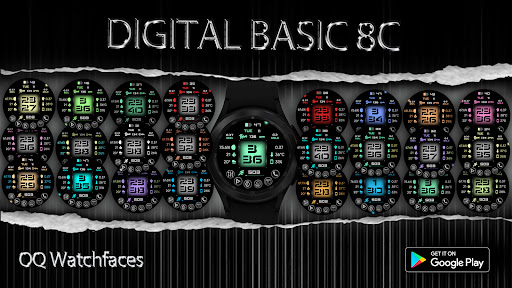
10. 30 x Color Styles are available in Customization menu.
ADDITIONAL INSTALLATION APPS IF YOU WANT BEST RESULTS
=======================================================
To have Additional missing Complications on Your Samsung smart watch like Floors, Moon Position, Calories, etc you can also use them as shown in the screen previews of this watch face please. Also they will work on every watch face you already have.
1. Smart phone battery app (Free app)
Please install the additional app of the link below on the watch and smartphone, and set up the complication.If the link does not open, please search for the 'Phone Battery Complication' app and install it.
https://play.google.com/store/apps/details?id=com.weartools.phonebattcomp
2. Health Services Complications (Paid app)
https://play.google.com/store/apps/details?id=com.weartools.hscomplications
3. Complications Suite - Wear OS (Free app)
https://play.google.com/store/apps/details?id=com.weartools.weekdayutccomp
All credits goes to original app creator:
amoledwatchfaces - https://play.google.com/store/apps/dev?id=5591589606735981545
NOTICE: READ THIS ALWAYS BEFORE AND AFTER DOWNLOADING
=======================================================
a. This is the 2nd variant of Digital Basic 8B watch face for Wear OS 4+ devices made on request by some users with different font style for hours and minutes text. Why 2nd variant because Samsung Studio does not have the option to add function for users to change fonts in a watch face made with the software.
b. This watch face contains a lot of options in customization menu.If for some reason it takes time to load customization options in Wearable app wait for at least 8 secs to let load up all customization menu options while opening on Galaxy wearable app.
c. An Effort has be done to make a INSTALL GUIDE which is attached as an image with screen previews.It is the 1st image in previews for Newbie Android Wear OS Users or for those who don't know how to install the watch face to your connected device. So it is requested to users to read it before posting cannot install statements reviews.
c. DO NOT PAY TWICE FROM WATCH PLAY STORE . READ The Install Guide Image again. See 3 x methods 100 percent working to install both phone app and watch app . The install guide clearly says tap to open connected on connected watch is when you are installing it for the first time.
=======================================================
FEATURES AND FUNCTIONS
=======================================================
The watch face has following features:-
1. The watch face supports both 12H and 24H Modes. Please Note that to use mode of your choice you have to select it on the phone your watch is connected. And If you are using an LTE watch and it is not connected to the phone then go to watch settings and then change time mode from there.
2. Tap On BPM Text or Reading and it will start blinking and will stop blinking when the sensor completes reading and then the reading will be updated to fresh one.
3. Tap on Battery icon or text to open watch battery settings menu.
4. Tap On BPM Text or Reading and it will start blinking and will stop blinking when the sensor completes reading and then the reading will be updated to fresh one. BPM Text can also be hidden if you like from customization menu.
5. User Customizable Complications are available in the customization menu.Which support complications like weather,feels like,and notifications etc.
6. The Frame around Hour and Minutes digits is also customizable via customization menu.
7. The background Color Of Main Hour and Minutes digits inside the frame can be switched On/Off From customization separately from customization menu.
8. You can also hide various elements on the screen like hiding all six complications left and right of the time on Main and AoD from customization menu.
10. 30 x Color Styles are available in Customization menu.
ADDITIONAL INSTALLATION APPS IF YOU WANT BEST RESULTS
=======================================================
To have Additional missing Complications on Your Samsung smart watch like Floors, Moon Position, Calories, etc you can also use them as shown in the screen previews of this watch face please. Also they will work on every watch face you already have.
1. Smart phone battery app (Free app)
Please install the additional app of the link below on the watch and smartphone, and set up the complication.If the link does not open, please search for the 'Phone Battery Complication' app and install it.
https://play.google.com/store/apps/details?id=com.weartools.phonebattcomp
2. Health Services Complications (Paid app)
https://play.google.com/store/apps/details?id=com.weartools.hscomplications
3. Complications Suite - Wear OS (Free app)
https://play.google.com/store/apps/details?id=com.weartools.weekdayutccomp
All credits goes to original app creator:
amoledwatchfaces - https://play.google.com/store/apps/dev?id=5591589606735981545
Version Information
- Version
- -
- Downloads
- 500+
- Updated on
- Aug 16, 2024
- Released
- Apr 11, 2023
- Requires
- Android Varies with device
What's New
1. Watch face updated with Samsung Latest Watch Studio V1.6.10 released on Jul-23-2024 as per Google New Policy To target Android 13 (API level 33) or higher.
2. Helper Companion app updated for phone play store app.
2. Helper Companion app updated for phone play store app.
Ratings & Reviews
Developer Response
More from OQ Watchfaces
See more apps
Analog Basic 16 Wear OS 4+
Paid
Analog Basic 12 Wear OS 4+
Paid

Analog Basic 14 Wear OS 4+
Paid

Analog Basic 13 Wear OS 4+
Paid

Digital Basic 4 Wear OS 5+
Paid

Diver Classic 2 Wear OS 4+
Paid

Analog Classic 5 Wear OS4
Free
Analog Basic 21 Wear OS 4+
Paid
Analog Basic 11B Wear OS 4+
Free
Analog Basic 16C Wear OS 4+
Paid

Analog Basic 20 Wear OS 4+
Paid

Digital Basic 8 Wear OS 4+
Free

Analog Basic 22 Wear OS 4+
Paid

Analog Basic 23 WEAR OS 4+
Paid

Analog Basic 24 Wear OS 4+
Paid
Analog Basic 25 Wear OS 4+
Paid
Similar Apps

Watch face CNW-44
Paid

Digital Watch Face CRC080
Free

Watch Face WF151
Paid
SamWatch Digital Aglaea 2
Paid
SamWatch Digital Final 4
Paid

SamWatch Digital Aglaea
Paid

Cyber Agent - health animated
Paid

ZKin Watch Face Cyan Light
Paid

WIN Super Minimal Black
Paid

Digital Master Lunar Face IN97
Free

KZY031
Paid

The Reactor Ultimate animated
Paid

SamWatch Digital Final 2 2024
Paid

KZY113
Paid
SamWatch Digital Titanes 2021
Paid

AD Digital BrieF - Watch Face
Free