
Digital Flight Crew - LX34 vVARY
App Comin (Luxsam)



About this app
Developer Description
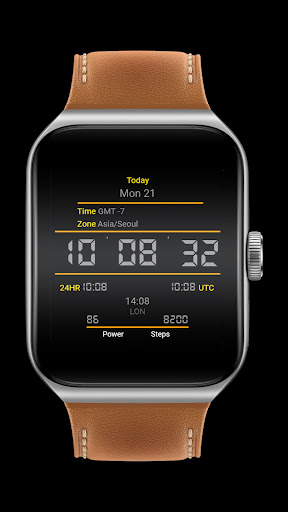
Digital clock with UTC Time Zone on screen and others informations.
Features:
- Today
- GMT (Greenwich Mean Time Zone)
- Zone (zone where you are)
- Digital clock (12h H / 24h HH)
- Small clock with 12h when de big clock is 24h. 24h when the big clock is 12h.
- UTC time
- Complications, you can chose one complication. ATTENTION: This function will depend on what your watch has. Remember to enable the watch face to read information and sensors. For more details and permissions for the watch face to work correctly, on your watch go to SETTINGS / APPLICATIONS / PERMISSIONS / select the watch face / Allow sensors and complications to be read.
- Battery status
- Steps
- Always on display (AOD)
- One complication to choose
Designed for Wear OS.
◖LUXSANK THEMES◗
https://galaxy.store/LuxThemes
◖FACEBOOK◗
https://www.facebook.com/Luxsank.World
INSTALLATION NOTES:
1 - Make sure the watch is properly connected to the phone, open Companion App on phone and tap on "INSTALL APP ON WEAR DEVICE" and follow instructions on watch.
After a few minutes the watch face will transferred on watch : check the watch faces installed by the Wearable app on the phone.
Note: If you stuck at payment loop, DON'T WORRY, only one charge will be made even if you are asked to pay a second time. Wait 5 minutes or restart your watch and try again.
It could be a synchronization problem between your device and Google servers.
or
2 - If you are having synchronization problems between your phone and Play Store, install the app directly from watch: search "LX34" from Play Store on watch and hit on install button.
3 - Alternatively, try installing the watch face from web browser on your PC.
Please, any problems on this side are NOT caused by the developer.
This watch face supports all Wear OS devices with API Level 28+.
Write to luxsank.watchfaces@gmail.com if you need assistance.
Version Information
- Version
- -
- Downloads
- 500+
- Updated on
- -
- Released
- Sep 3, 2022
- Requires
- Android Varies with device
Statistics
Google Play Rating History
Rating Distribution
Downloads Over Time
Digital Flight Crew - LX34 has been downloaded times. Over the past 30 days, it averaged downloads per day.
Shaded area shows 30-day prediction based on historical trends
Historical data collection started recently. More data points will be available over time.
ApkTrusted Ratings & Reviews
More from App Comin (Luxsam)
See more apps
LPV7 Chrono - Space Force
Free

Neon LX84 Light version
Free
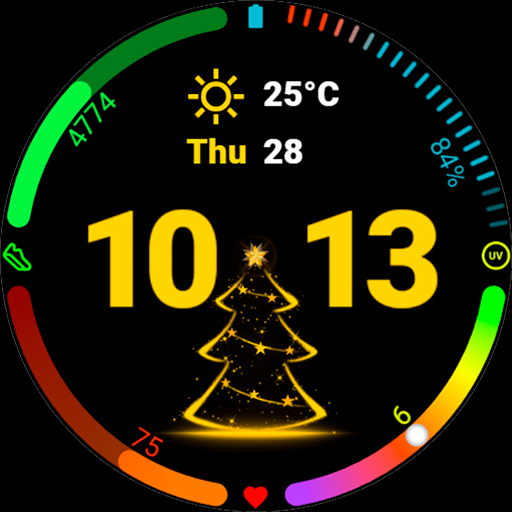
Christmas Tree Animated
Free
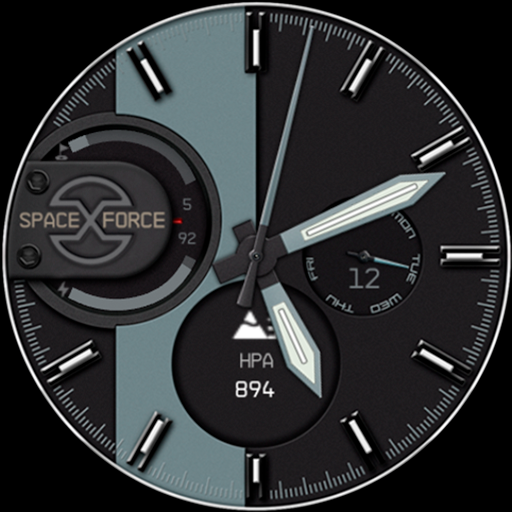
LPV6 Chrono Watch Face
Free

Analog Classic - Luxsank
Free

Neon nixie LX88 watch face
Free
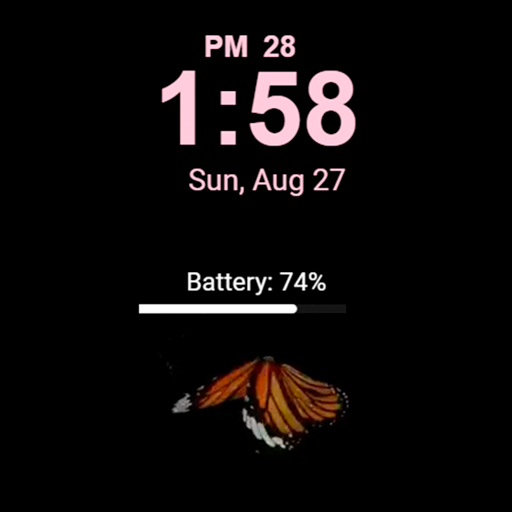
Butterfly with animation LX33
Paid

Dog licking the screen LX111
Free
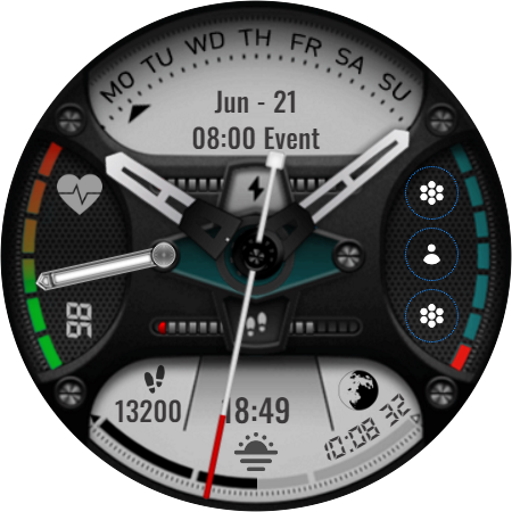
Hybrid Furious LX737
Paid
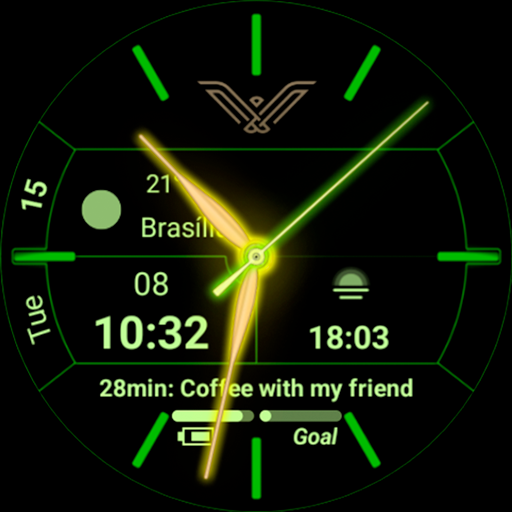
Neon LX83 - Luxsank
Paid
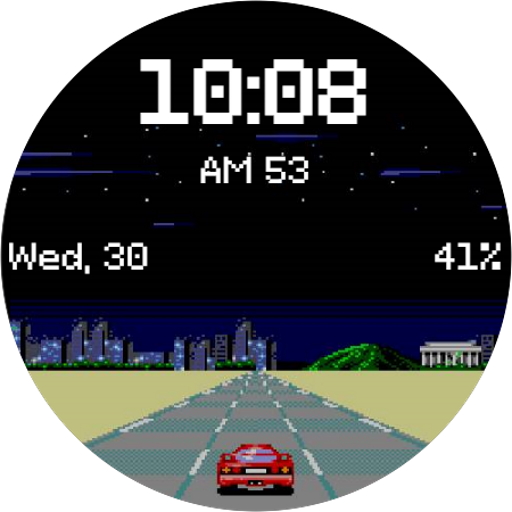
Game 8 Bits LX25 - Luxsank
Paid

Excalibur LX21 - Luxsank
Paid
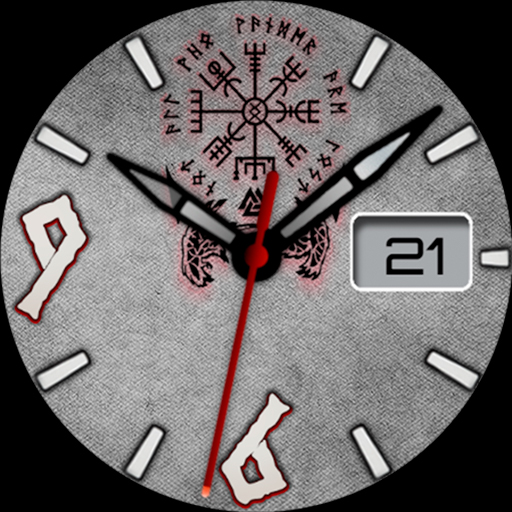
Analog Vikings LX22 - Luxsank
Paid
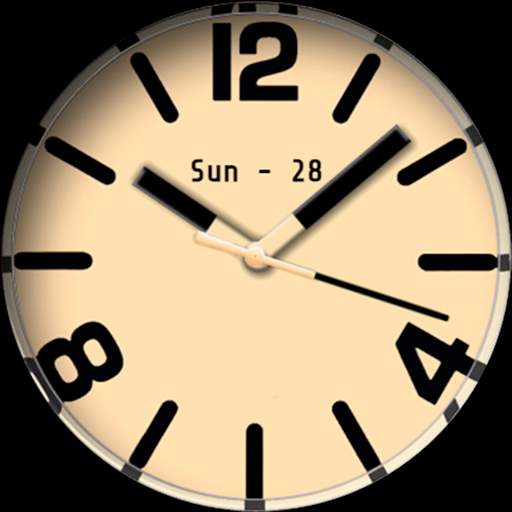
Analog Classic LX156
Free

Digital Flower LX134
Free

Chrono LPV8 - Space Force
Free
Similar Apps
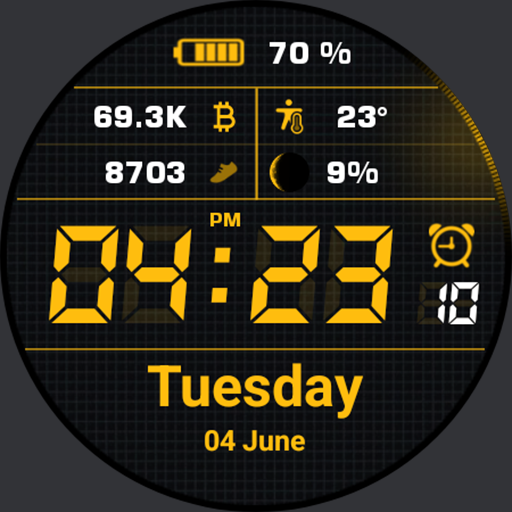
Simple Watch AKM Wear OS
Paid

AD Dashboard - Watch Face
Free

AD Digital Blocs - Watch Face
Free

Max's watch
Free
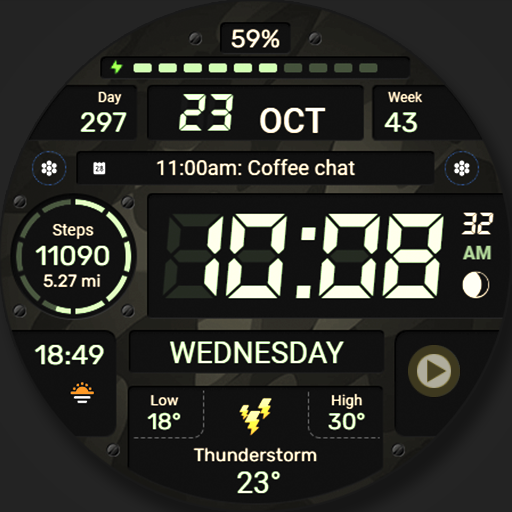
WFP 129 Military watch face
Paid

TSD30 Watch Face for Wear OS
Free

Quick Watch AKM Wear OS
Paid
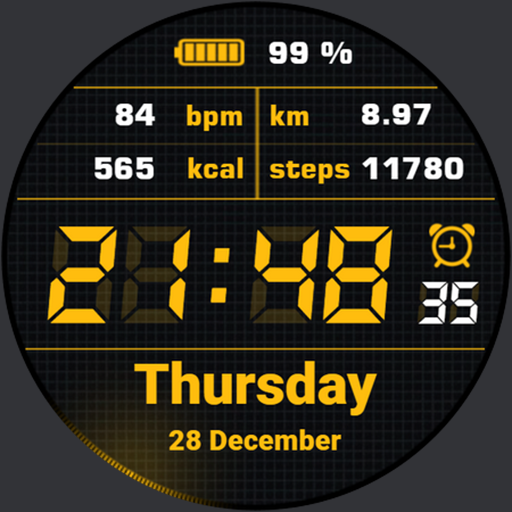
Simple Watchface AKM Wear OS
Free
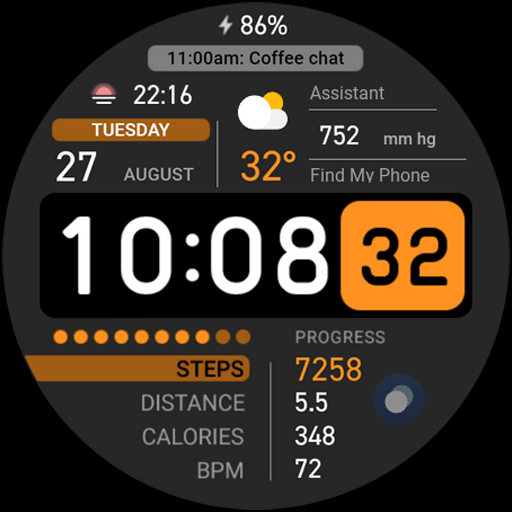
Digital Informer
Paid

Watch Face CUE157
Paid
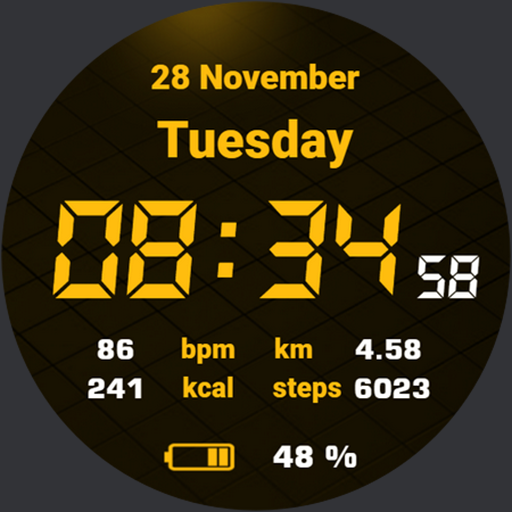
Quick Watchface AKM Wear OS
Free
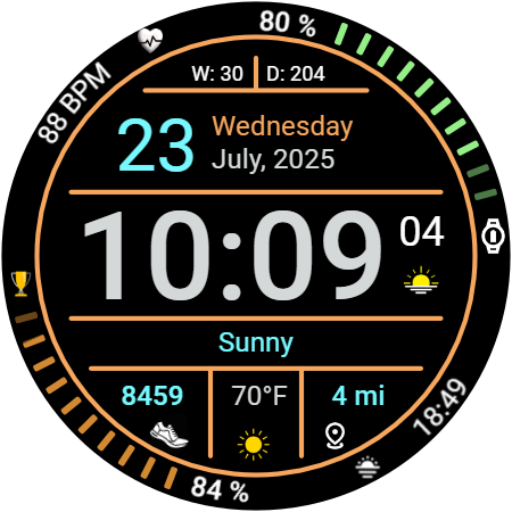
Iris547 Multi-Function Digital
Free

Ballozi KROMA Digital
Paid

D0001 VNApps
Free

OT | Weather Watch Face 2
Paid
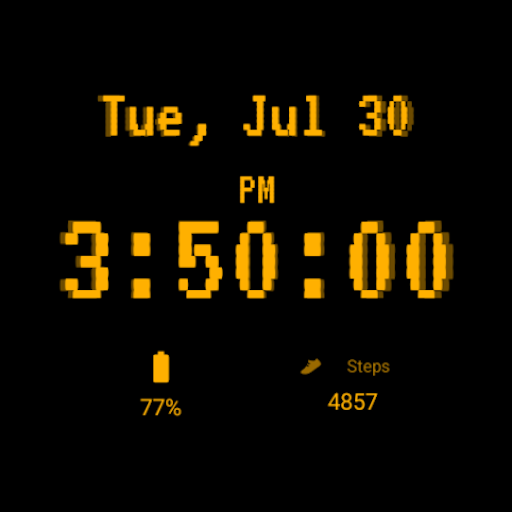
Retro CRT
Paid
Scan this QR code to download

Forwarding you to the page at Google Play market in seconds...
Open Google Play market now