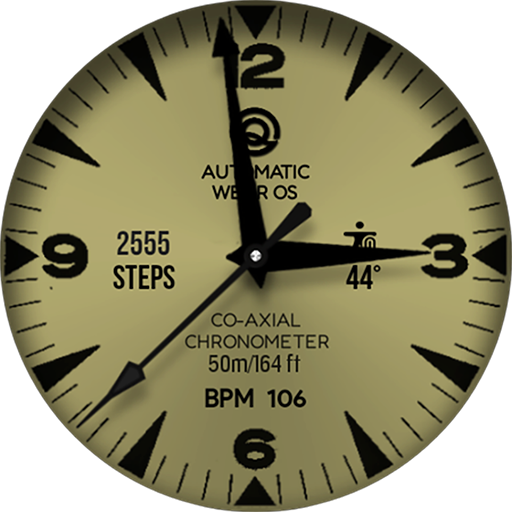
Diver Classic 5 Wear OS 4+ vVARY
OQ Watchfaces



About this app
Developer Description
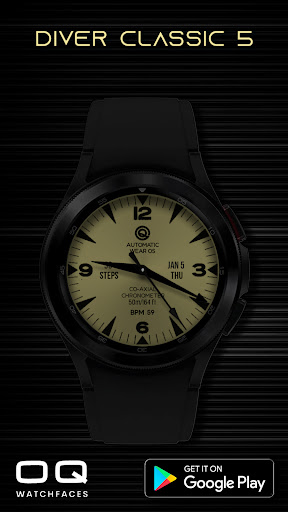
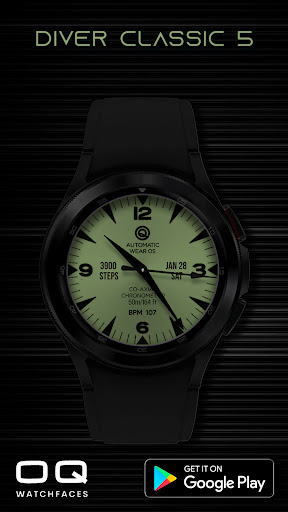
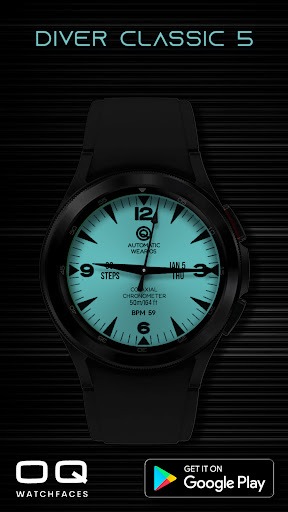
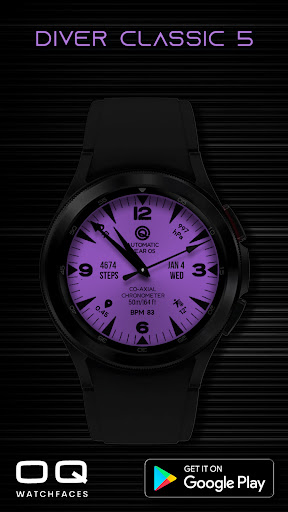
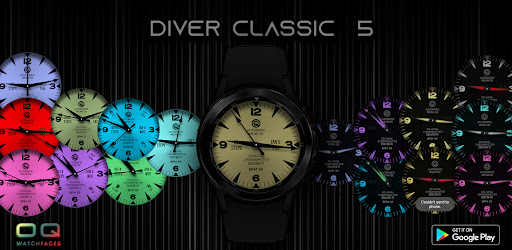
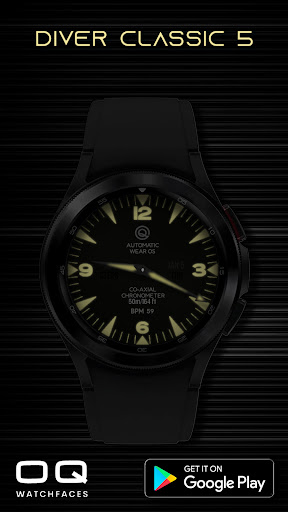
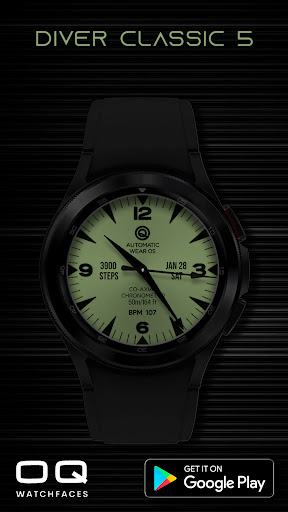
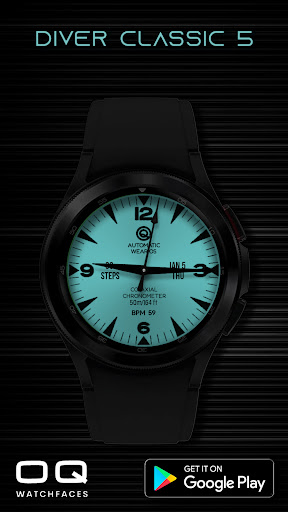
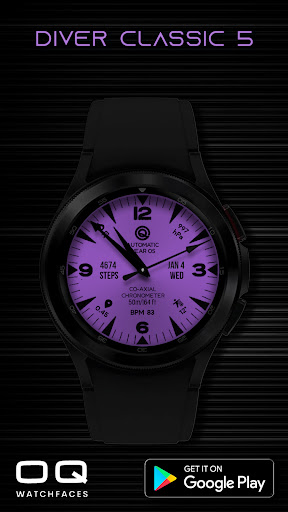
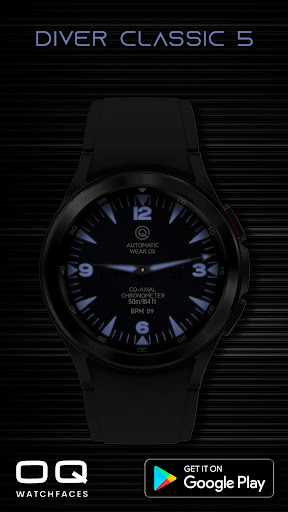
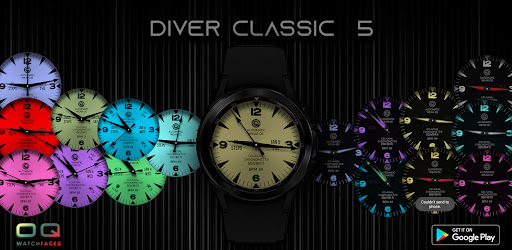
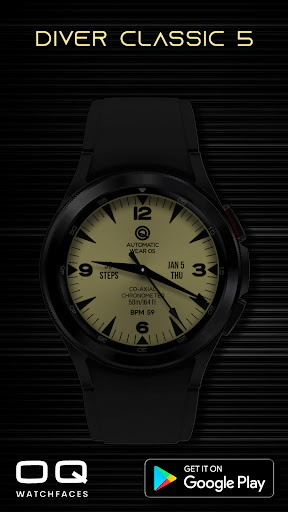
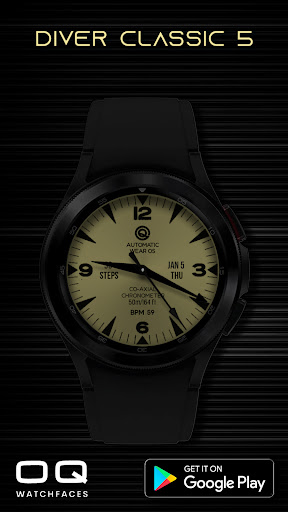
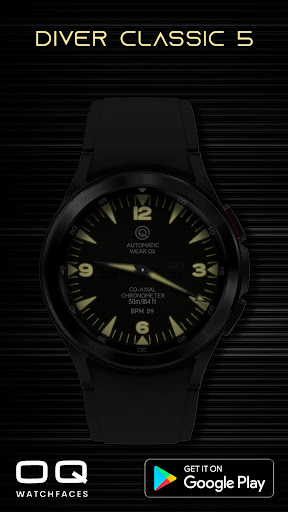
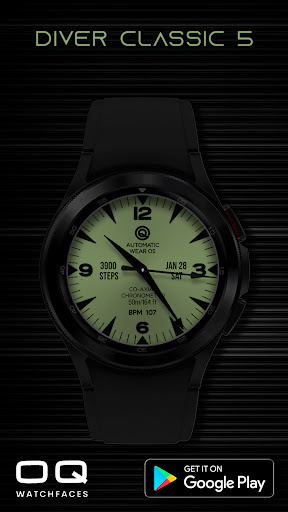
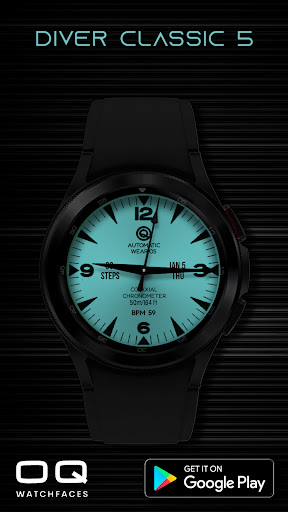
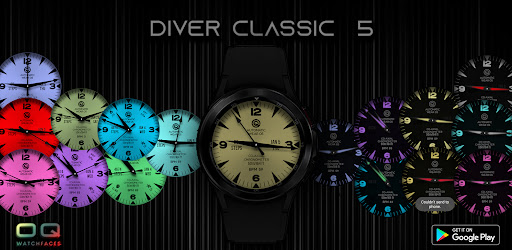
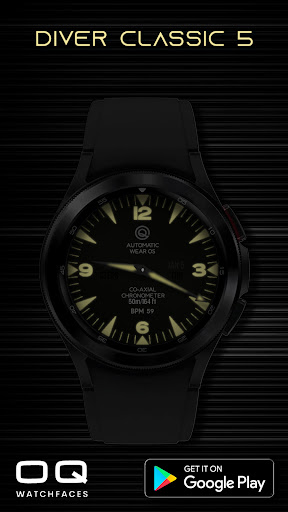
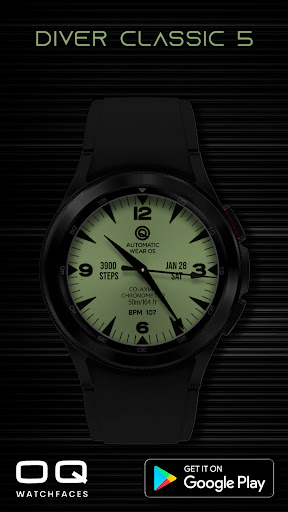
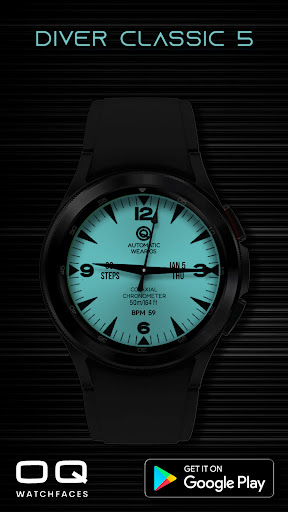
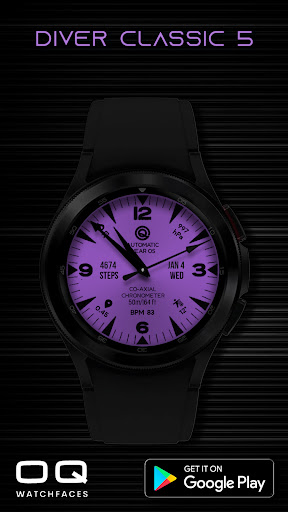
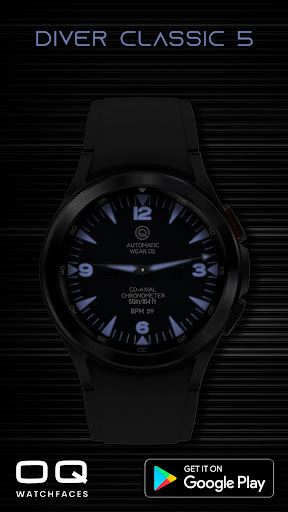
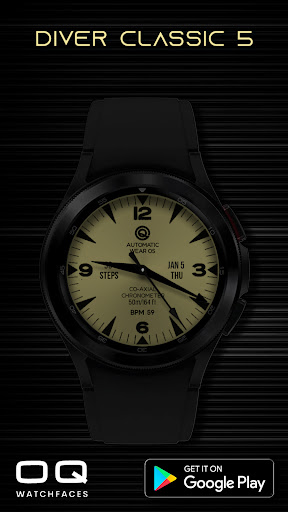
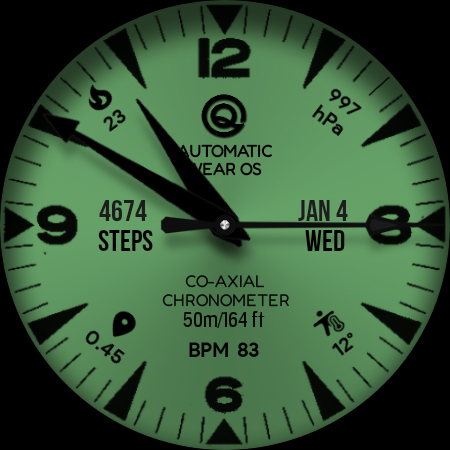
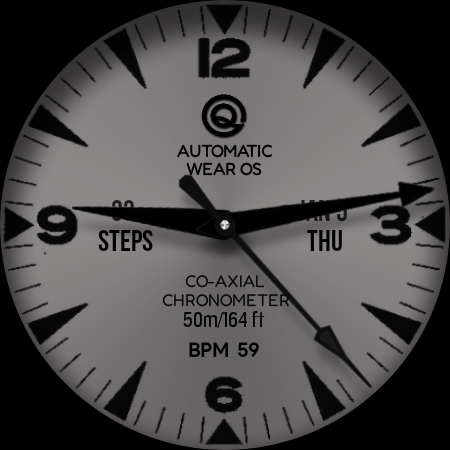
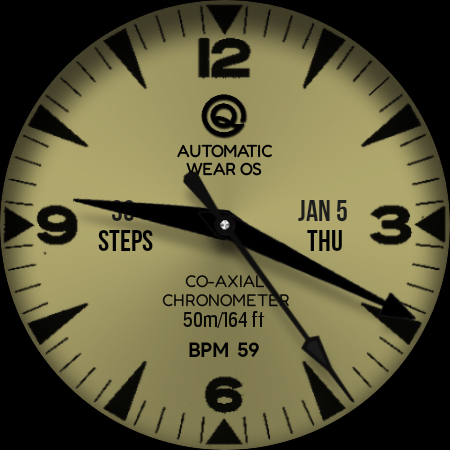
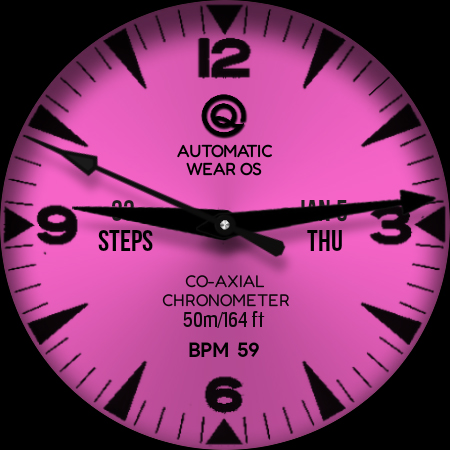
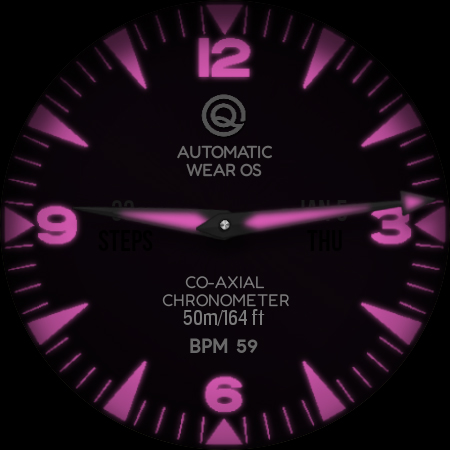
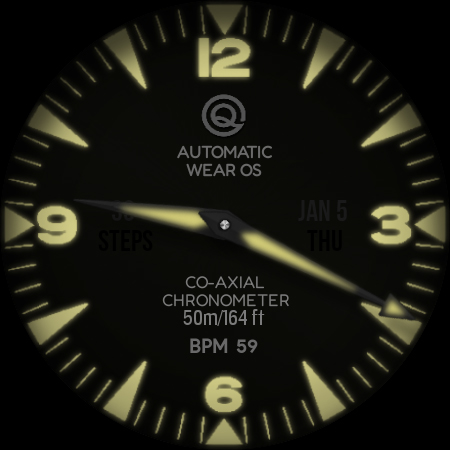
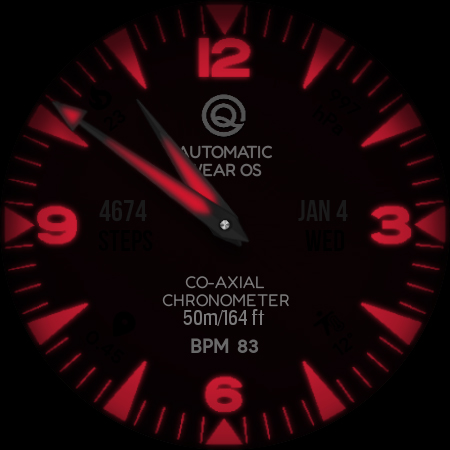
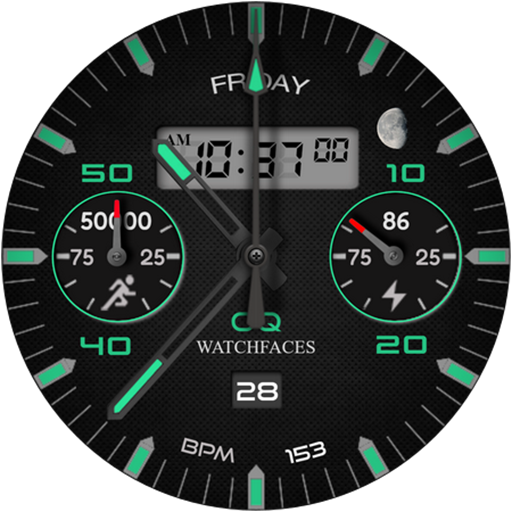
A bright colorful watchface with bold color choices of customization options
1. Tap on OQ logo and it will open watch settings menu.
2. Tap on text information just above BPM text to open watch battery settings menu.
3. Tap on BPM and the text and it will open Samsung Heart rate counter the heart rate reading will also update in watch face display.
4. Tap at 3 o clock and it will open watch phone app.
5. Tap at 9 o clock and it will open watch messaging app.
6. Tap at 6 o clock and it will open watch alarm settings menu.
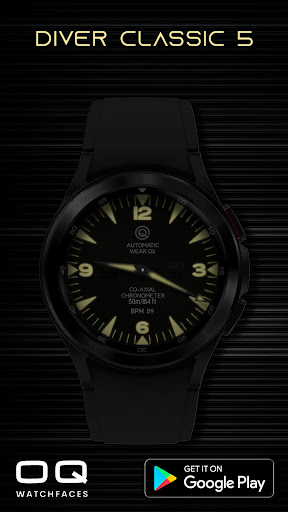
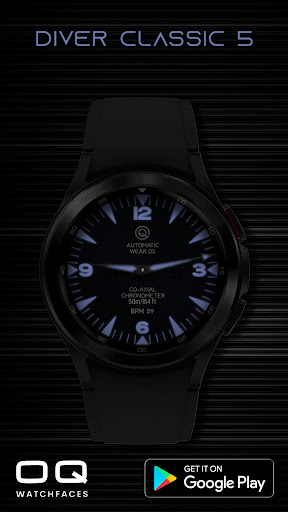
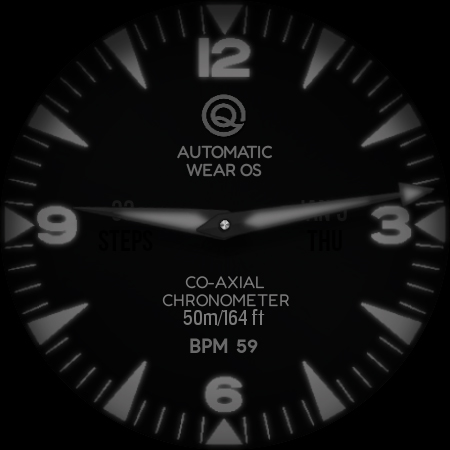
7. Dim Mode is available for Main and AoD separately in Customization menu.
8. 7 x customizable complications the maximum which wear os allows are available for user in customization menu to select as per their choice. The complications have been kept off on AOD for battery optimization reason. They can also be turned off on main display by the user from the customization menu.
What's New
1.Complications text size improvements.
2. Dark Orange , Red Color styles added.
3. Color Styles improved.
Version Information
- Version
- -
- Downloads
- 5K+
- Updated on
- Sep 20, 2024
- Released
- Jan 5, 2023
- Requires
- Android Varies with device
Statistics
Google Play Rating History
Rating Distribution
Downloads Over Time
Diver Classic 5 Wear OS 4+ has been downloaded times. Over the past 30 days, it averaged downloads per day.
Shaded area shows 30-day prediction based on historical trends
Historical data collection started recently. More data points will be available over time.
Diver Classic 5 Wear OS 4+ users say on Google Play
 M S
M S
PROS It has the wow factor (especially in red). The bright luminous effect is next level on a Pixel 4. it looks very eye-catching. Loads of compliments. Possible improvements: sharper hands for the off mode. I think this is a watch face that shows the colour, clarity and imagination that shows how good a smart watch can be with a clever developer. Recommended: YES
 Christopher Low
Very attractive and classicly styled diver's watchface. Reason not 5 stars is the hands colour cannot be changed but always remain black. Anyway congratulations and thanks.
ApkTrusted Ratings & Reviews
More from OQ Watchfaces
See more apps
Digital Basic 7 Wear OS 5+
Paid
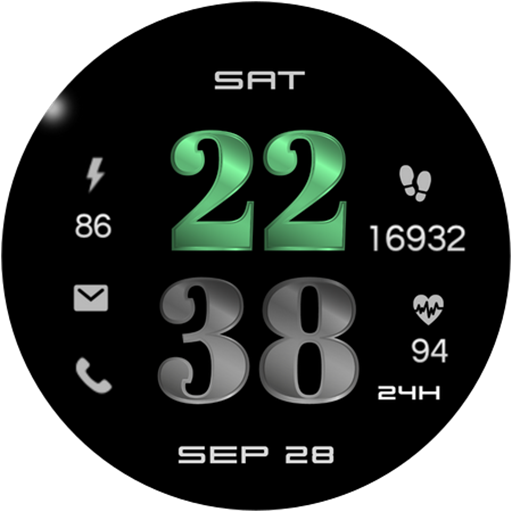
Digital Basic 3b Wear OS 4+
Paid

Diver Classic 3 Wear OS 4+
Paid

Digital Basic 4 Wear OS 5+
Paid

Diver Classic 2 Wear OS 4+
Paid

Analog Classic 5 Wear OS4
Free
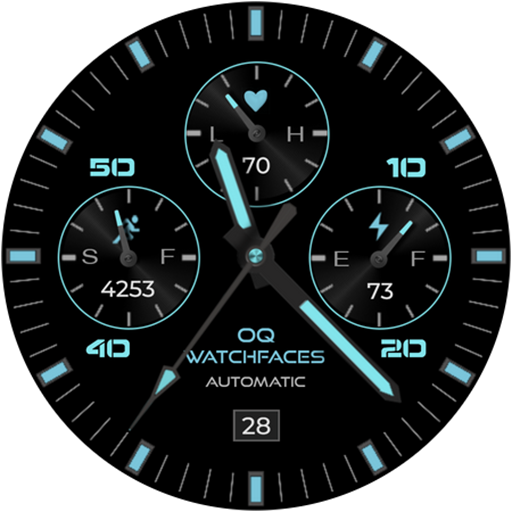
Analog Basic 21 Wear OS 5+
Paid

Digital Basic 8 Wear OS 4+
Paid
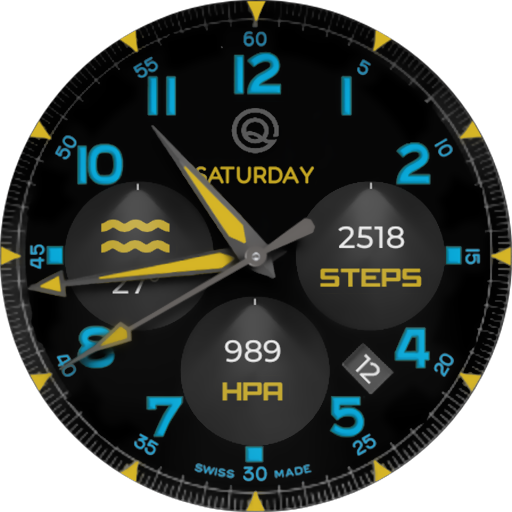
Analog Basic 12 Wear OS 4+
Free

Analog Basic 13 Wear OS 4+
Free

Analog Basic 14 Wear OS 4+
Free

Analog Basic 16 Wear OS 4+
Free
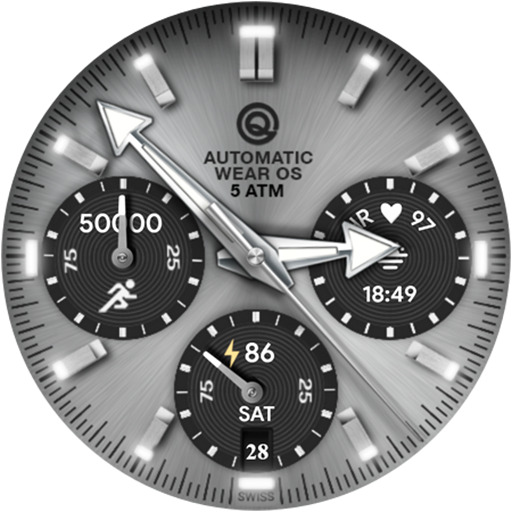
Analog Basic 16C Wear OS 4+
Paid

Analog Basic 20 Wear OS 4+
Paid
Analog Basic 11B Wear OS 5+
Free

Analog Basic 22 Wear OS 4+
Free
Scan this QR code to download

Forwarding you to the page at Google Play market in seconds...
Open Google Play market now