
Diver Classic 3 Wear OS 4+ vVARY
OQ Watchfaces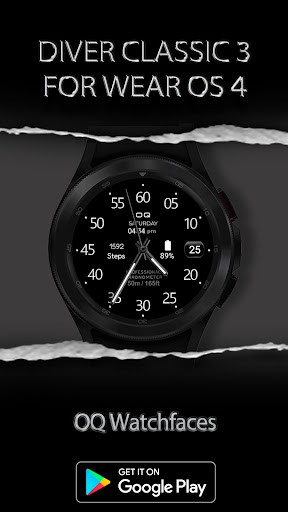

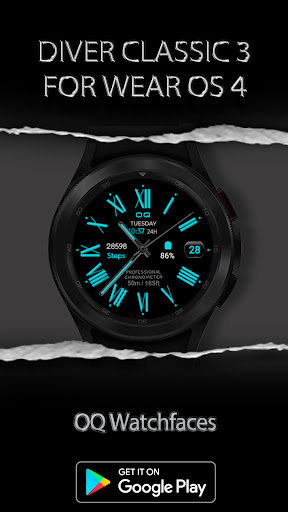
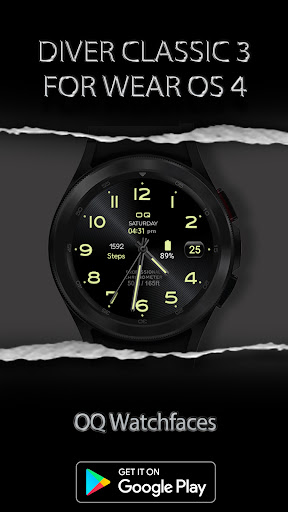
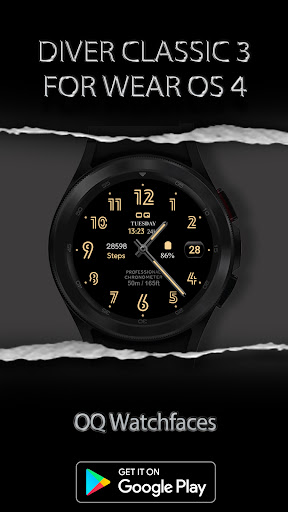
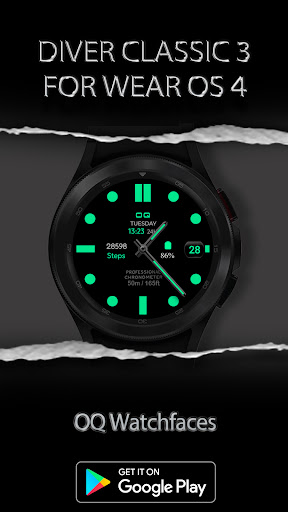
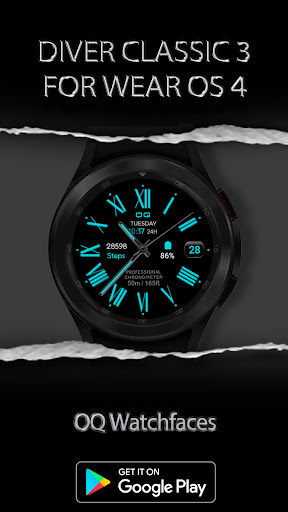
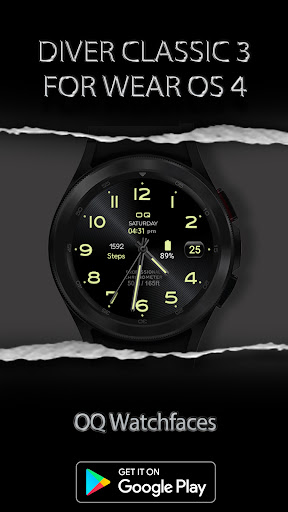
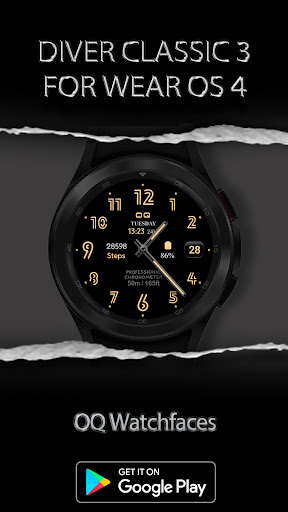

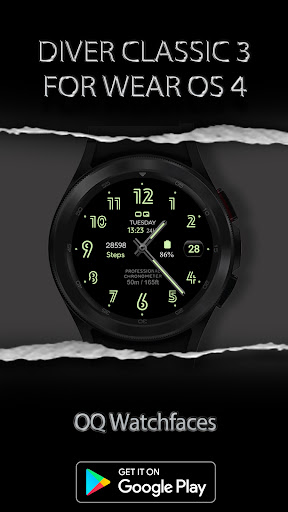

About this app
Developer Description
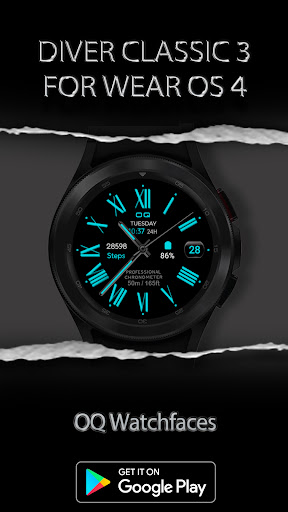
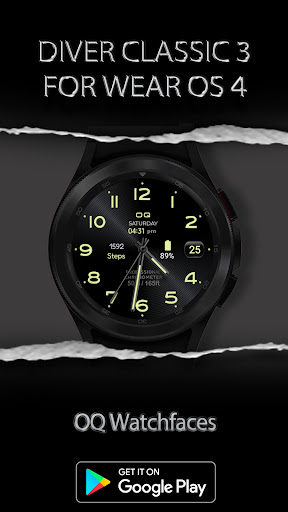
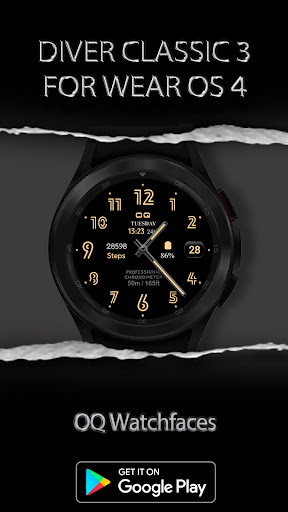
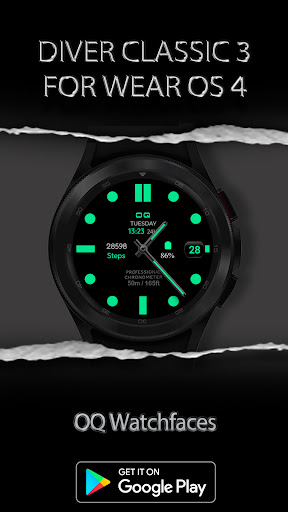
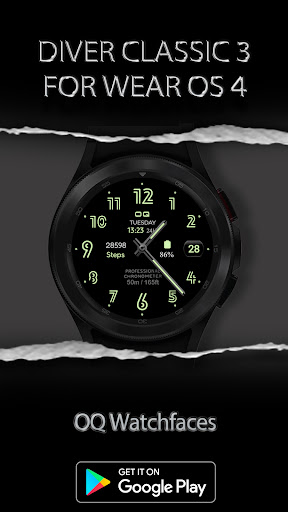
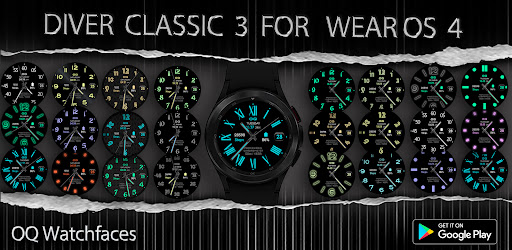
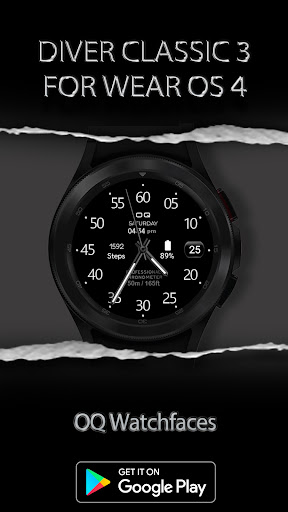
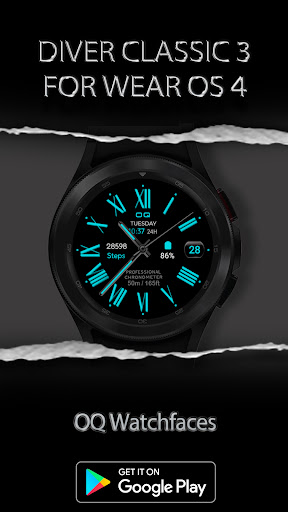
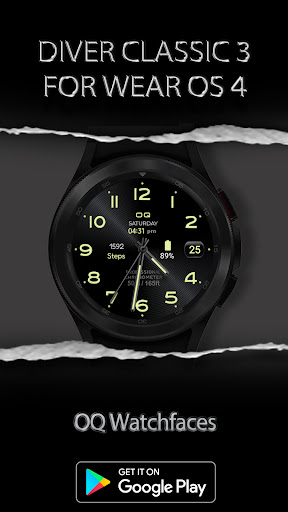
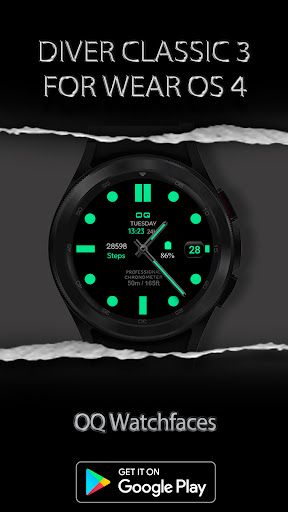
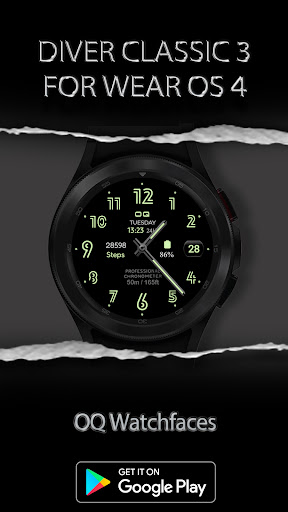
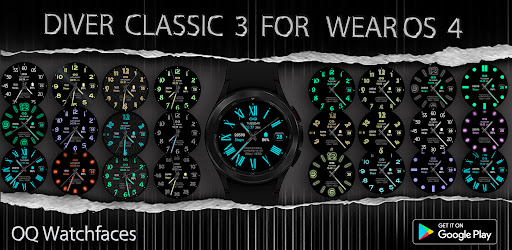
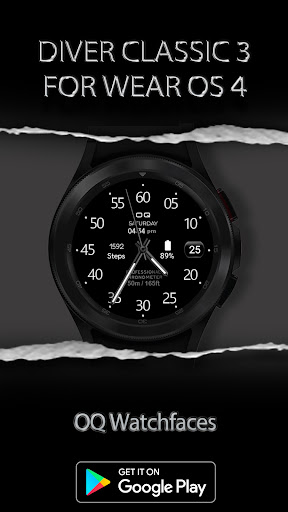
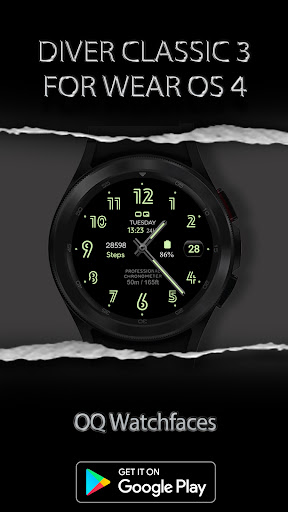
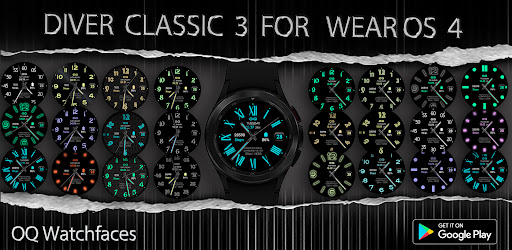
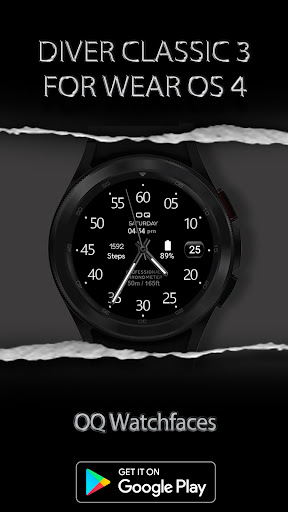
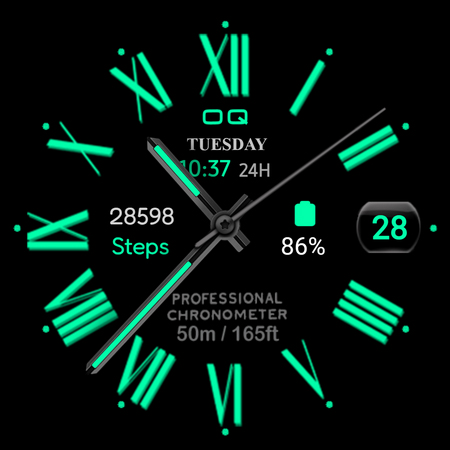
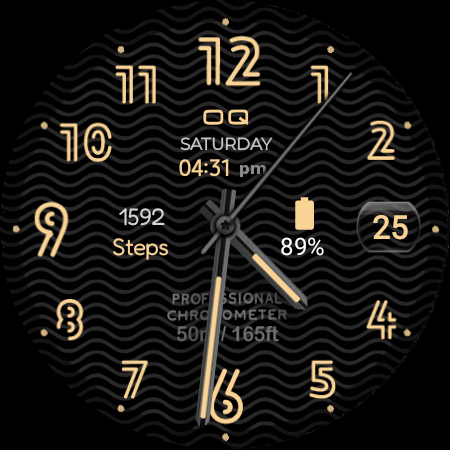
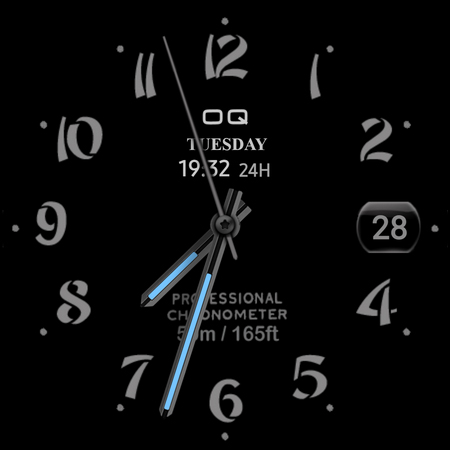
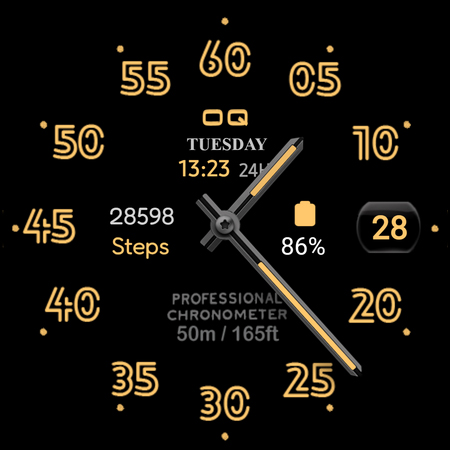
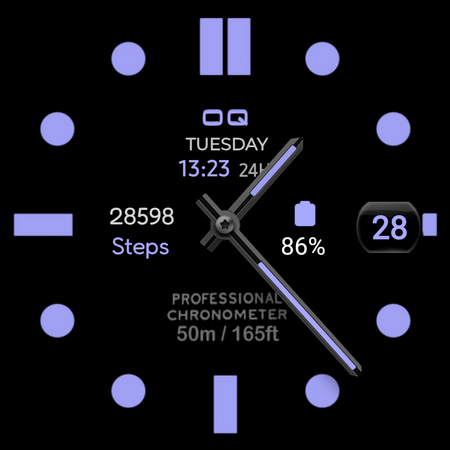
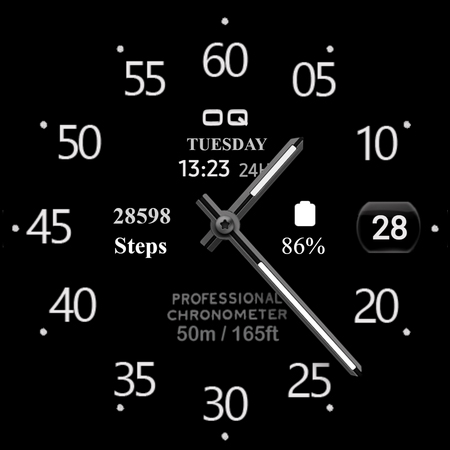
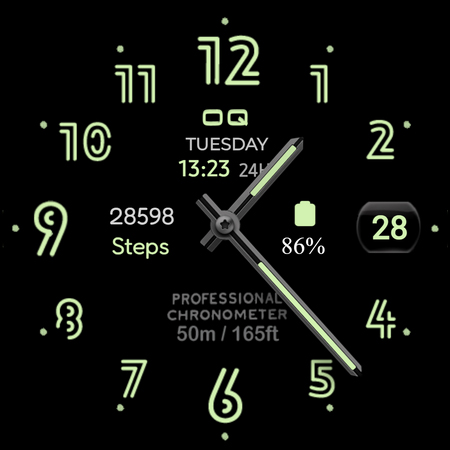
A Chameleon Watchface for WEAR OS that has many customizations & color options.
NOTICE: READ THIS ALWAYS BEFORE AND AFTER DOWNLOADING OUR WATCH FACE TO AVOID ANY SITUATION YOU DON'T LIKE.
=======================================================
This watch face for WEAR OS has been made in latest released Samsung Galaxy Watch face studio V 1.6.10 which is still evolving and has been tested on Samsung Watch 4 Classic , Samsung Watch 5 Pro, and Tic watch 5 Pro. It also supports all other wear OS 3+ devices. Some feature experience can be slightly different on other watches.
a. Visit this link to official Install Guide written by Tony Morelan. (Sr. Developer, Evangelist)For Wear OS Watch faces powered by Samsung Watch face Studio. It is very detailed and precise with graphical and image illustrations on How to install the watch face bundle part to your connected wear os watch.
link:-
https://developer.samsung.com/sdp/blog/en-us/2022/11/15/install-watch-faces-for-galaxy-watch5-and-one-ui-watch-45
b. A Big Thanks to Bredlix for source code of new helper app.
Link
https://github.com/bredlix/wf_companion_app
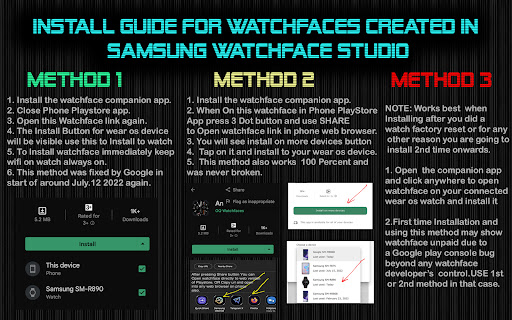
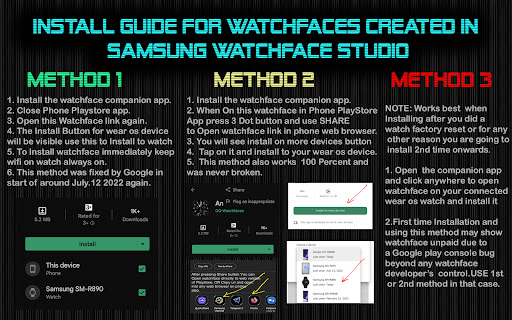
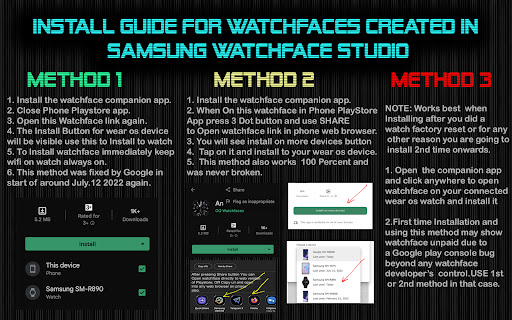
c. An effort also has been made to make a brief install guide as well (an image added with screen previews) .It is the last image in previews of this watch face for newbie android Wear OS users or those who do not know how to install the watch face to your connected device. So it is requested to also make an effort and read it before posting cannot install statements.
d. DO NOT PAY TWICE FROM WATCH PLAY STORE . Wait for your purchases to be synced or if you do not want to wait you can always select direct install to watch method without even helper app.Just ensure that you select your connected watch in install button drop down menu where your wearable device will be shown.
The watch face has following features:-
1. Tap on Time or Day Text below "OQ" logo and it will open watch Calendar app .
2. Hour Index Styles For Main and Aod can be customized via customization menu.
3. Backgrounds are available in customization menu for Main Display of WF.
3. Tap at 12 o clock to open Watch Settings menu.
4. Digital time is available in both 12/24h. What ever 12/24H format for time is selected on your connected phone same will be shown on this watch face , the mode you select in your phone will be synced to the watch face.
5. Tapping on Date text will open Watch Alarm settings.
6 . 2 x user customizable complication Slots that support weather, HPA, Feels like
service providers.
7. 5 x User customizable Complication slots that support shortcuts invisible are available also in customization menu for user.
8. Gyro Mode is Off By Default and can switched On/Off at will by user in customization menu.
10. Complications are switched off for AOD. An Option has been added to turn them On/Off from watch face customization menu.
11. Dim Mode is available in customization menu for both main and AoD.
What's New
1. Watch face updated with Samsung Latest Watch Studio V1.6.10 released on Jul-23-2024 as per Google New Policy To target Android 13 (API level 33) or higher.
Version Information
- Version
- -
- Downloads
- 1K+
- Updated on
- Aug 24, 2024
- Released
- Sep 3, 2022
- Requires
- Android Varies with device
Statistics
Google Play Rating History
Rating Distribution
Downloads Over Time
Diver Classic 3 Wear OS 4+ has been downloaded times. Over the past 30 days, it averaged downloads per day.
Shaded area shows 30-day prediction based on historical trends
Historical data collection started recently. More data points will be available over time.
Diver Classic 3 Wear OS 4+ users say on Google Play
 kratos ahmad
Love it
 Chris Shocka
Only 2 things I would change. Wish this had a constant ❤️ rate monitoring. Also, Remove the unnecessary text on face as well.
 Rakesh Kumar Singh
Close when trying to customize.
ApkTrusted Ratings & Reviews
More from OQ Watchfaces
See more apps
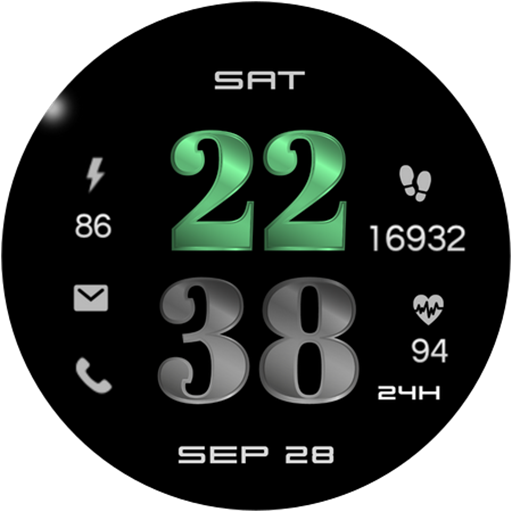
Digital Basic 7 Wear OS 5+
Paid
Digital Basic 3b Wear OS 4+
Paid

Digital Basic 4 Wear OS 5+
Paid

Diver Classic 2 Wear OS 4+
Paid

Analog Classic 5 Wear OS4
Free
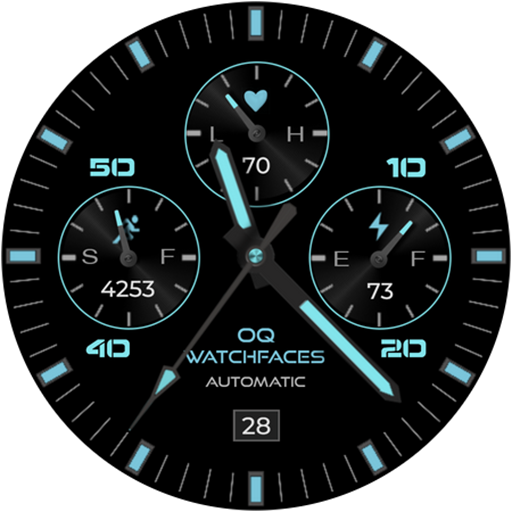
Analog Basic 21 Wear OS 5+
Paid

Digital Basic 8 Wear OS 4+
Paid

Analog Basic 13 Wear OS 4+
Free
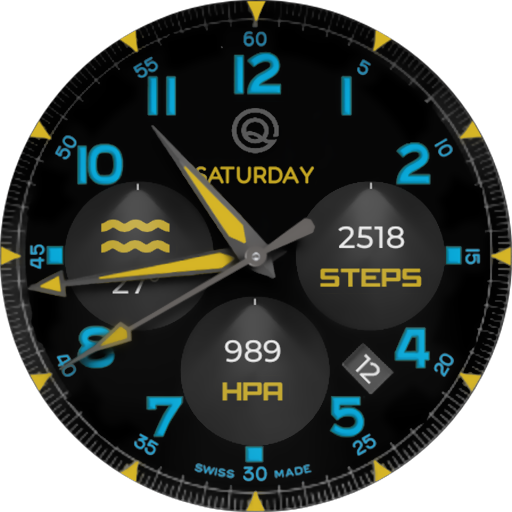
Analog Basic 12 Wear OS 4+
Free

Analog Basic 14 Wear OS 4+
Free

Analog Basic 16 Wear OS 4+
Free
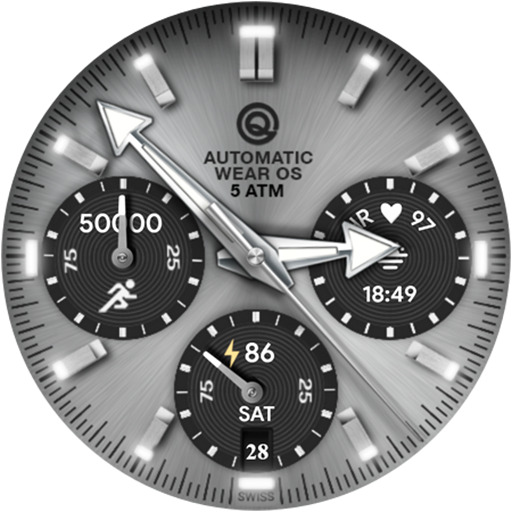
Analog Basic 16C Wear OS 4+
Paid

Analog Basic 20 Wear OS 4+
Paid
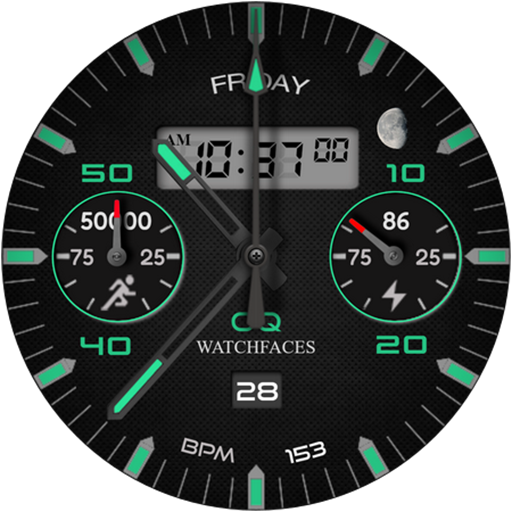
Analog Basic 11B Wear OS 5+
Free

Analog Basic 22 Wear OS 4+
Free

Analog Basic 23 WEAR OS 4+
Free
Similar Apps

ML2U 153 Watch Face
Paid
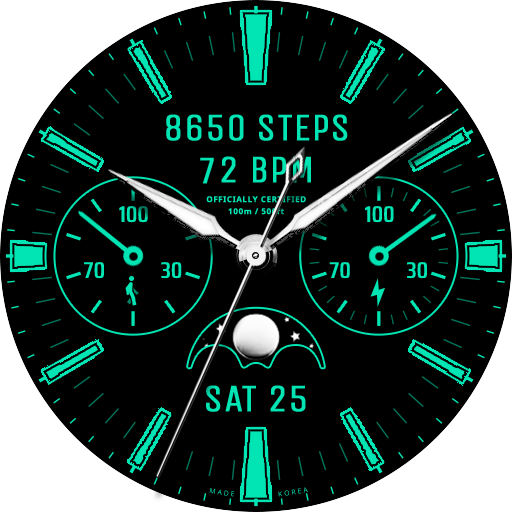
JW239 CLASSIC
Paid

ML2U 124
Paid

Gr33ner Watch Face
Paid
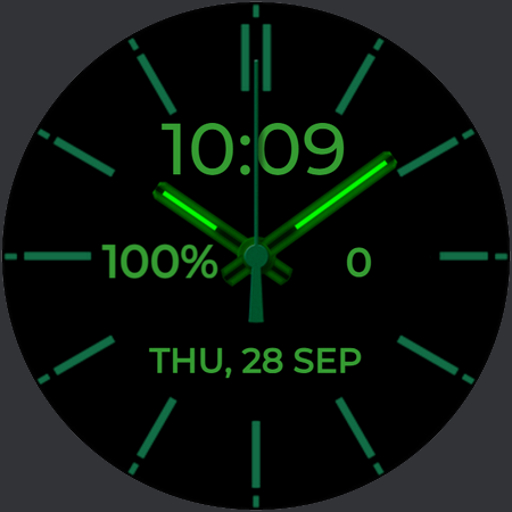
Neon Green watchface
Free
![[69D] MOOX icon](https://play-lh.googleusercontent.com/9xv6a-gmedtSWxKi6PXNhXer9qSst2oMpsvBRCXFm2QMH2jUuJsVr98PnStnaKjpbKB2)
[69D] MOOX
Free

H.eadhunter / WearOS watchface
Free

Orange Classic Watch Face
Paid

Classic Signature 5
Paid
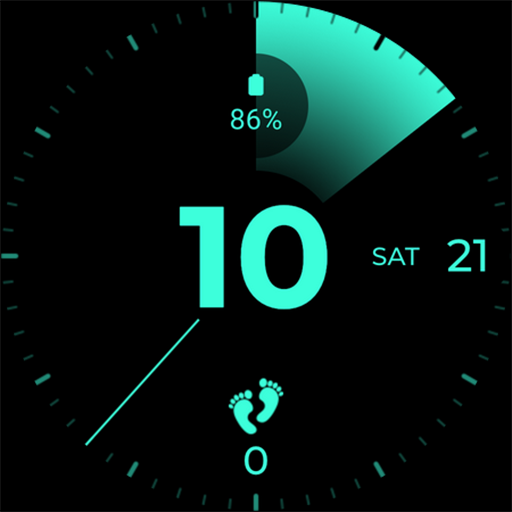
Banoffee Pie
Paid
Classic Daylight Watch Face
Paid

Classic Ocean Watch Face
Paid

AetherGlow Watch Face
Free

Classic Fusion Watch Face
Paid
Battery Wear Watch Face
Paid

RE59 - Neon Analogue
Paid
Scan this QR code to download

Forwarding you to the page at Google Play market in seconds...
Open Google Play market now