
Field Analog Bright Wear OS 5+ vVARY
OQ Watchfaces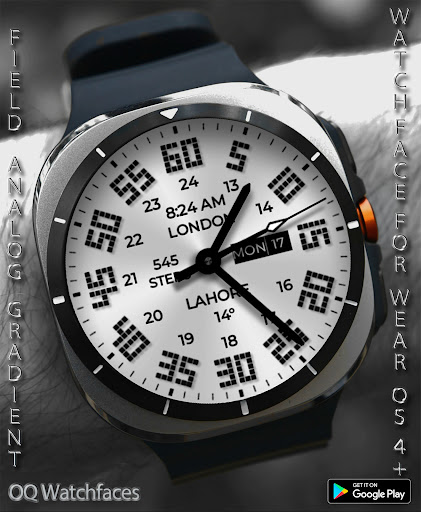



About this app
Developer Description
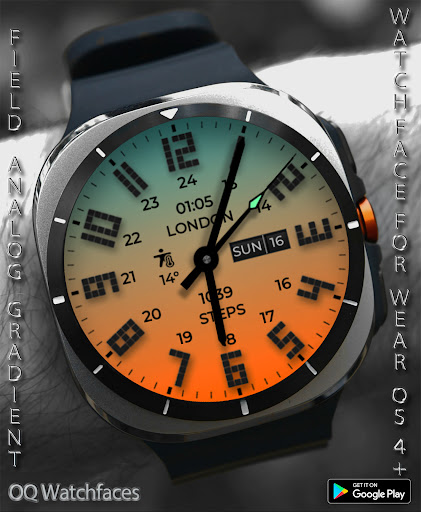
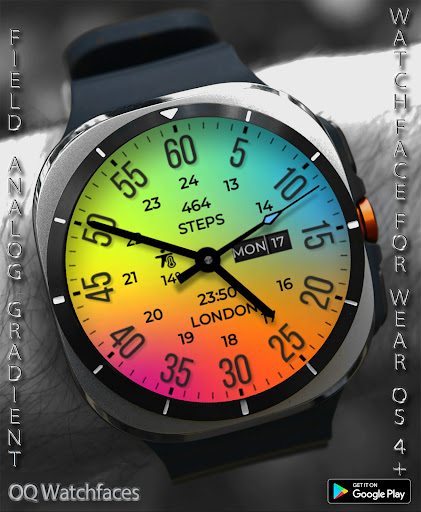
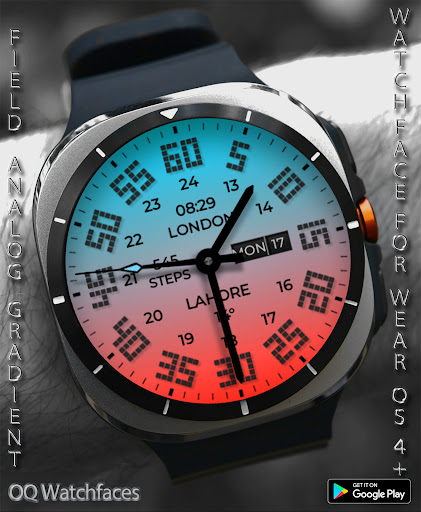
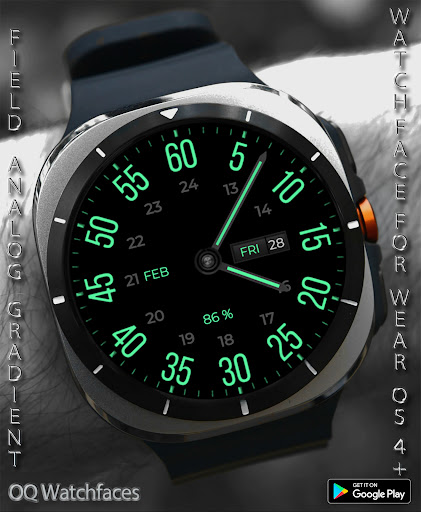
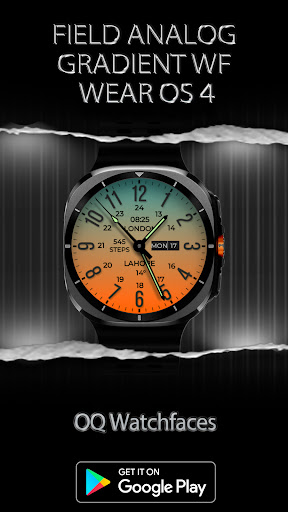
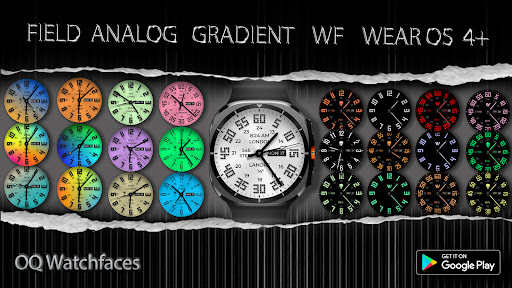
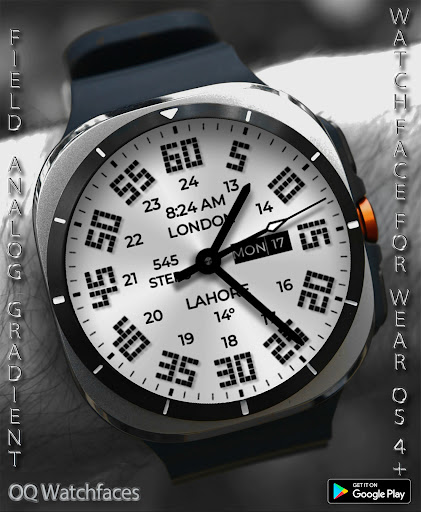
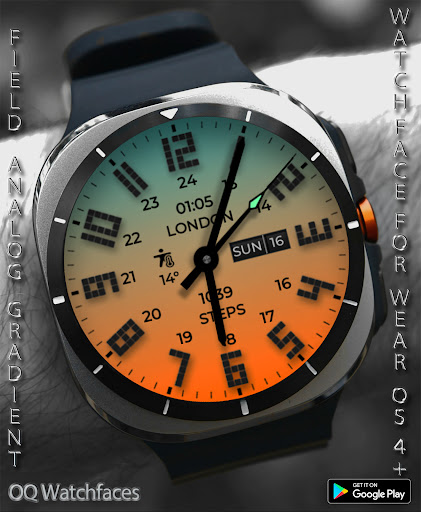
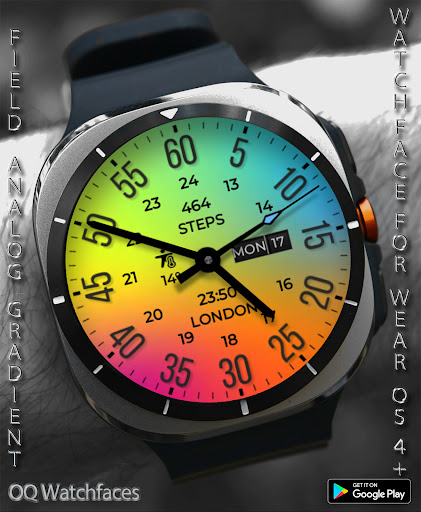
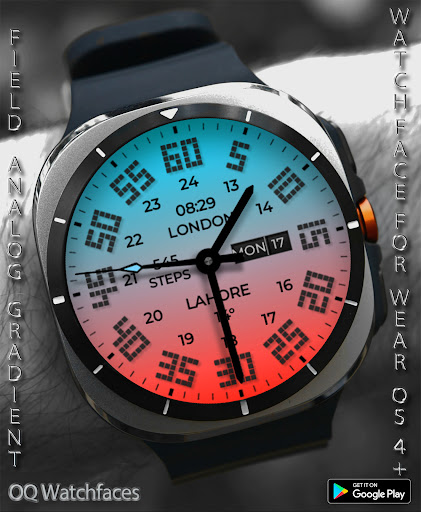
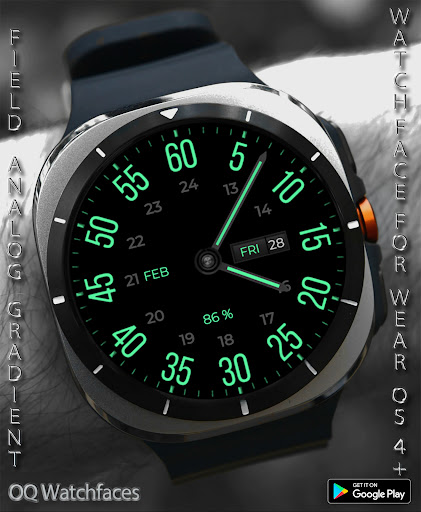
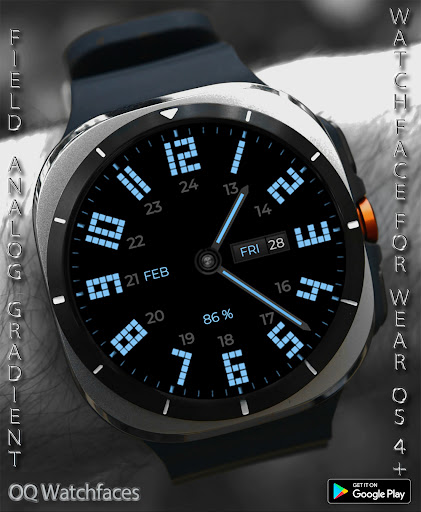
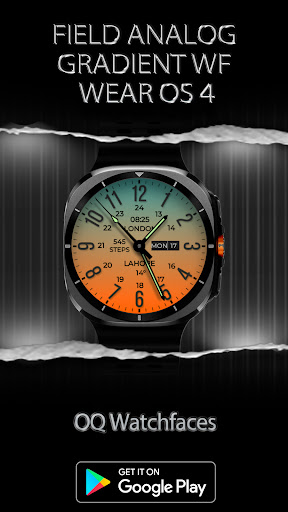
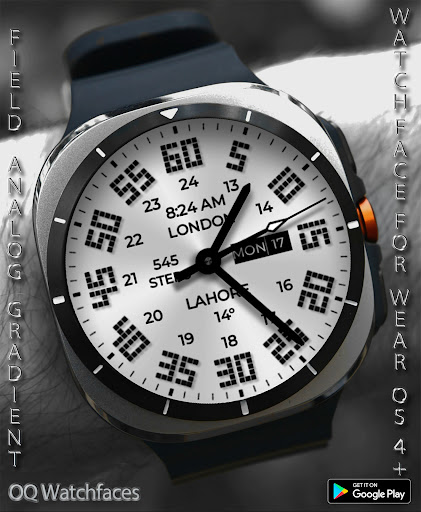
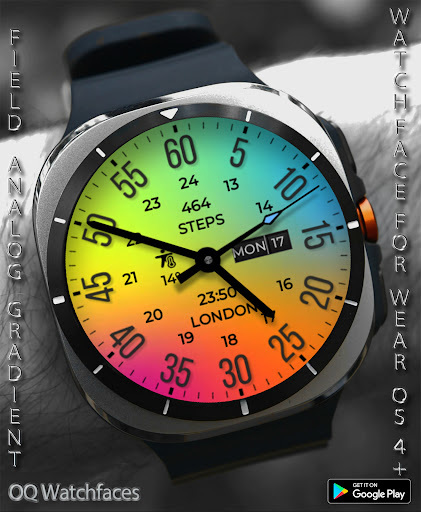
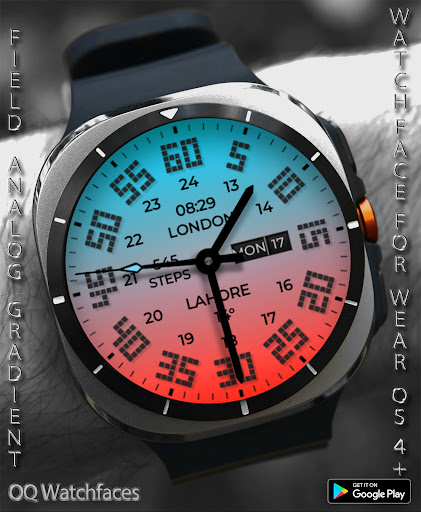
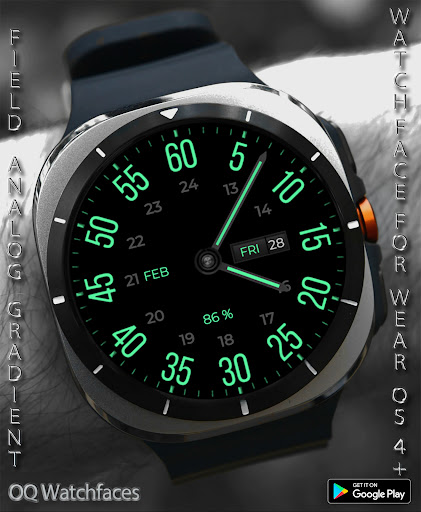
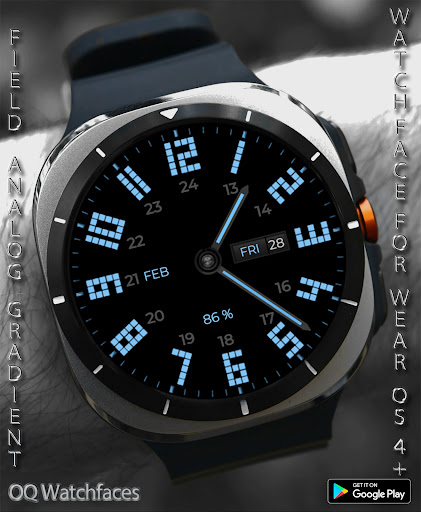
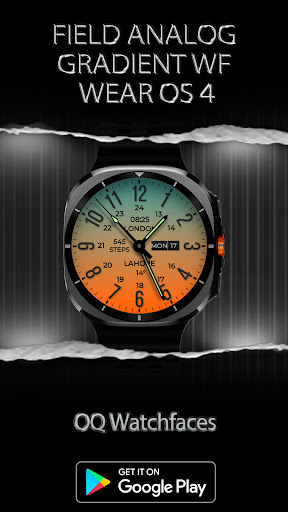
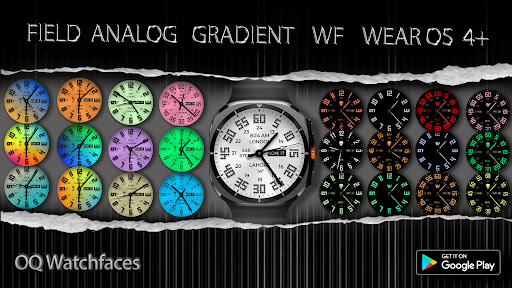
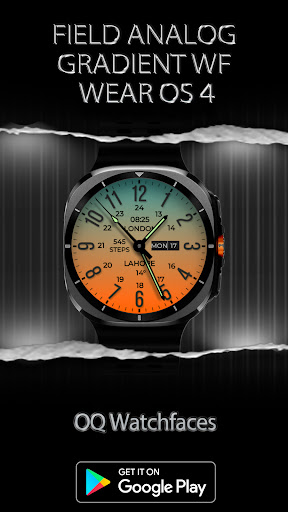
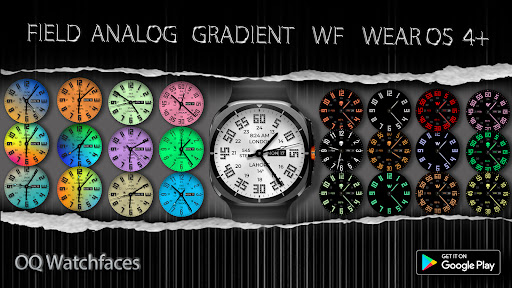
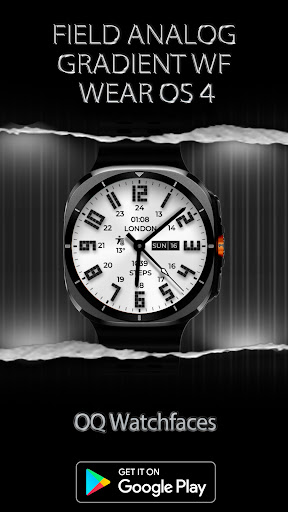
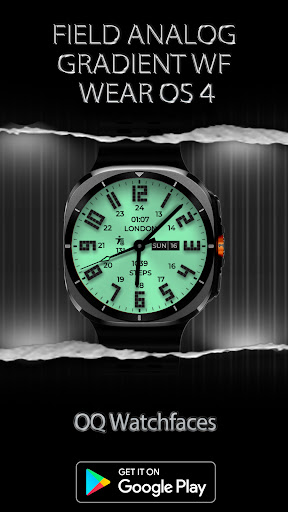
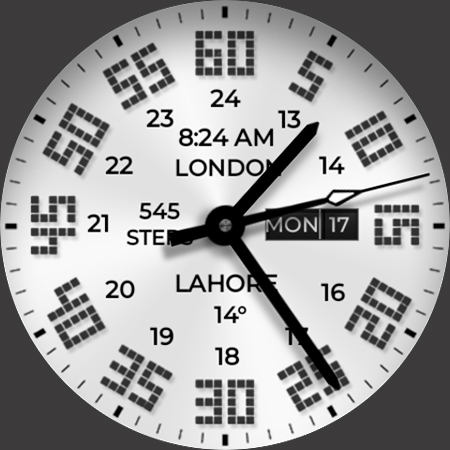
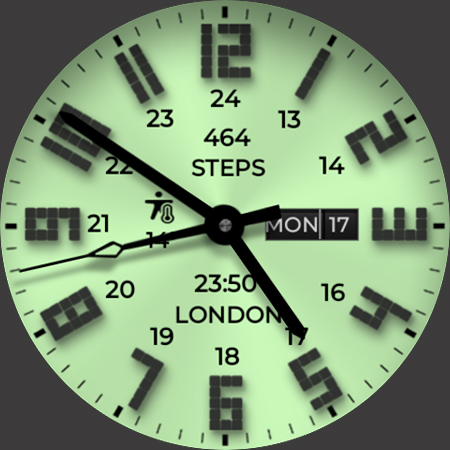
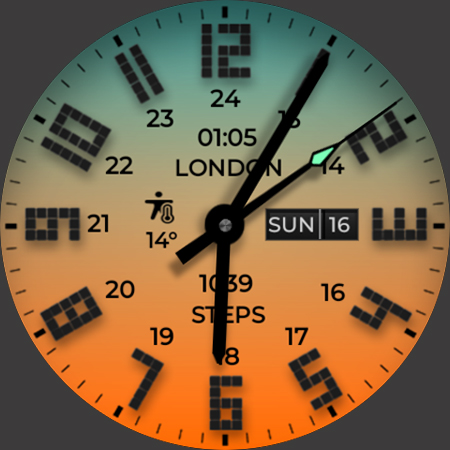
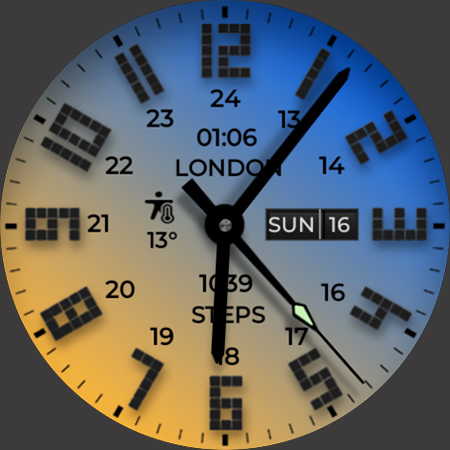
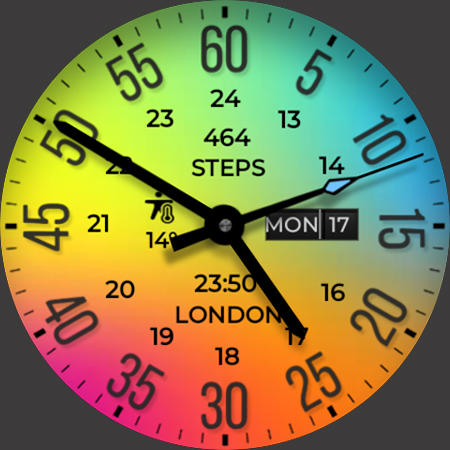
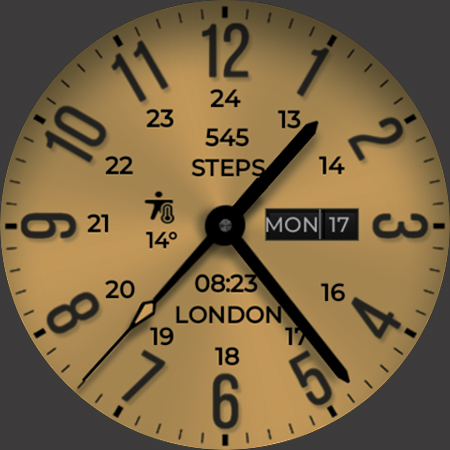
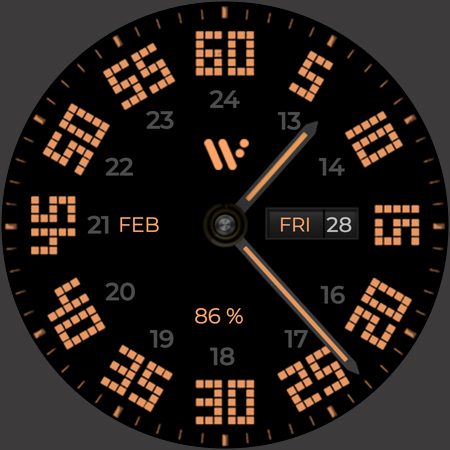
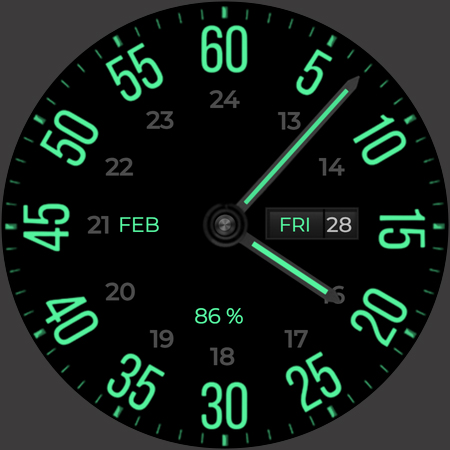
A vibrant, colorful, watchface loaded with many customization options.
NOTICE: READ THIS ALWAYS BEFORE AND AFTER DOWNLOADING OUR WATCH FACE TO AVOID ANY SITUATION YOU DON'T LIKE.
=======================================================
1. BEST WAY TO CUSTOMIZE THIS WATCH FACE IS BY LONG PRESSING ON WATCH FACE HOME SCREEN & ACCESS THE CUSTOMIZATION MENU.
2. Before you buy this watch face you must know this watch face has more than 9 customization menu options and Customization via Galaxy Wearable Samsung Galaxy Wearable app tends not to behave nice randomly with watch faces made in Samsung Watch Face Studio. This happens irrespective of the watch face developer if the watch face has many Customization Options. So DO NOT buy this watch face if you only are used to do customization via phone.. This bug is for last 4 years and ONLY Samsung can fix Galaxy Wearable App. Stock Watch faces on Samsung Watches are made in Android Studio & NOT Samsung Watch face Studio, so this issue does not exist on them. If you bought it by mistake just email within 24 hours of purchase & you will be refunded 100 percent .
3. DO NOT PAY TWICE FROM WATCH PLAY STORE . Wait for your purchases to be synced or if you do not want to wait you can always select direct install to watch method without even helper app.Just ensure that you select your connected watch in install button drop down menu where your wearable device will be shown.Just simply ensure that when you install from phone play store app.
4. Use this link if you don't know how to install or having problems in Installation. Copy it and read official Install Guide Showing 3 x methods that work 100 percent to install the watch face properly.
link
https://developer.samsung.com/sdp/blog/en-us/2022/11/15/install-watch-faces-for-galaxy-watch5-and-one-ui-watch-45
======================================================
FEATURES AND FUNCTIONS
======================================================
This watch face for WEAR OS 4+ has following features:-
1. Tap on 6 o clock hour number to open watch Google Maps app.
2. Tap on 12 o clock hour number to open watch Google Play Store App.
3. Tap on 10 o clock hour number to open watch Battery app.
4. Tap on Date or Day Text to open watch Calendar app.
5. Tap on 2 o clock hour number to open watch settings app.
6. Tap on 4 o clock hour number to open watch phone app.
7. Tap on 8 o clock hour number to open watch messaging app.
8. 4 x Different logos are available for AOD Display ONLY via customization menu.Last option turns off logo.
9. Backgrounds:-
a. Non Gradient:- This is default and 1st Background .It follows the main color customization option in the
customization menu.
b. Gradient Backgrounds:- Rest 9 backgrounds are of gradient nature when
these will be selected they don't change color with main color styles. Only AoD display & AoD Hands will
follow color customization main option.
c. AoD Background:-Is fixed to pure black Background. and is not affected by above selections.
10. Hour & Minutes Hands Color for Main Display can be switched off from customization Menu to make them full black.
11. 4 x Hour & Minutes Main Number Index styles are available also in customization
12. Dim Mode added as customization options for AoD Display in customization menu.
What's New
1. Missing Complications shortcuts are now added & now again available.Bug was fixed.
Thanks to Greg Fisher for reporting the bug.
Version Information
- Version
- -
- Downloads
- 1K+
- Updated on
- Aug 23, 2025
- Released
- Feb 16, 2025
- Requires
- Android Varies with device
Statistics
Google Play Rating History
Rating Distribution
Downloads Over Time
Field Analog Bright Wear OS 5+ has been downloaded times. Over the past 30 days, it averaged downloads per day.
Shaded area shows 30-day prediction based on historical trends
Historical data collection started recently. More data points will be available over time.
Field Analog Bright Wear OS 5+ users say on Google Play
 Milo Robinson
Do not sleep on this watch face. One of the very best on here. My daily driver
 siddharth fultariya
lack of black dial.....it saves the battery of watch
ApkTrusted Ratings & Reviews
More from OQ Watchfaces
See more apps
Digital Basic 4 Wear OS 5+
Paid

Analog Classic 5 Wear OS4
Free
Analog Basic 21 Wear OS 5+
Paid

Digital Basic 8 Wear OS 4+
Paid

Analog Basic 16 Wear OS 4+
Free
Analog Basic 12 Wear OS 4+
Free

Analog Basic 13 Wear OS 4+
Free

Analog Basic 14 Wear OS 4+
Free
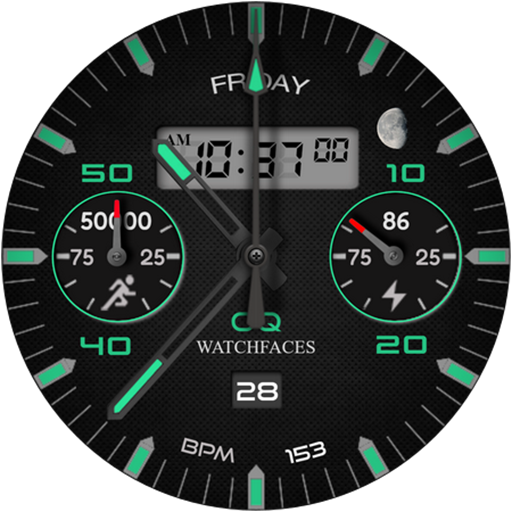
Analog Basic 11B Wear OS 5+
Free
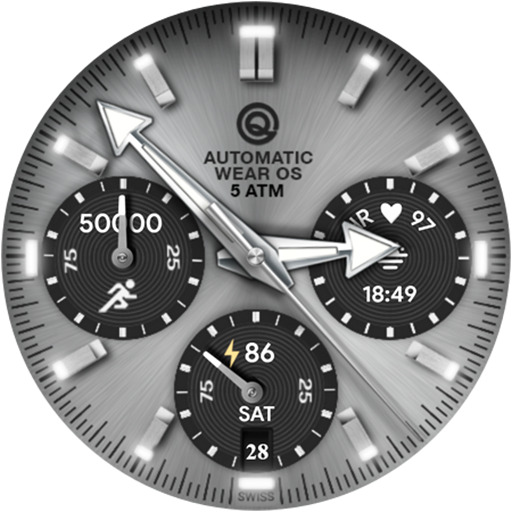
Analog Basic 16C Wear OS 4+
Paid

Analog Basic 20 Wear OS 4+
Paid

Diver Classic 2 Wear OS 4+
Free

Analog Basic 22 Wear OS 4+
Free

Analog Basic 23 WEAR OS 4+
Free

Analog Basic 24 Wear OS 4+
Free
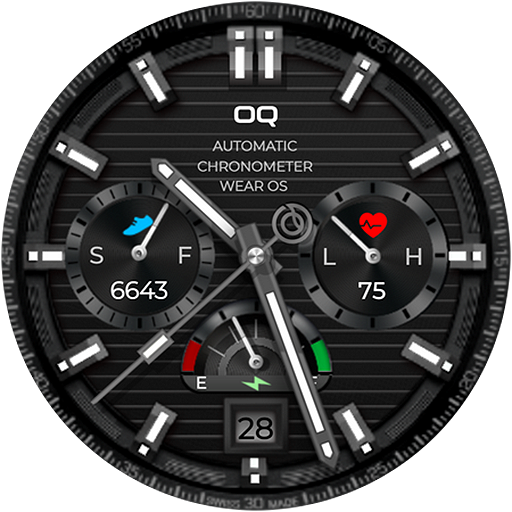
Analog Basic 25 Wear OS 5+
Paid
Similar Apps
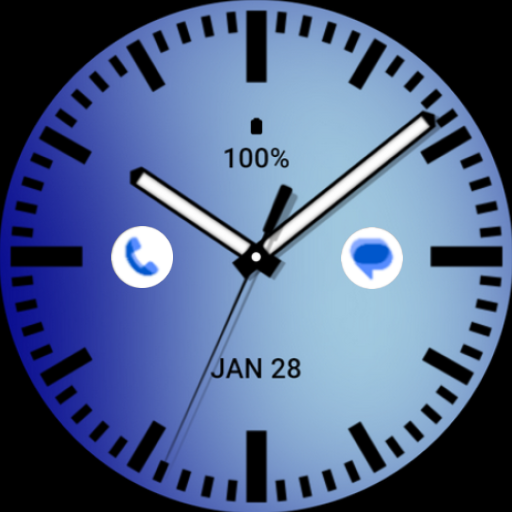
Solid Electric Blue Watch Face
Free

Classic RGB MOD: Watch face
Paid
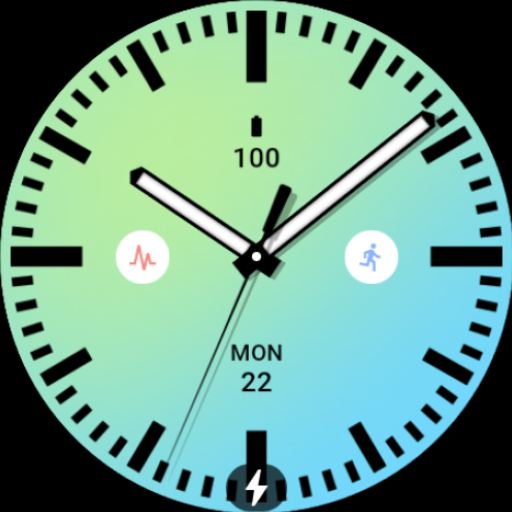
Solid Daylight Watch Face
Free
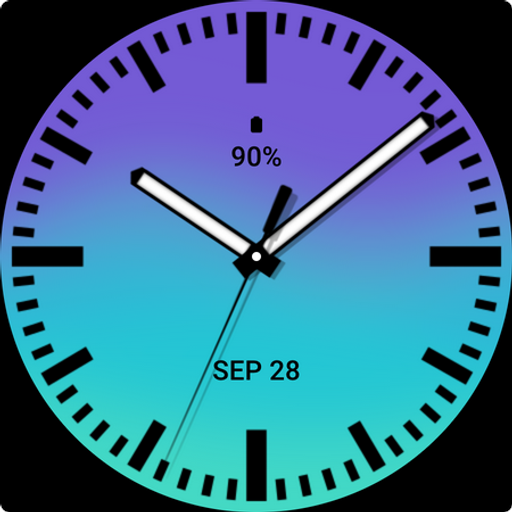
Solid Ocean Watch Face
Free
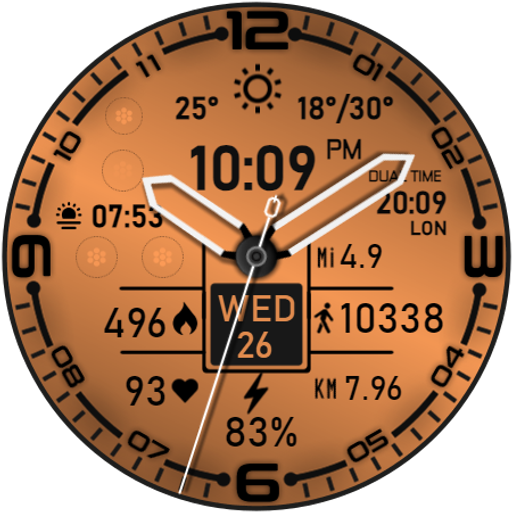
DF079
Paid
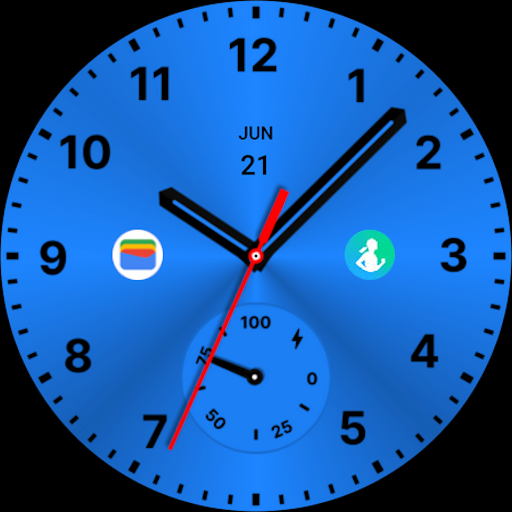
Metallic Blue Watch Face
Paid

Elegant Ice Blue Watch Face
Free

Solid Light Gray Watch Face
Free

327 PS
Free

JND0113
Paid
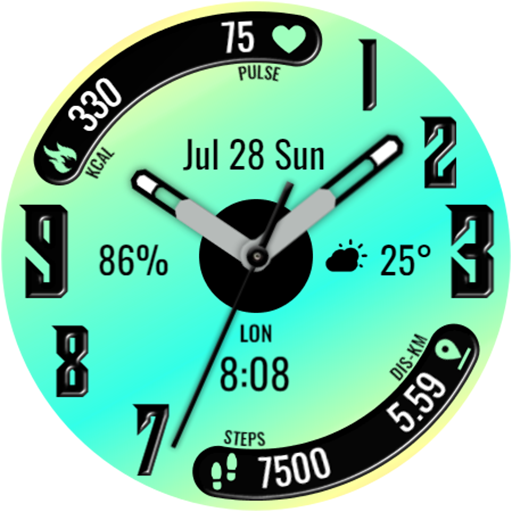
KZY109
Free
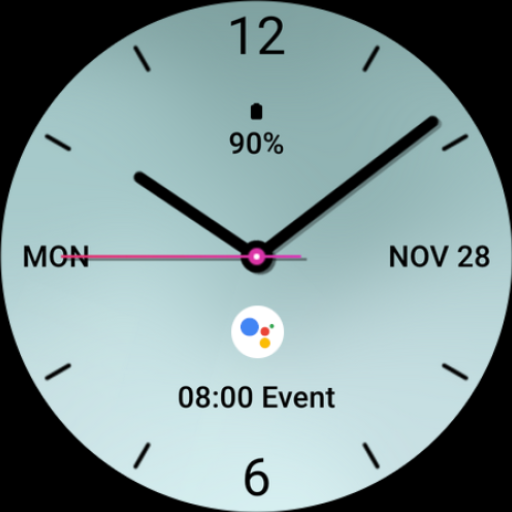
Clean Analog Watch Face
Paid
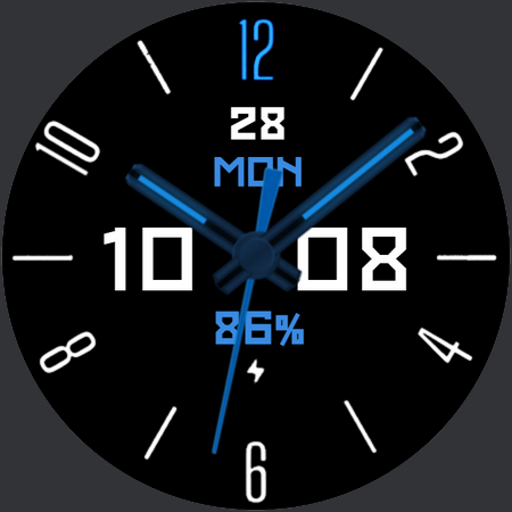
Red October watchface
Free

HKR027
Paid

Stinger Analog Watch Face V28
Paid

TODO Watch Face
Free
Scan this QR code to download

Forwarding you to the page at Google Play market in seconds...
Open Google Play market now