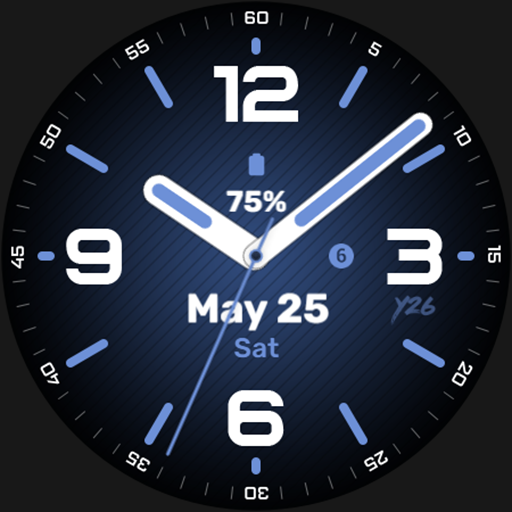
Y26 First Glimpse Watch Face vVARY
Y26






About this app
Developer Description
Analog watch face for Wear OS devices. Not suitable for rectangular watches.
Features:
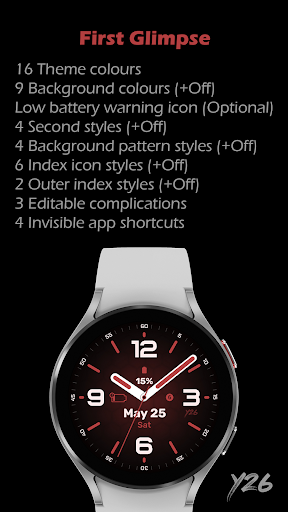
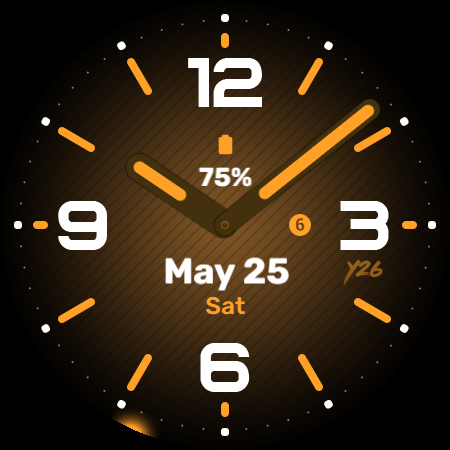
- 16 Theme colours
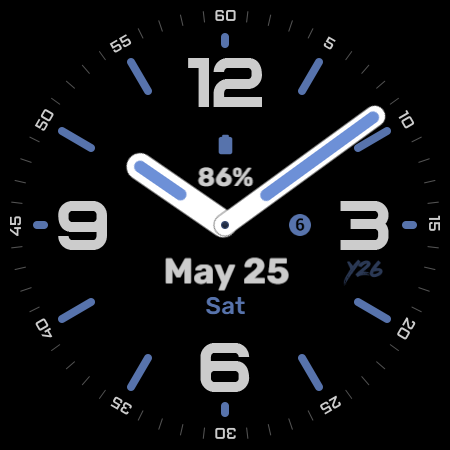
- 9 Background colours
- Low battery warning icon*
- 4 Second styles*
- 4 Background pattern styles*
- 6 Index icon styles*
- 2 Outer index styles*
*: Can be turned off
Customisation:
- 8 options to customise your watch face
- 3 Editable complications
- 4 Invisible app shortcuts
- Changes made to your colours, index, and logo appearance also apply to the AOD
The phone app is optional; users can install and use the watch face even without installing the app. The phone app is designed solely to facilitate the installation of the watch face onto your connected Wear OS watch. If you prefer to install the watch face directly onto your watch without using the phone app, you need to select your watch from the installation drop-down menu on Google Play.
What's New
- Target SDK set to 35
v1.0.1
- Updated to target Android 14 - API level 34
v1.0.0
- Initial release
Version Information
- Version
- -
- Downloads
- 100+
- Updated on
- Oct 30, 2025
- Released
- May 9, 2024
- Requires
- Android Varies with device
Statistics
Google Play Rating History
Rating Distribution
Downloads Over Time
Y26 First Glimpse Watch Face has been downloaded times. Over the past 30 days, it averaged downloads per day.
Shaded area shows 30-day prediction based on historical trends
Historical data collection started recently. More data points will be available over time.
Y26 First Glimpse Watch Face users say on Google Play
 Dan Herrick
Very nice and stylish watch face. Good amount of complications.
 Juha Soininen
Looks nice on the OnePlus Watch 2, but the watch face takes a lot of current. To me the seconds hand would look nicer, and would work as a real seconds hand, if it actually would function as a seconds hand, moving ahead one second at the time. I have removed the seconds hand. Still the watch face takes a lot of current. Does it function in the background, even if it is set off? Anyway, beautiful watch face, but I hope it would take less current in the future.
ApkTrusted Ratings & Reviews
More from Y26
See more apps
Y26 Cirquartet Watch Face
Free

Y26 Digital Rhapsody WatchFace
Paid

Y26 Eclipse Arc Watch Face
Free

Y26 Felis Tempus Watch Face
Free

Y26 Luna Ignis Watch Face
Paid

Y26 Pawsome Time Watch Face
Free
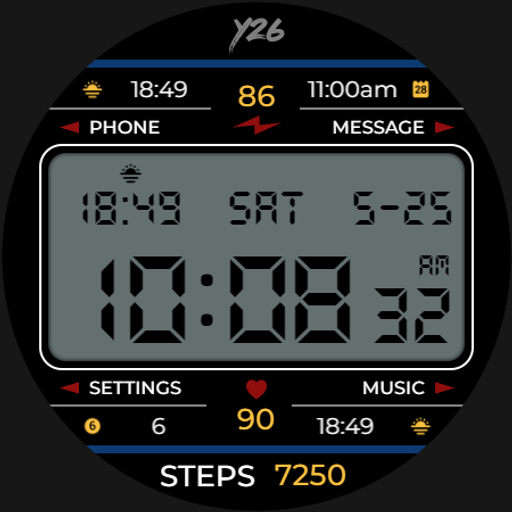
Y26 Retro-licious Watch Face
Paid

Y26 Retro-licious 2 Watch Face
Paid

Y26 Tintifique Watch Face
Free

Y26 Stripline Watch Face
Free
Similar Apps
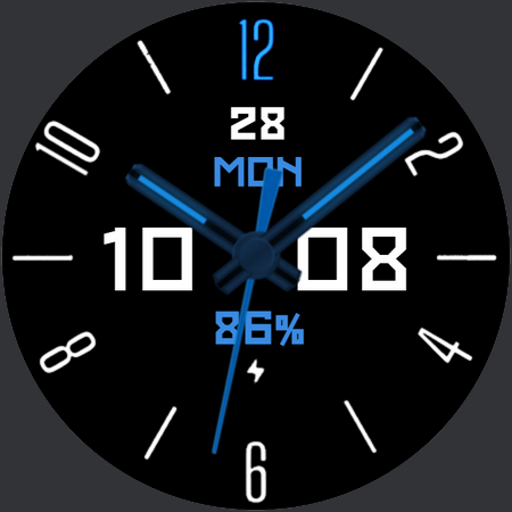
Red October watchface
Free

Blue Black MX Watch Face
Paid

Ocean Analog Watch Face
Paid
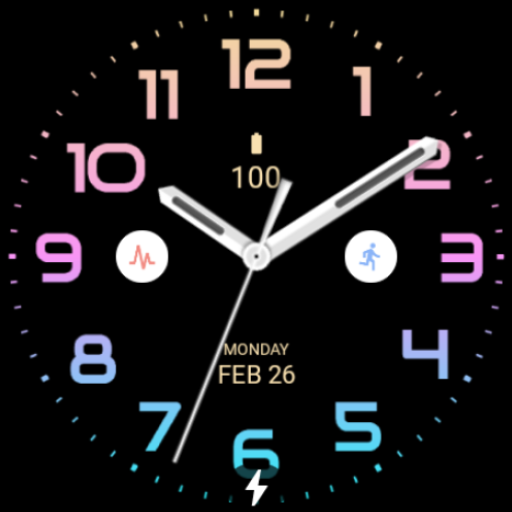
Summer Analog Watch Face
Free

Night 63 - watch face
Free
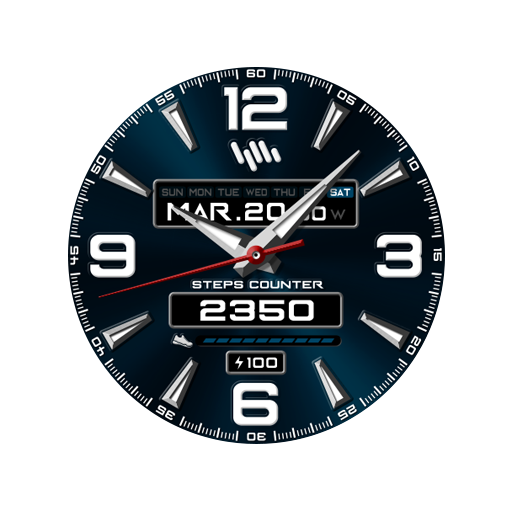
SamWatch AD N 2021 Renewal
Paid

Orange Tosca Analog Watch Face
Paid

Huge Ocean Blue Watch Face
Paid

Casual Blue Black Watch Face
Paid

JHW Hybrid B: Watch face
Free

Dark Radiance
Paid

SamWatch Simple Analog 25
Paid

Dark Gray MX Watch Face
Paid
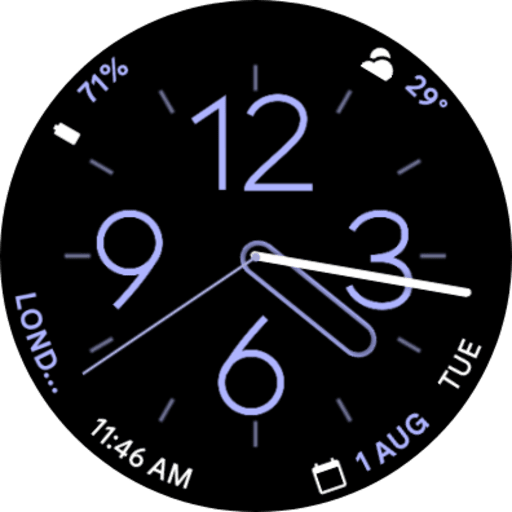
Pixel Watch 2 Face IV
Paid

Dynamic Hue Watch Face
Paid
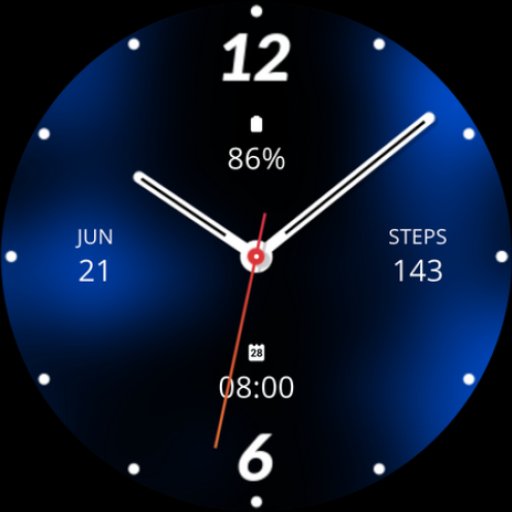
Blue Analogue Watch Face
Paid
Scan this QR code to download

Forwarding you to the page at Google Play market in seconds...
Open Google Play market now