
Y26 Retro-licious 2 Watch Face vVARY
Y26













About this app
Developer Description
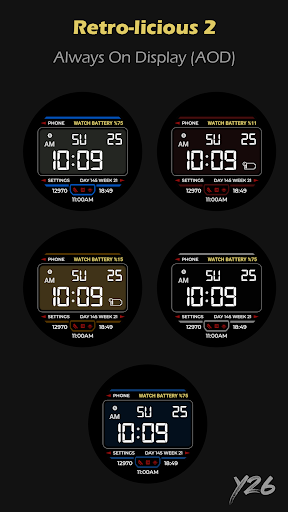
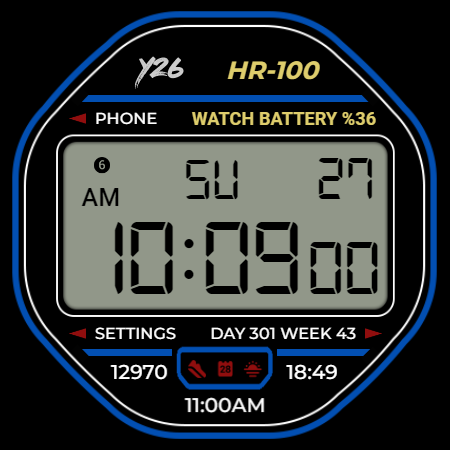
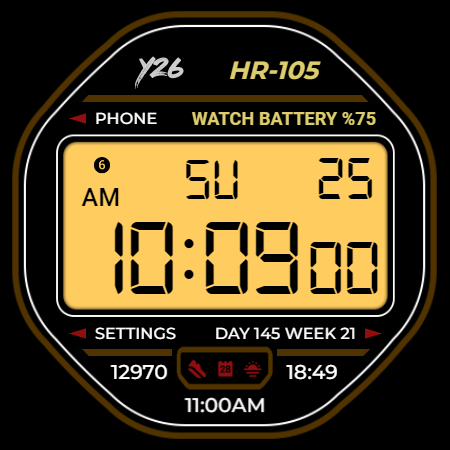
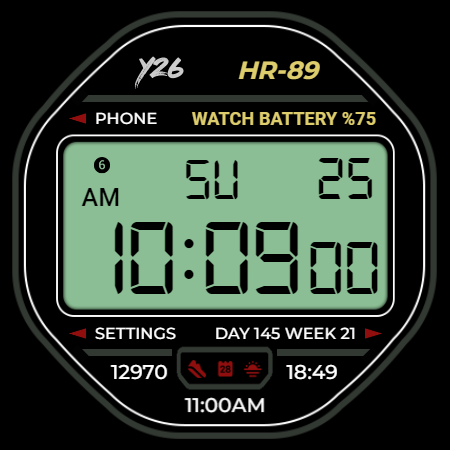
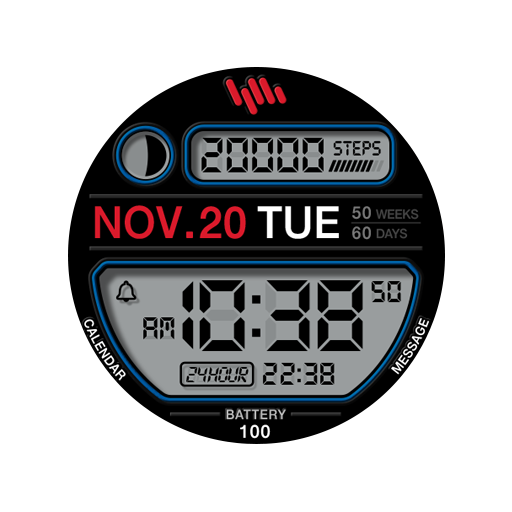
Digital watch face for Wear OS devices. Not suitable for rectangular watches.
Features:
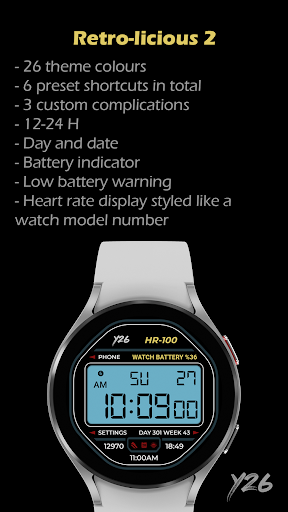
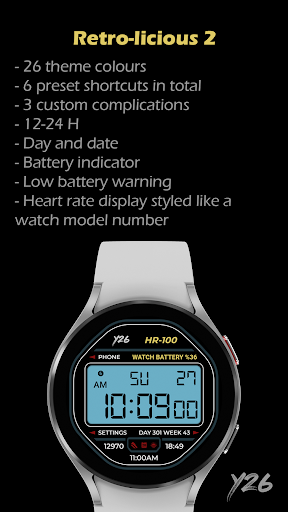
- 12-24 H
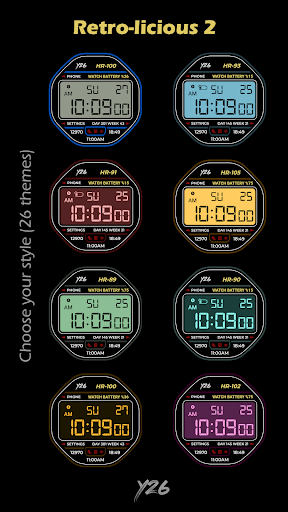
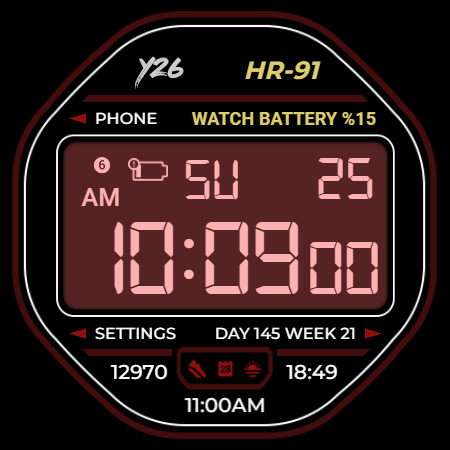
- 26 Theme colours
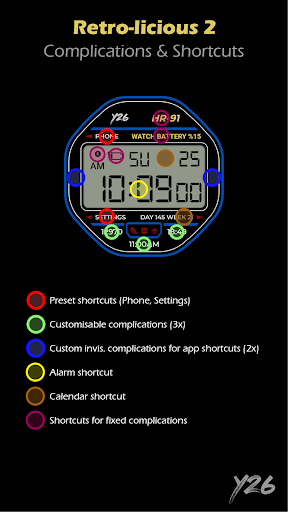
- 6 Preset shortcuts in total
- Day and date with Calendar shortcut
- Time with Alarm shortcut
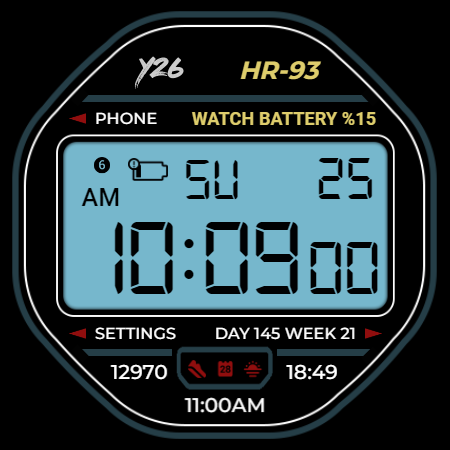
- Battery indicator and low battery warning with Battery app shortcut
- Heart rate display styled like a watch model number
Customisation:
- 26x theme colours
- 3x customisable complications
- 2x custom complications for app shortcuts
The phone app is optional; users can install and use the watch face even without installing the app. The phone app is designed solely to facilitate the installation of the watch face onto your connected Wear OS watch. If you prefer to install the watch face directly onto your watch without using the phone app, you need to select your watch from the installation drop-down menu on Google Play.
What's New
- Target SDK set to 35
v1.0.0
- Initial Release
Version Information
- Version
- -
- Downloads
- 50+
- Updated on
- Oct 29, 2025
- Released
- Oct 28, 2024
- Requires
- Android Varies with device
Statistics
Google Play Rating History
Rating Distribution
Downloads Over Time
Y26 Retro-licious 2 Watch Face has been downloaded times. Over the past 30 days, it averaged downloads per day.
Shaded area shows 30-day prediction based on historical trends
Historical data collection started recently. More data points will be available over time.
Y26 Retro-licious 2 Watch Face users say on Google Play
 Oleg K
Great Watchface! Wish it had more complications but it's great the way it is.
ApkTrusted Ratings & Reviews
More from Y26
See more apps
Y26 Cirquartet Watch Face
Free

Y26 Digital Rhapsody WatchFace
Paid

Y26 Eclipse Arc Watch Face
Paid

Y26 Felis Tempus Watch Face
Free
Y26 First Glimpse Watch Face
Paid

Y26 Luna Ignis Watch Face
Paid

Y26 Pawsome Time Watch Face
Free
Y26 Retro-licious Watch Face
Paid

Y26 Tintifique Watch Face
Paid

Y26 Stripline Watch Face
Free
Similar Apps

GYD004: Digital watchface
Paid
![AE TREX [RETRO] icon](https://play-lh.googleusercontent.com/xUEhvaxaXli58xfvIm8s22Gye1HlFqrbT1iH9uYLJLireGMf0tOqaNsrqbzB5b4xkw)
AE TREX [RETRO]
Free

WatchSio : Retro Face
Paid
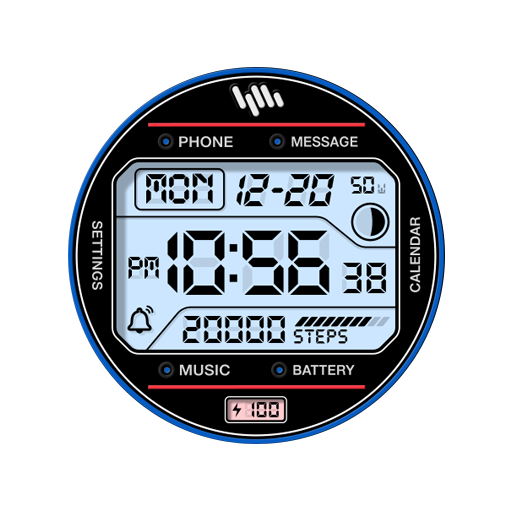
SamWatch Digital Shu 4
Paid

SamWatch Digital Shu 2025
Free

SamWatch Digital Amun 2
Paid

SamWatch Digital Shu 2022
Paid
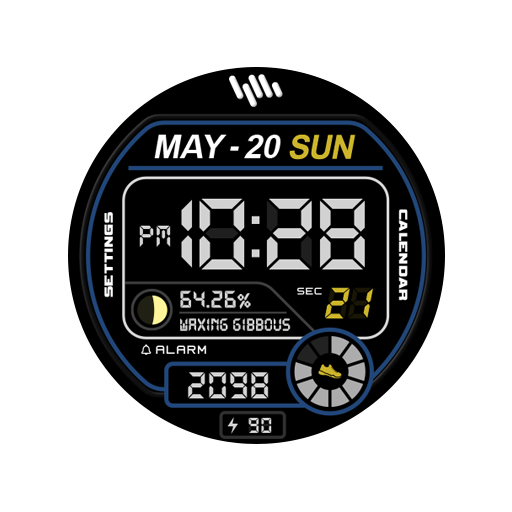
SamWatch Digital Shu
Free

NTV551 - N-Digital Classic
Free

PRIME 001 - Retro Watch Face
Paid

CELEST5423 Retro Digital Watch
Paid

SamWatch Digital Shu 2023
Free
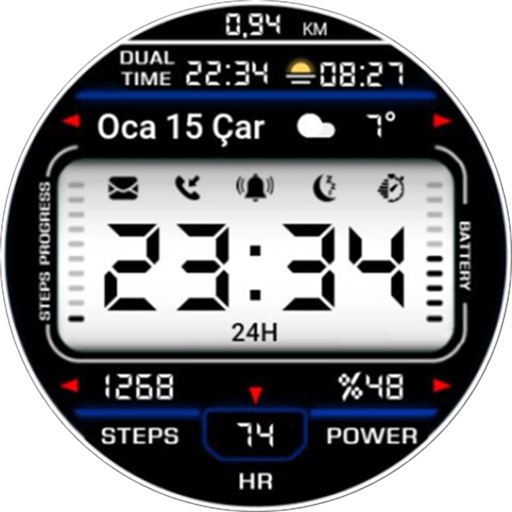
KZY118
Paid
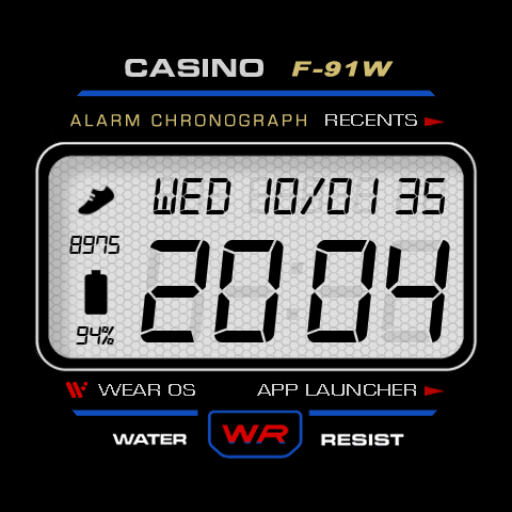
Casino - Retro Watch Face
Free
SamWatch Digital Amun
Free

SamWatch Digital Shu 4 B
Paid
Scan this QR code to download

Forwarding you to the page at Google Play market in seconds...
Open Google Play market now