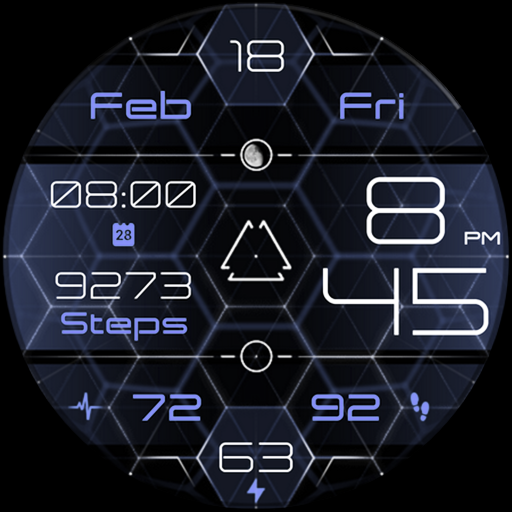
Focus 360 - digital watch face vVARY
Enkei Design



About this app
Developer Description
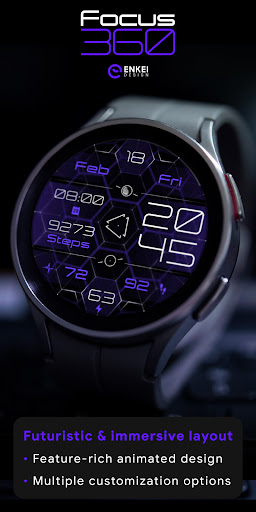
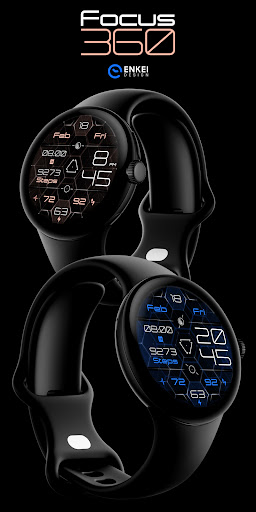
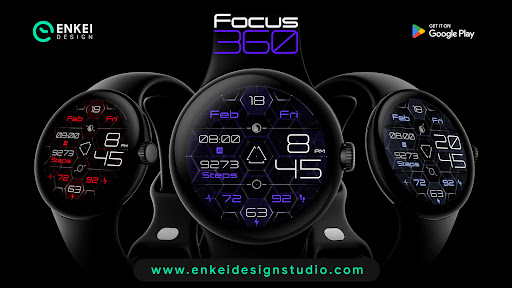
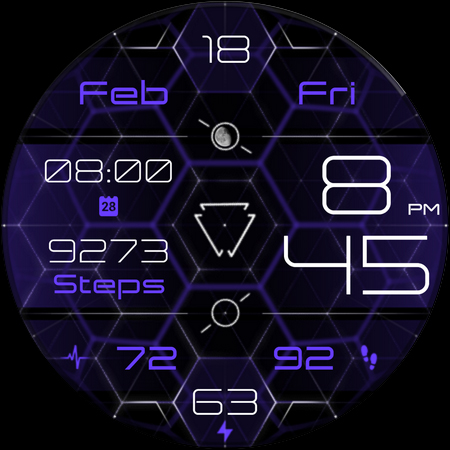
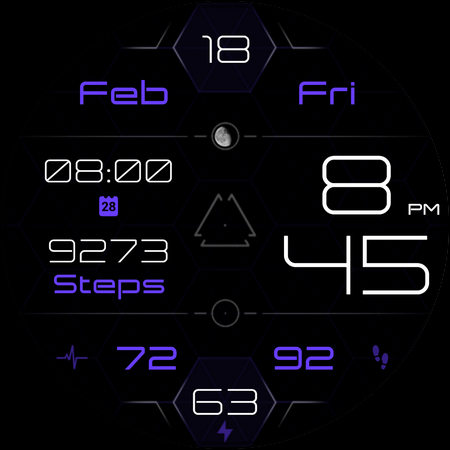
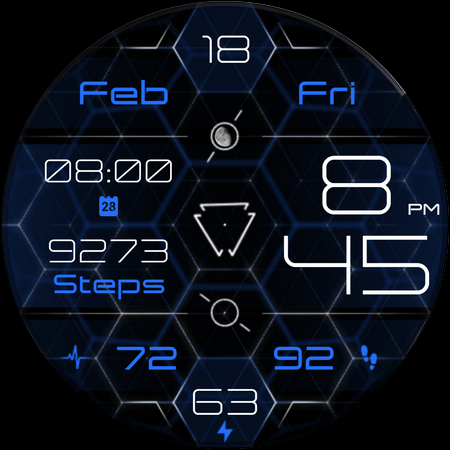
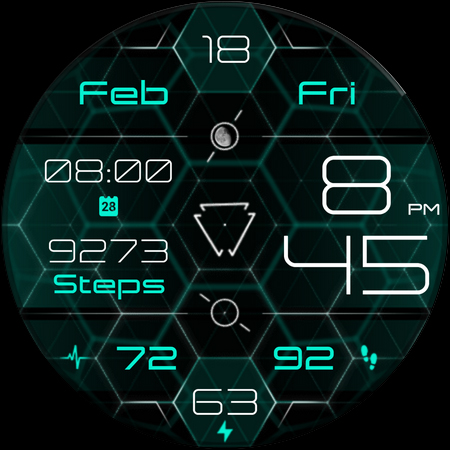
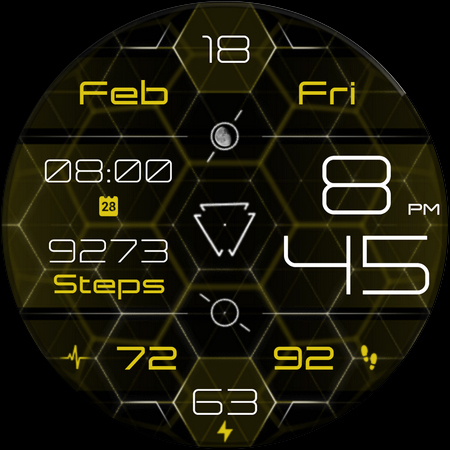
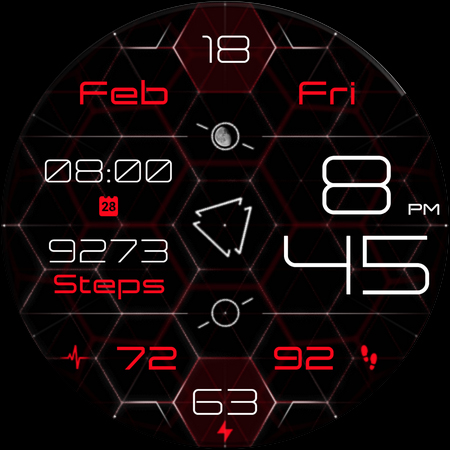
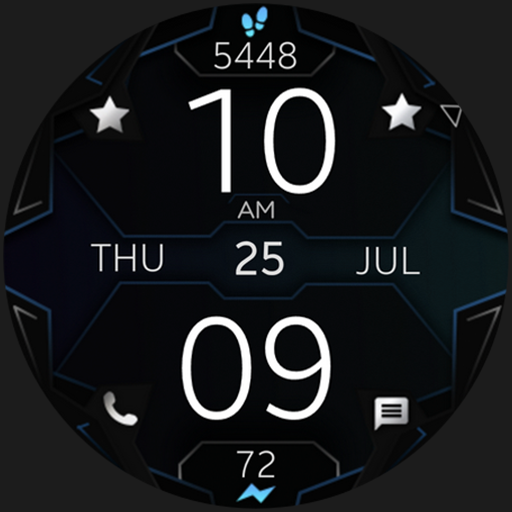
Unique futuristic digital watch face with animation & customization options!
Futuristic design, focused on displaying the most useful info, easily visible and accessible.
Expand your Horizon and take a glimpse into the high-tech future!
Powered by Watch Face Format - offering expanded customization options and useful features!
Made only for devices running Wear OS 5.0 and newer versions (API 34+)
Please install only to your watch device.
Phone companion app serves only to help direct installation to your watch device.
Buy-One-Get-One PROMOTION
https://www.enkeidesignstudio.com/bogo-promotion
FEATURES:
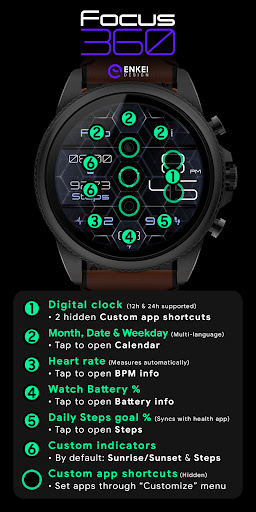
- Digital clock - 12h/24h
- TAP Hours/Minutes for hidden Custom app shortcuts
- Month, Date and Weekday - Multi-language
- TAP to open Calendar
- Watch Battery % indicator
- TAP to open Battery info
- BPM indicator - Measures automatically
- TAP to open BPM info
- Daily Steps goal % - Syncs with the health app
-- TAP to open Steps
- 2 Customizable short-text indicators
- Sunrise/Sunset by default
- Steps by default
- Moon phase indicator - Shows all 28 phases
- TAP to open Custom App shortcut
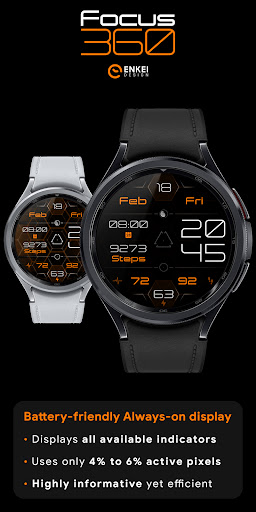
- Battery efficient AOD
- Uses just 4% - 6% active pixels
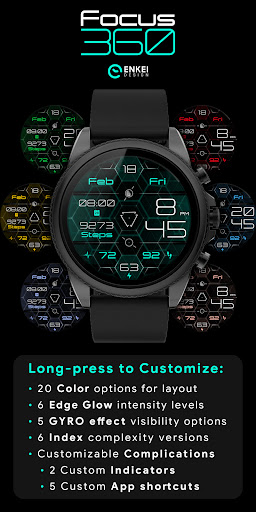
- Long-press to access Customize menu:
- Color - 20 vibrant options
- Edge Glow - 6 brightness levels
- GYRO effect - 5 brightness levels
- Index - 6 subtly different styles
- Complications
- 2 Custom indicators
- 5 Custom app shortcuts
INSTALLATION TIPS:
https://www.enkeidesignstudio.com/how-to-install
CONTACT:
info@enkeidesignstudio.com
E-mail us for any questions, issues or general feedback. We're here for you!
Customer satisfaction is our main priority, we make sure to respond to each e-mail within 24 hours.
More watch faces:
https://play.google.com/store/apps/dev?id=5744222018477253424
Website:
https://www.enkeidesignstudio.com
Social media:
https://www.facebook.com/enkei.design.studio
https://www.instagram.com/enkeidesign
Thank you for using our watch faces.
Have a great day!
What's New
Update 1.18.1 for Wear OS (Watch face)
- Powered by Watch Face Format
- Target API level 34
HELP/INFO:
info@enkeidesignstudio.com
Thank you!
Version Information
- Version
- -
- Downloads
- 100+
- Updated on
- Jul 22, 2025
- Released
- Feb 8, 2022
- Requires
- Android Varies with device
Statistics
Google Play Rating History
Rating Distribution
Downloads Over Time
Focus 360 - digital watch face has been downloaded times. Over the past 30 days, it averaged downloads per day.
Shaded area shows 30-day prediction based on historical trends
Historical data collection started recently. More data points will be available over time.
Focus 360 - digital watch face users say on Google Play
 Katherin Brown
I love the hexagon design! Those are one of my favorite shapes and I'm happy someone finally incorporated them into a watch face.
ApkTrusted Ratings & Reviews
More from Enkei Design
See more apps
Cyber Cargo - animated health
Paid
Dark Sunset hybrid watch face
Paid

Cyber Agent - health animated
Paid
Bear Accessory - watch face
Paid

Christmas Magic - watch face
Paid

Cyberoid Ultra - watch face
Paid

Alpha Dark - modern minimalist
Paid
Cyber Carbon - digital health
Paid

Boop Lite - colorful hybrid
Free
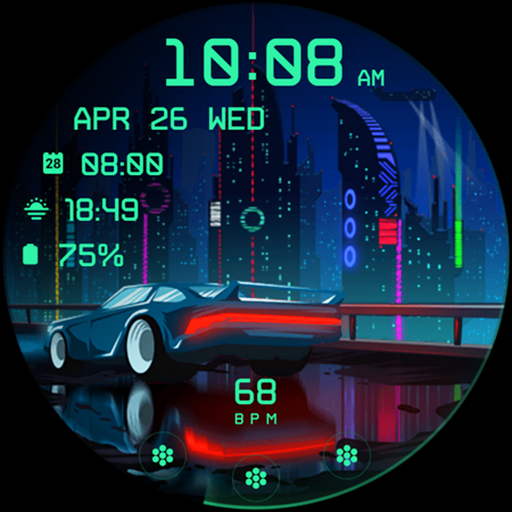
Cyberpunk Ambient - watch face
Paid

Boop - colorful hybrid watch
Paid
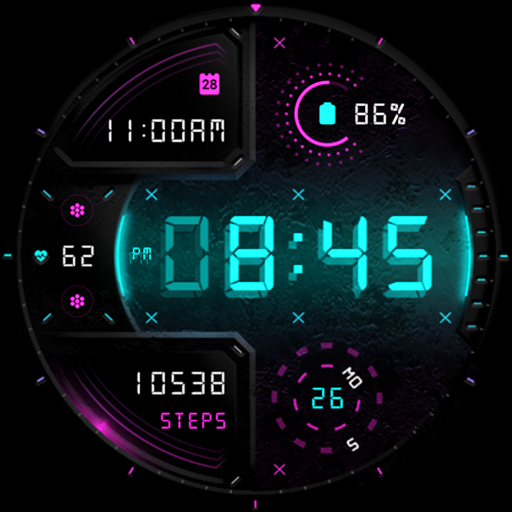
Cyber Digit - digital colorful
Paid

Cyber Phantom - watch face
Paid

Bond 3.0 - digital minimalist
Free

Archeus - analog animated
Paid

Ambient Lights - animated
Paid
Similar Apps
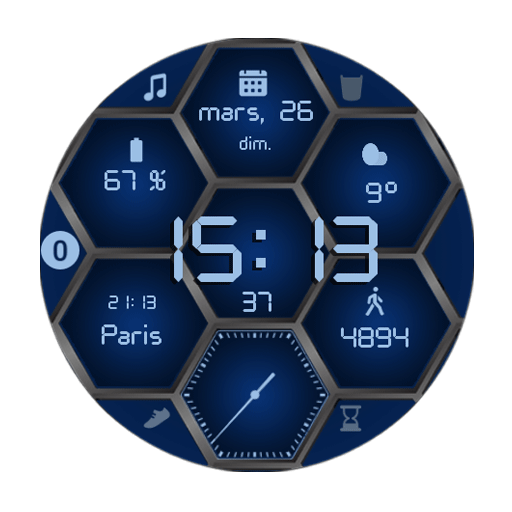
Hexa-Digital Watch Face
Paid

SD109
Free

BFF32- Technology Body HUD
Paid

BFF34- Technology Heart HUD
Paid

BFF33- Technology Earth HUD
Paid

Diamond Watch Face
Paid

Hybrid RAPTER Watch face
Free

ML2U 249 HeartBeat Animation
Paid

SM Sports Digital Watch Face
Paid

ML2U 289 Watch Face
Paid

SamWatch FIT G 2024
Paid
Dream 57 Futuristic Watch Face
Paid

Ballozi FRUMOS Digital
Paid

nbWatch The Room 3D WFF
Paid

Digital Pulse URX12 Watch face
Paid

Gamer RGB Lights LED Rainbow
Paid
Scan this QR code to download

Forwarding you to the page at Google Play market in seconds...
Open Google Play market now