
Gold Classic 1 WF Wear OS 5+ vVARY
OQ Watchfaces


About this app
Developer Description
A Gold retro style watch face for Wear OS colorful with customization options.
NOTICE: READ THIS ALWAYS BEFORE AND AFTER DOWNLOADING OUR WATCH FACE TO AVOID ANY SITUATION YOU DON'T LIKE.
=======================================================
BEST WAY TO CUSTOMIZE THIS WATCH FACE IS BY LONG PRESSING ON WATCH FACE HOME SCREEN & ACCESS THE CUSTOMIZATION MENU.
=====================================================
FEATURES AND FUNCTIONS
======================================================
This watch face for WEAR OS 5+ has following features:-
1. Tap on 6 o clock hour index bar to open watch Alarm app.
2. Tap on 1 o clock hour index bar to open watch Google Play Store App.
3. Tap on Date Text to open watch Calendar app.
4. Tap on 9 o clock hour index bar to open watch music app.
5. Tap on 5 o clock hour index bar to open watch phone app.
6. Tap on 12 o clock hour index bar to open watch settings app.
7. Tap on 7 o clock hour index bar to open watch messaging app.
9. 7 x Background Styles are available as customization option in the customization menu. 1st one follows the 30 x color styles. rest are dark black background textures and last 1 is pure black background.
10. AoD Background by default is pure black Background for battery savings. BUT you can also turn same background as Main Display from Customization Menu of the watch face.
11. Outer Index for Minutes Can be turned off and on from customization menu. An Option has been created and added in the customization menu of the watch face.
13. Dim Modes have been added as customization options for Main & AoD Display both Separately in the customization menu.
14. 7 x Customizable Complication Slots are available in the Watch face customization menu. 4 x Visible and 4 x Customizable Complication invisible Shortcuts of your choice.
15. Seconds Hand can be turned off as well from the watchface customization menu.
What's New
MAJOR UPDATE:-
1.Watch face bundle updated to Target min SDK 34 as required by Google with latest Samsung Watch face Studio Version 1.9.5 Sep 2025 Release.
2.Watch face Companion App updated with latest Google Android Studio Narwhal 2025.3.1 as required by Google.
3. Logo removed. 2 x User Customizable complications added instead visible now on AoD as well.
4. 30 x new color styles and 7 x background Styles added.
5. All screen previews updated.
6. Privacy Policy Updated.
Version Information
- Version
- -
- Downloads
- 100K+
- Updated on
- Sep 16, 2025
- Released
- Aug 25, 2022
- Requires
- Android Varies with device
Statistics
Google Play Rating History
Rating Distribution
Downloads Over Time
Gold Classic 1 WF Wear OS 5+ has been downloaded times. Over the past 30 days, it averaged downloads per day.
Shaded area shows 30-day prediction based on historical trends
Historical data collection started recently. More data points will be available over time.
Gold Classic 1 WF Wear OS 5+ - Google Play Rankings
Top Rankings
| Rank | Country | Category | List | Change |
|---|---|---|---|---|
| — |
Ranking History in
No ranking data available yet. Rankings are updated daily.
#54 in Top Free Personalization in South Korea
 Zipper Lock Wallpapers Screen
Gold Classic 1 WF Wear OS 5+
Zipper Lock Wallpapers Screen
Gold Classic 1 WF Wear OS 5+
 4K Wallpaper & HD Backgrounds
Gold Classic 1 WF Wear OS 5+ users say on Google Play
 Brendon Hall
Awesome watchface. Classic and clean. Excellent craftsmanship. Its free too! Thanks OQ!
 Furqana Fathuzzaman
This is great, almost perfect! One thing I'd like is to have date related complication without date icon above the text. I was trying to add a day next to date, but that square doesn't fit nicely
 Jim MacQueen
Finally got it operating on my Samsung Galaxy S4 Classic but the app on my Samsung Galaxy 9+ is only frozen on the install screen! Hopefully it doesn't interfere with the watche's operation! Have tried for 6 attempts to install, but screen freezes on "Install" screen with instructions about factory reset!!! Says installed on watch but isn't operable, with only an "about" screen with ratings option & an operable "uninstall" button!!! Gorgeous watch... too bad the install is a nightmare!!!😠
 Alex Boyne
color represented on my phone screen doesn't match the color that shows up on the watch. on my phone it's a nice crisp gold color. on the watch it's a dark orange. your other gold classic watch face works fine this one not so much
 Muhammad Hasan
Installing this watch face is not simple , I tried a lot but no use, hence uninstalling.
ApkTrusted Ratings & Reviews
More from OQ Watchfaces
See more apps
Digital Basic 7 Wear OS 5+
Paid
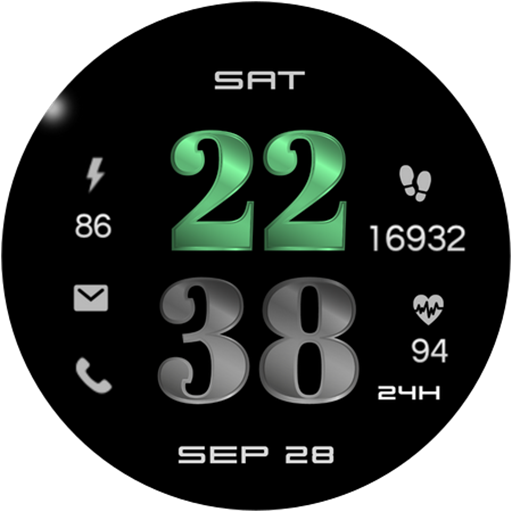
Digital Basic 3b Wear OS 4+
Paid

Digital Basic 4 Wear OS 5+
Paid

Diver Classic 2 Wear OS 4+
Paid

Analog Classic 5 Wear OS4
Free
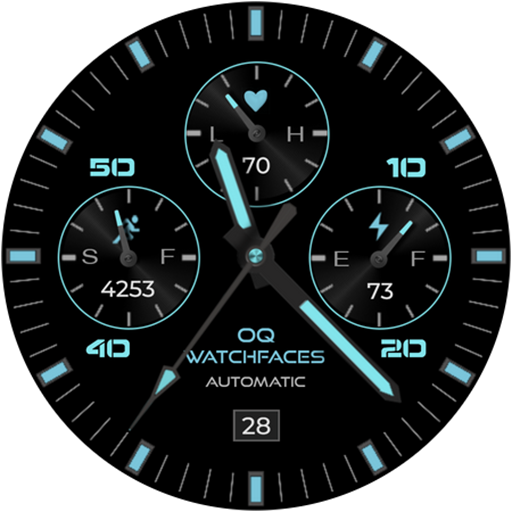
Analog Basic 21 Wear OS 5+
Paid

Digital Basic 8 Wear OS 4+
Paid

Analog Basic 13 Wear OS 4+
Free
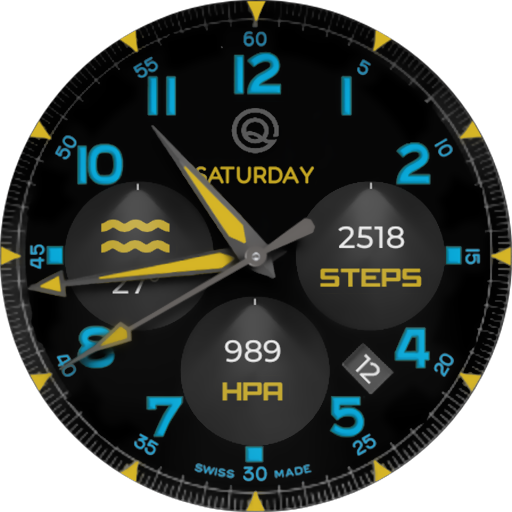
Analog Basic 12 Wear OS 4+
Free

Analog Basic 14 Wear OS 4+
Free

Analog Basic 16 Wear OS 4+
Free
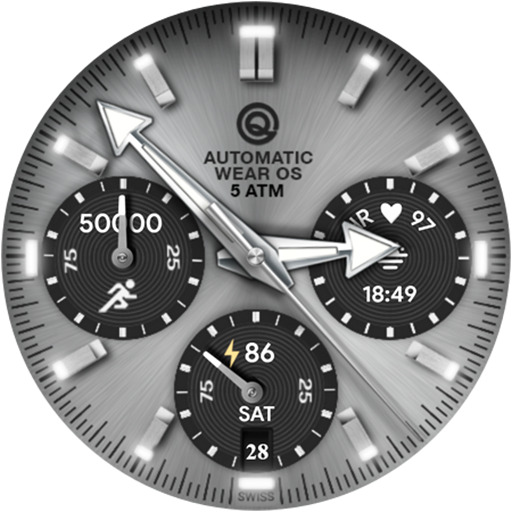
Analog Basic 16C Wear OS 4+
Paid

Analog Basic 20 Wear OS 4+
Paid
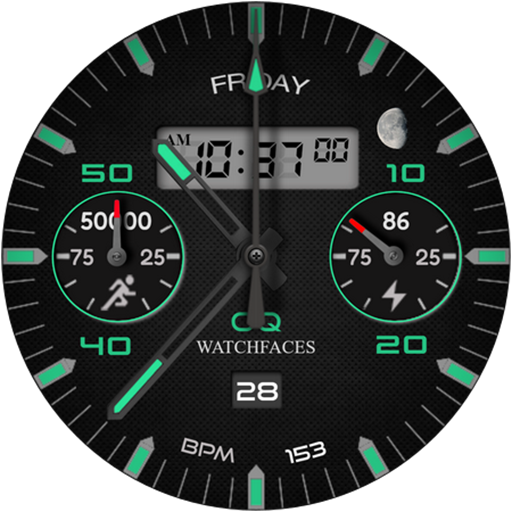
Analog Basic 11B Wear OS 5+
Free

Analog Basic 22 Wear OS 4+
Free

Analog Basic 23 WEAR OS 4+
Free
Scan this QR code to download

Forwarding you to the page at Google Play market in seconds...
Open Google Play market now