
HMKWatch Digital 182 vVARY
HMKWatch



About this app
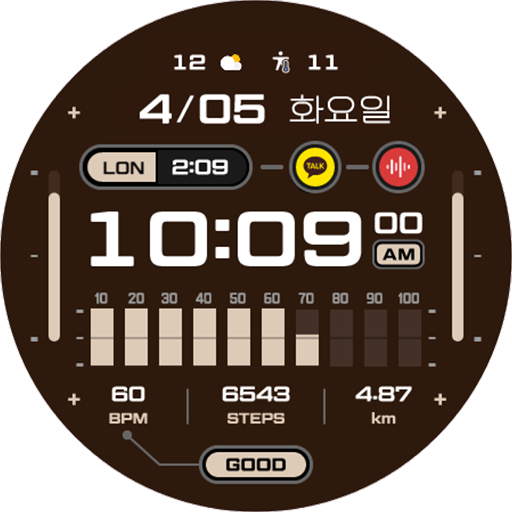
The HMKWatch Digital 182 app solves the problem of finding a convenient and clear digital watch face for users, particularly those who value simplicity and ease of use. This app benefits users who are looking for a straightforward, no-frills watch face that gets the job done. Compared to alternatives in the Personalization category, HMKWatch Digital 182 stands out for its minimalistic design and lack of permissions requests, but falls short in terms of customization options and user engagement. The app's paid model and lack of in-app purchases suggest a straightforward, one-time payment for a simple product.
Pros
- The app requires zero permissions, which is a significant advantage in terms of user privacy and security, as it minimizes the risk of data collection and potential misuse.
- The paid model of $1.49 is a one-time payment, which means users do not have to worry about in-app purchases or ongoing subscriptions, providing a straightforward and transparent pricing structure.
- The lack of ads in the app ensures a clean and uninterrupted user experience, which is a significant advantage for users who value simplicity and ease of use.
- The developer's presence on Instagram suggests a level of engagement and community involvement, which can be beneficial for users who want to provide feedback or stay updated on new developments.
- The app's small size and minimalistic design make it a good option for users with limited storage space or those who prefer a lightweight watch face.
Cons
- The app's limited customization options may be a drawback for users who want more control over the appearance and functionality of their watch face, potentially limiting its appeal to a wider audience.
- The lack of user rating data and limited download numbers may make it difficult for users to gauge the app's quality and popularity, which can be a concern for users who rely on social proof when making purchasing decisions.
- The app's limited functionality and lack of features may not justify the $1.49 price point for some users, particularly those who are accustomed to more comprehensive watch faces with additional features and customization options.
- The developer's email support may not be sufficient for users who require more extensive support or have complex issues with the app, potentially leading to frustration and disappointment.
Best for: The ideal user for the HMKWatch Digital 182 app is a tech-savvy individual who values simplicity, ease of use, and privacy, and is looking for a straightforward, no-frills digital watch face that gets the job done, without the need for extensive customization options or advanced features.
Developer Description
Convenient and clear digital watch face
* Please install additional apps by referring to 'About this app'.
=======================================================
[How to install]
Make sure your watch is selected first before you press the payment button.
Press the small black triangle next to the Payment button to select the watch.
If you don't follow the above method, you can use Chrome or Samsung browser on your PC or smartphone.
After entering the store with a web browser, click Install on another device to install it on the watch.
After the release of Watch 5, a new UI was applied to Watch 4.
The newly installed watchface can be found in the following ways.
1. Press and hold the watch screen to enter the 'Frequently Used Watch Face List'.
2. Turn it to the rightmost and press 'Add watchface'.
3. Then, enter the 'Installed Watchface List'.
4. Find and select the watch face you purchased.
=======================================================
[Additional installation app]
1. Smart phone battery app (Free app)
Please install the additional app of the link below on the watch and smartphone, and set up the complication.
If the link does not open, please search for the 'Phone Battery Complication' app and install it.
https://play.google.com/store/apps/details?id=com.weartools.phonebattcomp
2. Complications Suite - Wear OS (Free app)
https://play.google.com/store/apps/details?id=com.weartools.weekdayutccomp
3. Heart Rate Complication (Paid app)
https://play.google.com/store/apps/details?id=com.weartools.heartratecomp
4. Health Services Complications (Paid app)
https://play.google.com/store/apps/details?id=com.weartools.hscomplications
All credits goes to original app creator:
amoledwatchfaces - https://play.google.com/store/apps/dev?id=5591589606735981545
=======================================================
Get new news from my Instagram.
www.instagram.com/hmkwatch
https://hmkwatch.tistory.com/
Please send me an email if you have any errors or suggestions.
hmkwatch@gmail.com
Privacy
Since the app requires zero permissions, users do not have to worry about their data being collected or misused, which is a significant advantage in terms of privacy and security. However, users should still be cautious when purchasing apps from unfamiliar developers and ensure they are downloading from trusted sources to minimize the risk of malware or other security threats. It is also essential to review the app's terms and conditions to understand any potential data collection or usage policies.
Tips
To get the most out of the HMKWatch Digital 182 app, users should first ensure their device is compatible with the app and then follow the simple installation process. Users can also customize their watch face by adjusting the settings on their device, although options may be limited. Additionally, users can provide feedback to the developer through their Instagram page to suggest new features or improvements, which can help shape the app's future development and enhance the overall user experience.
Version Information
- Version
- -
- Downloads
- 1K+
- Updated on
- Aug 25, 2025
- Released
- Apr 5, 2022
- Requires
- Android Varies with device
Statistics
Google Play Rating History
Rating Distribution
Downloads Over Time
HMKWatch Digital 182 has been downloaded times. Over the past 30 days, it averaged downloads per day.
Shaded area shows 30-day prediction based on historical trends
Historical data collection started recently. More data points will be available over time.
HMKWatch Digital 182 users say on Google Play
 Brendon Hall
Awesome watchface! Great layout and the colors are amazing. You could post your new releases and promos on a galaxy watch Facebook page or boxfaces. Your watchfaces are top notch and deserve to be at 10,000 downloads like others.
 Oleg K
This is an excellent Watchface except that the time digits aren't customizable color-wise, there is a world time display, for some reason, also, the two complications on left and right offer options no one needs. Other than that it's great.
 Hansen Twins
the bars on left and right doesn't have icon or anything.. after i add a complications to it, i easily forget what it is (no icon or sign at all)..
ApkTrusted Ratings & Reviews
More from HMKWatch
See more apps
HMKWatch Analog 169
Paid
HMKWatch Analog 152
Paid

HMKWatch Analog 264
Paid

HMKWatch Analog 265
Paid

HMKWatch Christmas 04
Paid

HMKWatch Analog 266
Paid

HMKWatch Analog 267
Free

HMKWatch Analog 268
Free

HMKWatch Analog 160
Free

HMK AD038
Paid
HMK AD039
Paid

HMKWatch Analog 023
Paid

HMKWatch Analog 032
Free
HMKWatch Analog 033
Paid

HMKWatch Analog 034
Free

HMKWatch Analog 035
Free
Similar Apps

SG-111
Free
Key099 Digital Watch Face
Free
Key069 Digital Watch Face
Free

rens watchface88
Paid
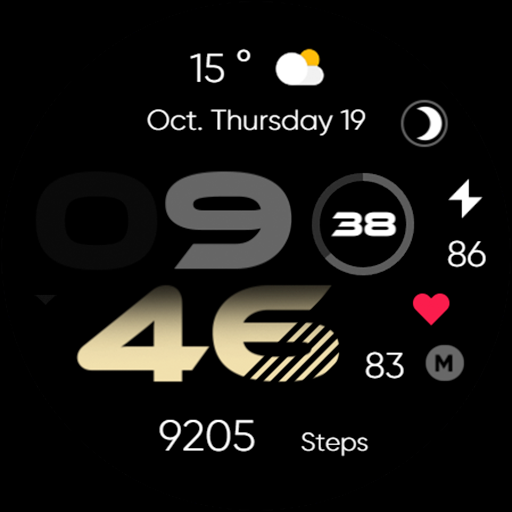
Minimal - Digital - RE35
Free
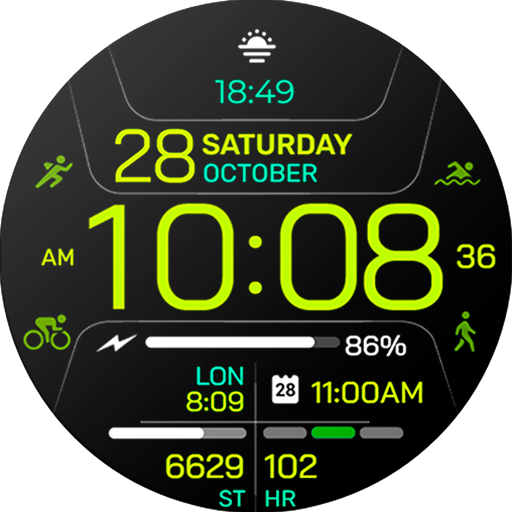
Chester Inform MOD watch face
Free

SamWatch Digital VI
Paid

Digital Worko Watch Face
Free
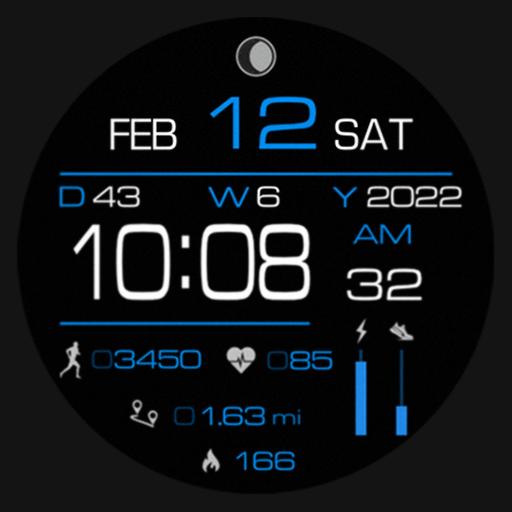
SG-99
Free

PW14 Tech Time Deluxe Watch
Free
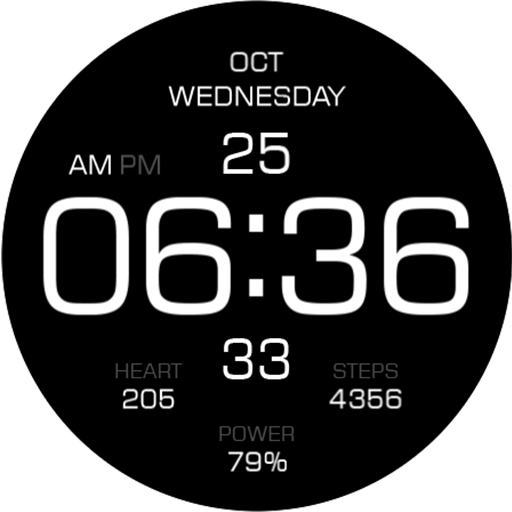
Key104 Digital Watch Face
Paid

DADAM39: Modern Dark Dial
Free

Key WF82 Digital Watch Face
Paid
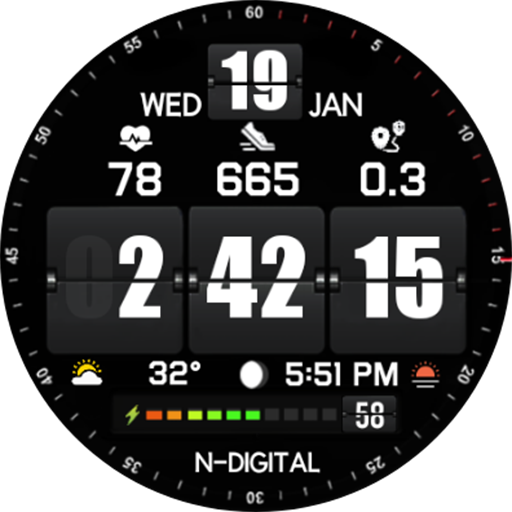
NTV92 - Digital Flip Style
Free

Simple Horizon Watch Face
Free

PW39 Big Numbers Watch
Free
Scan this QR code to download

Forwarding you to the page at Google Play market in seconds...
Open Google Play market now