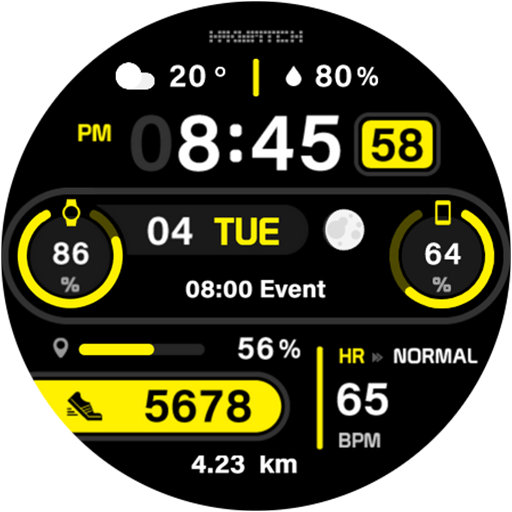
HMKWatch Digital 252 vVARY
HMKWatch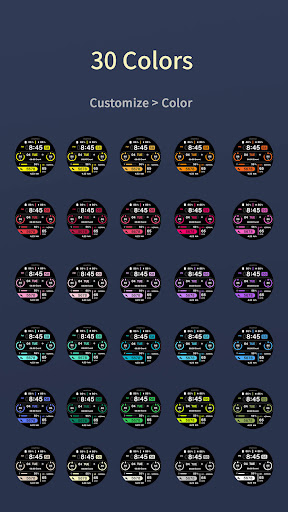





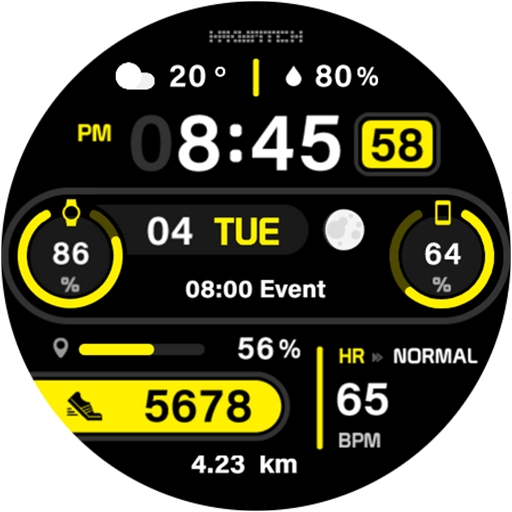
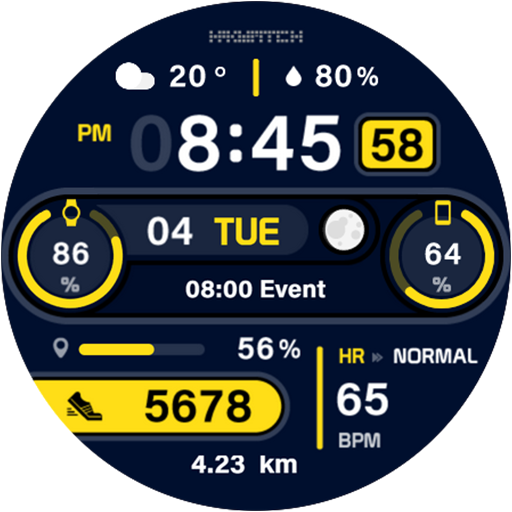
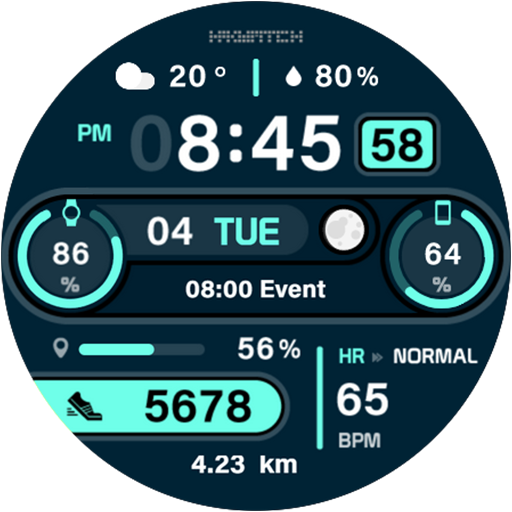
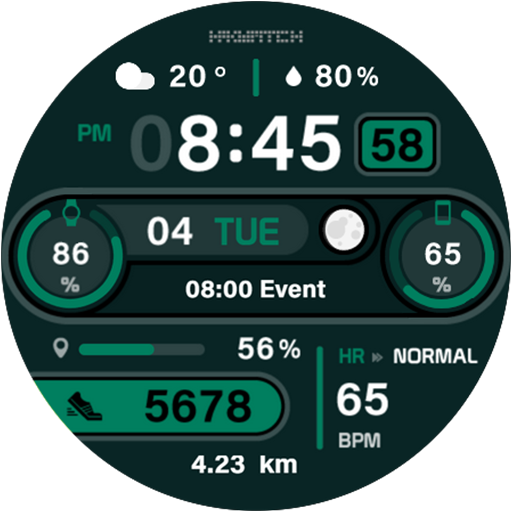
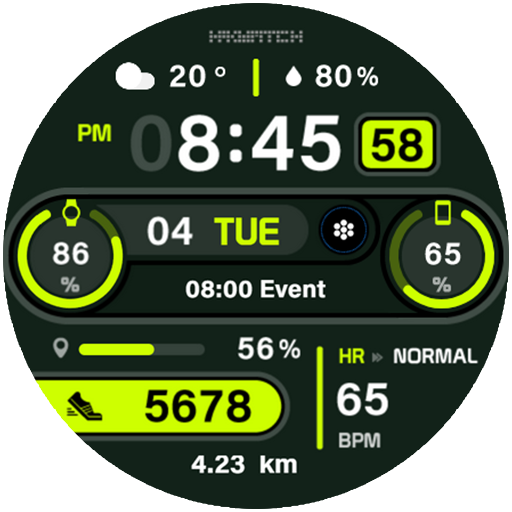
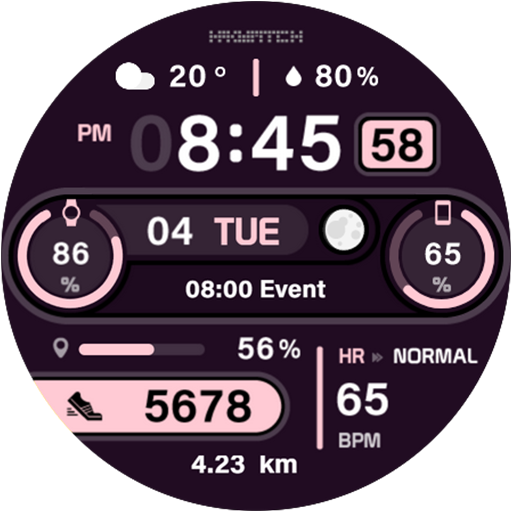
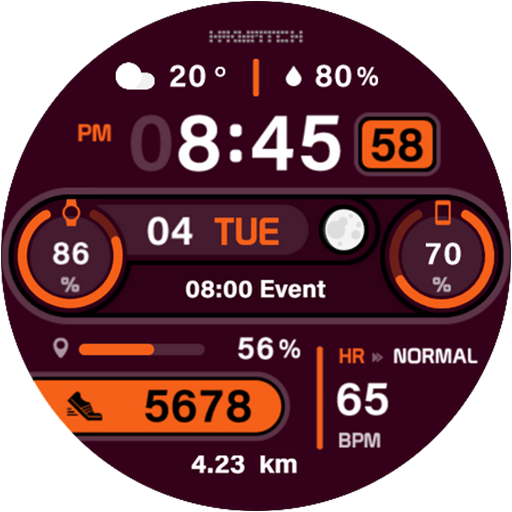
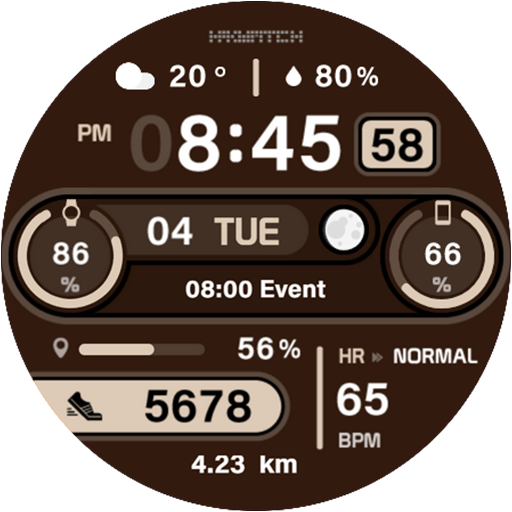
About this app
The HMKWatch Digital 252 app solves the problem of providing a convenient and clear digital watch face for Android users, benefiting those who value simplicity and readability on their wearable devices. Compared to alternatives in the Personalization category, this app stands out with its minimalist design and lack of permissions, making it a great option for users concerned about privacy. However, it falls short in terms of customization options and features, which may limit its appeal to some users. Overall, it's a solid choice for those seeking a straightforward digital watch face experience.
Pros
- With a user rating of 4.1/5 and over 10,000 downloads, the HMKWatch Digital 252 app has demonstrated its quality and appeal to a sizable audience, indicating a well-designed and functional product.
- The app's lack of permissions is a significant advantage, as it ensures that users' data and device security are not compromised, making it an attractive option for privacy-conscious users.
- The paid model of $1.49 is a reasonable price point for an ad-free experience, and the absence of in-app purchases means that users won't be nickel-and-dimed for additional features.
- The developer's presence on Instagram and provision of an email address suggest a commitment to user support and community engagement, which can be reassuring for users who may encounter issues or have suggestions for improvement.
- The app's small size and varying Android requirement indicate that it is optimized for a wide range of devices, making it accessible to a broader user base.
Cons
- One concern is the limited information available about the app's update frequency and long-term support, which may leave users wondering if the app will continue to receive updates and bug fixes.
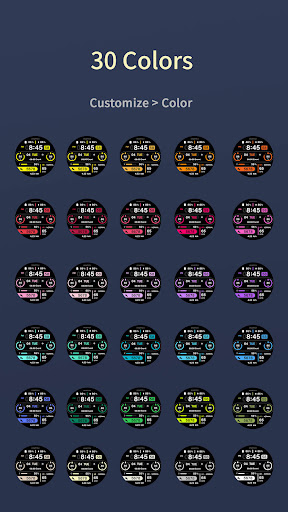
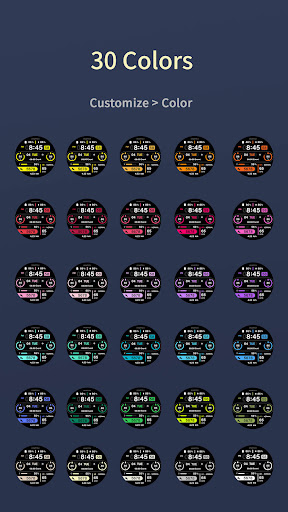
- The app's simplicity, while a strength for some users, may be a drawback for others who are looking for more customization options or features, such as fitness tracking or notification support.
- The developer's website is an Instagram page, which may not provide the same level of information and support as a dedicated website, potentially making it harder for users to find detailed documentation or FAQs.
- The 'Varies with device' Android requirement may indicate that the app's compatibility is not thoroughly tested across all devices, which could lead to issues for some users.
Best for: The ideal user for the HMKWatch Digital 252 app is likely an individual who values simplicity, readability, and privacy on their wearable device, such as an older adult or someone who prioritizes ease of use over advanced features, and is willing to pay a small fee for an ad-free experience.
Developer Description
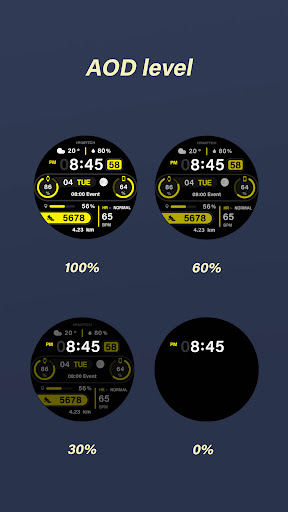
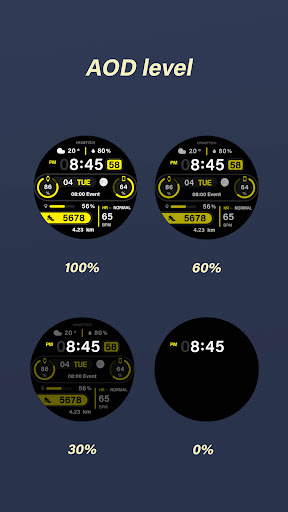
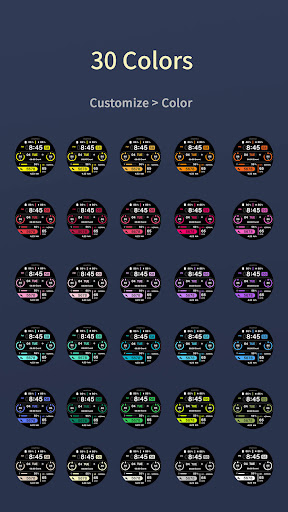
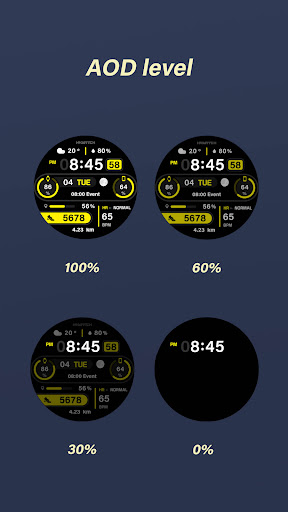
Convenient and clear digital watch face
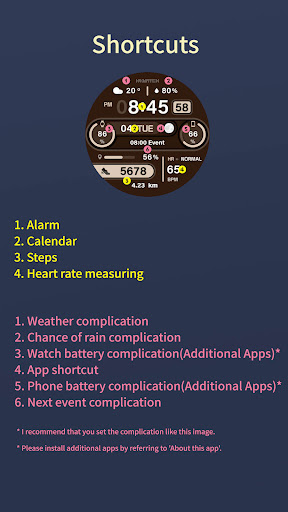
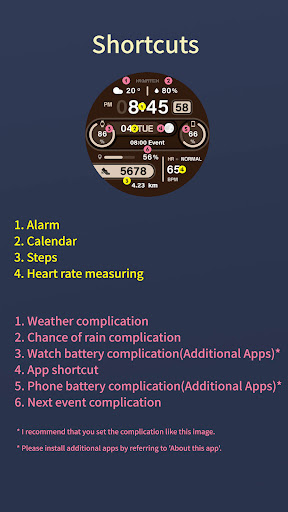
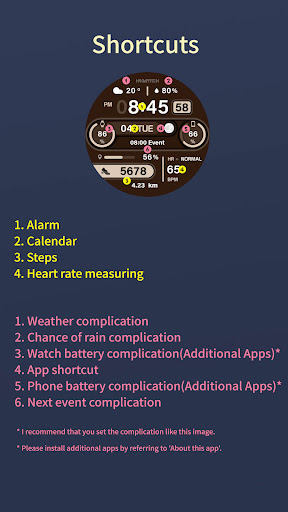
* Please install additional apps by referring to 'About this app'.
* Does not support square watches.
=======================================================
[How to install]
Make sure your watch is selected first before you press the payment button.
Press the small black triangle next to the Payment button to select the watch.
If you don't follow the above method, you can use Chrome or Samsung browser on your PC or smartphone.
After entering the store with a web browser, click Install on another device to install it on the watch.
https://hmkwatch.tistory.com/17
=======================================================
[Additional installation app]
1. Smart phone battery app (Free app)
Please install the additional app of the link below on the watch and smartphone, and set up the complication.
If the link does not open, please search for the 'Phone Battery Complication' app and install it.
https://play.google.com/store/apps/details?id=com.weartools.phonebattcomp
2. Complications Suite - Wear OS (Free app)
https://play.google.com/store/apps/details?id=com.weartools.weekdayutccomp
3. Heart Rate Complication (Paid app)
https://play.google.com/store/apps/details?id=com.weartools.heartratecomp
4. Health Services Complications (Paid app)
https://play.google.com/store/apps/details?id=com.weartools.hscomplications
All credits goes to original app creator:
amoledwatchfaces - https://play.google.com/store/apps/dev?id=5591589606735981545
=======================================================
Get new news from my Instagram & blog
https://www.instagram.com/hmkwatch
https://hmkwatch.tistory.com/
+821072772205
Please send me an email if you have any errors or suggestions.
hmkwatch@gmail.com
Privacy
Given the app's lack of permissions, it's likely that no sensitive user data is being collected, and the risk of security breaches is minimal. However, users should still be cautious when installing any app and monitor their device's performance and data usage to ensure the app is not consuming excessive resources. It's also a good idea to check the developer's website or email for any privacy policies or data handling practices.
Tips
To get the most out of the HMKWatch Digital 252 app, users should first ensure their device is compatible and meets the minimum requirements. They can then explore the app's settings to customize the watch face to their liking, although options may be limited. Additionally, users can provide feedback to the developer through their Instagram page or email to suggest new features or improvements.
Version Information
- Version
- -
- Downloads
- 10K+
- Updated on
- Jul 3, 2025
- Released
- Jul 30, 2022
- Requires
- Android Varies with device
Statistics
Google Play Rating History
Rating Distribution
Downloads Over Time
HMKWatch Digital 252 has been downloaded times. Over the past 30 days, it averaged downloads per day.
Shaded area shows 30-day prediction based on historical trends
Historical data collection started recently. More data points will be available over time.
HMKWatch Digital 252 users say on Google Play
 Fereda Allen
Was working perfect until today. Not tracking steps and miles 😩 Has anyone else reported this issue with the Galaxy Watch 4? UPDATE: Thank you for your quick reply. That worked. I'm back to using the app at full capacity! Great app with everything O need to track.
 Nick Holden
It looks great, but the customisation options seem to be VERY limited. You can display battery, agenda, and weather (in addition to health metrics) but nothing else. However, don't let this deter you from checking out other faces by this developer; they are really good at this...
 Laz V
Laz V
Doesn't show battery level for phone only watch
ApkTrusted Ratings & Reviews
More from HMKWatch
See more apps
HMKWatch Analog 169
Paid
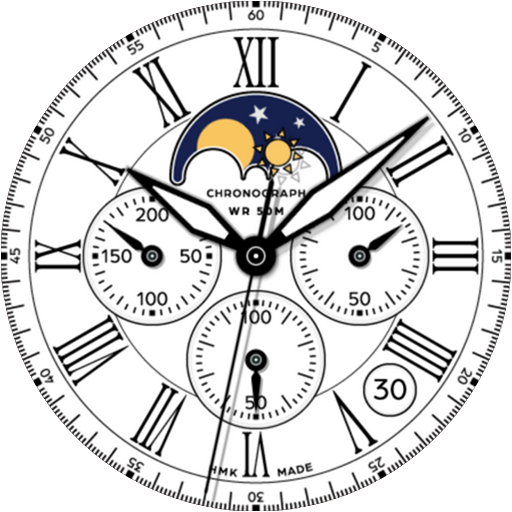
HMKWatch Analog 152
Paid

HMKWatch Analog 264
Paid

HMKWatch Analog 267
Free

HMKWatch Analog 160
Free

HMKWatch Christmas 04
Paid

HMKWatch Analog 265
Paid

HMKWatch Analog 266
Paid

HMKWatch Digital 045
Paid

HMKWatch Analog 268
Paid

HMK WD047
Paid

HMK AD038
Paid
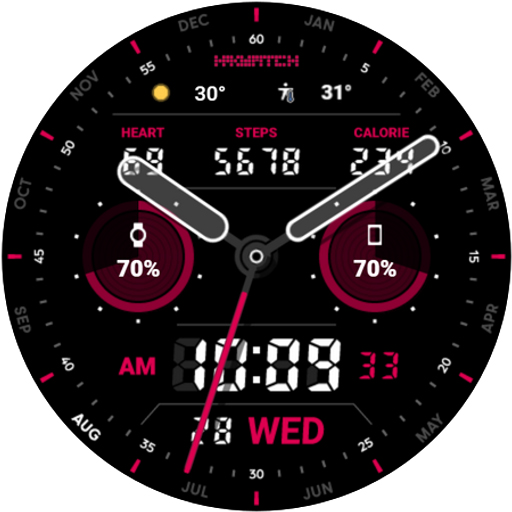
HMK AD039
Paid

HMKWatch Analog 023
Paid

HMKWatch Analog 032
Paid
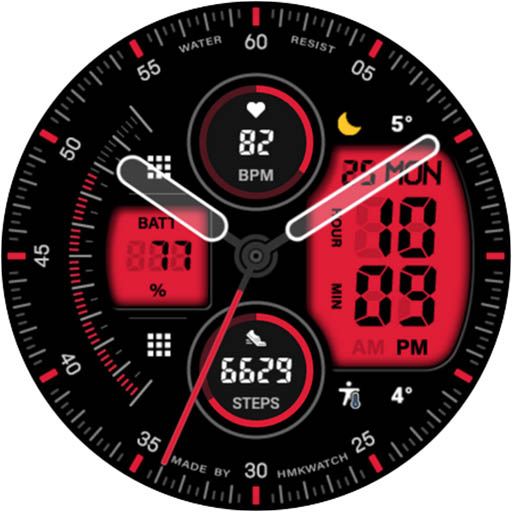
HMKWatch Analog 033
Paid
Similar Apps
Watch face CNW-38
Paid
SPL021 Simplicity
Paid

TACT Q: Watch face
Paid

ZOOM Watch Face
Paid

PUSH Watch Face
Paid

Digital Watch Face CRC042
Paid
WES5 - Sportive Watch Face
Free

OMG 345 Digital Watch Face
Paid

KZY033
Free

AB Watch Face
Free

TVV Simple Digital Watch Face
Paid

KZY122
Free

Key WF83 Digital Classic Watch
Paid

OT | Funny Digital Watch Face
Paid

SamWatch FIT P 2022
Paid

SamWatch Simple Run 2
Free
Scan this QR code to download

Forwarding you to the page at Google Play market in seconds...
Open Google Play market now