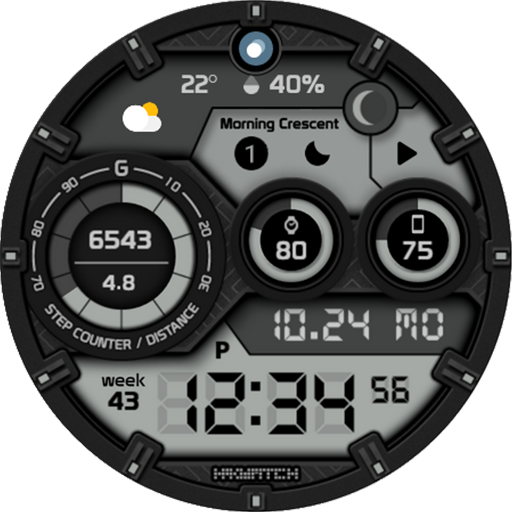
HMKWatch Digital 266 vVARY
HMKWatch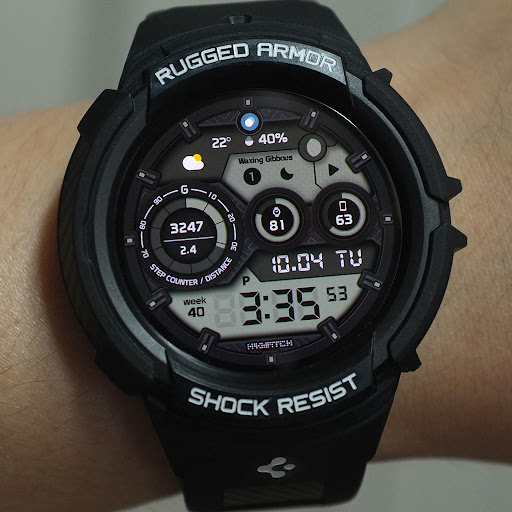





About this app
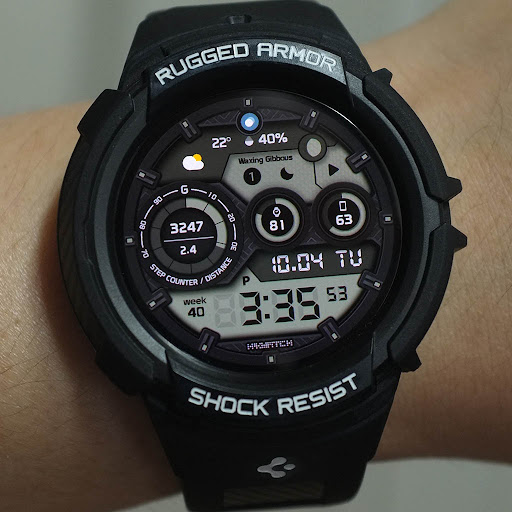
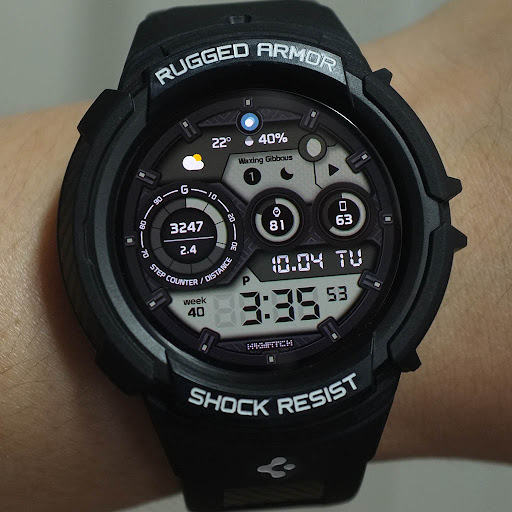
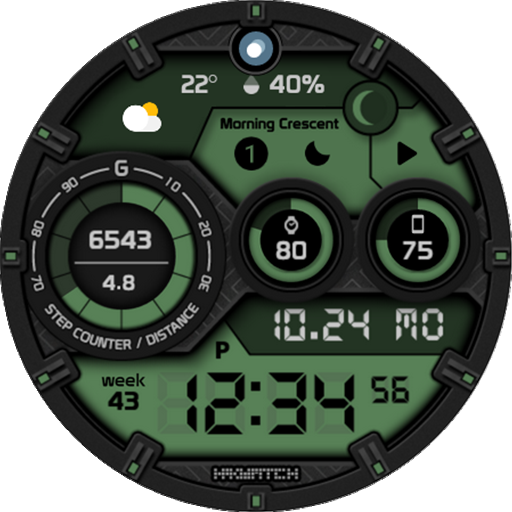
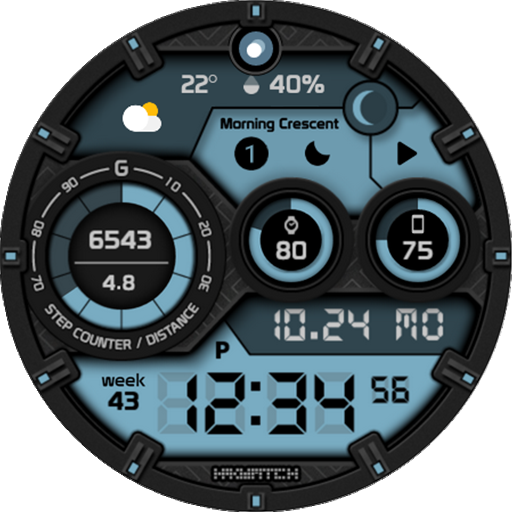
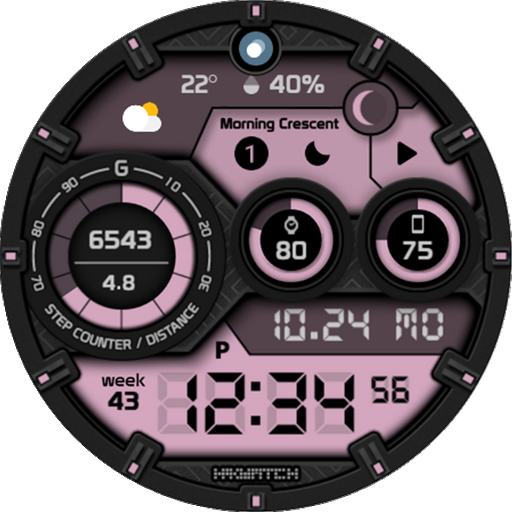
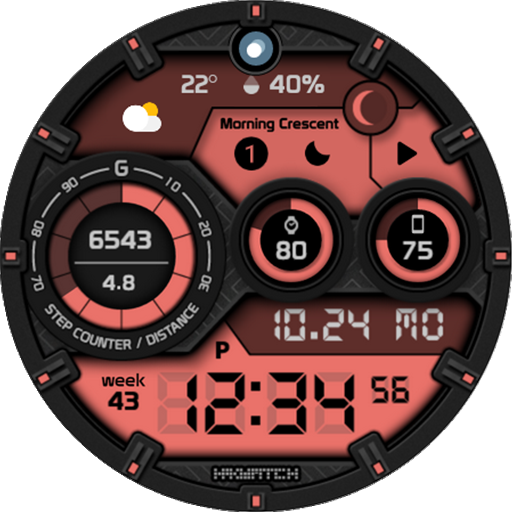
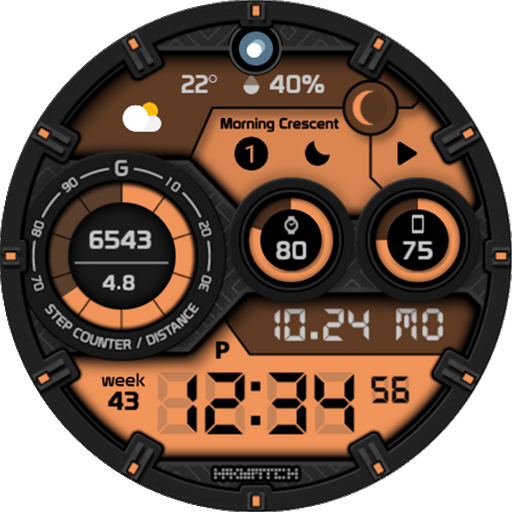
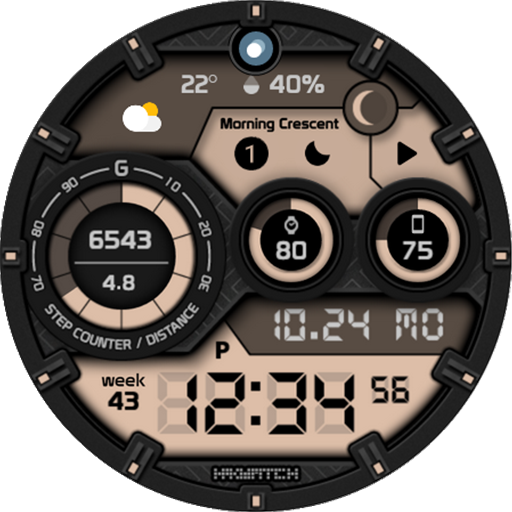
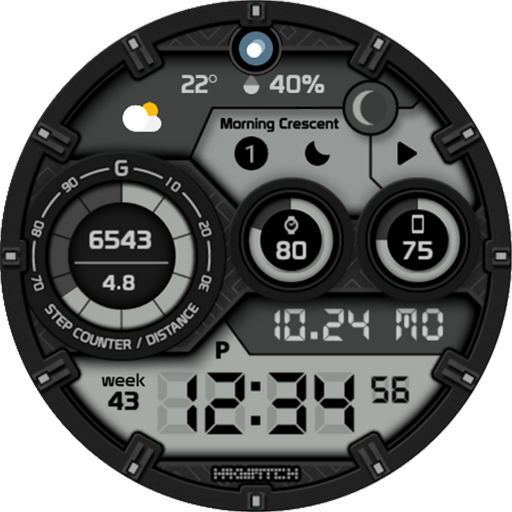
The HMKWatch Digital 266 app solves the problem of bland and cluttered watch faces by offering a convenient and clear digital watch face, making it ideal for users who value simplicity and ease of use. This app benefits users who are looking for a straightforward and easy-to-read watch face, particularly those who prioritize functionality over customization. Compared to alternatives in the Personalization category, HMKWatch Digital 266 stands out with its minimalist design, but may fall short in terms of customization options. With a well-received user rating of 4.2/5, this app has demonstrated its value to users.
Pros
- The app has a high user rating of 4.2/5, indicating a well-received and reliable product, which suggests that the developer has done a good job in meeting user expectations.
- With over 1,000 downloads, the app has demonstrated some level of social proof, suggesting that it has been tested and validated by a reasonable number of users.
- The app does not contain ads, providing a clean and uninterrupted user experience, which is a significant advantage for users who value simplicity and ease of use.
- The app requires zero permissions, minimizing potential privacy concerns and ensuring that users' data is protected.
- The paid model of $1.49 is a one-time fee, providing a hassle-free experience without in-app purchases or subscriptions.
Cons
- The app's limited customization options may not appeal to users who prefer a high degree of personalization, which could be a significant drawback for some users.
- The lack of transparency regarding the app's update frequency and developer support may raise concerns about the app's long-term viability and potential bugs or issues.
- The app's compatibility with various devices may vary, which could lead to inconsistent performance or compatibility issues, and users should be aware of this potential risk.
- The developer's website is an Instagram page, which may not provide the same level of professional credibility as a dedicated website, and users may need to rely on other sources for support or information.
Best for: The ideal user for the HMKWatch Digital 266 app is likely an individual who values simplicity, ease of use, and a clean design, such as a busy professional or an older adult who prioritizes functionality over customization, and is willing to pay a one-time fee for a reliable and ad-free experience.
Developer Description
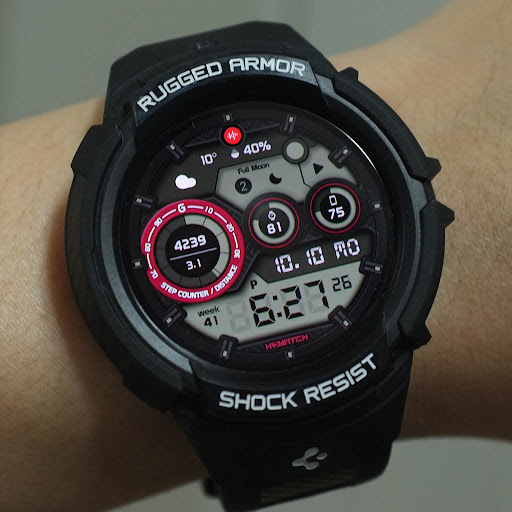
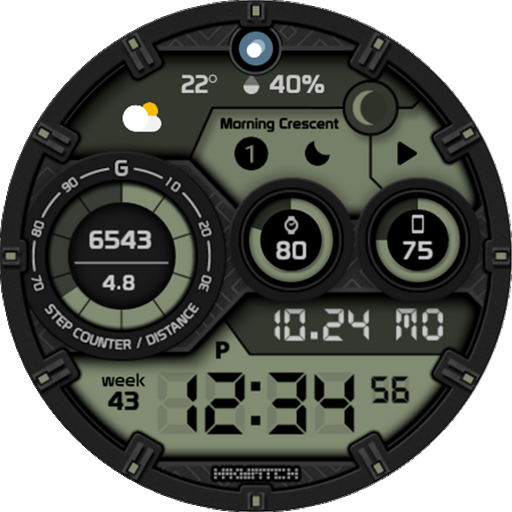
Convenient and clear digital watch face
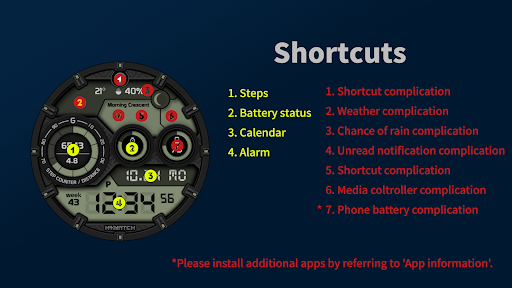
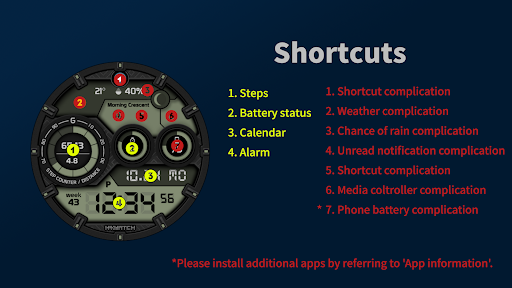
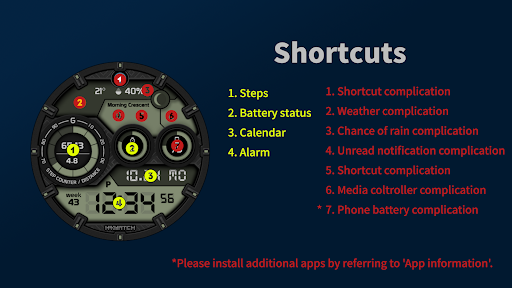
* Please install additional apps by referring to 'About this app'.
=======================================================
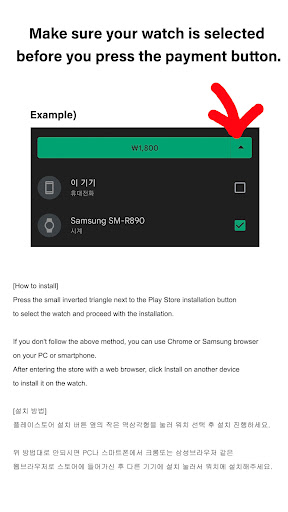
[How to install]
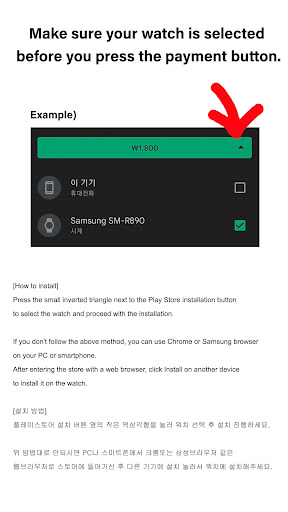
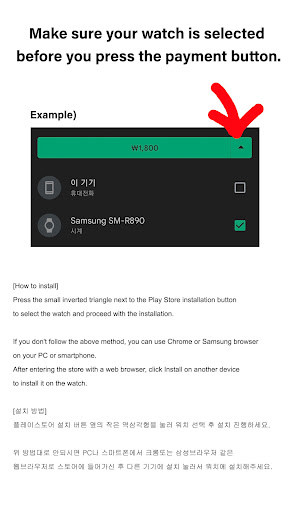
Make sure your watch is selected first before you press the payment button.
Press the small black triangle next to the Payment button to select the watch.
If you don't follow the above method, you can use Chrome or Samsung browser on your PC or smartphone.
After entering the store with a web browser, click Install on another device to install it on the watch.
After the release of Watch 5, a new UI was applied to Watch 4.
The newly installed watchface can be found in the following ways.
1. Press and hold the watch screen to enter the 'Frequently Used Watch Face List'.
2. Turn it to the rightmost and press 'Add watchface'.
3. Then, enter the 'Installed Watchface List'.
4. Find and select the watch face you purchased.
=======================================================
[Additional installation app]
1. Smart phone battery app (Free app)
Please install the additional app of the link below on the watch and smartphone, and set up the complication.
If the link does not open, please search for the 'Phone Battery Complication' app and install it.
https://play.google.com/store/apps/details?id=com.weartools.phonebattcomp
2. Complications Suite - Wear OS (Free app)
https://play.google.com/store/apps/details?id=com.weartools.weekdayutccomp
3. Heart Rate Complication (Paid app)
https://play.google.com/store/apps/details?id=com.weartools.heartratecomp
4. Health Services Complications (Paid app)
https://play.google.com/store/apps/details?id=com.weartools.hscomplications
All credits goes to original app creator:
amoledwatchfaces - https://play.google.com/store/apps/dev?id=5591589606735981545
=======================================================
Get new news from my Instagram.
www.instagram.com/hmkwatch
https://hmkwatch.tistory.com/
Please send me an email if you have any errors or suggestions.
hmkwatch@gmail.com
Privacy
Given that the app requires zero permissions, the risk of data collection is minimal, and users can be confident that their data is protected. However, as with any app, it's essential to review the developer's privacy policy and terms of service to understand their data handling practices. Users should also be cautious when downloading apps from unknown sources and ensure they are downloading from a trusted repository.
Tips
To get the most out of this app, users should first ensure their device is compatible and meets the app's system requirements. Additionally, users can optimize performance by closing unnecessary apps and background processes, and they can also explore the app's settings to customize the watch face to their preferences. By following these tips, users can enjoy a seamless and efficient experience with the HMKWatch Digital 266 app.
Version Information
- Version
- -
- Downloads
- 1K+
- Updated on
- Jul 28, 2025
- Released
- Oct 3, 2022
- Requires
- Android Varies with device
Statistics
Google Play Rating History
Rating Distribution
Downloads Over Time
HMKWatch Digital 266 has been downloaded times. Over the past 30 days, it averaged downloads per day.
Shaded area shows 30-day prediction based on historical trends
Historical data collection started recently. More data points will be available over time.
HMKWatch Digital 266 users say on Google Play
 SirDudley23
A+++
 Sreenath Gopinathan
Moon phase not updating
 James Johnson
None of the complications work on Samsung watch 7
ApkTrusted Ratings & Reviews
More from HMKWatch
See more apps
HMKWatch Analog 169
Paid
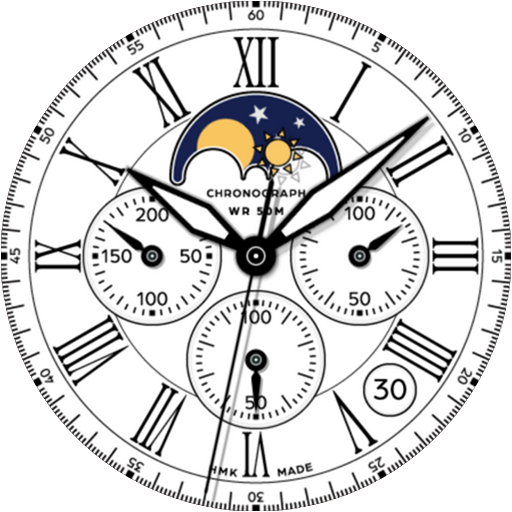
HMKWatch Analog 152
Paid

HMKWatch Analog 264
Paid

HMKWatch Analog 267
Paid

HMKWatch Analog 160
Paid

HMKWatch Christmas 04
Paid

HMKWatch Analog 265
Paid

HMKWatch Analog 266
Paid

HMKWatch Digital 045
Paid

HMKWatch Analog 268
Paid

HMK WD047
Paid

HMK AD038
Paid
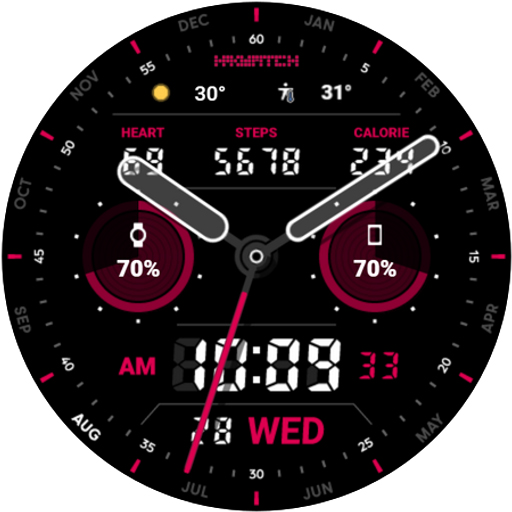
HMK AD039
Paid

HMKWatch Analog 023
Paid

HMKWatch Analog 032
Paid
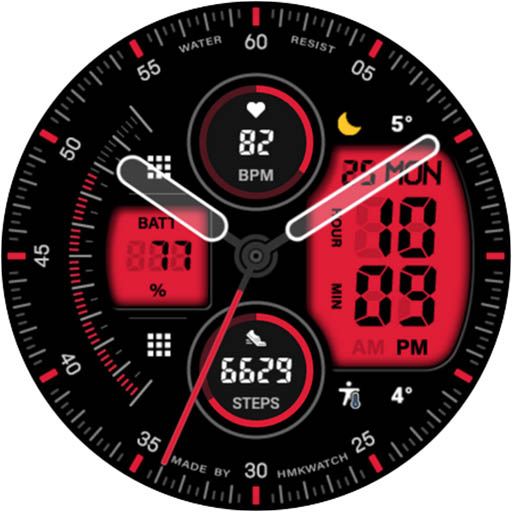
HMKWatch Analog 033
Paid
Similar Apps

KRONOS ARD Watch Face
Free

DARDONUS CTS28 Watch face
Paid

Hybrid RUMINT URX33 Watch face
Paid
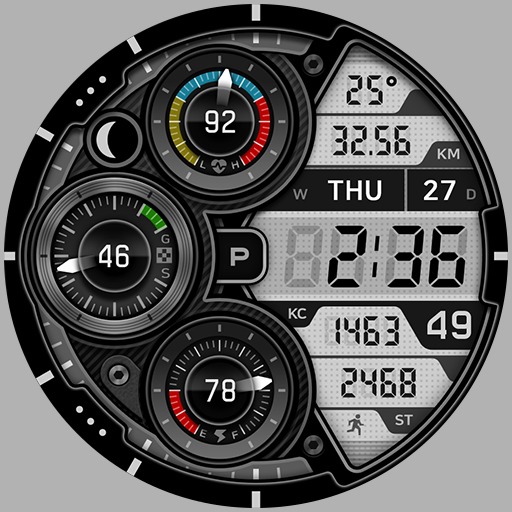
BRN132 - TRICLE
Paid

DIGI FRAMONT CTS29 Watch face
Paid

TROPILA CTS11 Watch face
Paid
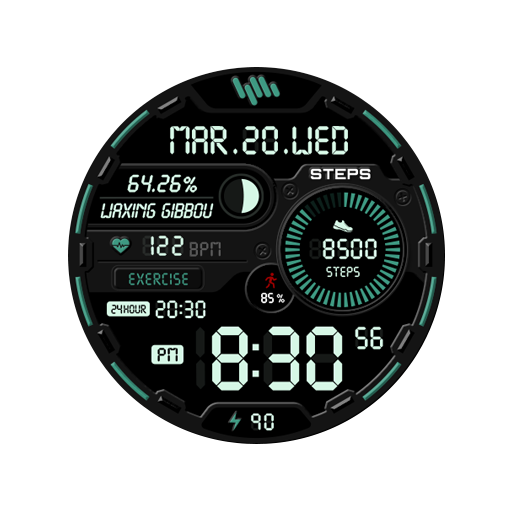
SamWatch Digital E 2021 B
Paid
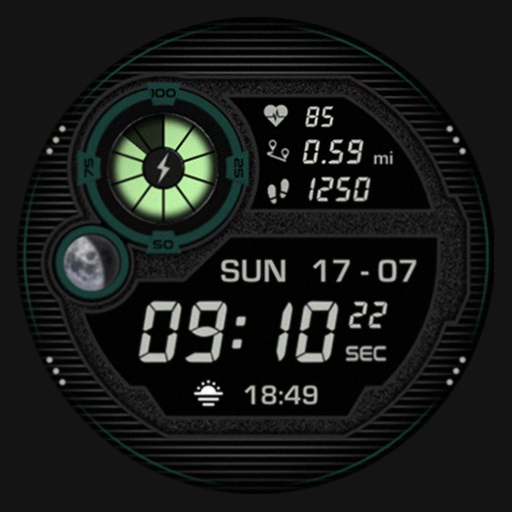
SG-107
Paid
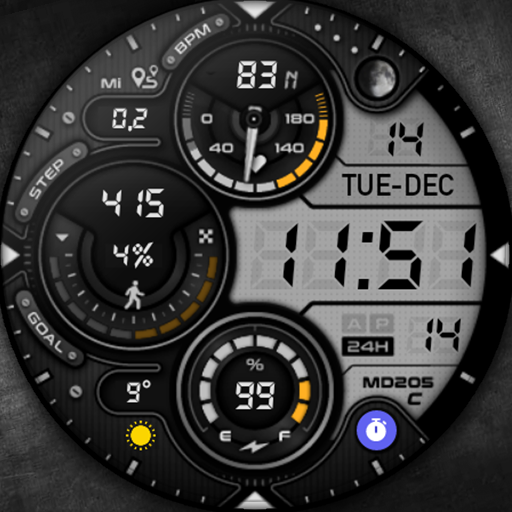
MD205: Digital watch face
Paid

RHS 17 WRX
Paid

SG-55
Free
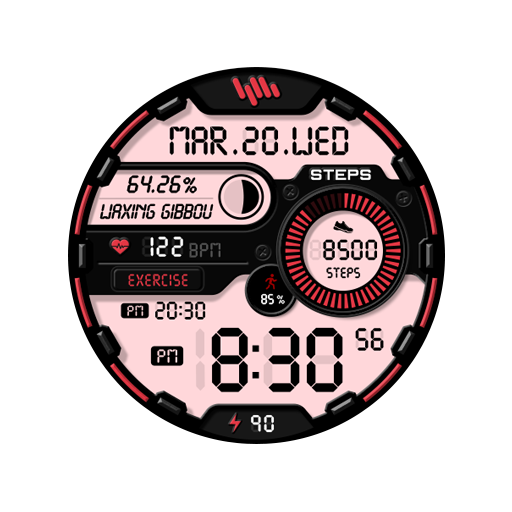
SamWatch Digital E 2021
Paid
Hybrid NURDA URX51 Watch face
Paid

SH054 Watch Face, WearOS watch
Free

Hybrid TRUNG URX137 Watch face
Paid
Retro Dim Texture ZKin Watch
Paid
Scan this QR code to download

Forwarding you to the page at Google Play market in seconds...
Open Google Play market now