
IC Dream Classic vVARY
Instant covering
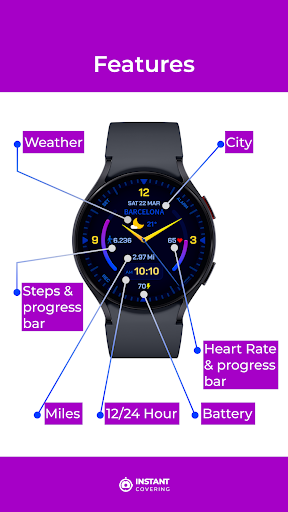


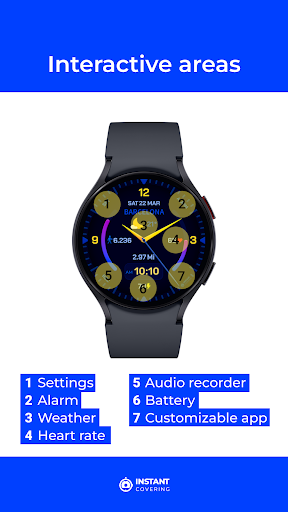


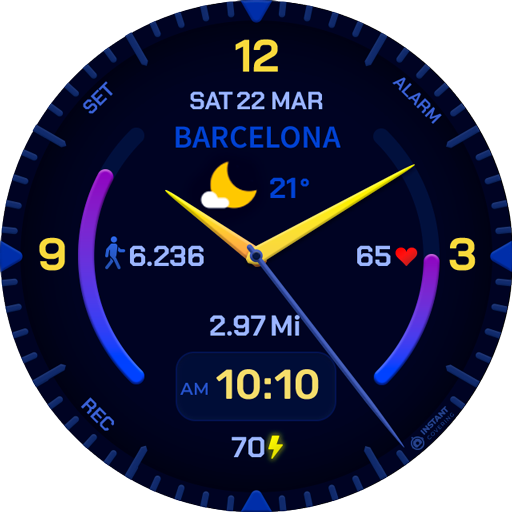
About this app
Developer Description
The premium experience
For all Wear OS devices.
Buy the app and Install it on your Phone.
Open "IC Dream Classic" app
Tap on the "Install on Watch" button.
In your Watch, tap the "Install" button.
Then you can go to the app that manages your Watch device on your Phone.
Go to Watch Faces, then scroll down to "downloads", and tap over the "IC Dream Classic" app.
That is it!
If you need help with installation, please email: contact@instantcovering.com
Remarks:
Always make sure your watch is paired to your phone when installing.
When it says "installing soon," please wait 3-4 minutes, then check your watch to see if the installation is complete.
Be sure you have all device permissions allowed.
What's New
Version Information
- Version
- -
- Downloads
- 10+
- Updated on
- Oct 26, 2025
- Released
- Apr 5, 2024
- Requires
- Android Varies with device
Statistics
Google Play Rating History
Rating Distribution
Downloads Over Time
IC Dream Classic has been downloaded times. Over the past 30 days, it averaged downloads per day.
Shaded area shows 30-day prediction based on historical trends
Historical data collection started recently. More data points will be available over time.
ApkTrusted Ratings & Reviews
More from Instant covering
See more apps


Similar Apps

DMM18 Diabetic Watch Face
Free
DMM16 Diabetic Watch Face
Free

ZKin Watch Face Colorful Halo
Paid

DMM15 Diabetic Watch Face
Free

Classic Time
Paid
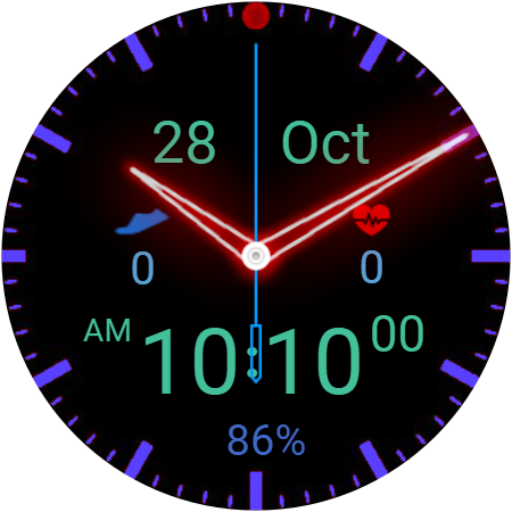
SD01 (Lite) Neon Hybrid
Free

Minima 7 Minimal Watchface
Paid

SD01 (Full) Neon Hybrid
Paid

CNRwatch049
Paid

W-Design WOS037 Watch Face
Free

Minimal Rainbow watch face
Paid

Analog & Digital watch face
Paid

Pars Ion Hybrid Watch Face
Paid

Dualism: Space Watch Face
Paid

IA89 Analog-Digital Watchface
Paid
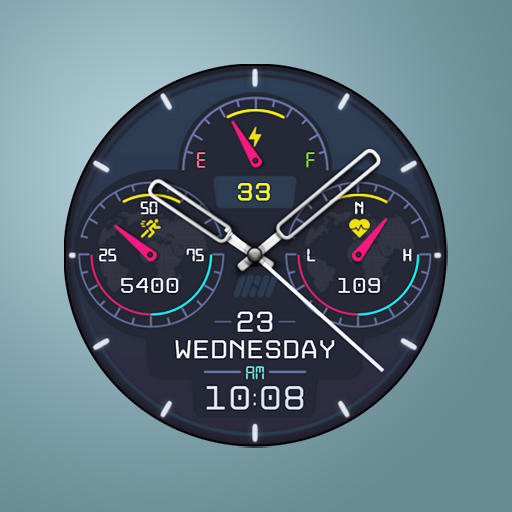
Tancha S46 Hybrid Watch Face
Paid
Scan this QR code to download

Forwarding you to the page at Google Play market in seconds...
Open Google Play market now