
INTEL HUD - animated health vVARY
Enkei Design






About this app
Developer Description
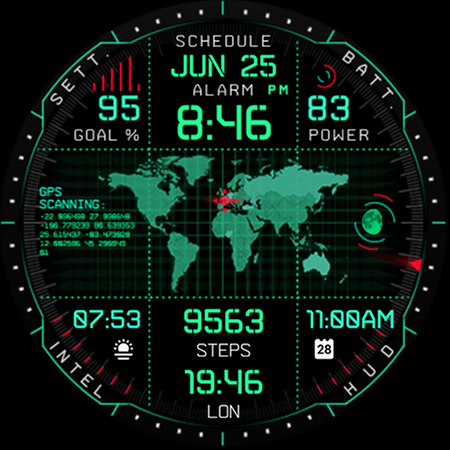
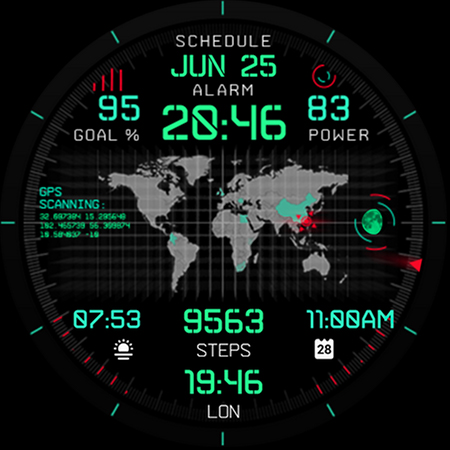

Digital & animated, simulating advanced military tech, right on your wrist!
Powered by Watch Face Format - offering expanded customization options and useful features!
Made only for devices running Wear OS 5.0 and newer versions (API 34+)
Please install only to your watch device.
Phone companion app serves only to help direct installation to your watch device.
Buy-One-Get-One PROMOTION
https://www.enkeidesignstudio.com/bogo-promotion
FEATURES:
- Digital clock - 12h/24h
- TAP to open Alarm
- Month and Date - Multi-language
- TAP to open Calendar
- Watch battery %
- TAP to open Battery info
- Daily Steps goal % - Syncs with the health app
- TAP to open Settings
- Moon phase indicator - Shows all 28 phases
- TAP to open Custom app shortcut
- 4 Customizable short-text indicators
- Steps by default
- World Clock by default
- Sunrise/Sunset by default
- Next event by default
- Central Map with animation
- TAP left, right or middle square to select app for Custom app shortcut
- Battery efficient AOD
- Uses just 4% - 6% active pixels
- Long-press to access Customize menu:
- Central Map - 6 options
- Borders - 6 options
- The Grid- 6 options
- Index - 6 options
- Complications
- 4 Custom indicators
- 3 Custom app shortcuts
INSTALLATION TIPS:
https://www.enkeidesignstudio.com/how-to-install
CONTACT:
info@enkeidesignstudio.com
E-mail us for any questions, issues or general feedback. We're here for you!
Customer satisfaction is our main priority, we make sure to respond to each e-mail within 24 hours.
More watch faces:
https://play.google.com/store/apps/dev?id=5744222018477253424
Website:
https://www.enkeidesignstudio.com
Social media:
https://www.facebook.com/enkei.design.studio
https://www.instagram.com/enkeidesign
This watch face is also available for Tizen OS smartwatches on Samsung Galaxy Store:
https://galaxy.store/intelhud
Thank you for using our watch faces.
Have a great day!
What's New
Update 1.17.1 for Wear OS (Watch face)
- Powered by Watch Face Format
- Target API level 34
HELP/INFO:
info@enkeidesignstudio.com
Thank you!
Version Information
- Version
- -
- Downloads
- 10K+
- Updated on
- Jul 29, 2025
- Released
- Sep 27, 2021
- Requires
- Android Varies with device
Statistics
Google Play Rating History
Rating Distribution
Downloads Over Time
INTEL HUD - animated health has been downloaded times. Over the past 30 days, it averaged downloads per day.
Shaded area shows 30-day prediction based on historical trends
Historical data collection started recently. More data points will be available over time.
INTEL HUD - animated health users say on Google Play
 Wes Short
Finally. An informative and fun watch face. I've had my Galaxy 4 Classic since launch and it was only after installing this watch face did anyone ask me about the watch. At least a dozen times now. Everything you need at a glance while feeding your special forces/spy fantasy. Would love more color options and maybe a nuclear strike easter egg. However it's still perfect as is
 Andrew James
I really love the look and functionality of the watch face on my Galaxy Watch 4. It is almost perfect. The only thing I wish could be changed, is a constant HRM. Other watch faces can show continuous HRM, so I hope one day the dev will update this one so it can too.
 Josh Ward
The watch face it self is amazing, truly better than described in the about info. The process to get it to actually download and show up on your watch? Not amazing. I had to go thru the down load process three times to get it show up on my watch.
 Long de Vera
Cannot be installed on my watch 4. Tried reinstalling it 2x.
 M W
M W
This looked cool but it completely hosed my watch after activating it - non-responsive/slow-response - had to factory reset and reinstall everything - buyer beware Brand new watch, completely up to date, latest processor - still freezing and blanking screen and not responding - buyer beware
ApkTrusted Ratings & Reviews
More from Enkei Design
See more apps
Cyber Cargo - animated health
Paid
Dark Sunset hybrid watch face
Paid

Cyber Agent - health animated
Paid
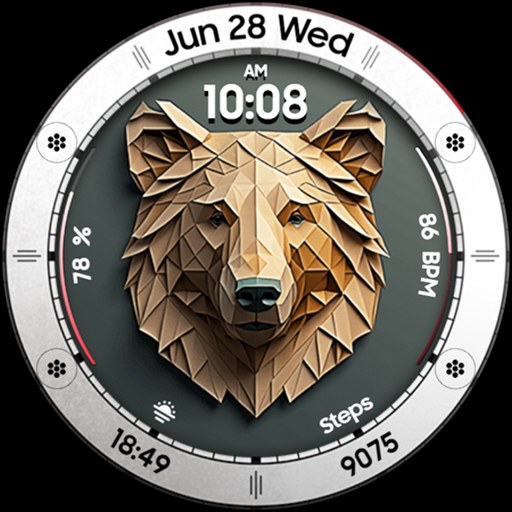
Bear Accessory - watch face
Paid

Christmas Magic - watch face
Paid

Cyberoid Ultra - watch face
Paid

Alpha Dark - modern minimalist
Paid
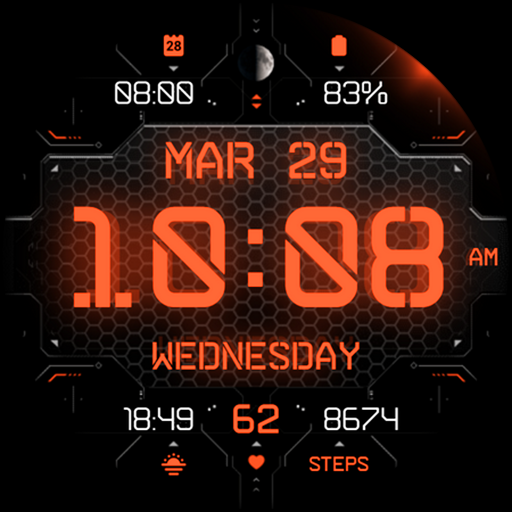
Cyber Carbon - digital health
Paid

Boop Lite - colorful hybrid
Free
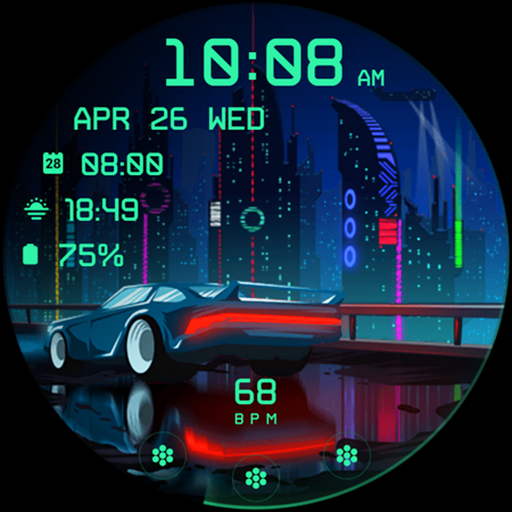
Cyberpunk Ambient - watch face
Paid

Boop - colorful hybrid watch
Paid
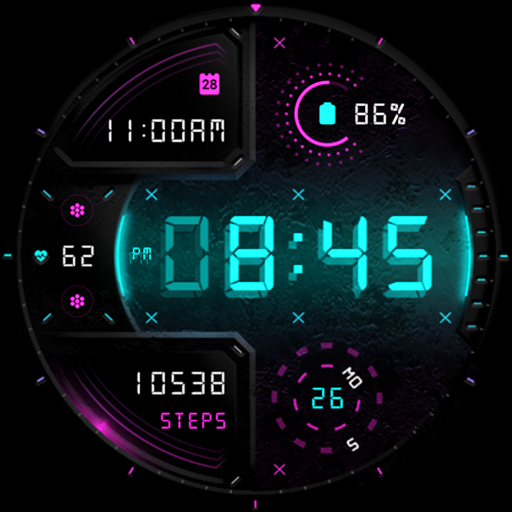
Cyber Digit - digital colorful
Paid

Cyber Phantom - watch face
Paid
Bond 3.0 - digital minimalist
Free

Archeus - analog animated
Paid

Ambient Lights - animated
Paid
Scan this QR code to download

Forwarding you to the page at Google Play market in seconds...
Open Google Play market now