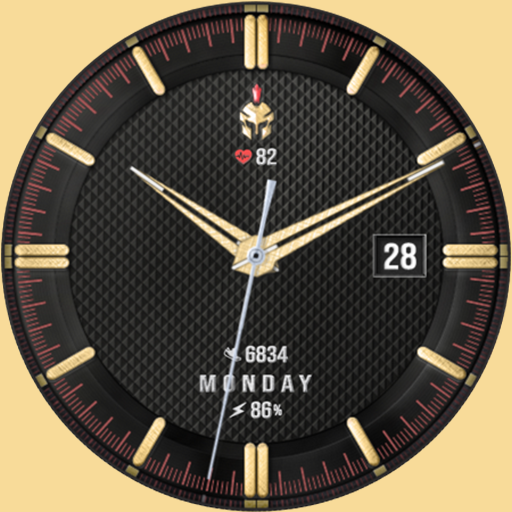
The Misthios Watch Face v2.0.3
SPRAKENTURN










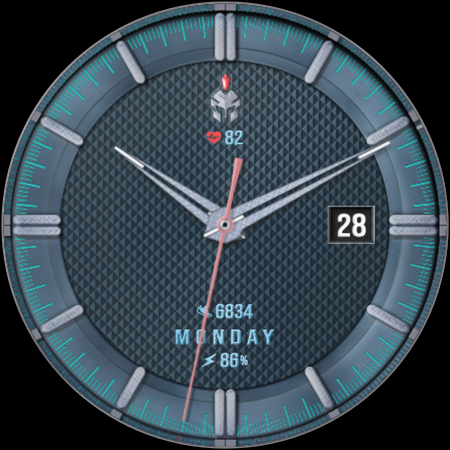
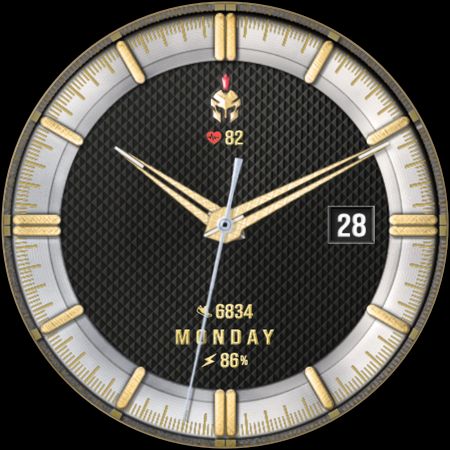


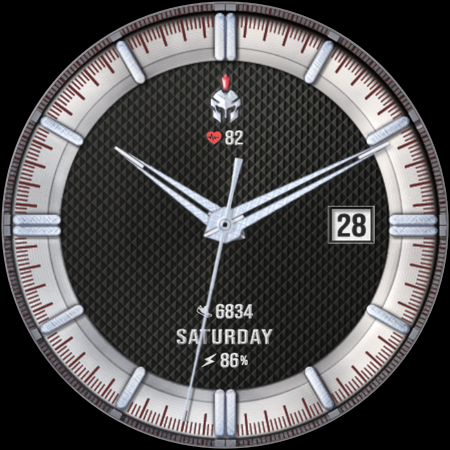
About this app
Developer Description
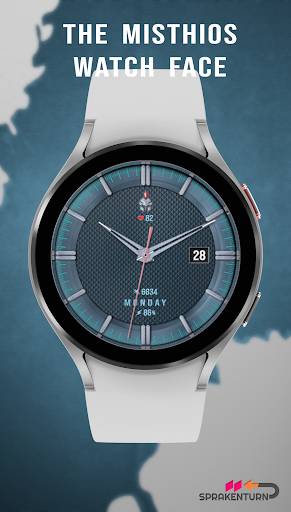
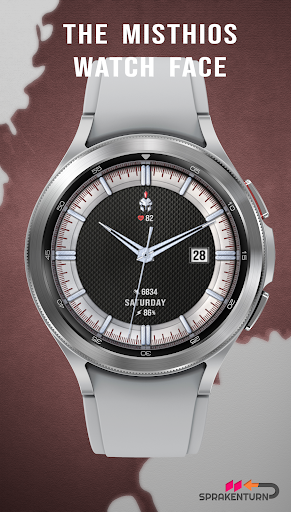
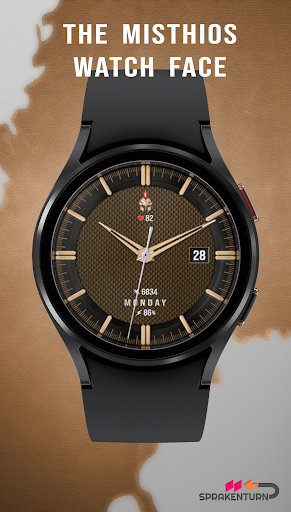
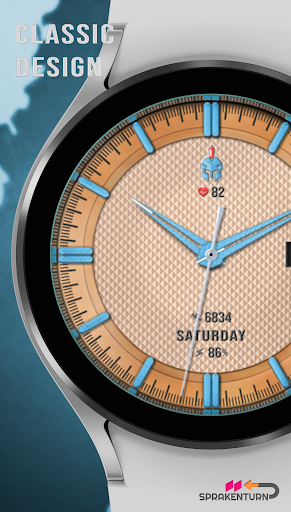
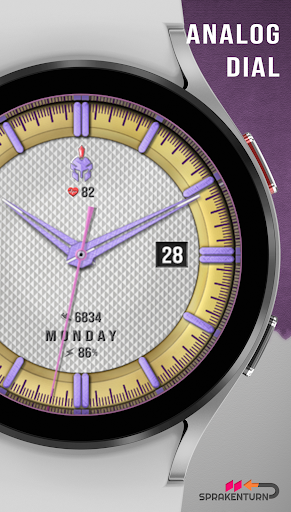
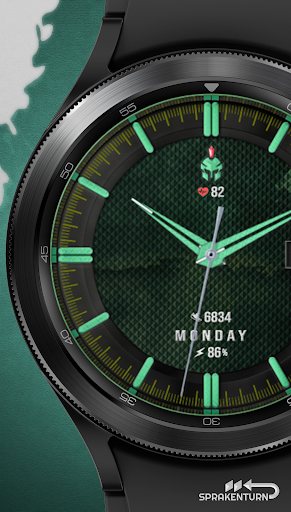
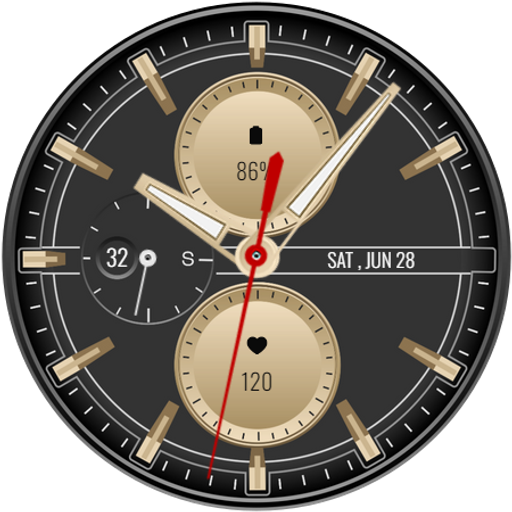
Simple analog watch face for your Wear OS watch
✰ Features:
- Analog dial for time
- Heart rate, steps, day of the week and battery information
- Customization (dial background, frame, hour marker and dial hands colors)
- 4 preset app shortcut (heart rate, battery, steps and calendar/events)
- 8 custom shortcuts to access your favorite widget
- Always on display now synced to your active colour theme and can be dimmed down to save more battery (brightness options)
INSTALLATION:
1. Make sure your watch is connected to your smartphone (Bluetooth) with same GOOGLE account.
2. In Play Store App, select your watch as targeted device for installation. The watch face will be installed on your watch.
3. After installation, if your active watch face is not replaced. Follow these 3 SIMPLE STEPS before you comment not working.
3.1- Long press on your current watch face --> swipe to right until --> "Add watch face" (+/plus sign)
3.2- Scroll down and look for "Downloaded" section
3.3- Search and click on your new watch face to activate it - and that's it!
SETTING UP SHORTCUTS/BUTTONS:
1. Press and hold the watch display.
2. Tap customize button.
3. Swipe from right to left until you reach the "complications".
4. The 8 shortcuts are highlighted. Click on it to set what you want.
CUSTOMIZATION OF DIAL STYLE e.g. BACKGROUND, INDEX ETC:
1. Press and hold display then hit "Customize".
2. Swipe left and right to choose what to customize.
E.g. Background, Index frame etc.
3. Swipe up and down to choose options available.
For bugs, comments or suggestions, don't hesitate to contact me at (sprakenturn@gmail.com). If you like this watch face hope you wouldn't mind leaving a review. Thanks for your support!
What's New
- Updated target SDK Requirement (technical)
Version Information
- Version
- 2.0.3
- Downloads
- 1K+
- Updated on
- Sep 26, 2025
- Released
- Oct 12, 2023
- Requires
- Android Varies with device
Statistics
Google Play Rating History
Rating Distribution
Downloads Over Time
The Misthios Watch Face has been downloaded times. Over the past 30 days, it averaged downloads per day.
Shaded area shows 30-day prediction based on historical trends
Historical data collection started recently. More data points will be available over time.
The Misthios Watch Face users say on Google Play
 aaron walker
HELPED ME MENTALLY.
 Cool MuThaFuka
can't figure out how to get the face i paid for on my watch. lol
 Kevin Reeve
Getting this face to even install was a struggle. Once installed I found it impossible to customize the face as advertised. It kept freezing my wearable app on my phone as well as my watch. On the plus side the visual design is extremely good. I wanted this to be good. I liked it so much. I probably would have kept it as my permanent watch face. Refunded and uninstalled.
 robert brunetto
I paid for the watch face 3 times and still won't go to my watch,do not waste your money you won't be able to install the watch face anyway.
ApkTrusted Ratings & Reviews
More from SPRAKENTURN
See more apps
Rogue Moon Phase Watch Face
Paid

Bangkero Panda Watch Face
Paid

SPRAK Icarus Blaze Watch Face
Paid

Icarus Watch Face
Paid

SPRAK Lagoon Watch Face
Paid

Misthios Panda Watch Face
Paid

SPRAK Phantom Watch Face
Paid

SPRAK 925 Ag Moon Watch Face
Paid

The Misthios Watch Face BASIC
Free

SPRAK 143 Dark Moon Watch Face
Paid

Misthios Chronograph WatchFace
Paid

Rogue Watch Face
Paid
Similar Apps

CLA016 Simple Analog Classic
Paid

Retro Rally Watch Face
Paid
S4U Kyoto realistic watch face
Paid
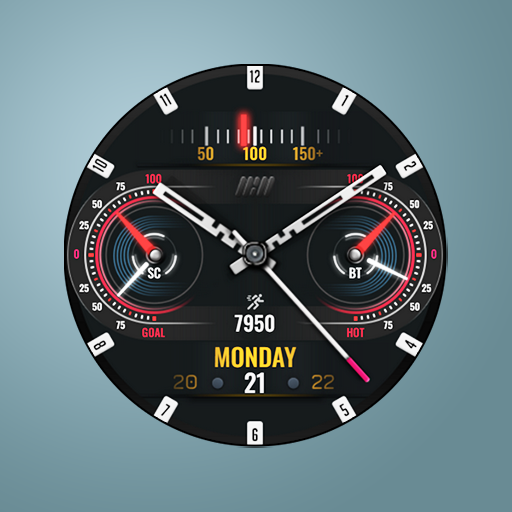
Tancha S60 Analog Watch Face
Paid

PIRATE
Free
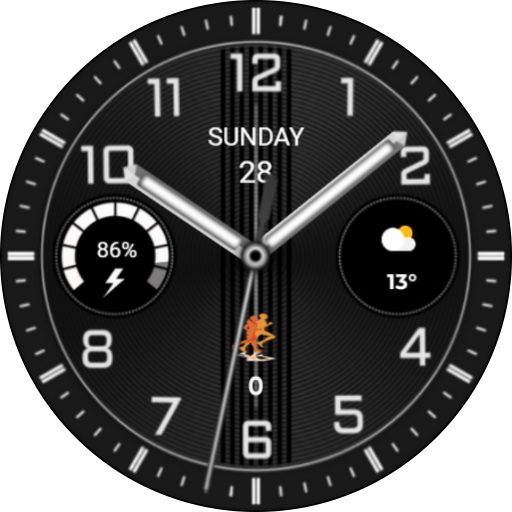
CNRwatch007
Paid

Golden - Watch Face
Paid

ISAAC WATCH Black Pink
Paid
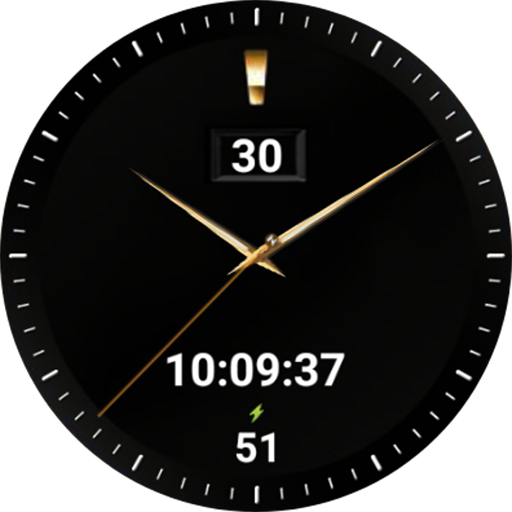
NTV117 - Black Simple Plus
Free

Classic Analog Watch - LUXC01
Free

CLA018 Analog Classic
Paid
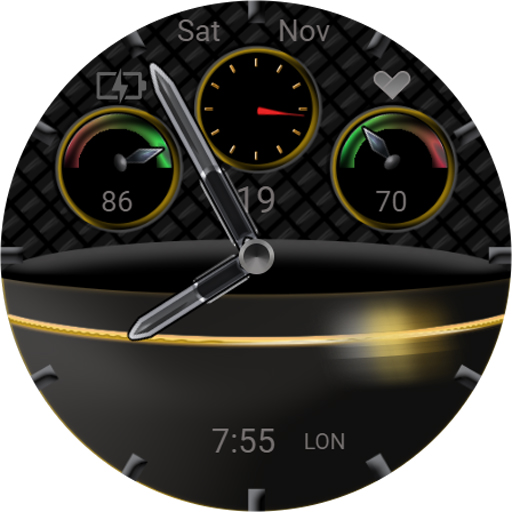
TSD43 Watch Face Wear OS
Free

RHS 88 WR Spincircle
Paid

SamWatch Classic E 2021
Paid

Key WF87 Black Watch Face
Paid
Classic Analog Watch - LUXC04
Free
Scan this QR code to download

Forwarding you to the page at Google Play market in seconds...
Open Google Play market now