
Diver Classic 11 Wear OS 4+ vVARY
OQ Watchfaces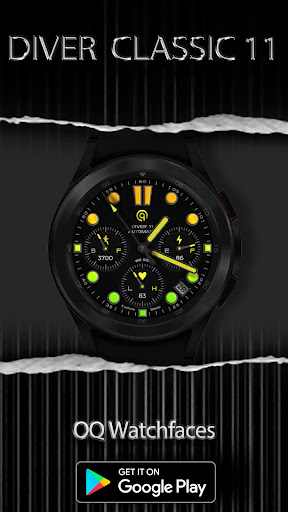




/
About this app
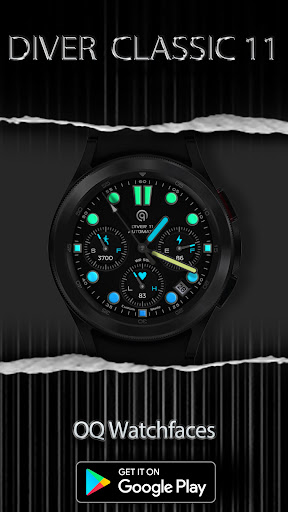
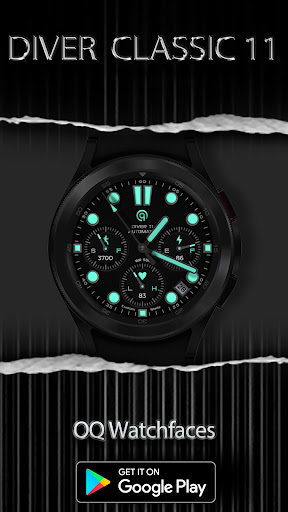
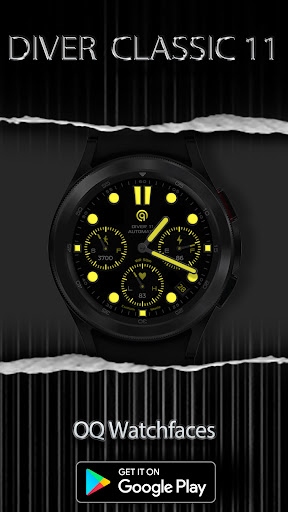
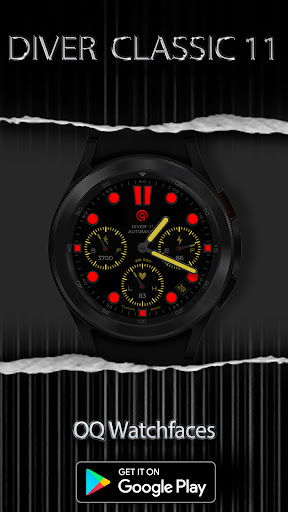
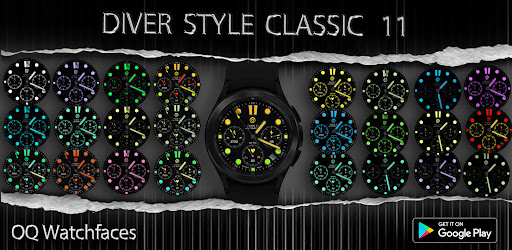
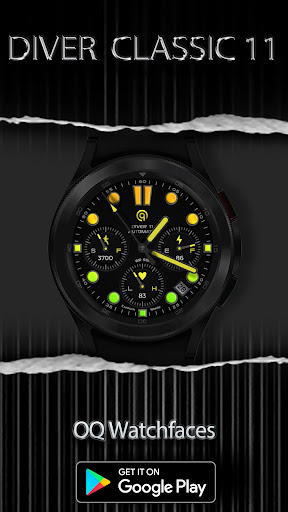
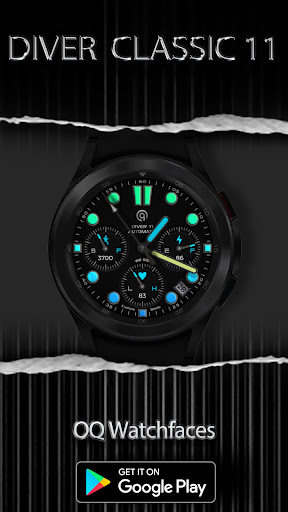
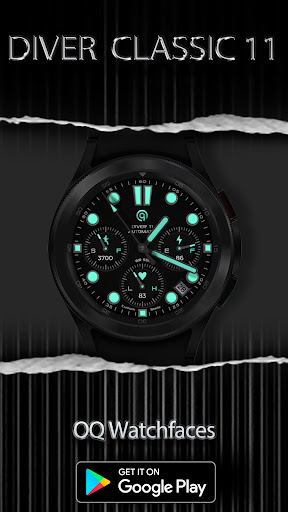
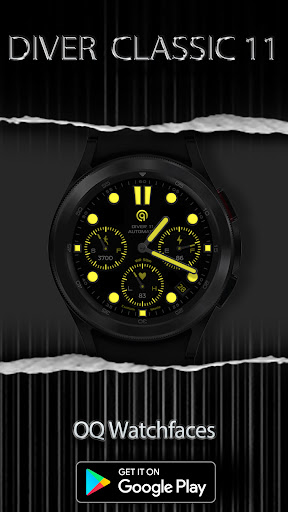
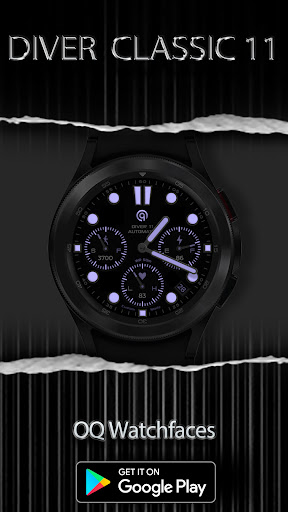
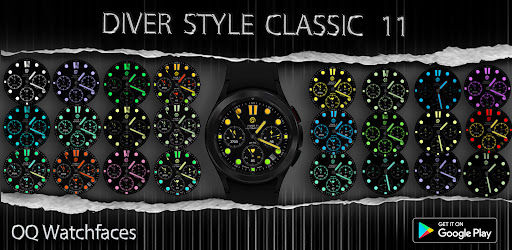
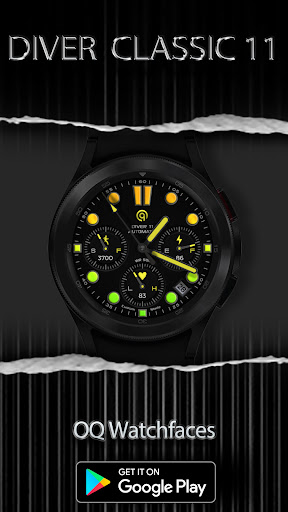
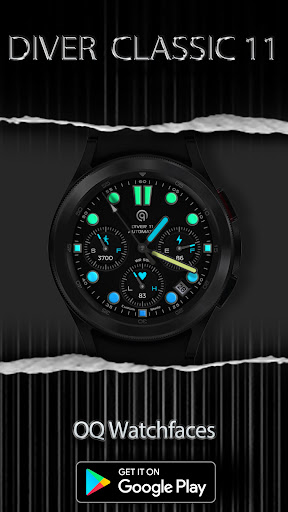
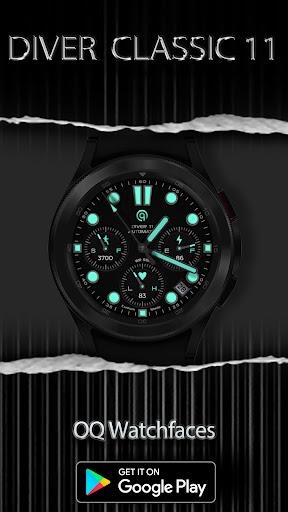
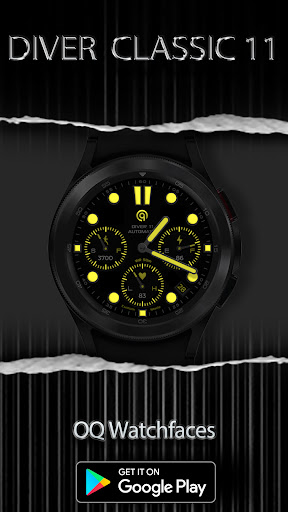
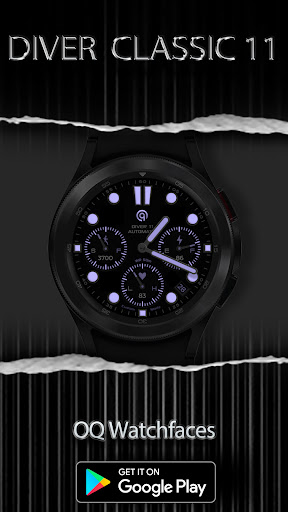
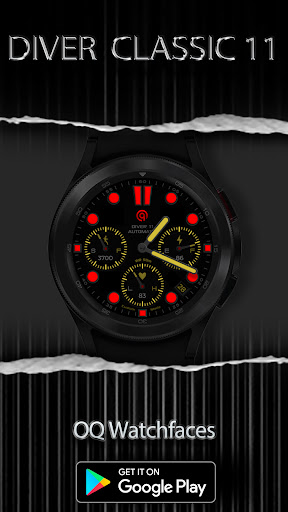
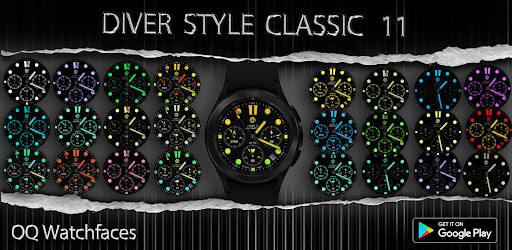
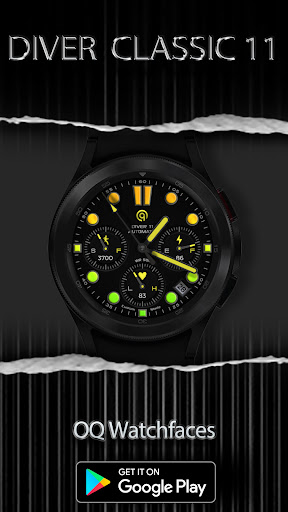
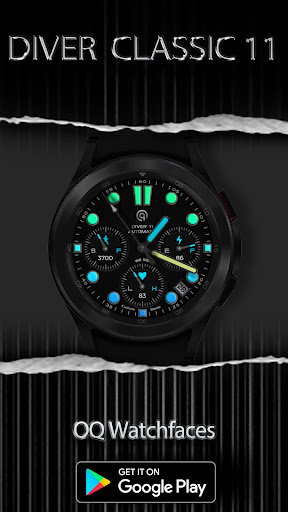
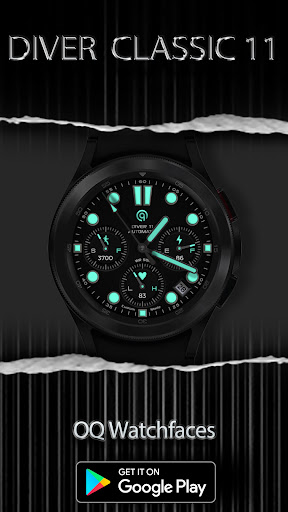
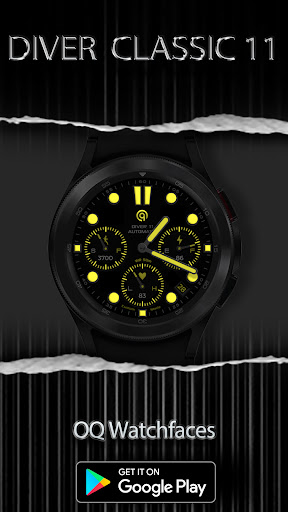
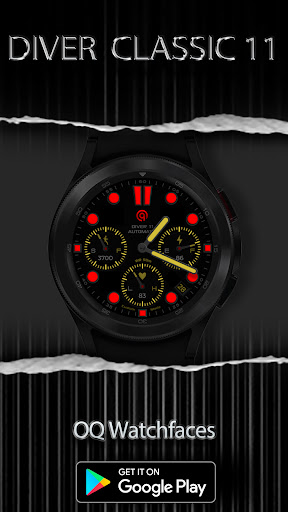
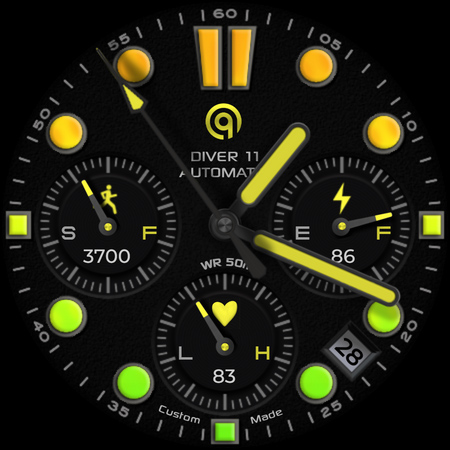
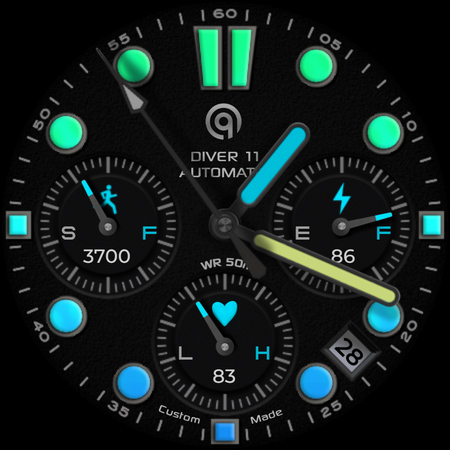
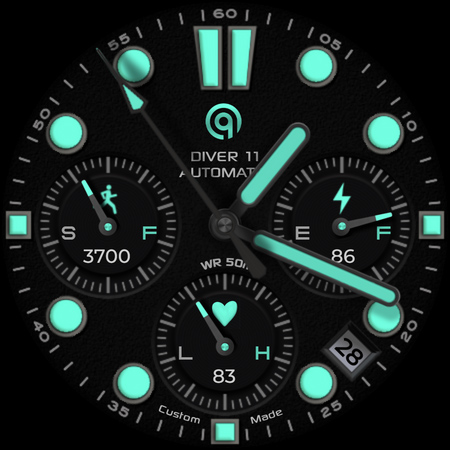
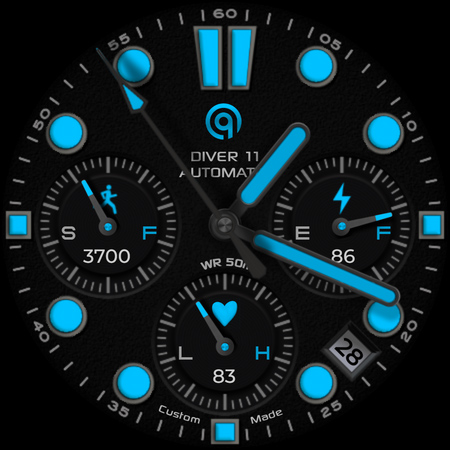
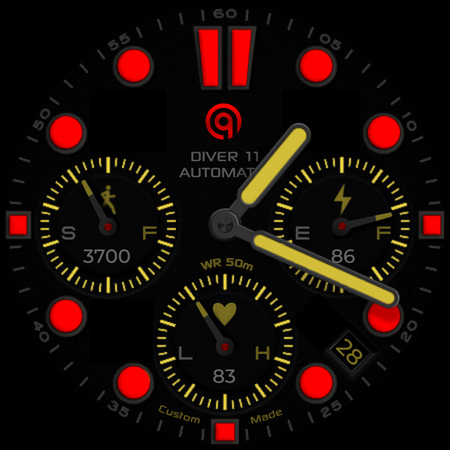
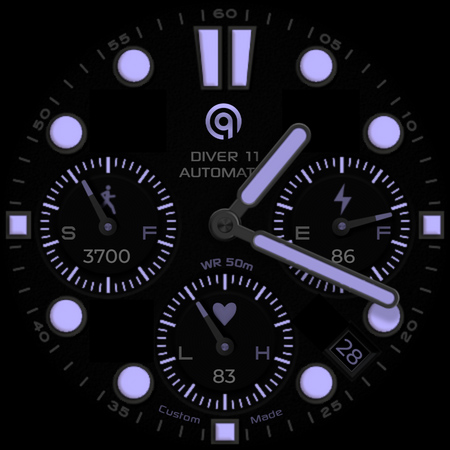
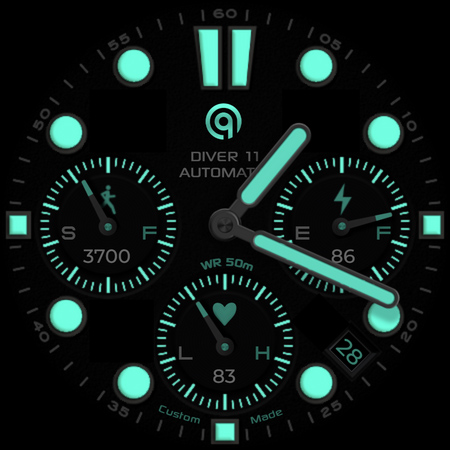
Diver Classic Chrono for wear os 4+ with many color styles including gradients.
=======================================================
NOTICE: READ THIS ALWAYS BEFORE AND AFTER DOWNLOADING OUR WATCH FACE TO AVOID ANY SITUATION YOU DON'T LIKE.
=======================================================
a. This watch face For WEAR OS 4+ contains a lot of options in customization menu.If for some reason it takes time to load customization options in Wearable app wait for at least 8 secs to let load up all customization menu options while opening on Galaxy wearable app.
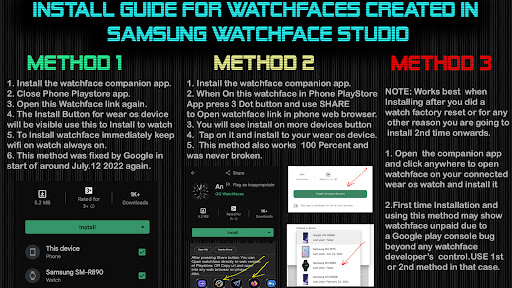
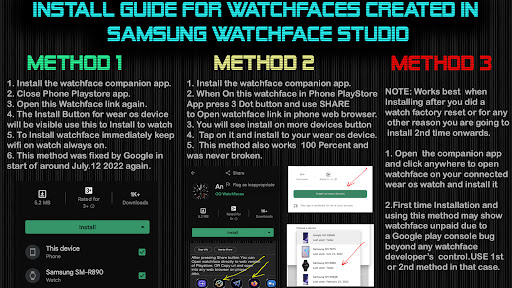
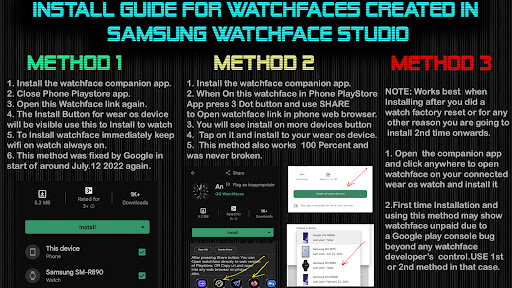
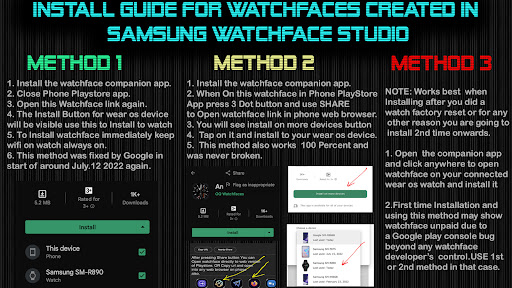
b. INSTALL GUIDE , An effort has be done to make it which is attached as an image with screen previews.It is the 1st image in previews for newbie Android Wear OS Users or for those who do not know how to install the watch face to your connected device. So it is requested to users to read it before posting cannot install statements reviews. If you do not understand it still watch this official video on how to install.
Still cannot Install email be for refund.
https://youtu.be/vMM4Q2-rqoM
c. When installing via Phone Helper App DO NOT PAY TWICE FROM WATCH PLAY STORE . Its a bug in play store just click on watch face when it is opened by helper app. it will say error wait for your purchase to sync and then install button will appear.
The install guide image attached with watch face preview in phone play store app in center shows the method to install the watch face via drop down download button in phone play store app to directly install watch face on your watch.3 x methods 100 percent working to install both phone app and watch app are shown in this install guide image .
=======================================================
FEATURES AND FUNCTIONS
=======================================================
The watch face has following features:-
1. Tap on 6 o clock hour square below heart rate chronometer to open watch Google Play Store App.
2. Tap on 12 o clock hour index bars to open watch Google Maps app.
3. Tap on 5 o clock hour index circle to open watch dial app.
4. Tap on 7 o clock hour index circle to open watch messaging app.
5. Tap on Date Text to open watch Calendar app.
6. 3 x customizable complication for main are also available in customization menu
8. 1 x visible complication shortcut is also available via customization menu which you can set for any other shortcut you want.
9. 3 x invisible complication shortcuts are also available via customization menu which you can set for any other shortcuts you want.
10. Dim Modes are available for main and aod display separately.
11. Outer index minutes color on main and aod is off by default but you can also set it on from customization menu.
12. Chronometer Index color on main and aod is off by default but you can also set it on from customization menu.
13. Tap on 3 o clock hour index square to open watch alarm settings menu.
14. Tap on 9 o clock hour index square to open watch main settings menu.
NOTICE: READ THIS ALWAYS BEFORE AND AFTER DOWNLOADING OUR WATCH FACE TO AVOID ANY SITUATION YOU DON'T LIKE.
=======================================================
a. This watch face For WEAR OS 4+ contains a lot of options in customization menu.If for some reason it takes time to load customization options in Wearable app wait for at least 8 secs to let load up all customization menu options while opening on Galaxy wearable app.
b. INSTALL GUIDE , An effort has be done to make it which is attached as an image with screen previews.It is the 1st image in previews for newbie Android Wear OS Users or for those who do not know how to install the watch face to your connected device. So it is requested to users to read it before posting cannot install statements reviews. If you do not understand it still watch this official video on how to install.
Still cannot Install email be for refund.
https://youtu.be/vMM4Q2-rqoM
c. When installing via Phone Helper App DO NOT PAY TWICE FROM WATCH PLAY STORE . Its a bug in play store just click on watch face when it is opened by helper app. it will say error wait for your purchase to sync and then install button will appear.
The install guide image attached with watch face preview in phone play store app in center shows the method to install the watch face via drop down download button in phone play store app to directly install watch face on your watch.3 x methods 100 percent working to install both phone app and watch app are shown in this install guide image .
=======================================================
FEATURES AND FUNCTIONS
=======================================================
The watch face has following features:-
1. Tap on 6 o clock hour square below heart rate chronometer to open watch Google Play Store App.
2. Tap on 12 o clock hour index bars to open watch Google Maps app.
3. Tap on 5 o clock hour index circle to open watch dial app.
4. Tap on 7 o clock hour index circle to open watch messaging app.
5. Tap on Date Text to open watch Calendar app.
6. 3 x customizable complication for main are also available in customization menu
8. 1 x visible complication shortcut is also available via customization menu which you can set for any other shortcut you want.
9. 3 x invisible complication shortcuts are also available via customization menu which you can set for any other shortcuts you want.
10. Dim Modes are available for main and aod display separately.
11. Outer index minutes color on main and aod is off by default but you can also set it on from customization menu.
12. Chronometer Index color on main and aod is off by default but you can also set it on from customization menu.
13. Tap on 3 o clock hour index square to open watch alarm settings menu.
14. Tap on 9 o clock hour index square to open watch main settings menu.
Version Information
- Version
- -
- Downloads
- 1K+
- Updated on
- Aug 10, 2024
- Released
- Jun 21, 2023
- Requires
- Android Varies with device
What's New
V1.0.5 Change Log:-
1. Watch face updated with Samsung Latest Watch Studio V1.6.10 released on Jul-23-2024 as per Google New Policy To target Android 13 (API level 33) or higher.
2. Step Chronometer needle rotation corrected now whatever step target is selected in Samsung Health App, The needle will auto adjust accordingly.
1. Watch face updated with Samsung Latest Watch Studio V1.6.10 released on Jul-23-2024 as per Google New Policy To target Android 13 (API level 33) or higher.
2. Step Chronometer needle rotation corrected now whatever step target is selected in Samsung Health App, The needle will auto adjust accordingly.
Ratings & Reviews
Developer Response
More from OQ Watchfaces
See more apps
Analog Basic 16 Wear OS 4+
Paid
Analog Basic 12 Wear OS 4+
Paid

Analog Basic 14 Wear OS 4+
Paid

Analog Basic 13 Wear OS 4+
Paid

Digital Basic 4 Wear OS 5+
Paid

Diver Classic 2 Wear OS 4+
Paid

Analog Classic 5 Wear OS4
Free
Analog Basic 21 Wear OS 4+
Paid
Analog Basic 11B Wear OS 5+
Paid

Digital Basic 8 Wear OS 4+
Paid
Analog Basic 16C Wear OS 4+
Paid

Analog Basic 20 Wear OS 4+
Paid

Analog Basic 22 Wear OS 4+
Paid

Analog Basic 23 WEAR OS 4+
Paid

Analog Basic 24 Wear OS 4+
Paid
Analog Basic 25 Wear OS 4+
Paid
Similar Apps
IWF Diver watchface
Paid

IWF AllNew Diver SE
Free

EXD062: Omega Tourbillon Face
Paid

CELEST5541 Diver Watch
Paid

Watch Face WF134
Paid

Sevian : Diver Watch Face
Paid

CELEST5410 Diver Watch
Paid

JW230 LUMINOUS
Paid
JW109 jwstudio
Paid

CELEST5431 Diver Watch
Paid

HMKWatch Analog 265
Paid

Watch face M14
Paid

Gradient Watchface —NDW075
Paid
Pro Diver Luminous
Paid

ULTRA Diver watch face
Paid

KZY114
Paid