
Aviator's Watchface Wear OS 4+ vVARY
OQ Watchfaces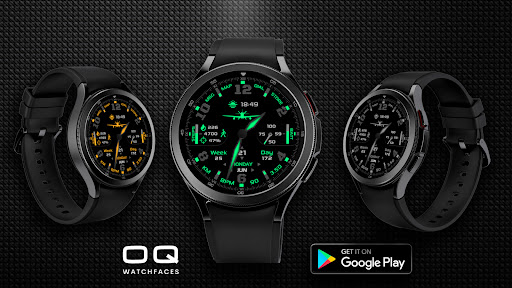



About this app
Developer Description
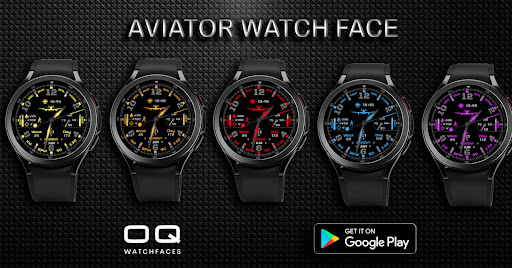
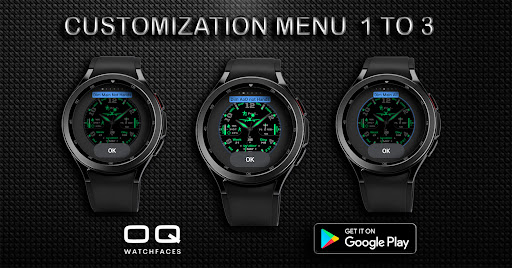
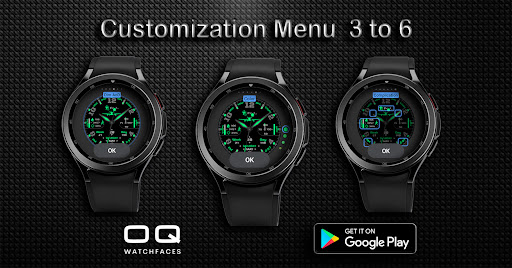
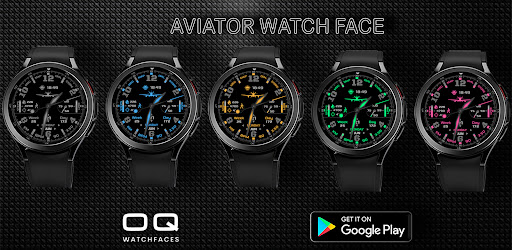
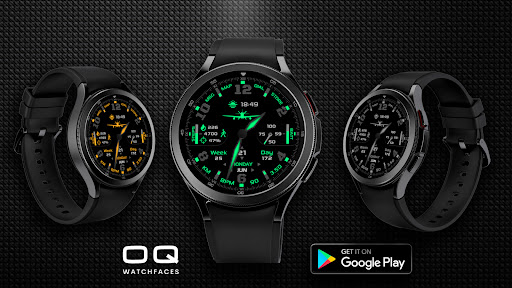
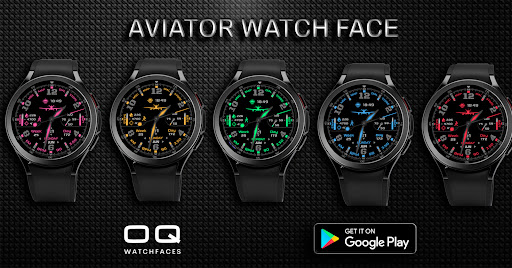
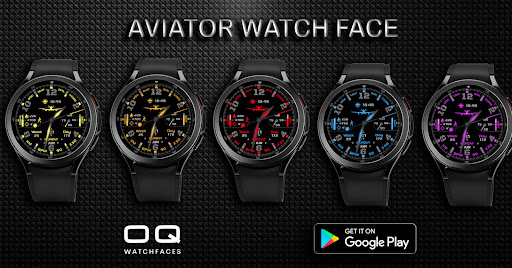
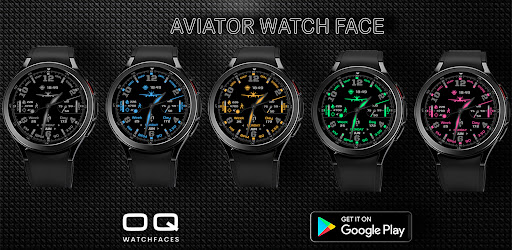
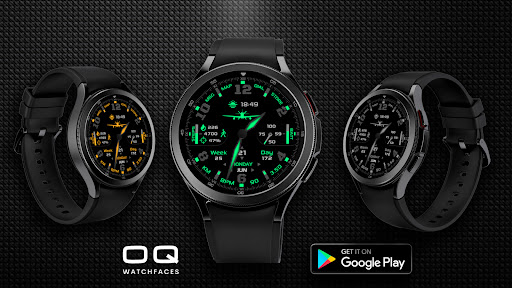
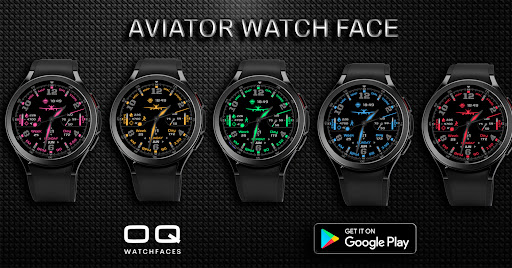
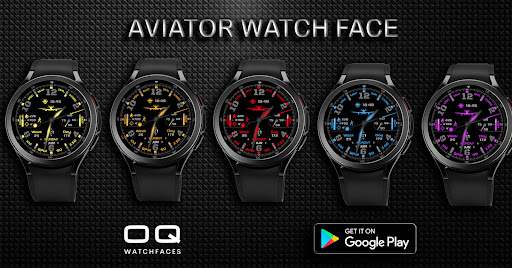
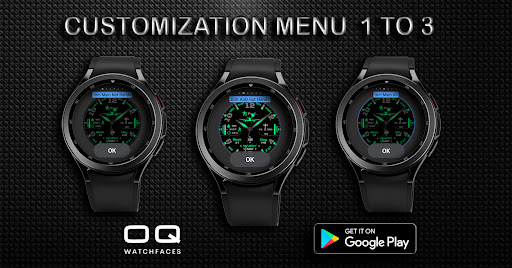
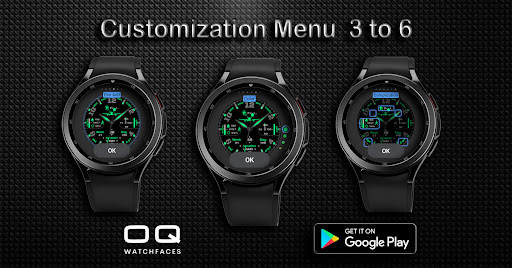
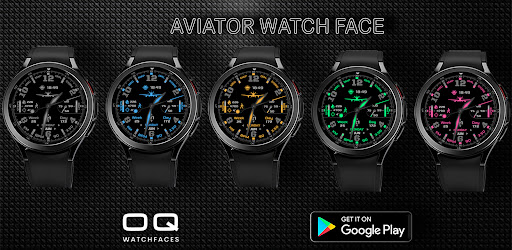
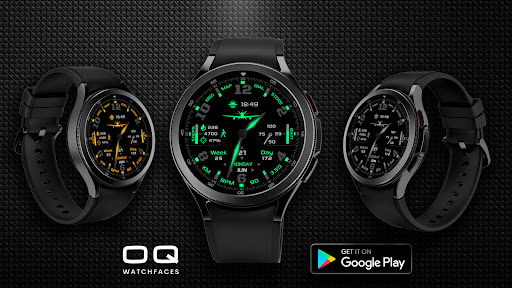
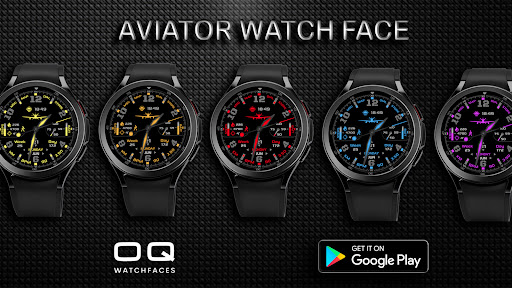
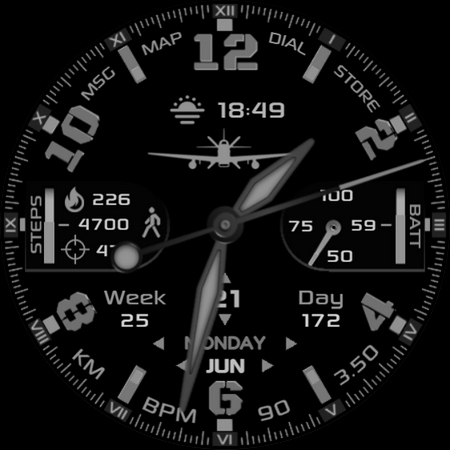
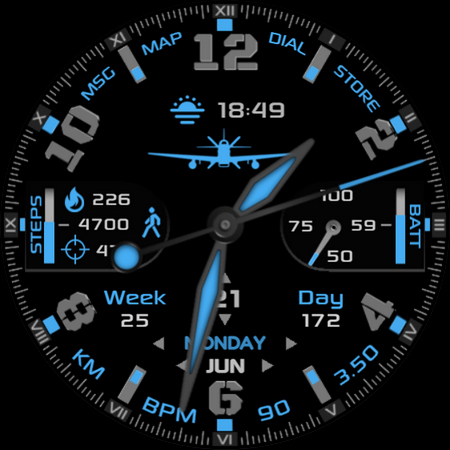
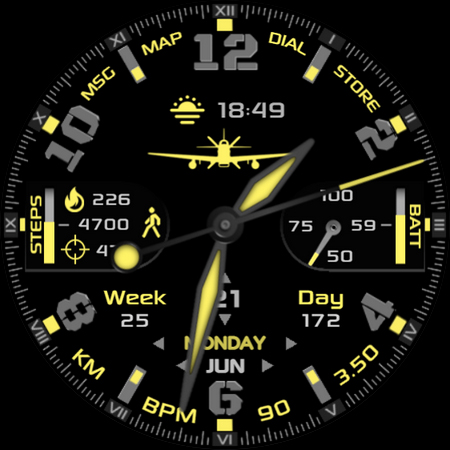
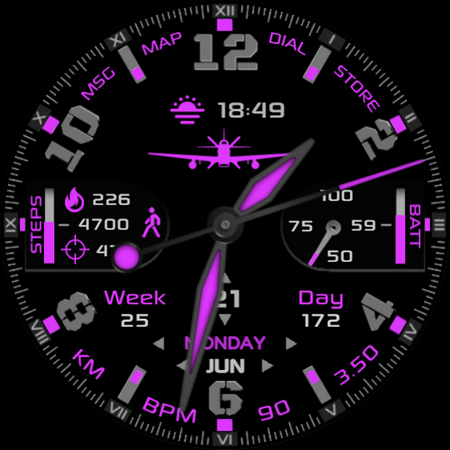
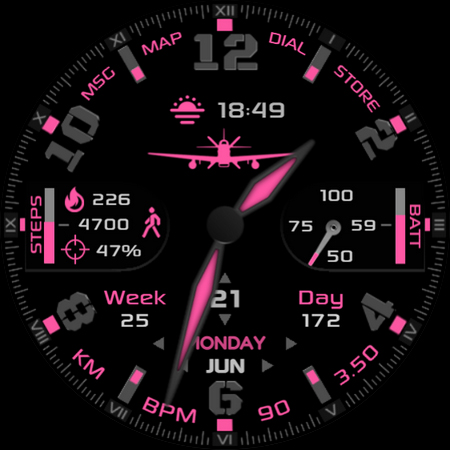
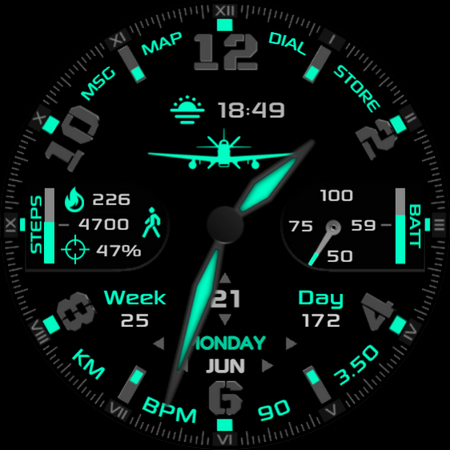
An Aviator style watchface with customization options.
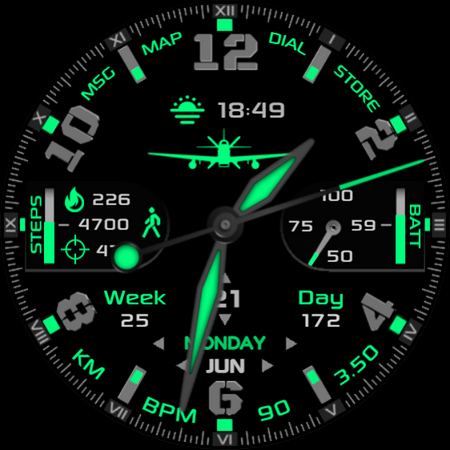
1.Tap on Dial text to open watch dialer.
2.Tap on Map text to open Google Maps app on the watch.
3. Tap on MSG text to open Messages app on the watch.
4. Tap any where on Battery text area to open Battery settings on your watch.
5. Tap on Day and month text area to open calendar app on your watch.
6. Tap on BPM text to open Samsung Heart Rate Counter in Samsung Health App on the watch.
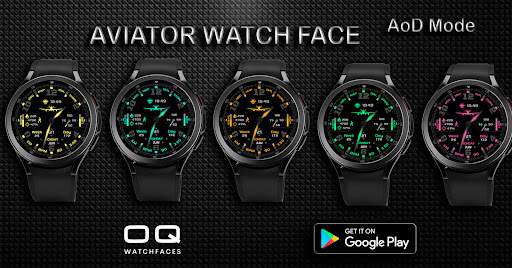
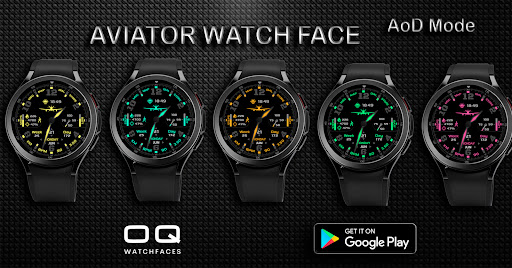
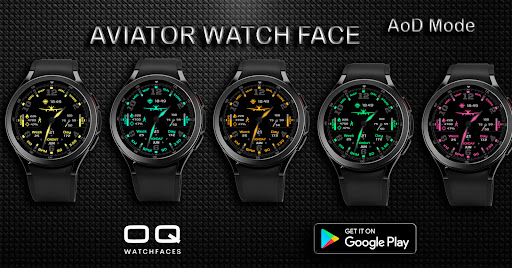
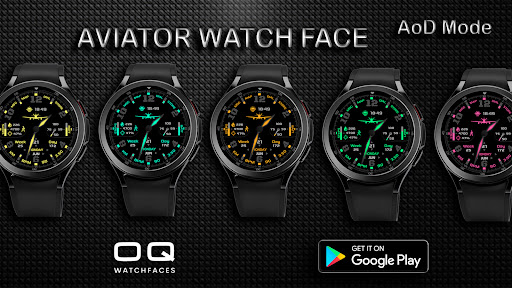
7. The aircraft image has been set with gyro settings on X Axis, which means it will move with watch left to right movement on Main display and becoming static on AoD.
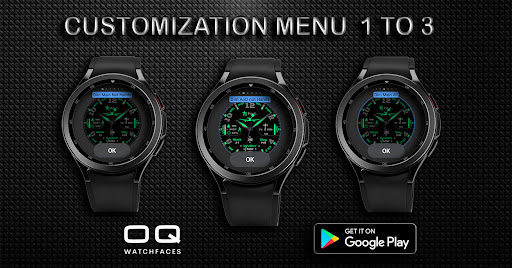
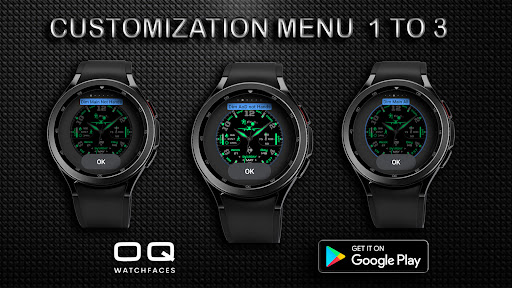
8. 2 x Dim Modes are available also in main customization settings.
NOTE: PLEASE NOTE THAT ALL SHORTCUTS TAKE SOME TIME OPENING FOR FIRST TIME BUT NOT AFTERWARDS. THIS IS DEFAULT BEHAVIOR OF WEAR OS.
What's New
1. Watch face updated with Samsung Latest Watch Studio V1.6.10 released on Jul-23-2024 as per Google New Policy To target Android 13 (API level 33) or higher.
2. Helper Companion app updated for phone play store app.
3. Support for Wear OS 4+
Version Information
- Version
- -
- Downloads
- 5K+
- Updated on
- Aug 28, 2024
- Released
- May 25, 2022
- Requires
- Android Varies with device
Statistics
Google Play Rating History
Rating Distribution
Downloads Over Time
Aviator's Watchface Wear OS 4+ has been downloaded times. Over the past 30 days, it averaged downloads per day.
Shaded area shows 30-day prediction based on historical trends
Historical data collection started recently. More data points will be available over time.
Aviator's Watchface Wear OS 4+ users say on Google Play
 Zamwa Ahmed
Awesome aviator watchface. Have lots of customizing colors with options to assign to the watchface.
 RJ H
RJ H
Unfortunately, not installing on Galaxy watch.
ApkTrusted Ratings & Reviews
More from OQ Watchfaces
See more apps
Digital Basic 7 Wear OS 5+
Paid
Digital Basic 3b Wear OS 4+
Paid

Digital Basic 4 Wear OS 5+
Paid

Diver Classic 2 Wear OS 4+
Paid

Analog Classic 5 Wear OS4
Free
Analog Basic 21 Wear OS 5+
Paid

Digital Basic 8 Wear OS 4+
Paid

Analog Basic 13 Wear OS 4+
Free
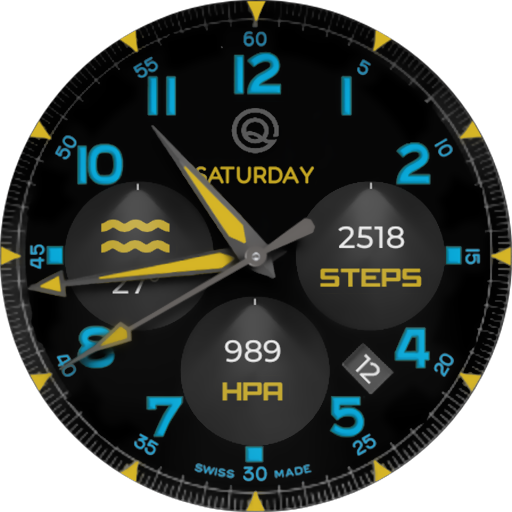
Analog Basic 12 Wear OS 4+
Free

Analog Basic 14 Wear OS 4+
Free

Analog Basic 16 Wear OS 4+
Free
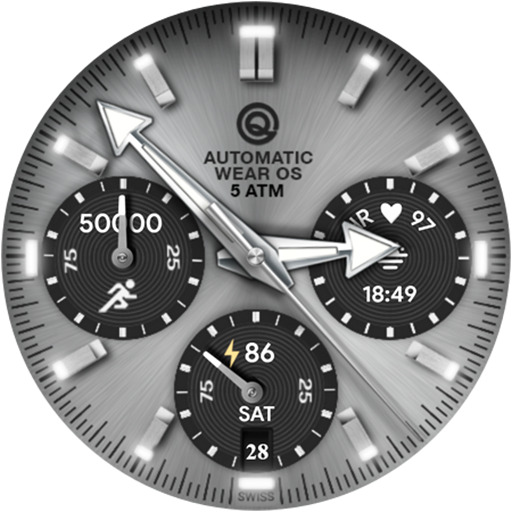
Analog Basic 16C Wear OS 4+
Paid

Analog Basic 20 Wear OS 4+
Paid
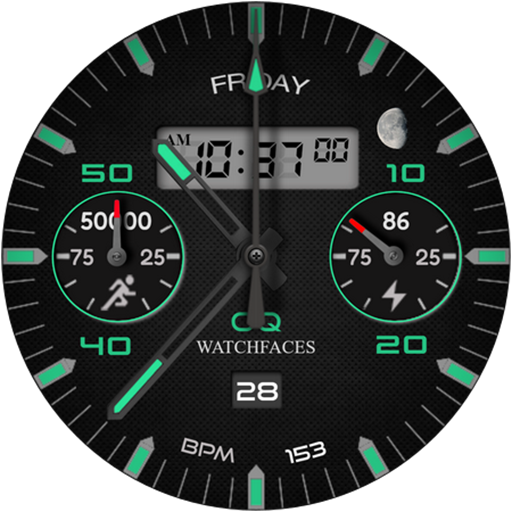
Analog Basic 11B Wear OS 5+
Free

Analog Basic 22 Wear OS 4+
Free

Analog Basic 23 WEAR OS 4+
Free
Similar Apps

NW Lumina Watch Face
Paid
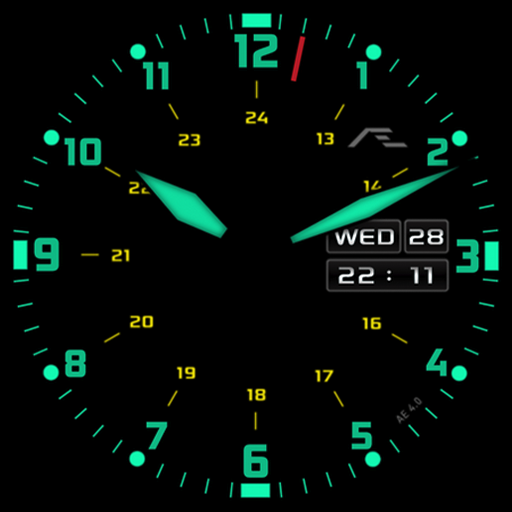
AE ELEMEN II
Paid

Minimal Black v26 watch face
Paid
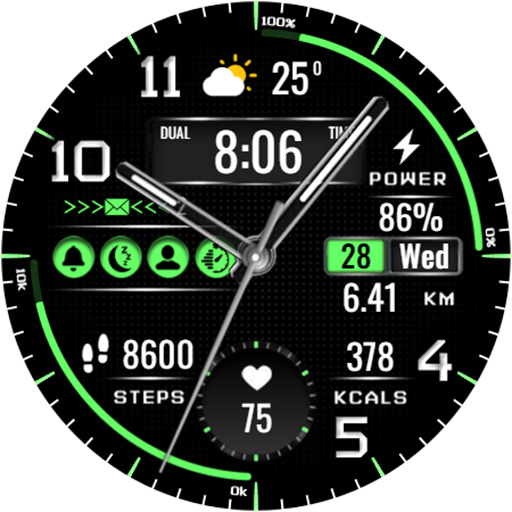
KZY014
Paid

RADAR SPORT Watchface
Free

Watch face CNW-42
Paid

KZY053
Paid

Classic Signature 5
Paid

AE AURORA I
Free

IWF DIVER IV | ISACWATCH
Paid

NTV439 - Hybrid watch face
Paid
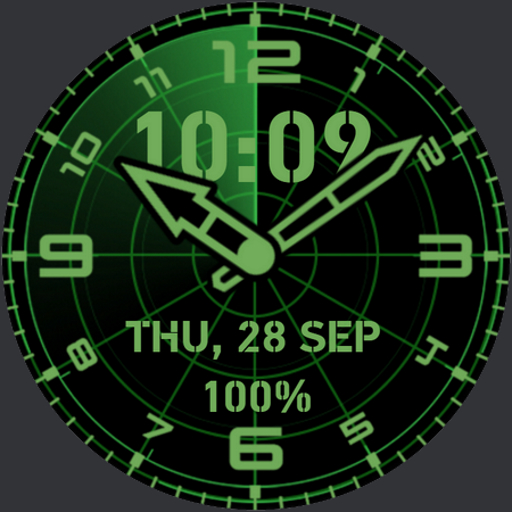
RADAR Watchface
Free
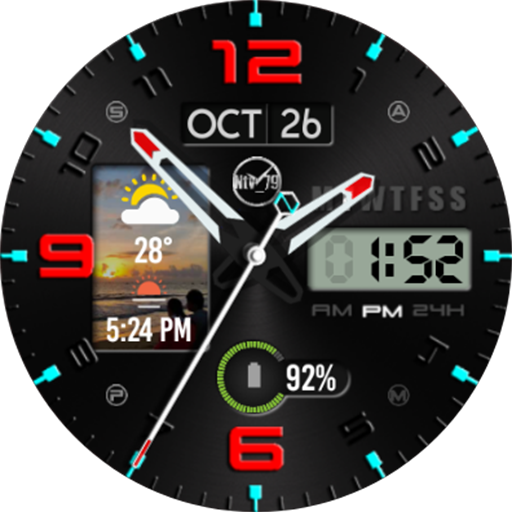
NTV522 - Window watch face
Free

OG watchface
Free

Grass green watch face
Paid

JW027 MP jwstudio
Paid
Scan this QR code to download

Forwarding you to the page at Google Play market in seconds...
Open Google Play market now