
Programmers Code 2 Watch Face vVARY
Time As Art Watch Faces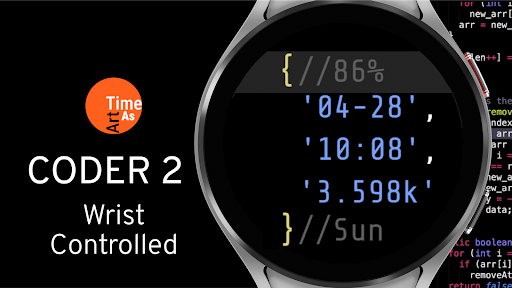
About this app
Developer Description
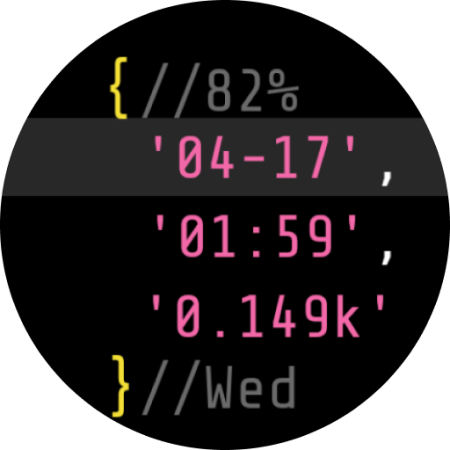
Coder 2 — the innovative watch face for programmers, developers and web coders.
*Works only and exclusively on Samsung Galaxy Watch 4, 5, 6, 7 and 8.
Wear OS watch face features:
LIVE WRIST CONTROLLED DATA SETS (2)
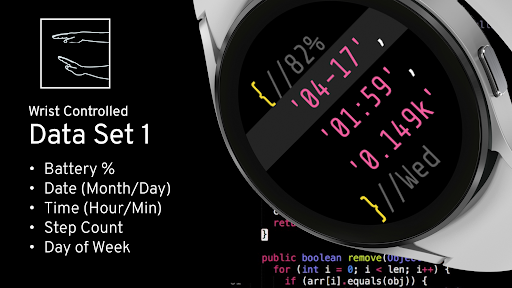
Access the 2nd data set by simply tilting your wrist (any row).
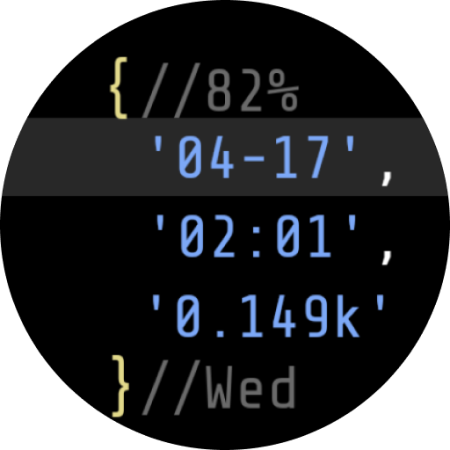
1st DATA SET
- Battery %
- Date (Month/Day) (auto Month-Day or Day-Month)
- Time HOUR:MIN
- Steps (k = abbreviation = one thousand)
- Day of the Week
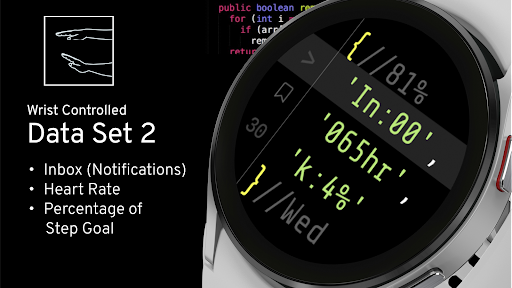
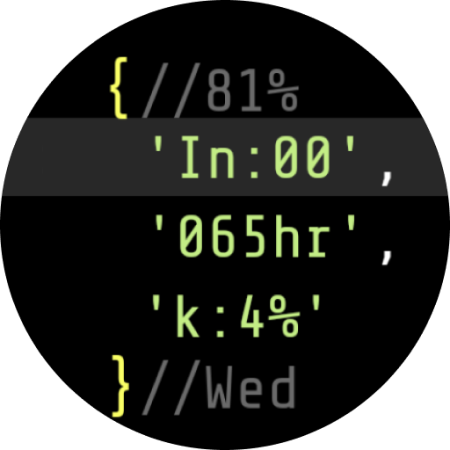
2nd DATA SET:
Access the 2nd data set by simply tilting your wrist (any row).
- Inbox (Notification count)
- Heart rate
- Percentage of Step Goal
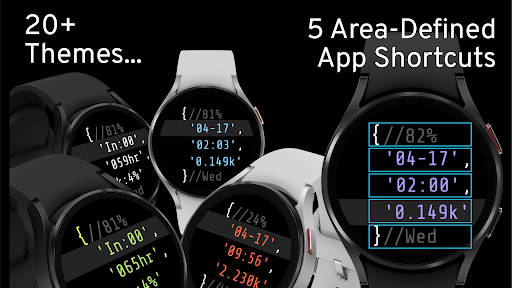
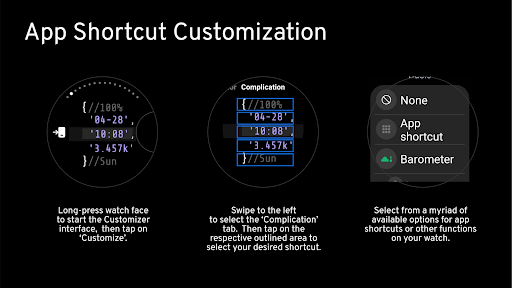
5 CUSTOM APP SHORTCUTS (area-defined)
Fully customizable with an app shortcut or other watch function of your choice. Everything is ‘One Tap Away’.
TIP: if you set ‘Recent Apps’ and ‘Settings’ as app shortcuts you can easily access any running app as well as quickly close all apps that run in the background - or reach any setting on your watch quickly. Since the watch face has 5 custom app shortcuts you then still have 3 app shortcuts left to customize!
TIP: Customizing the customizable app shortcuts by long pressing on the watch face and then tapping on ‘Customize > Complications’ in the watch face selector on the watch gives you the most app options/choices.
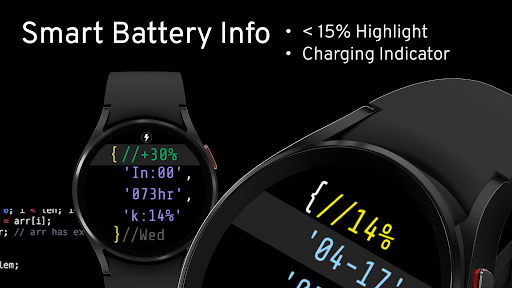
SMART BATTERY FEATURES
- Battery < 15% (highlighting)
- Battery charging indicator when plugged in (+xx%, live update)
- Battery 100% charged indicator (‘full’)
OTHER FEATURES
- Wrist movement controlled code highlight bar and data display
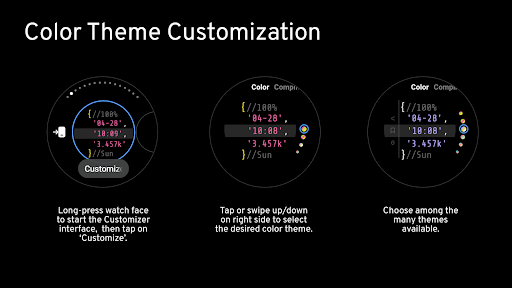
THEMES
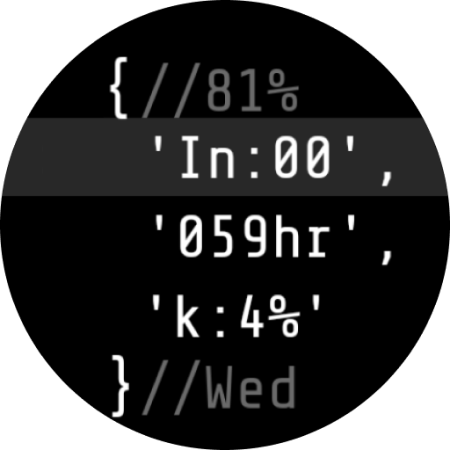
20+ code syntax highlighting themes.
MISC FEATURES
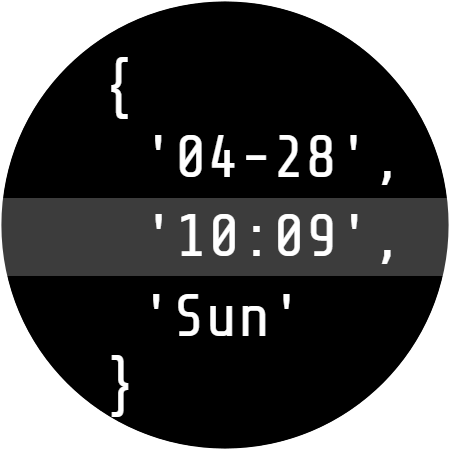
- Battery saving AOD screen
- Energy Efficient Display
To see more exciting 'Time As Art' watch face creations
please visit https://play.google.com/store/apps/dev?id=6844562474688703926.
Version Information
- Version
- -
- Downloads
- 10+
- Updated on
- -
- Released
- Apr 19, 2024
- Requires
- Android Varies with device
Statistics
Google Play Rating History
Rating Distribution
Downloads Over Time
Programmers Code 2 Watch Face has been downloaded times. Over the past 30 days, it averaged downloads per day.
Shaded area shows 30-day prediction based on historical trends
Historical data collection started recently. More data points will be available over time.
ApkTrusted Ratings & Reviews
More from Time As Art Watch Faces
See more apps
LCD Custom Color Watch Face
Paid

Minimal Animated Watch Face
Paid

Animated Cursor Art Watch Face
Paid

Interactive AI Chat Watch Face
Paid

Abstract Minimal Watch Face
Free

Digital Minimal Watch Face
Paid
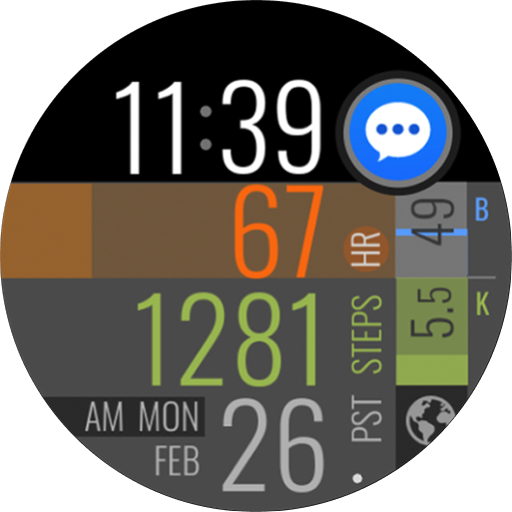
Easy Read Health Watch Face
Paid

ASCII Emoji Mood Watch Face
Free

Abstract Analog Watch Face
Paid
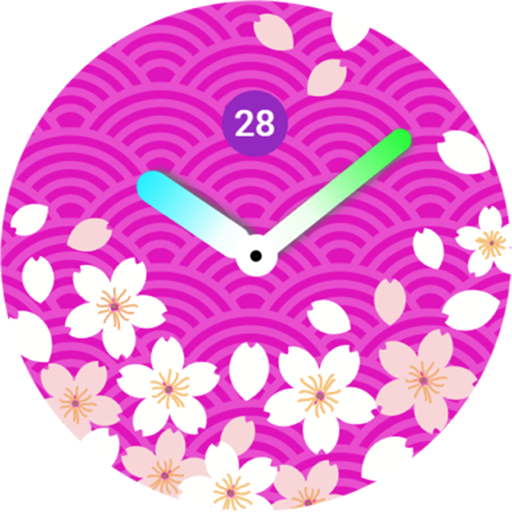
Japan Theme Watch Face 01
Free

Gyro Animated Watch Face 01
Paid

Hybrid Custom Watch Face 01
Free
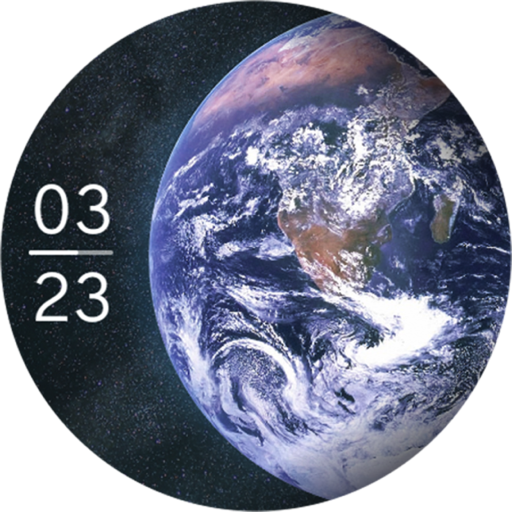
Earth View Animated Watch Face
Paid

Minimal Abstract Watch Face 03
Paid

Japan Theme Watch Face 02
Paid
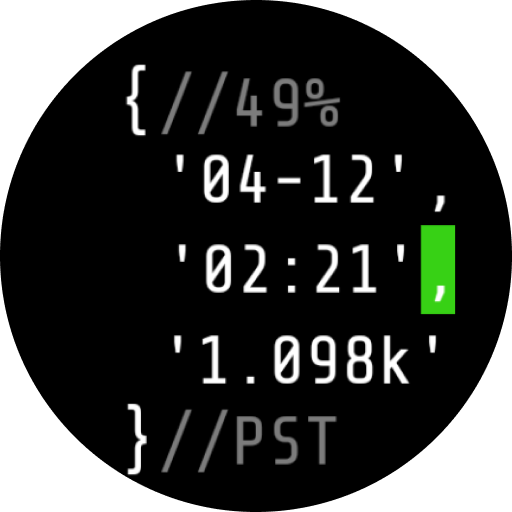
Programmers Code 1 Watch Face
Paid
Similar Apps
IWF AL3 | ISACWATCH
Paid

Metallic Digital
Paid

SamWatch Simple Run 2021
Free

NTV553 - N-Digital Classic B
Paid

HMKWatch Digital 142
Paid

Watch Face CUE141
Paid

SamWatch Simple Run 2
Free

HMKWatch Digital 282
Paid

Iris503 Digital Watch Face
Paid

Digital Costa Watch Face
Paid

PUSH Watch Face
Paid
SamWatch Digital PSI 2020
Paid

Muviz - Classic Digital Face
Free
SamWatch Simple I 2023
Paid

KZY092
Free

WFP 151 Old school watch face
Free
Scan this QR code to download

Forwarding you to the page at Google Play market in seconds...
Open Google Play market now