
Soviet electricity meter vVARY
Eugeniy Radzivill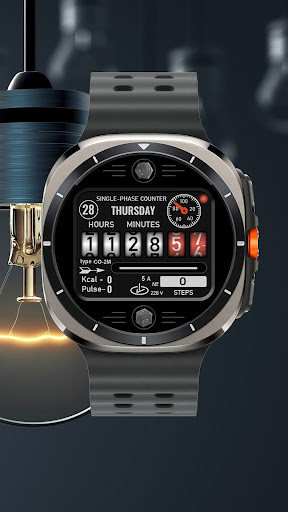


/
About this app
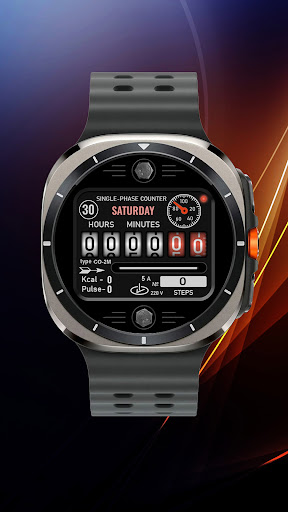
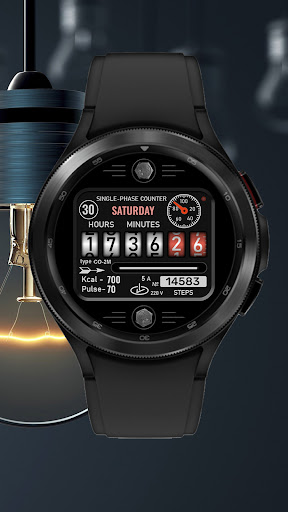
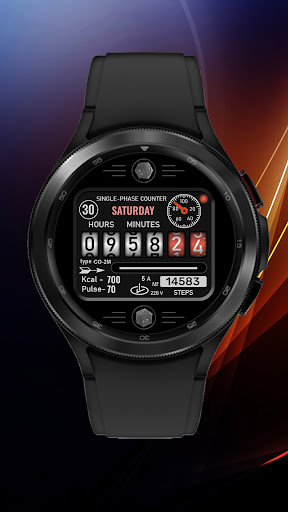
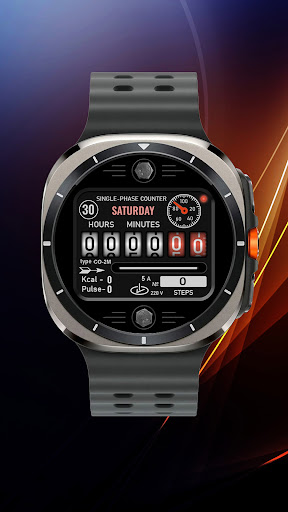
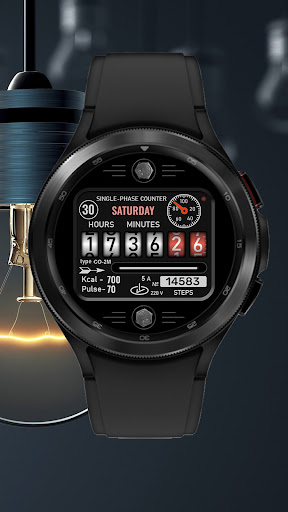
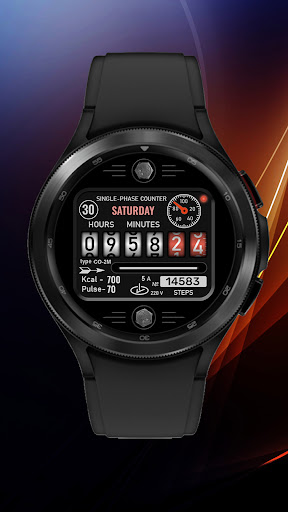
Soviet electricity meter for Wear OS smart watches
The smartwatch dial on the Wear OS platform supports the following functionality:
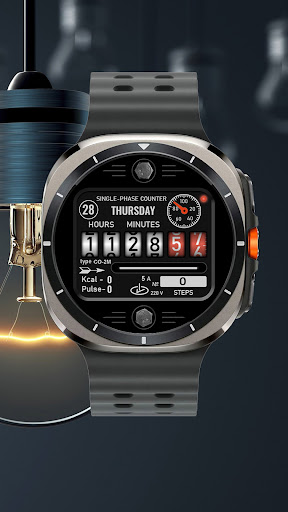
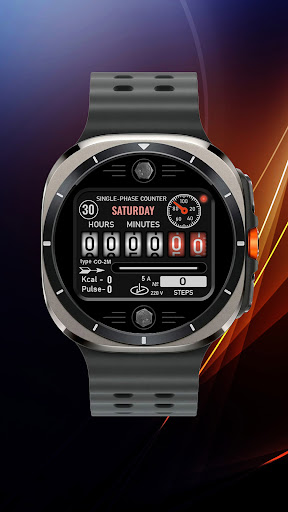
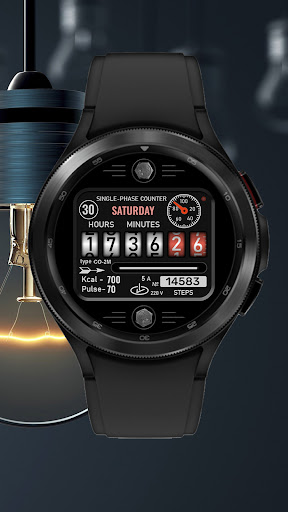
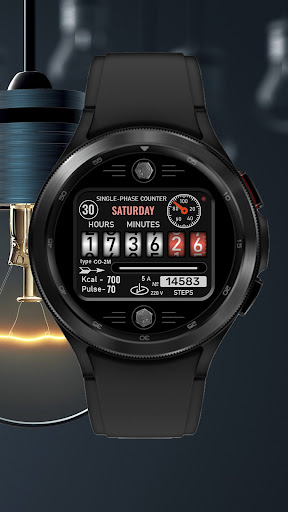
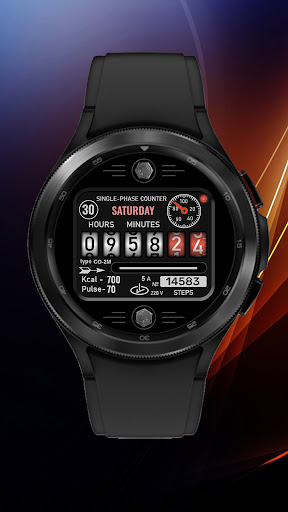
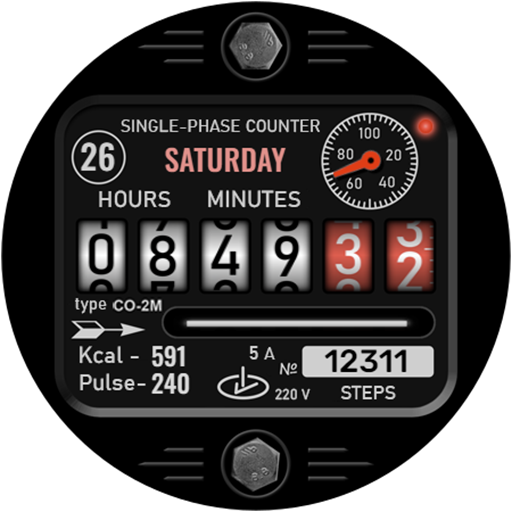
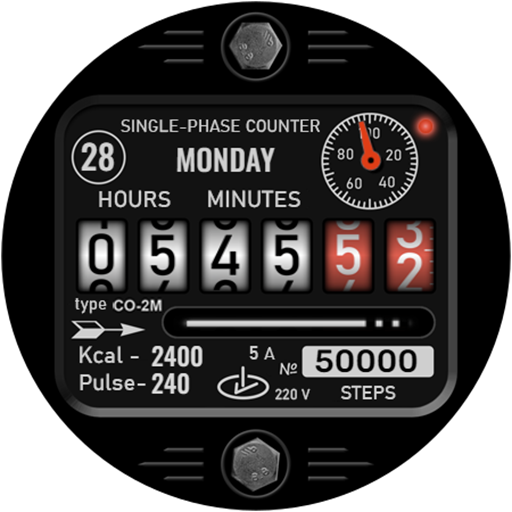
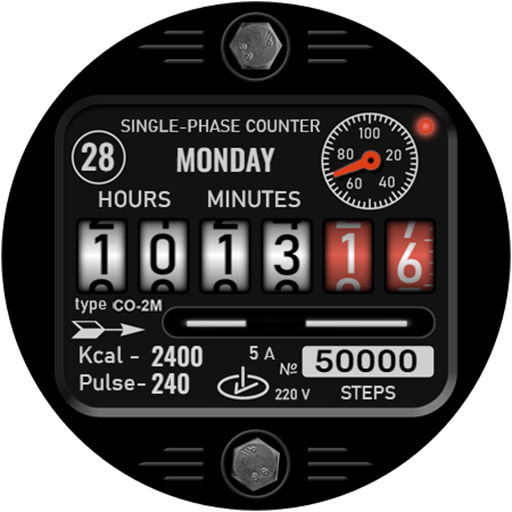
- Display of the date (in the upper circle) and the full day of the week in English
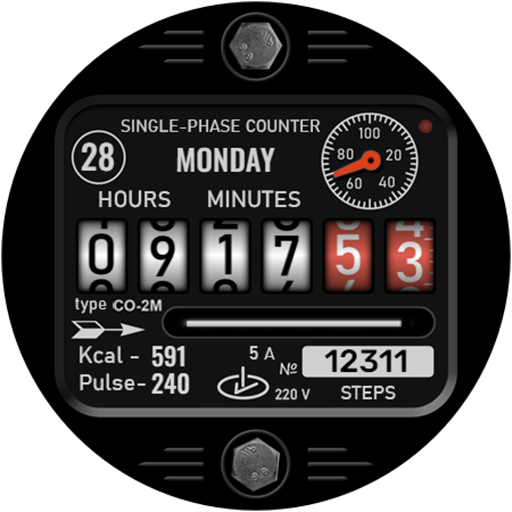
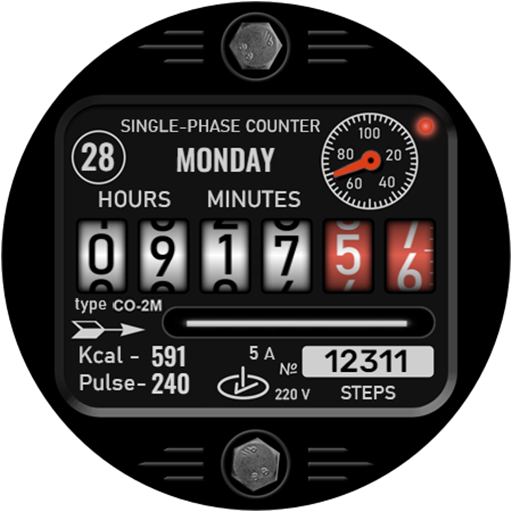
- Segments with hours (24 time format), minutes and seconds are presented in the form of drums of a Soviet electricity meter with numbers applied to them
- The number of steps taken is displayed (on a plate that imitates the serial number of the meter)
- Burned kcal and the current pulse are displayed in the lower left part of the dial, in the form of an imitation of technical records of the electricity meter
- The battery charge is presented in the form of a small dial with a red arrow, which is located in the upper right corner of the electricity meter display (next to the flashing red LED). Here I also made a tap zone, clicking on which will open the "Battery" application (this way you can find out more about the amount of charge remaining)
IMPORTANT! I can guarantee the setup and operation of tap zone only on watches from Samsung. If you have a watch from another manufacturer, the tap zones may not work correctly. Please consider this when purchasing a watch face.
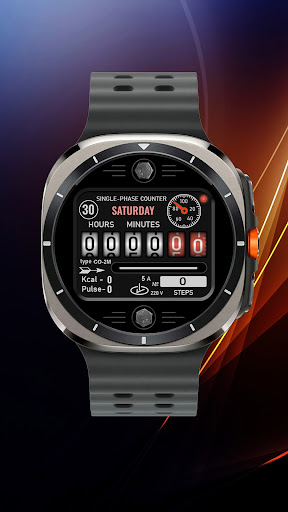
I made an original AOD mode for this watch face. To display it, you need to activate it in the menu of your watch. Please note that in AOD mode, the picture on the watch is redrawn once per minute. Therefore, the movement of the drums with numbers and the rotation of the disk simulating the amount of energy consumed will be stopped.
For comments and suggestions, please write to e-mail: eradzivill@mail.ru
Join us on social networks:
https://vk.com/eradzivill
https://radzivill.com
https://t.me/eradzivill
Sincerely,
Eugeniy Radzivill
- Display of the date (in the upper circle) and the full day of the week in English
- Segments with hours (24 time format), minutes and seconds are presented in the form of drums of a Soviet electricity meter with numbers applied to them
- The number of steps taken is displayed (on a plate that imitates the serial number of the meter)
- Burned kcal and the current pulse are displayed in the lower left part of the dial, in the form of an imitation of technical records of the electricity meter
- The battery charge is presented in the form of a small dial with a red arrow, which is located in the upper right corner of the electricity meter display (next to the flashing red LED). Here I also made a tap zone, clicking on which will open the "Battery" application (this way you can find out more about the amount of charge remaining)
IMPORTANT! I can guarantee the setup and operation of tap zone only on watches from Samsung. If you have a watch from another manufacturer, the tap zones may not work correctly. Please consider this when purchasing a watch face.
I made an original AOD mode for this watch face. To display it, you need to activate it in the menu of your watch. Please note that in AOD mode, the picture on the watch is redrawn once per minute. Therefore, the movement of the drums with numbers and the rotation of the disk simulating the amount of energy consumed will be stopped.
For comments and suggestions, please write to e-mail: eradzivill@mail.ru
Join us on social networks:
https://vk.com/eradzivill
https://radzivill.com
https://t.me/eradzivill
Sincerely,
Eugeniy Radzivill
Version Information
- Version
- -
- Downloads
- 500+
- Updated on
- Aug 25, 2025
- Released
- Oct 25, 2024
- Requires
- Android Varies with device
Ratings & Reviews
Developer Response
More from Eugeniy Radzivill
See more apps
Умные плитки
Paid
Smart Tiles (English version)
Paid

Living Abstraction
Paid
ACHS-1
Paid

Analog Sport
Paid

Andro Watch
Free
Mr. Battery
Paid
Nice Classic
Paid

Boxer Watch
Paid
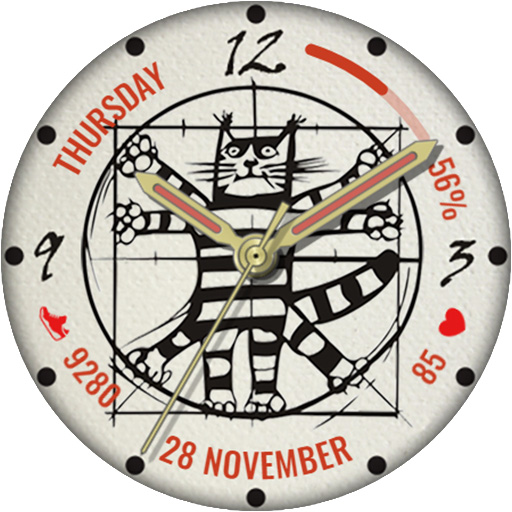
Da Vinci's Cat
Paid

Classic with battery
Paid

Cuckoo Clock
Paid

Funny watch
Free

Diamonds Watch
Paid

Space Dog
Paid

DOTS Light
Free
Similar Apps

Flip Clock MB354
Free

N-SPORT580 Flip Digital Watch
Paid

Flip Clock MB366
Free

FLIP Rotary URX69 Watch face
Paid

HSPSAYAC
Paid
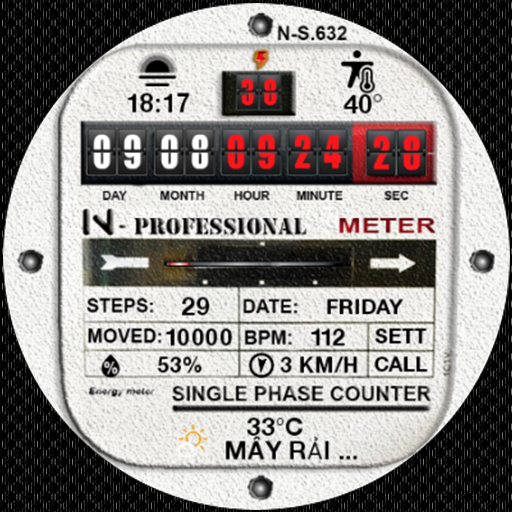
N_SPORT632 Meter Counter Face
Paid

Tku S017 Retro Watch Face
Paid
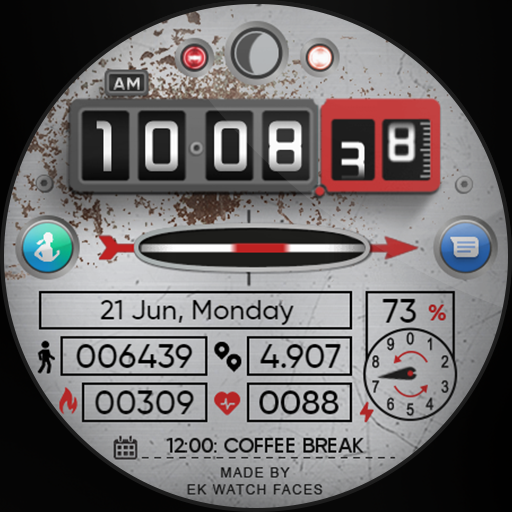
Electricity Meter - Watch Face
Paid

Tancha S52 Digital Watch Face
Paid

tgr flip clock watch face 1
Paid

Tancha S49 Digital Watch Face
Paid

Nostalgia Meter ZKin Watch
Paid

SG-27
Paid
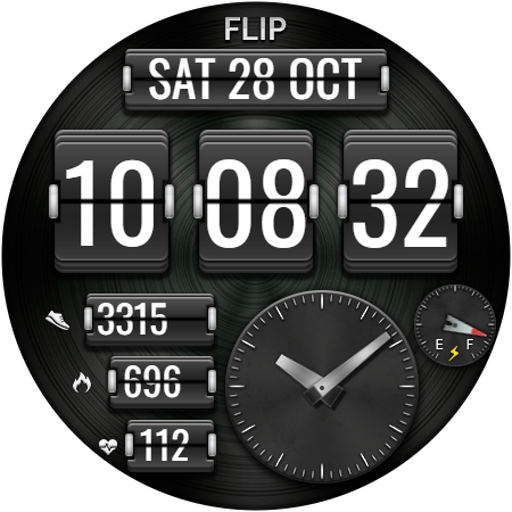
DIGI FLIP URX16 Watch face
Paid

WR 022 Digital Watch Face
Free

N-SPORT122 ENERGY METER Watch
Paid