
Valentine's Day vVARY
Pars Watch Faces








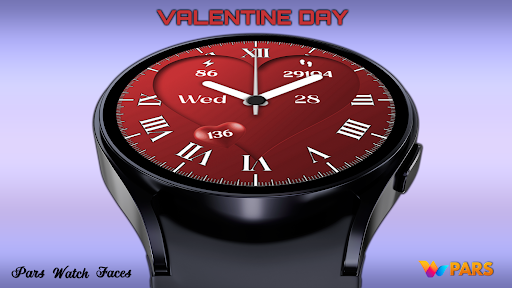


About this app
Developer Description
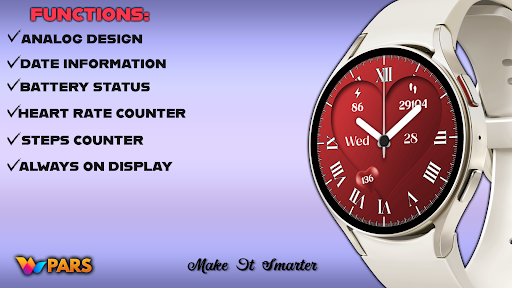
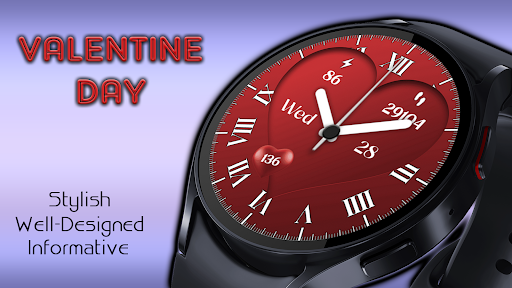
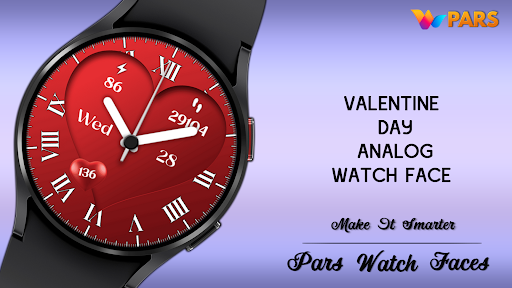
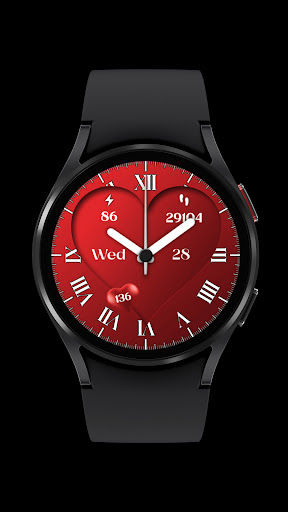
A modern and stylish analog watch face with a big heart for Valentine's Day
Designed for Wear Os devices.
NOTES:
- Make sure you have allowed the access sensors.
- Step target set to 10k.
- Turning on the pedometer by clicking on the Pedometer text may not work on some watch models other than Samsung watch models.
- This watch face is compatible with Samsung Galaxy Watch 4, Galaxy Watch 5, Pixel Watch etc.It supports all Wear OS devices with API Level 30+.
ISTALLING NOTES:
1 - Make sure the watch is properly connected to the phone, open the Phone App on the phone and tap "DOWNLOAD TO WATCH" and follow the instructions on the watch.
A few minutes after tapping the set watch button, the watch face will be installed. You can choose the installed watch face.
The Phone app just acts as a placeholder to make it easy to set up and find the watch face on your Wear OS watch
PS: If you get stuck in the payment cycle, don't worry, only one payment will be made even if you are asked to pay a second time. Wait 5 minutes or restart your watch and try again.
There may be a synchronization issue between your device and Google servers.
or
2 - Alternatively, try to install the watch face from the web browser on your PC.
PS: While installing the watch face, the developer has no any control about the installation.
Before writing a negative comment or giving 1 star rating please read the Installation Guide carefully in the link below and please contact us via e-mail if you get any other problem.
https://www.parswatchfaces.com/installation-guide/
NOTE :If you get the message "Your devices are not compatible" instead of app on phone, please use Play Store in WEB browser from PC or Laptop.
IMPORTANT NOTICE :
After installation, the watch face can load the last heart rate measurement result, but it doesn't have to.
The watch face does not automatically measure and does not automatically display the heart rate result.
To view your current heart rate score, you'll need to take a manual measurement.
To do this, sit still, wait a few minutes and click on the heart rate display area.
Wait a few seconds. The watch face will take a measurement and display the current result.
Do this whenever you want to see your current heart rate.
MY WATCH FACES CATALOG
https://play.google.com/store/apps/dev?id=7655501335678734997
FOLLOW US :
https://www.facebook.com/profile.php?id=100078915463662
https://www.instagram.com/parswf/
TELEGRAM
https://t.me/parswatchfaces
if you have any question, please contact with me: wfpars@gmail.com
I would be very grateful for the rate and review in the Store.
Thanks.
What's New
Version Information
- Version
- -
- Downloads
- 5K+
- Updated on
- Sep 1, 2025
- Released
- Feb 12, 2024
- Requires
- Android Varies with device
Statistics
Google Play Rating History
Rating Distribution
Downloads Over Time
Valentine's Day has been downloaded times. Over the past 30 days, it averaged downloads per day.
Shaded area shows 30-day prediction based on historical trends
Historical data collection started recently. More data points will be available over time.
Valentine's Day users say on Google Play
 Paula J Rodriguez
Very nice 👍
ApkTrusted Ratings & Reviews
More from Pars Watch Faces
See more apps
Argos Digital Watch Face
Free

Happy Halloween Watch Face
Free

Aria Digital Watch Face
Free

Artemis Digital Watch Face
Paid
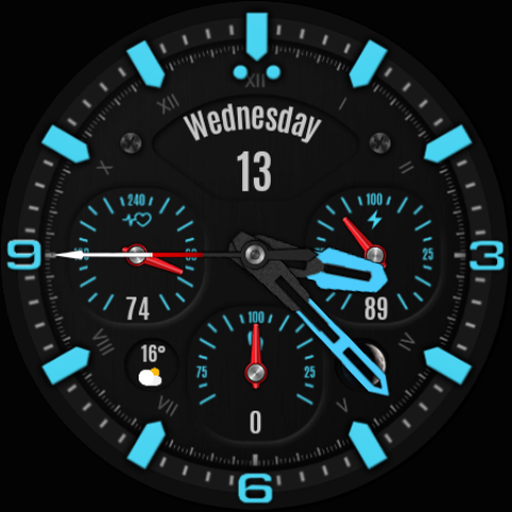
Analog Prime Watch Face
Paid

Pars Analog Watch Face
Paid

Ankara Digital Watch Face
Free

Adore Hybrid Watch Face
Paid

Adore Digital Watch Face
Paid

Alya Digital Watch Face
Free

Astana Digital Watch Face
Paid

Athena Digital Watch Face
Paid
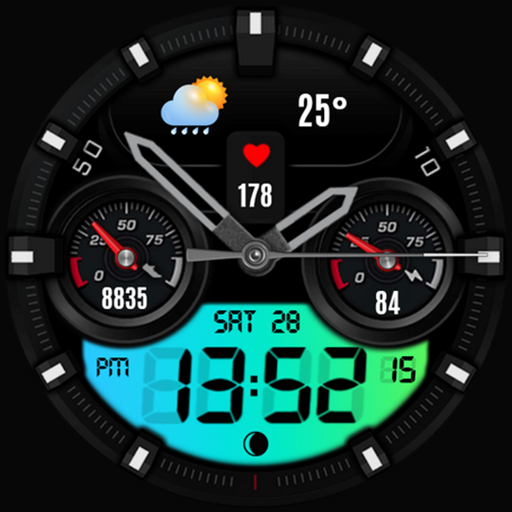
Athena Hybrid Watch Face
Paid

Aura Digital Watch Face
Paid

Autumn Floral Digital
Paid
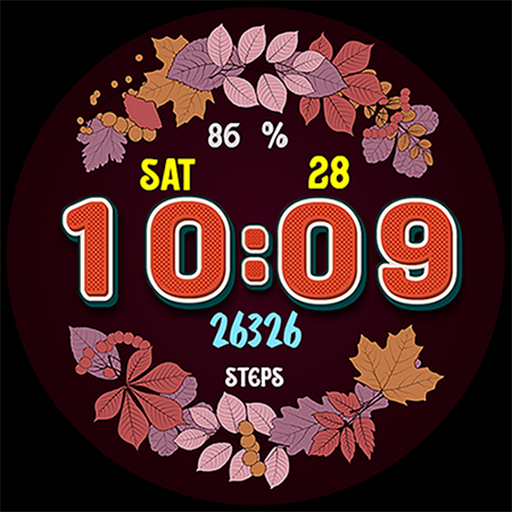
Autumn Flowers
Paid
Similar Apps

TVV Love Digital Watch Face
Paid
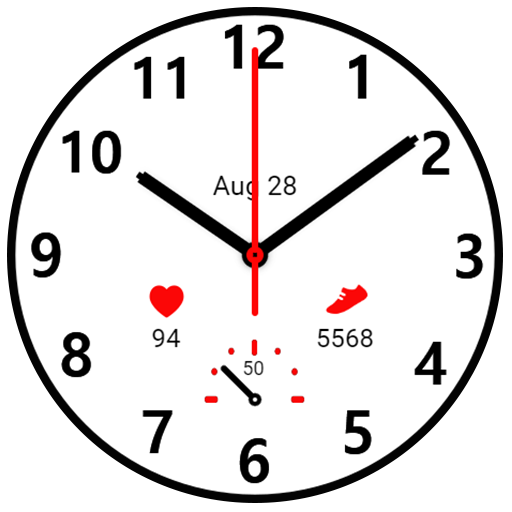
HJ Simple 02 Watch
Paid
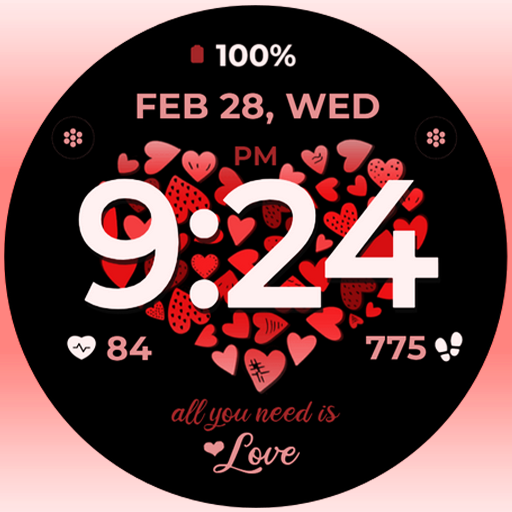
Valentine Hearts
Paid
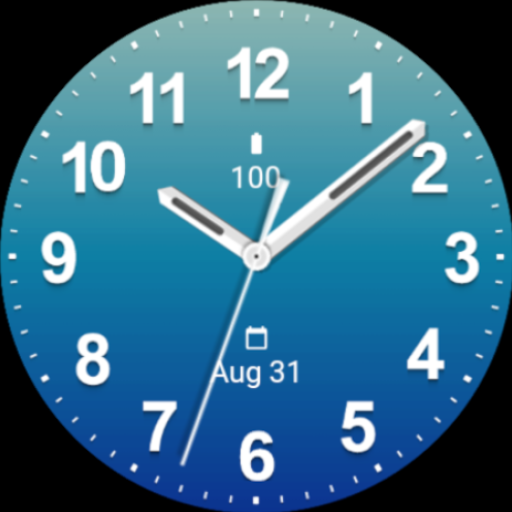
Casual Ocean Blue Watch Face
Paid

Hearts Day
Paid

ML2U 177 Watch Face
Paid
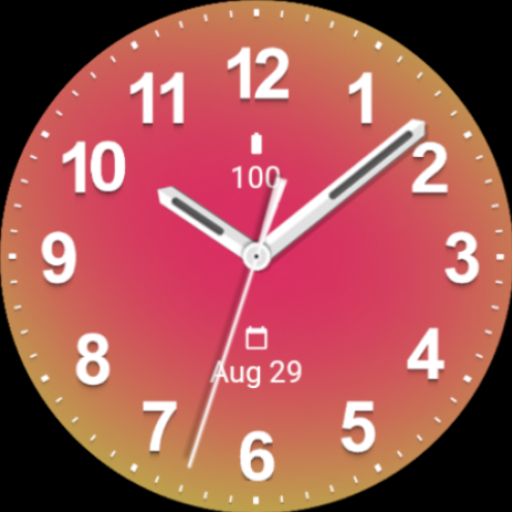
Casual Watermelon Watch Face
Paid

ML2U 186 Watch Face
Paid

Valentine's Day Beauty Watch
Free

BFF18- Gnomes Valentine Day
Paid

N-SPORT699 Colors Hybird Face
Free
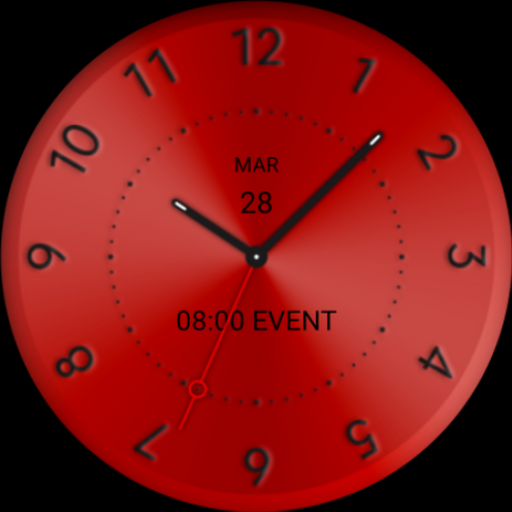
Red Star Watch Face
Free
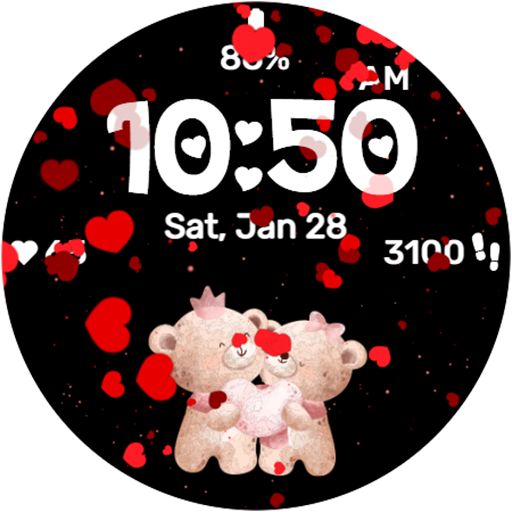
Falling Hearts Animated
Paid
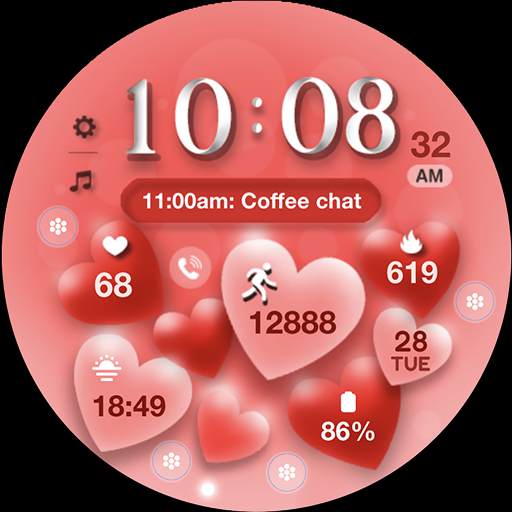
ML2U 179 Watch Face
Paid

Endless Love Face Watch Face
Paid
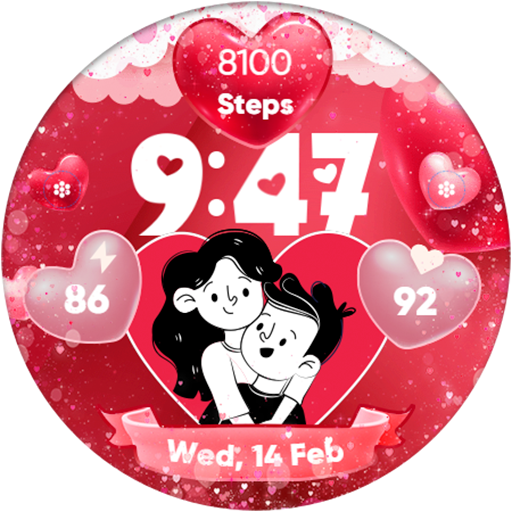
Valentine's Day Couple - Watch
Paid
Scan this QR code to download

Forwarding you to the page at Google Play market in seconds...
Open Google Play market now