
W6 Style WF Wear OS 5+ vVARY
OQ Watchfaces


About this app
Developer Description
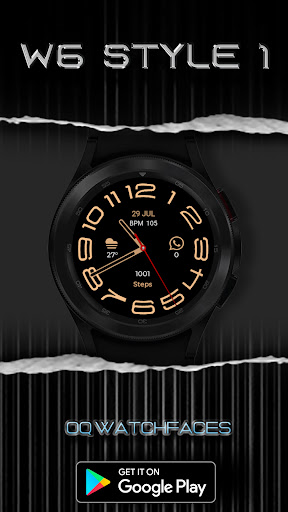
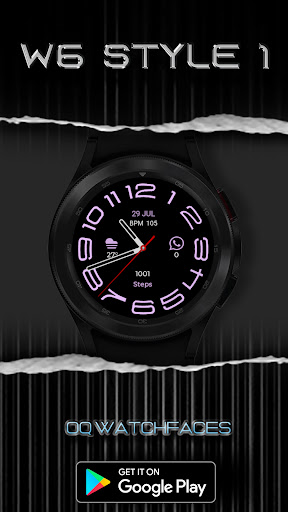
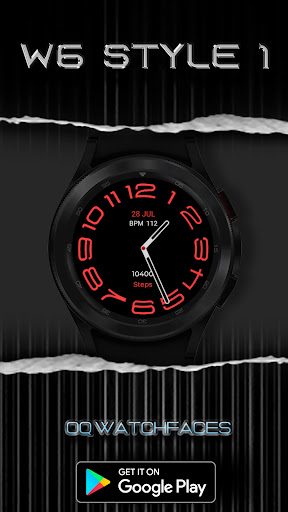
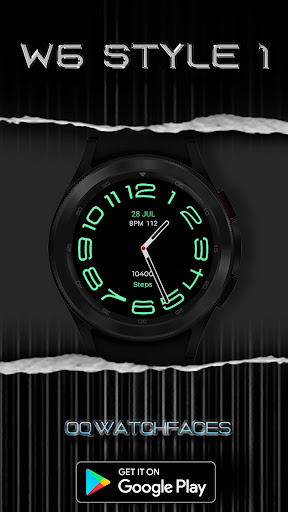
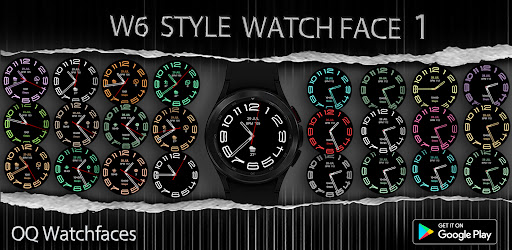
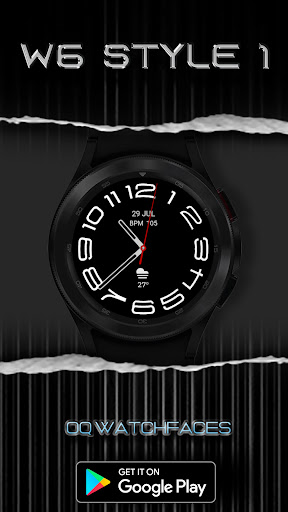
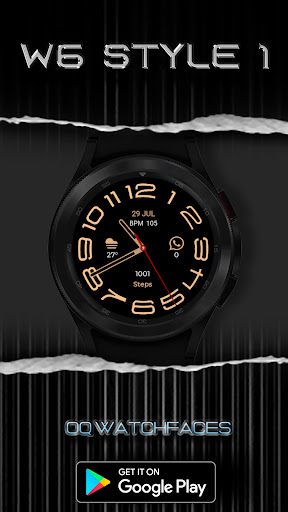
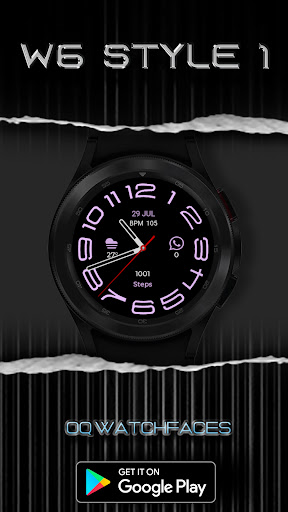
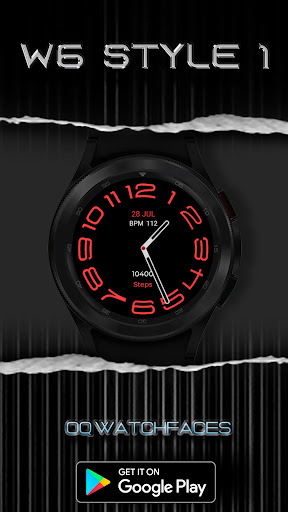
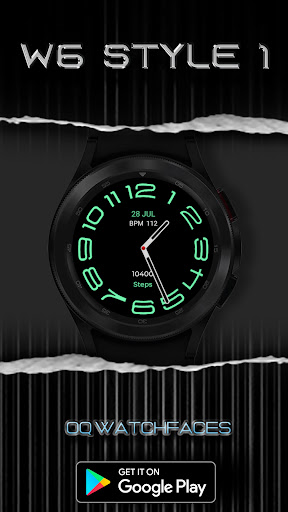
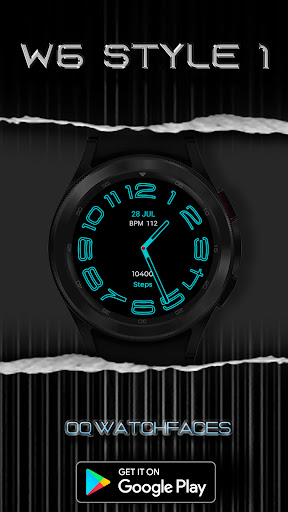
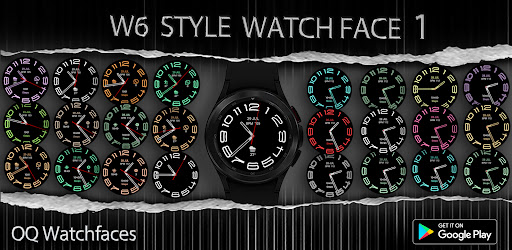
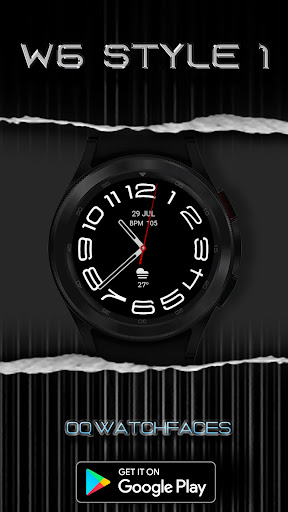
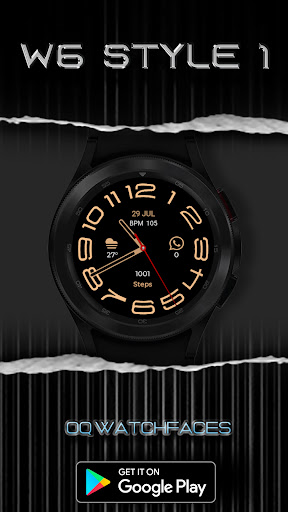
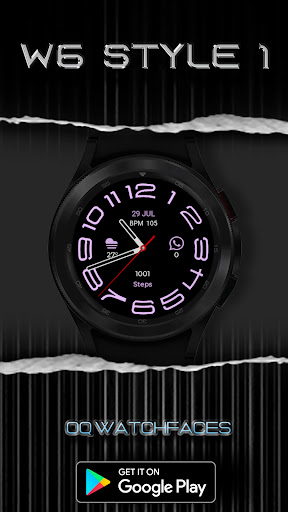
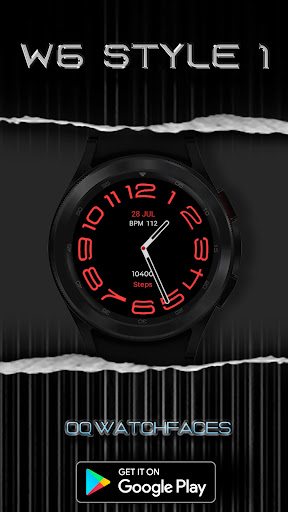
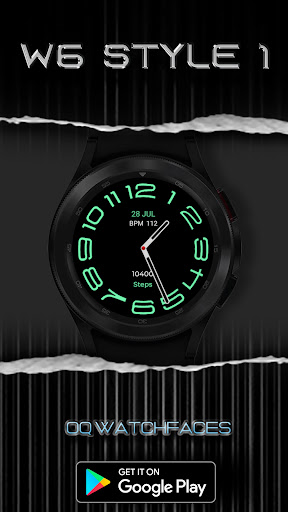
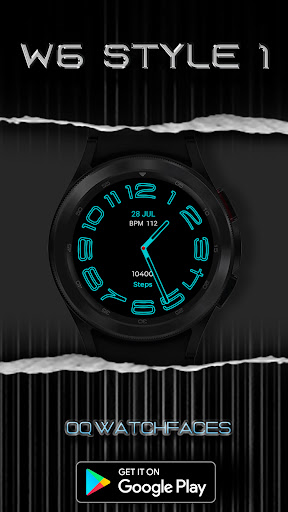
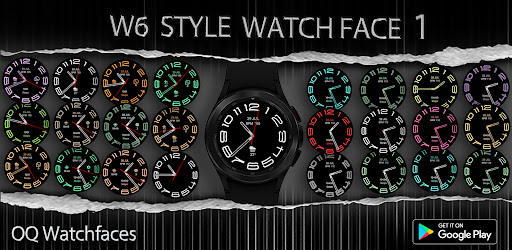
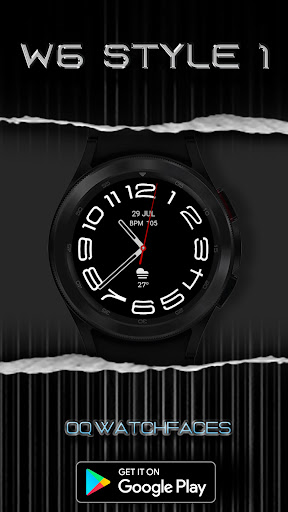
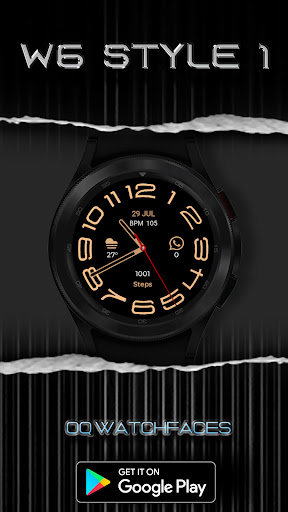
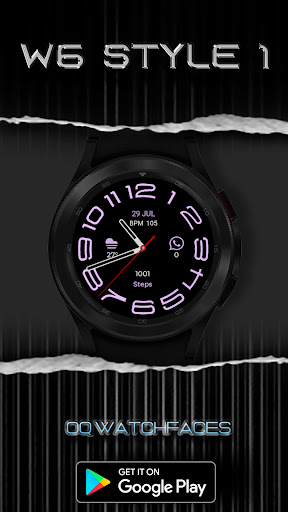
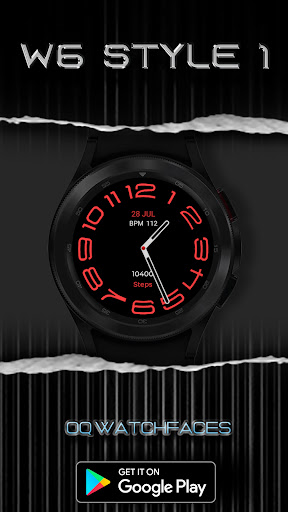
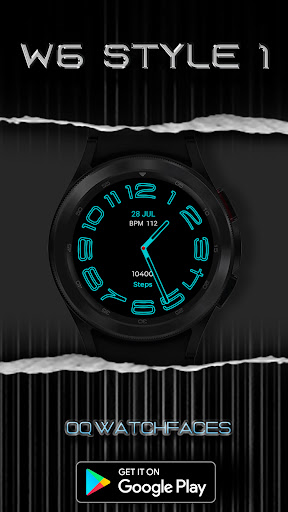
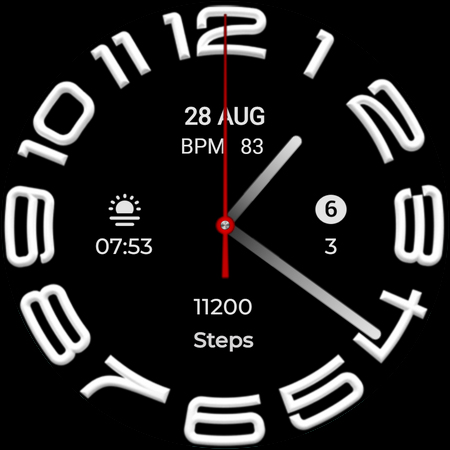
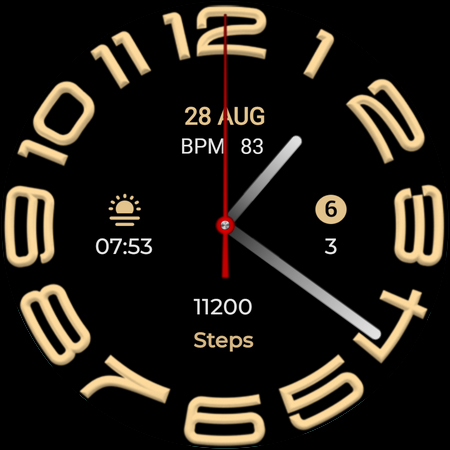
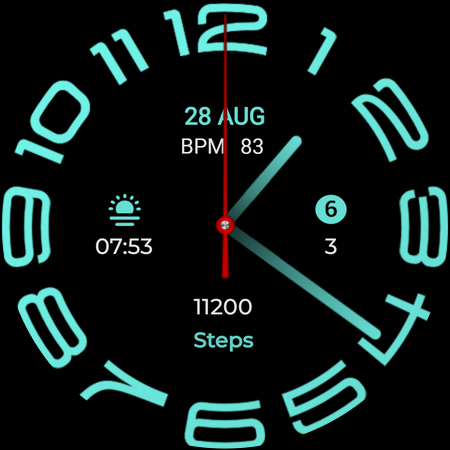
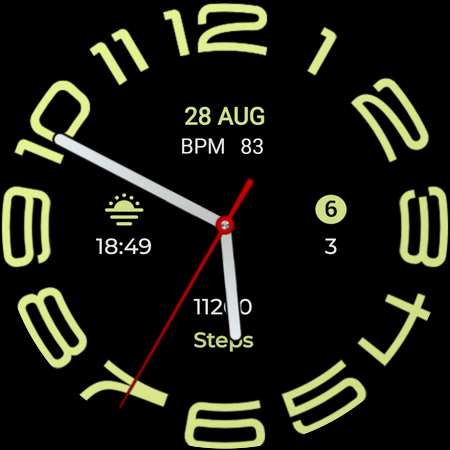
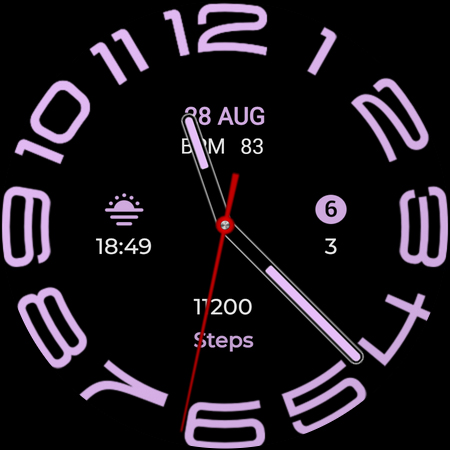
A stylish and colorful watchface with many customizations and style.
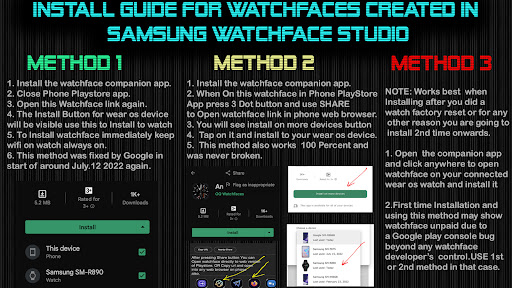
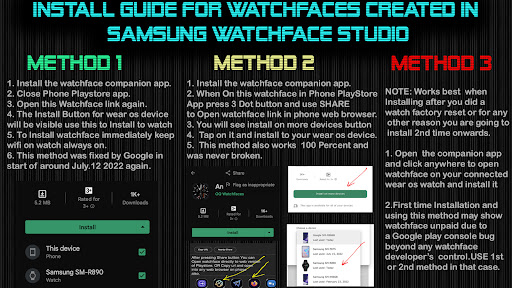
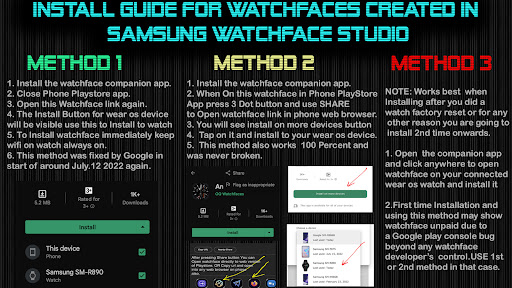
NOTICE: READ THIS ALWAYS BEFORE AND AFTER DOWNLOADING OUR WATCH FACE TO AVOID ANY SITUATION YOU DON'T LIKE.
=======================================================
This watch face for WEAR OS 5+ has been made in Samsung Galaxy Watch face studio.
I have physically tested on Samsung Watch 8 Classic 46mm , Samsung Watch 5 Pro, and Samsung Watch Ultra. It also supports other wear os 5+ devices. Some feature experience can be slightly different on other watches.
1.Tap at 1 o clock to open watch Google phone play store app.
2. Tap at 11 o clock to open Google Maps app on your watch.
3. Tap at 2 o Clock to open watch settings menu.
4. Tap at 4 o Clock to open watch phone app.
5. Tap at 5 o clock to open watch alarm app.
6. Tap at 8 o clock to open watch calendar menu.
7. Tap On BPM Text or Reading to open Heart rate counter.
8. Left , Right , Bottom Complications, Date Text, & Heart Rate reading & Complications can be hidden/Un-hidden separately from customization menu for main.
9. Customizable Complications can be customized from the customization menu.
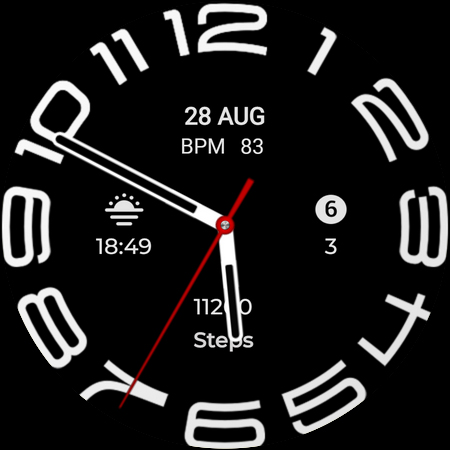
10. Hands Styles option to change various hand styles in customization menu are available.
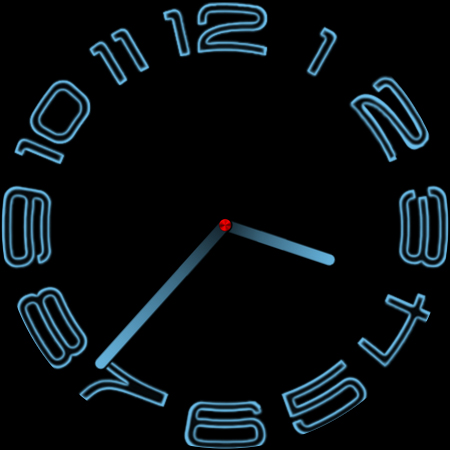
11. 3x AoD styles including default select-able via customization menu.
12. Seconds Movement can be changed as well from customization menu.
What's New
1.Watch face bundle updated to Target min SDK 34 as required by Google with latest Samsung Watch face Studio Version 1.9.5 Sep 2025 Release.
2. New Watch face Companion App updated with latest Google Android Studio Otter as required by Google.
Version Information
- Version
- -
- Downloads
- 5K+
- Updated on
- Dec 6, 2025
- Released
- Jul 29, 2023
- Requires
- Android Varies with device
Statistics
Google Play Rating History
Rating Distribution
Downloads Over Time
W6 Style WF Wear OS 5+ has been downloaded times. Over the past 30 days, it averaged downloads per day.
Shaded area shows 30-day prediction based on historical trends
Historical data collection started recently. More data points will be available over time.
W6 Style WF Wear OS 5+ users say on Google Play
 Daniel Chan
cool
 Chris Vitale
Seems to work very well. I liked this style on the Wear App ,but functionality is limited on the stock one. I want to have a complication that show notifications and this watchface allows that. Happy so far.
 oscar morales
So, so, hard to make changes
 prathamesh sagvekar
previously this app working very good but this app is suck they removed so many function form this app and now this app is useless please bring the old version of this app it's a request
 Sanju Bansal
Can't install in watch 4
ApkTrusted Ratings & Reviews
More from OQ Watchfaces
See more apps
Digital Basic 7 Wear OS 5+
Paid
Digital Basic 3b Wear OS 4+
Paid

Digital Basic 4 Wear OS 5+
Paid

Diver Classic 2 Wear OS 4+
Paid

Analog Classic 5 Wear OS4
Free
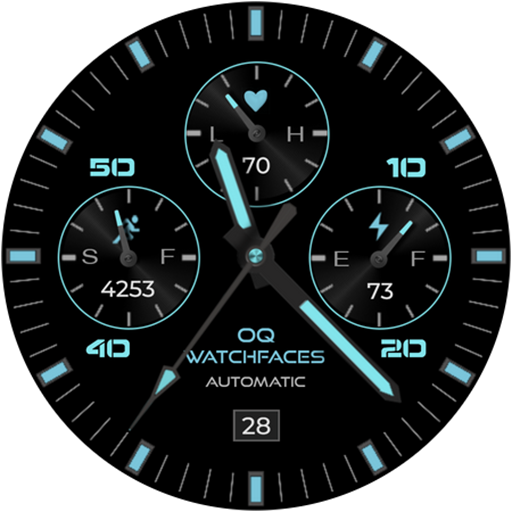
Analog Basic 21 Wear OS 5+
Paid

Digital Basic 8 Wear OS 4+
Paid

Analog Basic 13 Wear OS 4+
Free
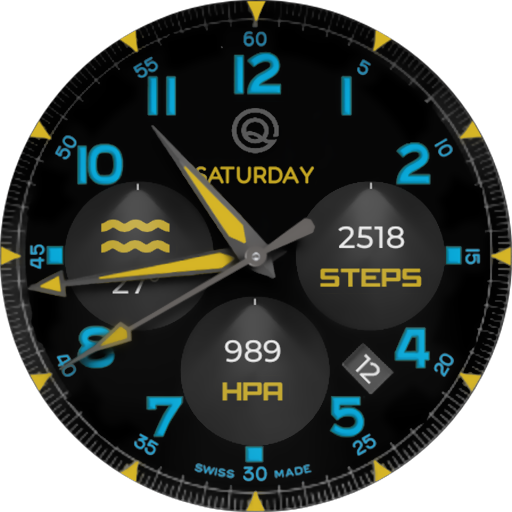
Analog Basic 12 Wear OS 4+
Free

Analog Basic 14 Wear OS 4+
Free

Analog Basic 16 Wear OS 4+
Free
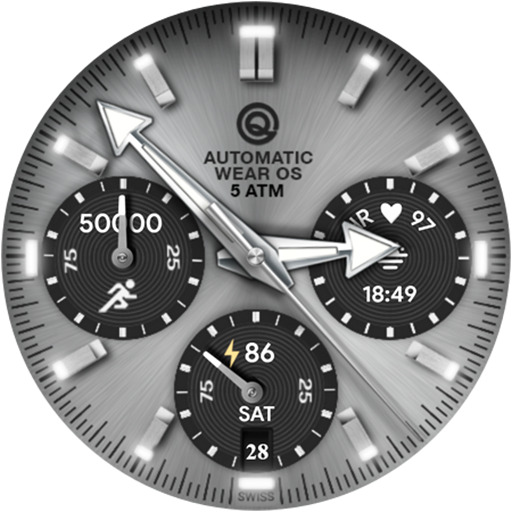
Analog Basic 16C Wear OS 4+
Paid

Analog Basic 20 Wear OS 4+
Paid
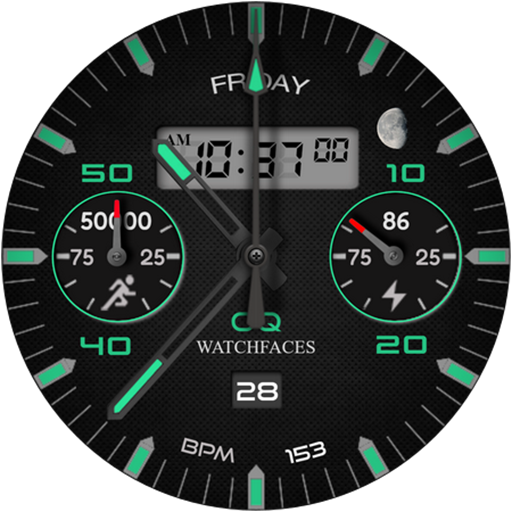
Analog Basic 11B Wear OS 5+
Free

Analog Basic 22 Wear OS 4+
Free

Analog Basic 23 WEAR OS 4+
Free
Similar Apps
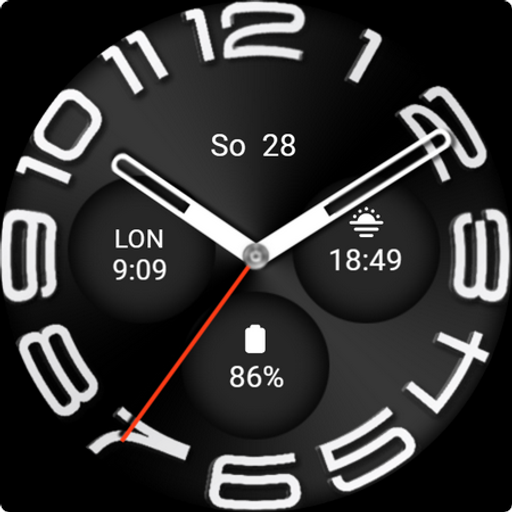
SP Classic 6
Free
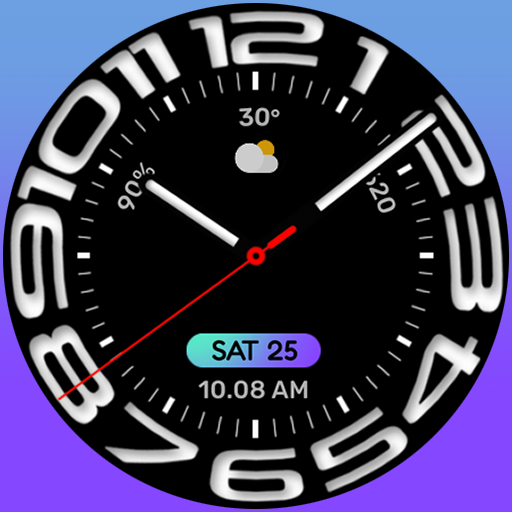
UsA Circular Analog - USA146
Paid

Watch6
Free

Business Circular Analog Watch
Paid

Animated Analog Watch Face 34
Paid
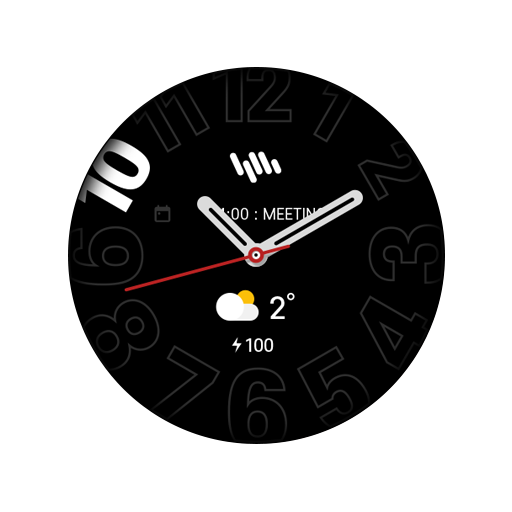
SamWatch Simple Analog 20 2023
Paid

Circular Weather Minimal IW06
Paid

Analog Watch Face cue128
Paid
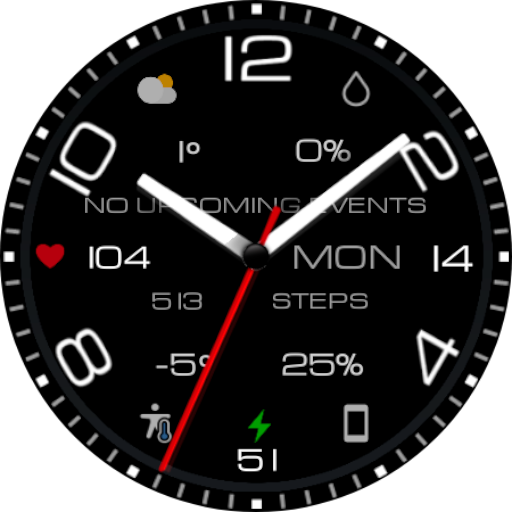
Mechanical Watch Face Wear OS
Paid
AD Classic Analog - Watch Face
Paid
Bold Watch Face
Free

BIG Analog Watch Face
Paid

PW107 CustomHand Watch Face
Paid
Oxinight
Paid

ML2U 292 Watch Face
Paid

Analog Watch Face CUE136PLUS
Paid
Scan this QR code to download

Forwarding you to the page at Google Play market in seconds...
Open Google Play market now