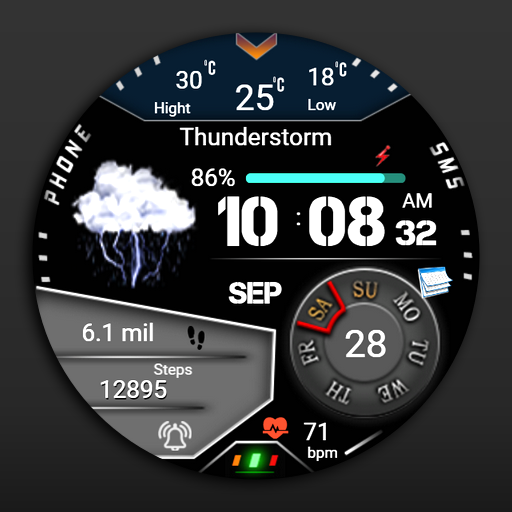
Weather Watchface Watch7/ultra vVARY
FS Watch face








About this app
Developer Description
Stylish and great watch face for Wear OS by FS Design
Stylish and great watch face for Wear OS by FS Design
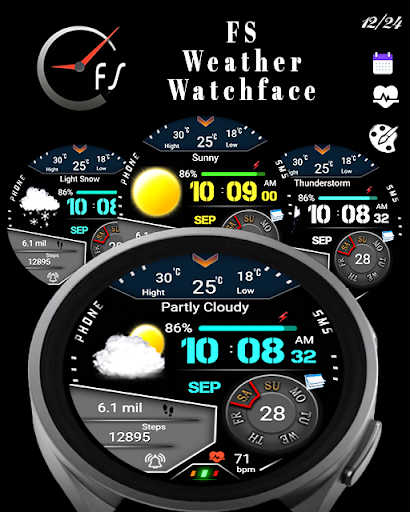
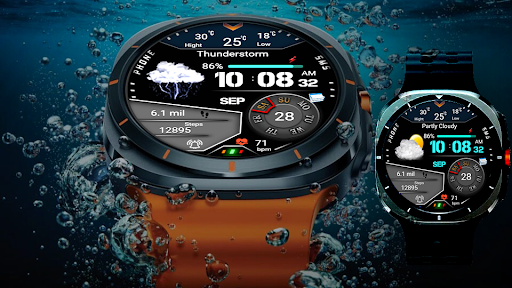
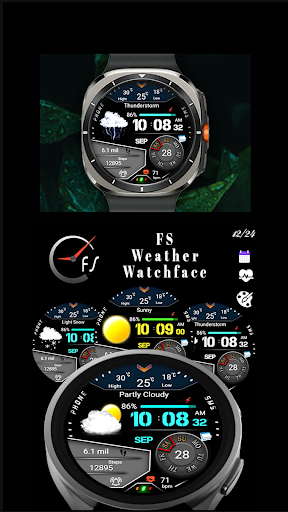
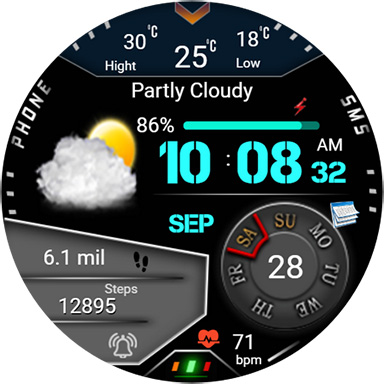
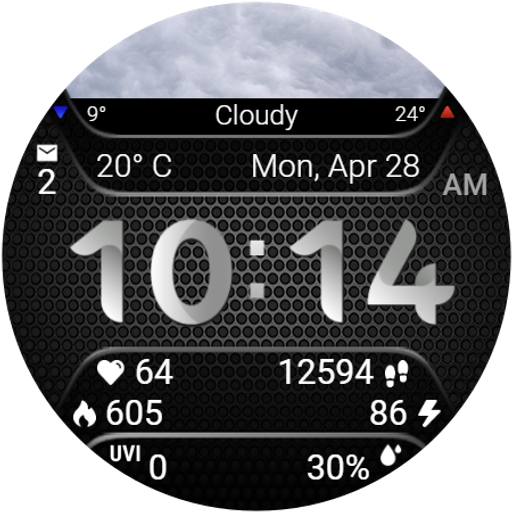
Weather watch face for Wear OS 5
Watch face with realistic weather icons for Wear OS 5 (API 34+).
For Wear OS 5 (API 34+) devices only - Samsung Galaxy Watch 7 and Samsung Galaxy Watch Ultra.
Other devices running Wear OS 4 and earlier are not supported.
Weather Watchface Watch7/ultra is a Digital watch Face for Wear OS by FS Design
[For Wear OS devices only]
Note: For now weather forecast only works on galaxy watch 7
FEATURES
- Low battery consumption
- Battery Dial
- Date
Note: If you can't see the watch face on your watch after installing it, please follow the steps below
1-long press on your watch screen and scroll the screen to the last screen
2-click add watch and find your watch face
How to install?
1.Swipe to on the watch screen
2.Click on the Google Play app icon
3.Click it a type ''Weather Watchface Watch7/ultra'' and search
4.Select watch face and click ''Install.'
NOTE:
if you see message "Your devices are not compatible", use Play Store on WEB browser from PC / Laptop instead of app on phone.
PLEASE FOLLOW ME:)
FS WATCHFACES WEB SITE: http://fswatchfaces.com/
FACEBOOK: https://m.facebook.com/groups/717379668440579?ref=bookmarks
FACEBOOK PAGE: https://www.facebook.com/Fs-design-2300540343310561/?ref=bookmarks
İNSTAGRAM: https://www.instagram.com/fs.watchface/?hl=tr
TWİTTER :https://twitter.com/FSWatchface
TELEGRAM:https://web.telegram.org/k/#@fswatchface
YOUTUBE : https://www.youtube.com/channel
Version Information
- Version
- -
- Downloads
- 100+
- Updated on
- -
- Released
- Sep 8, 2024
- Requires
- Android Varies with device
Statistics
Google Play Rating History
Rating Distribution
Downloads Over Time
Weather Watchface Watch7/ultra has been downloaded times. Over the past 30 days, it averaged downloads per day.
Shaded area shows 30-day prediction based on historical trends
Historical data collection started recently. More data points will be available over time.
Weather Watchface Watch7/ultra users say on Google Play
 Paul Freedman
Can't get a refund
ApkTrusted Ratings & Reviews
More from FS Watch face
See more apps
FSW213 WATCHFACE
Free
FS W158 DIGITAL WATCHFACE
Free

FS W246 Watchface
Paid
FSW225 WATCHFACE
Paid
FSW244 Hybrid Watchface
Paid
FSW223 Watchface
Paid

FSW215 WATCHFACE
Free
FSW222 WATCHFACE
Free

fsanimal watchface
Paid
FSW214 WATCHFACE
Paid
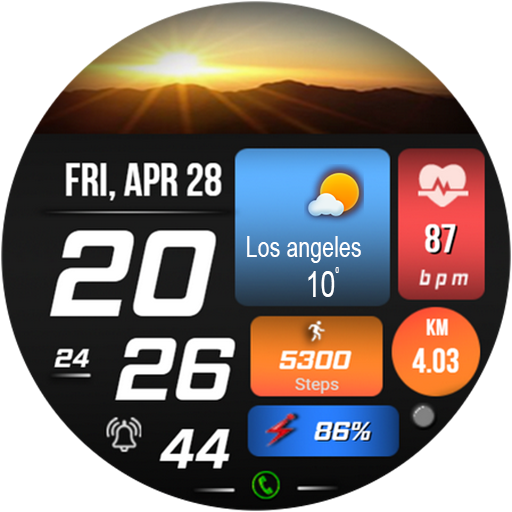
FSW231 WATCHFACE
Free
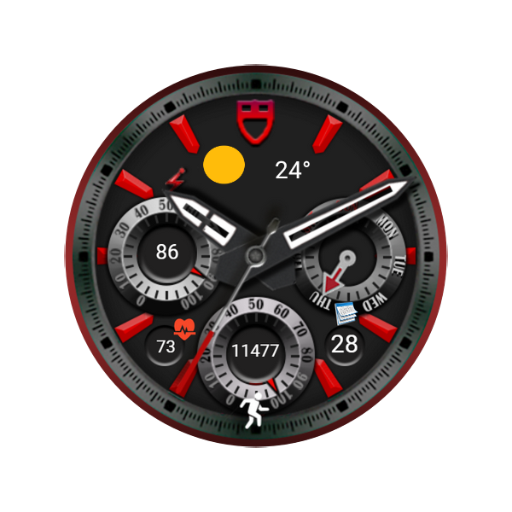
FSW240 Analog Watch face
Paid

FS W243 Watchface
Free

moon&earth themed watchface
Paid

FSW 245 Watchface
Free

FS Gamer Digital Watchface
Free
Similar Apps

Digitec Pro Watch Face Wear OS
Paid

Watch Face CUE151
Paid

OMG 160 Weather Watch Face
Paid

SamWatch Digital Weather 5
Paid
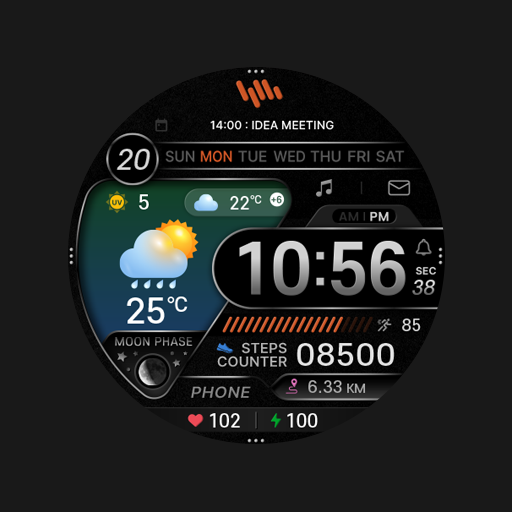
SamWatch Digital Weather 2
Paid

SMZ INTEGRITY3
Paid
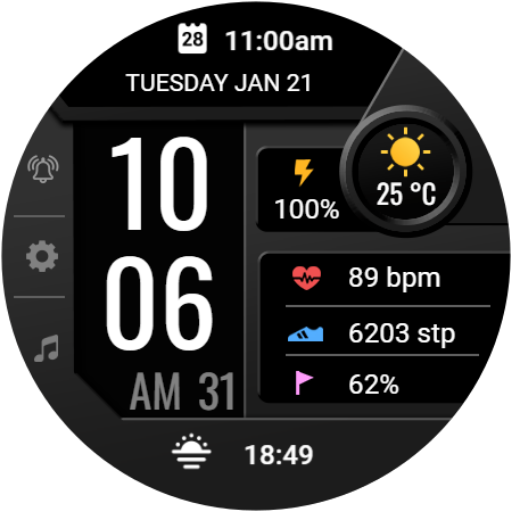
Digital Dashboard 4
Free

Watch Face CUE142
Paid

N-SPORT750 DigitalWeather Face
Free
![[KNA015] CRESCENT icon](https://play-lh.googleusercontent.com/ti1orTMCEZwaoCbG-MDyiq7CwLLTJGZ-lYBocqpGIQ4G1crZ-k03Ck1XVG4wPP_u8mk)
[KNA015] CRESCENT
Paid

PRADO 25 Weather Watch Face
Free

Digital Weather Hybrid NTV582
Paid

Animated Weather Digital ECO53
Paid
Weather Info Watchface
Paid

ES WR0017
Paid

Weather Hub
Free
Scan this QR code to download

Forwarding you to the page at Google Play market in seconds...
Open Google Play market now