24H ONLY Analog WF Wear OS 4+ vVARY
OQ Watchfaces




About this app
Developer Description
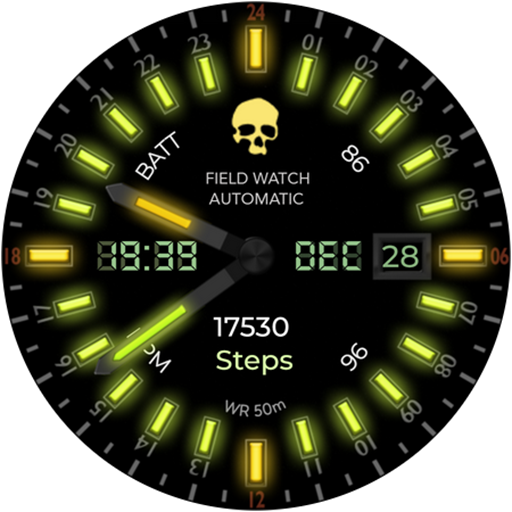
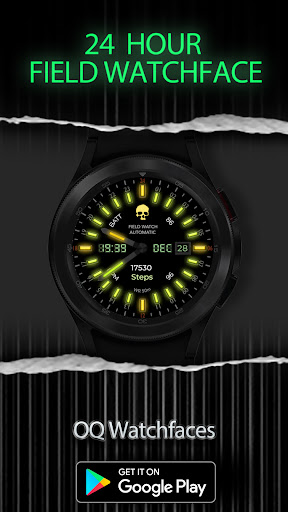
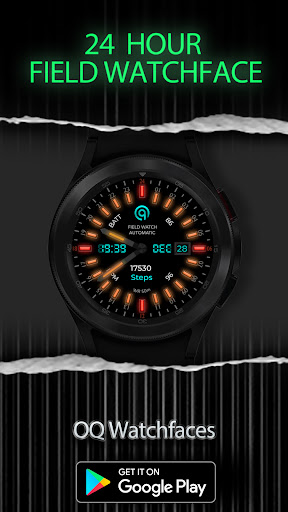
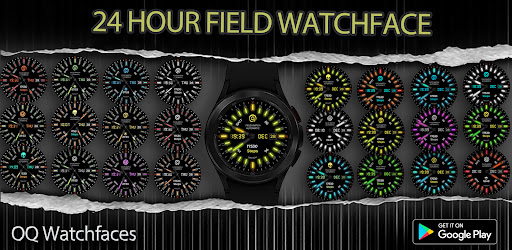
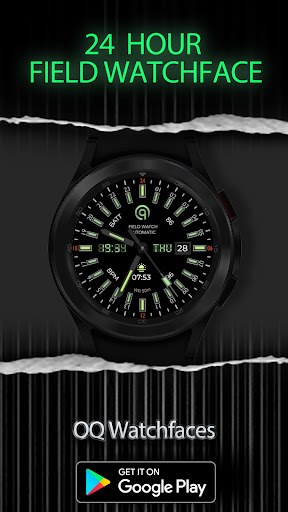
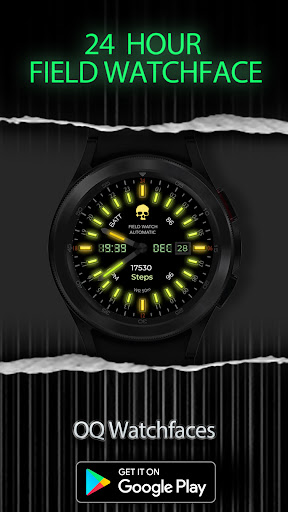
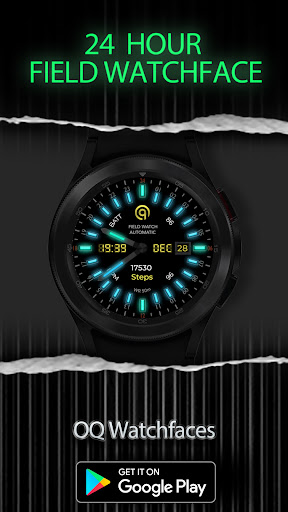
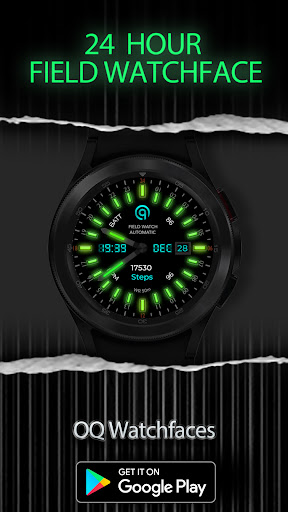
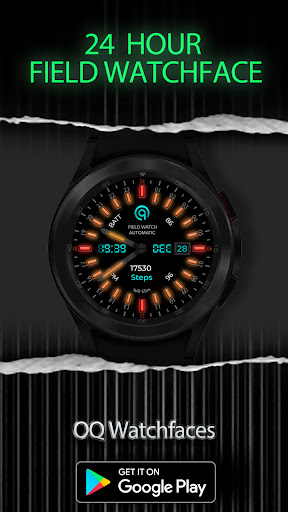
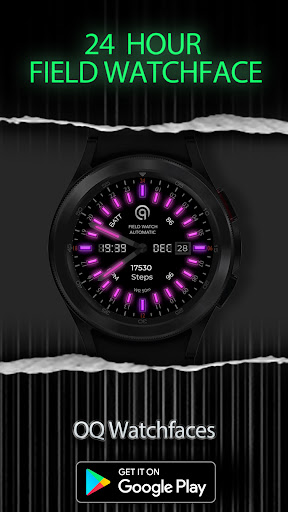
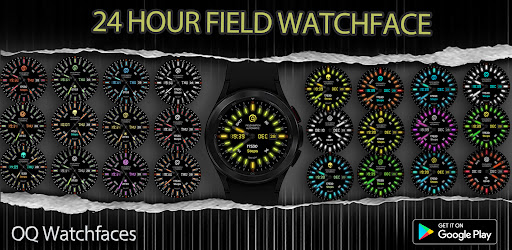
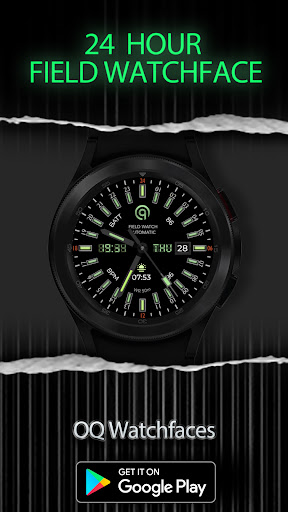
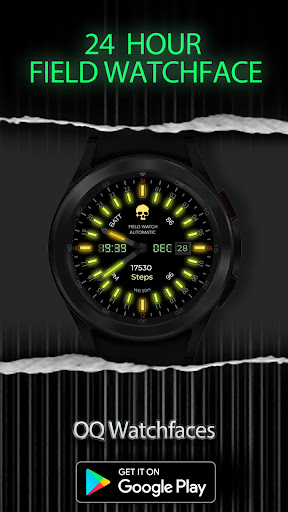
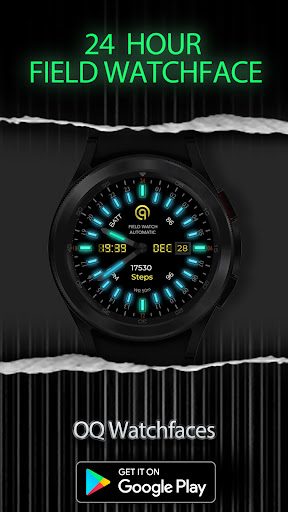
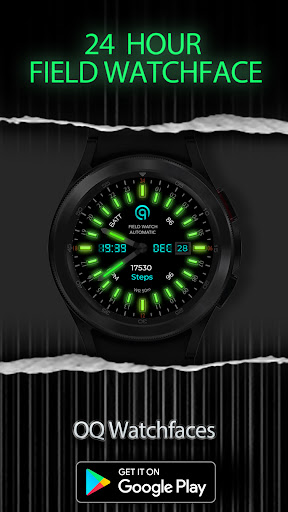
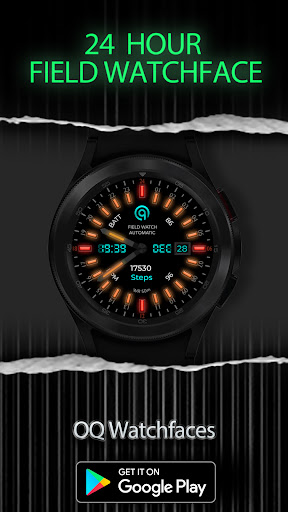
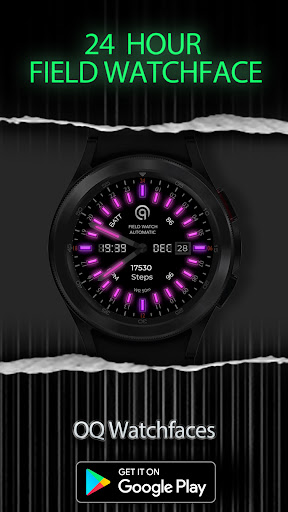
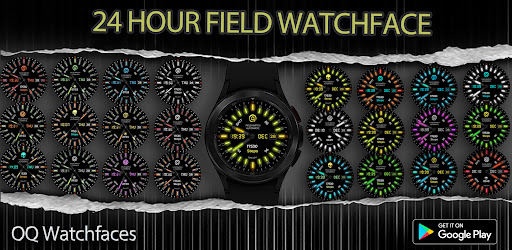
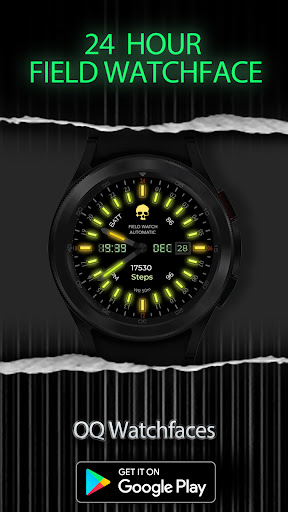
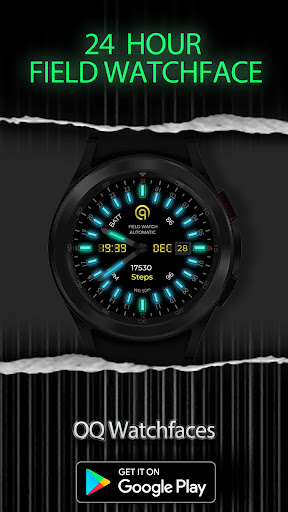
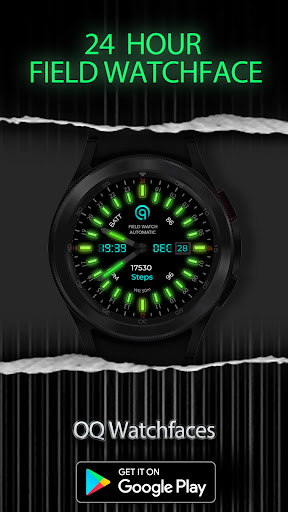
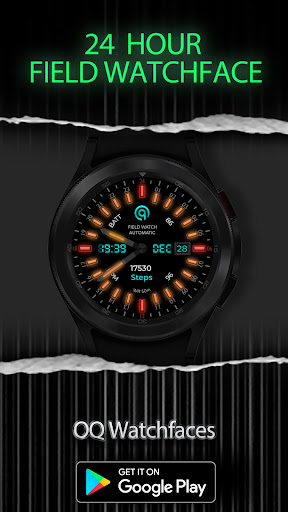
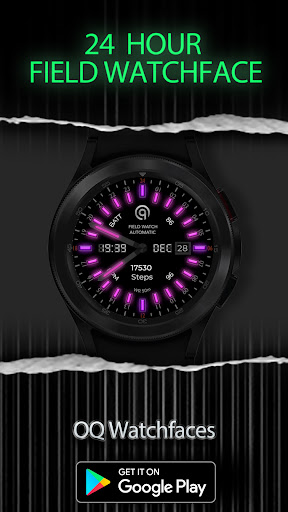
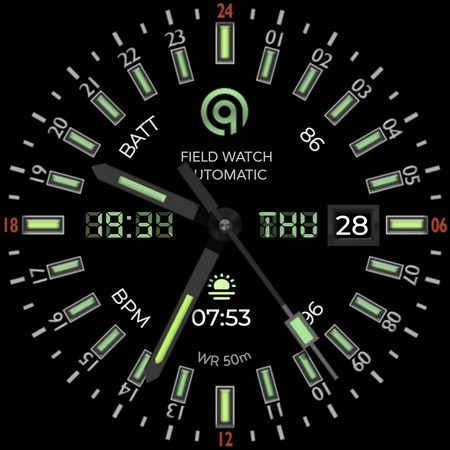
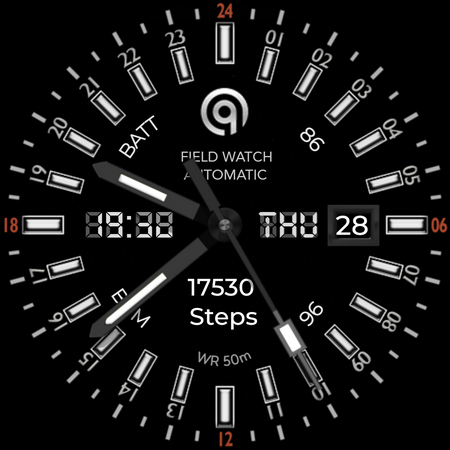
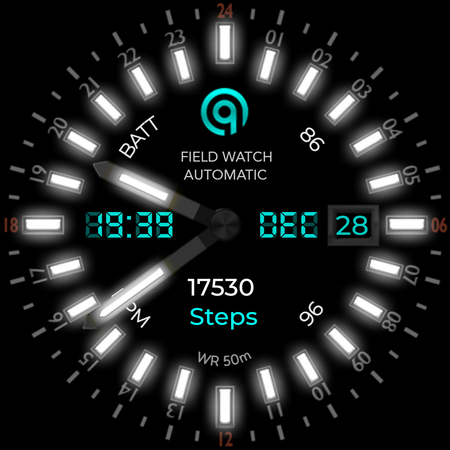
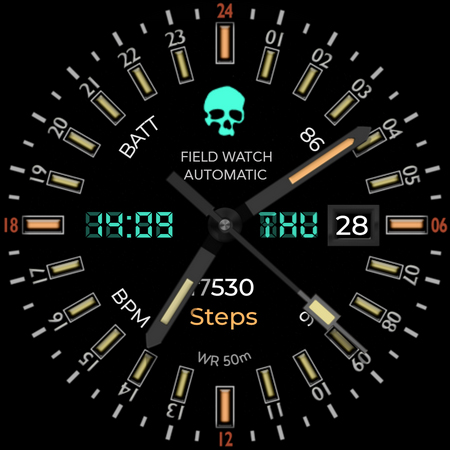
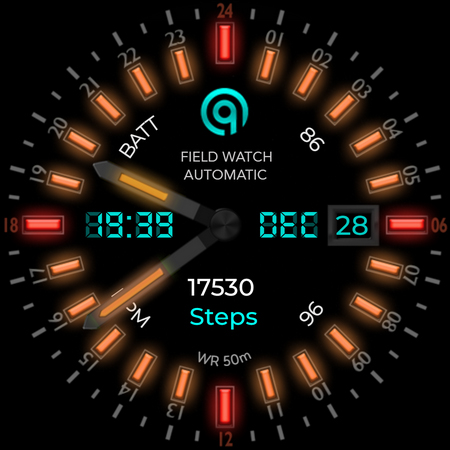
A Unique WF with 24H Only Hand Movements and Watchface hours and minutes index.
This watch face for WEAR OS devices has been created in Samsung Watch face Studio and has been tested on Samsung Watch4 Classic 46mm , Samsung Watch 5 Pro, & Mobvoi Ticwatch 5 Pro. Some options may look different in other wear os watches.
a. This watch face contains a lot of options in customization menu.If for some reason Galaxy wearable app force closes while you are trying to customize that is due to a bug in Galaxy Wearable app last update. Try 2 to 3 times while opening on Galaxy wearable app and customization menu will also open there as well.This has got nothing to do with the watch face. This issue does not persist in Tic watch 5 Pro Health app.
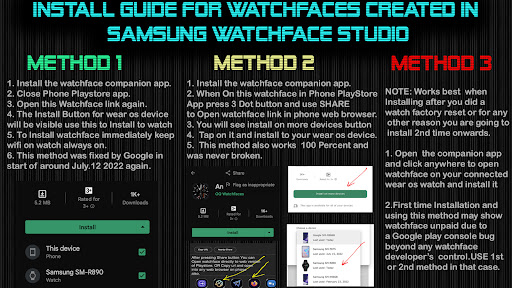
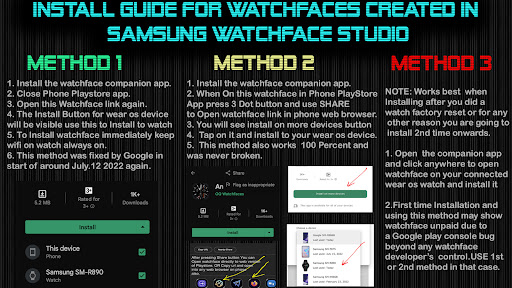
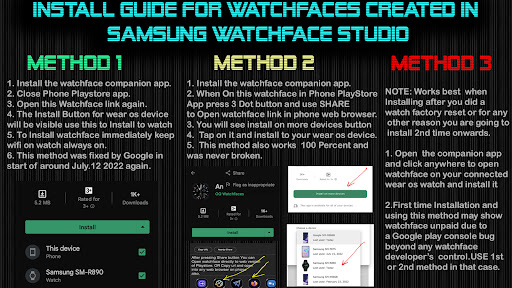
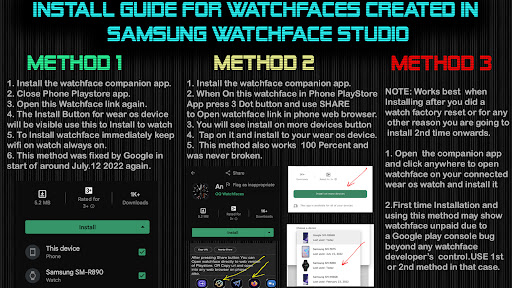
b. An Effort has be done to make a INSTALL GUIDE which is attached as an image with screen previews.It is the last image in previews for newbie Android Wear OS Users or for those who do not know how to install the watch face to your connected device. So it is requested to users to also make an effort and read it before posting cannot install statements.
The Watch face has following features and functions :-
1. Tap on Date text to open calendar menu.
2. Tap below logo where the text "Field Watch" is written to open watch setting menu.
3. Tap On BPM text or Reading text and it open Samsung Health Heart Rate Monitor Counter on Your Watch.
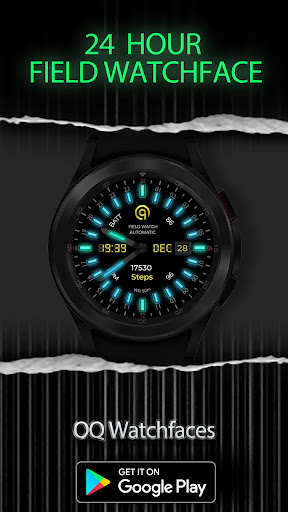
4. Logo styles are available to change in watch face customization menu.
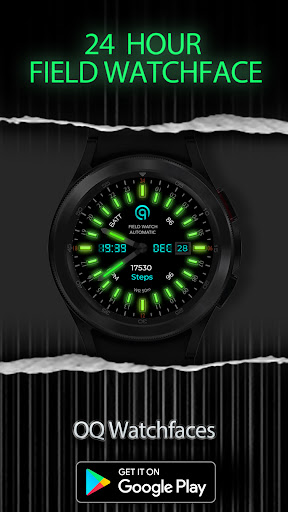
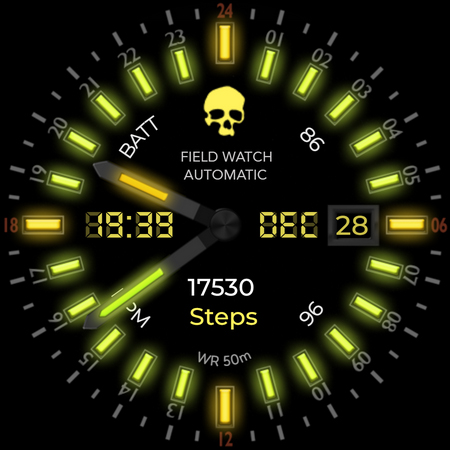
5. The main display has non luminous color option and Luminous mode color option as well. This has been created especially for users who do not use always on display mode but still want to have luminous mode which is on AOD mode in this watch face. You can customization both modes from watch customization menu.
6. The AoD display mode colors can be changed from AOD Color style option that is available in customization menu.
7. Dim mode is available for AoD mode in customization menu of this watch face.
8. 7 x customization complications available in customization menu.
What's New
1. Watch face updated with Samsung Latest Watch Studio V1.6.10 released on Jul-23-2024 as per Google New Policy To target Android 13 (API level 33) or higher.
Version Information
- Version
- -
- Downloads
- 100+
- Updated on
- Aug 21, 2024
- Released
- Jul 18, 2023
- Requires
- Android Varies with device
Statistics
Google Play Rating History
Rating Distribution
Downloads Over Time
24H ONLY Analog WF Wear OS 4+ has been downloaded times. Over the past 30 days, it averaged downloads per day.
Shaded area shows 30-day prediction based on historical trends
Historical data collection started recently. More data points will be available over time.
24H ONLY Analog WF Wear OS 4+ users say on Google Play
 Ryan C (Weird.Wacky.UAP.Phenomena)
Great design and interface. Colors are amazing as well. Hope to see more like this in the future.
 Frederick Ringl Jr
Very nice.
 scott ackerman
Worthless won't even load on watch.
ApkTrusted Ratings & Reviews
More from OQ Watchfaces
See more apps
Digital Basic 7 Wear OS 5+
Paid
Digital Basic 3b Wear OS 4+
Paid

Digital Basic 4 Wear OS 5+
Paid

Diver Classic 2 Wear OS 4+
Paid

Analog Classic 5 Wear OS4
Free
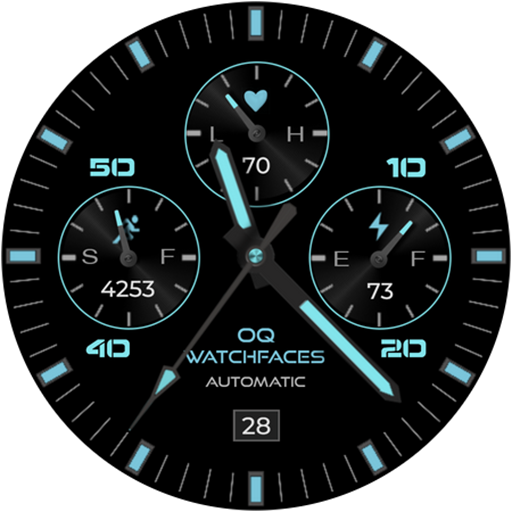
Analog Basic 21 Wear OS 5+
Paid

Digital Basic 8 Wear OS 4+
Paid

Analog Basic 13 Wear OS 4+
Free
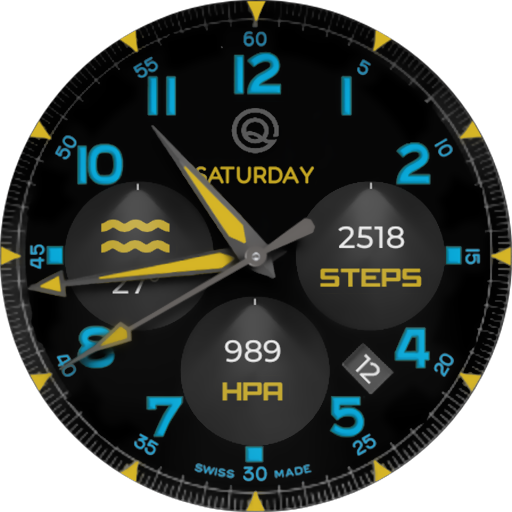
Analog Basic 12 Wear OS 4+
Free

Analog Basic 14 Wear OS 4+
Free

Analog Basic 16 Wear OS 4+
Free
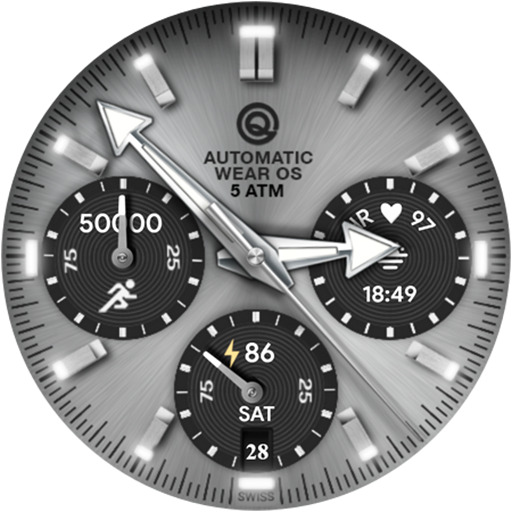
Analog Basic 16C Wear OS 4+
Paid

Analog Basic 20 Wear OS 4+
Paid
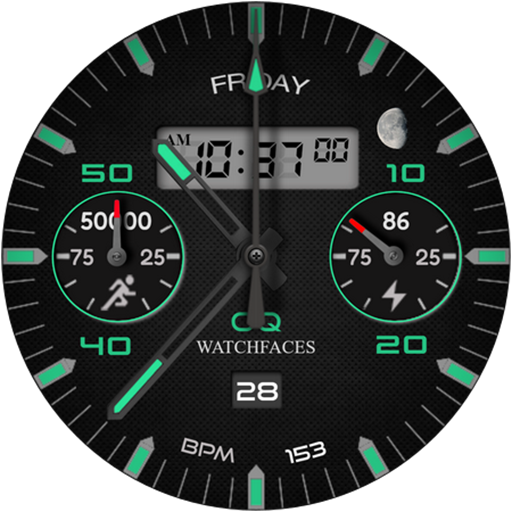
Analog Basic 11B Wear OS 5+
Free

Analog Basic 22 Wear OS 4+
Free

Analog Basic 23 WEAR OS 4+
Free
Similar Apps

CELEST5479 Aviator Watch
Free

TAC OB
Free

Analog Watch Face 042
Paid

CELEST1810 Aviator Watch
Free

TACT A
Paid

CROWN Watch Face
Free

CELEST5564 Aviator Watch
Paid
MFT WATCHFACE
Paid

AD Surface - Watch Face
Paid

HNTR
Free

5W034 RN Comms CIS/CISSM
Paid

Calendar Watch Face 075
Paid

Watch face CNW-43
Paid
TSD36 Aurum Watch Face Wear OS
Free

CELEST5459 Analog Watch
Paid
24Hr Watch Face 025
Paid
Scan this QR code to download

Forwarding you to the page at Google Play market in seconds...
Open Google Play market now