
ZION Analog - minimalist face vVARY
Enkei Design



About this app
Developer Description
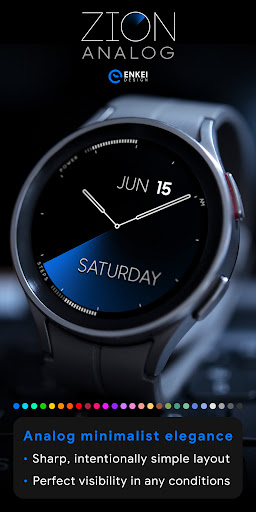
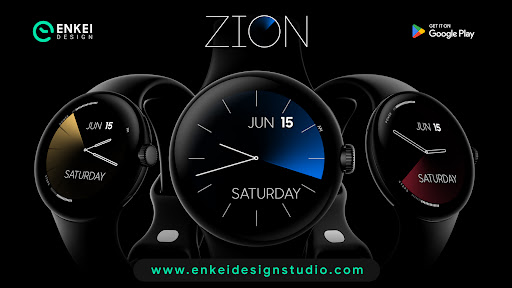
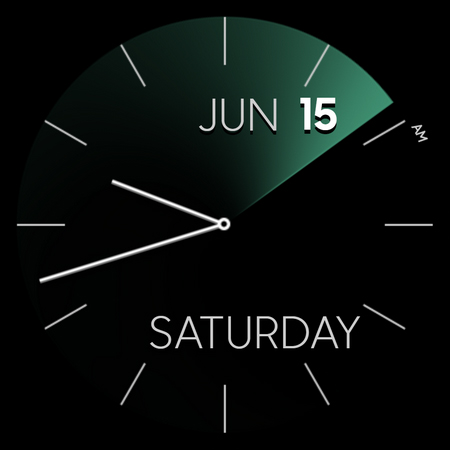
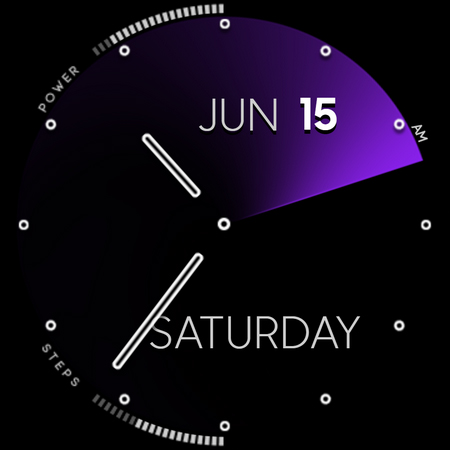
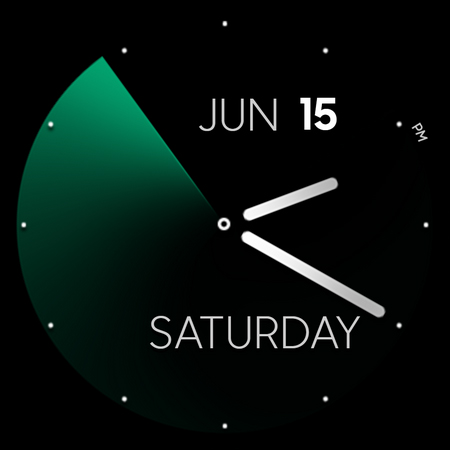
Embrace classic elegance - Minimalist, sharp & customizable face!
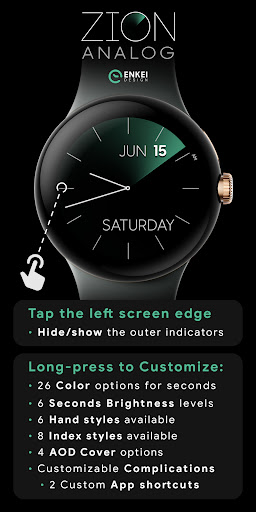
Tap the left screen edge to hide or show the edge indicators if you prefer to keep everything as simple as possible!
Digital version is also available:
https://play.google.com/store/apps/details?id=com.watchfacestudio.zion
Powered by Watch Face Format - offering expanded customization options and useful features!
Made only for devices running Wear OS 5.0 and newer versions (API 34+)
Please install only to your watch device.
Phone companion app serves only to help direct installation to your watch device.
FEATURES:
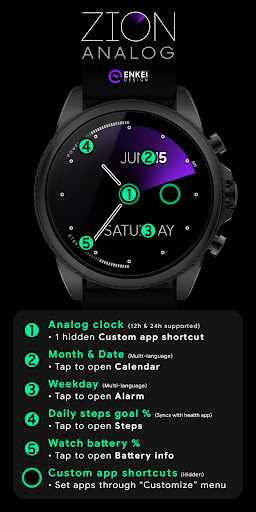
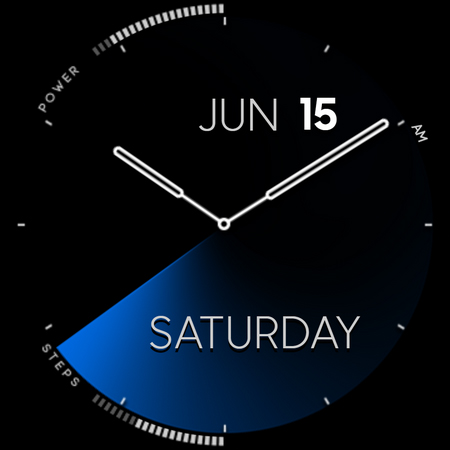
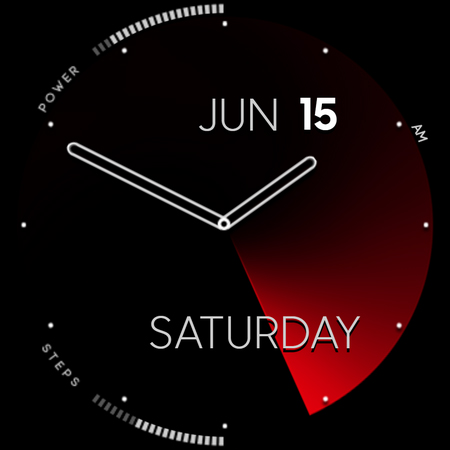
- Analog clock - 12h/24h with AM/PM icon
- TAP center or "3 o'clock" for Custom app shortcuts
- Month and Date - Multi-language support
- TAP to open Calendar
- Weekday - Multi-language support
- TAP to open Alarm
- Daily steps goal % bar - Syncs with the health app
- TAP to open Steps
- Battery % bar
- TAP to open Battery info
- Battery and Steps can be hidden
- TAP left screen edge ("9 o'clock") to hide/show
- 2 Custom app shortcuts - Hidden
- Center of the watch face and "3 o'clock" area
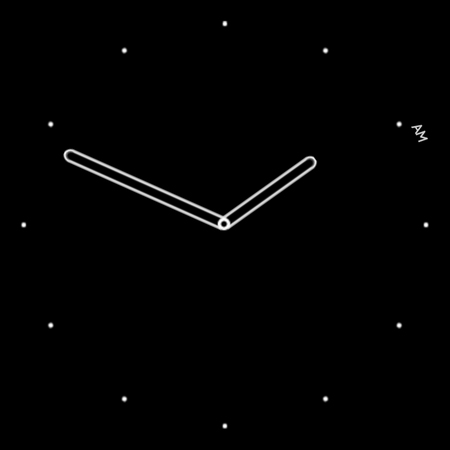
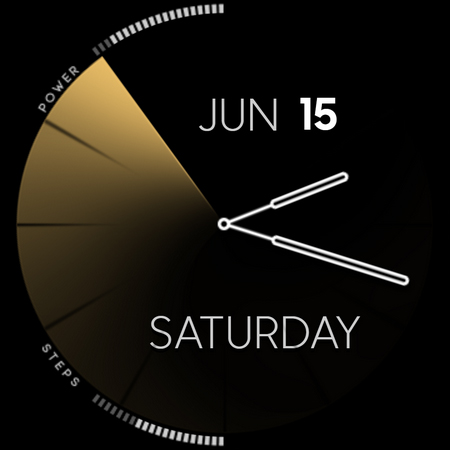
- Battery efficient AOD - Customizable
- Averaging just 1% - 4% active pixels
- Long-press to access Customize menu:
- Color - 26 options
- Seconds Brightness - 6 levels
- Hand style - 6 options
- Index style - 8 different styles
- AOD Cover - 4 cover options
- Complications
- 2 Custom app shortcuts
INSTALLATION TIPS:
https://www.enkeidesignstudio.com/how-to-install
CONTACT:
info@enkeidesignstudio.com
E-mail us for any questions, issues or general feedback. We're here for you!
Customer satisfaction is our main priority, we make sure to respond to each e-mail within 24 hours.
More watch faces:
https://play.google.com/store/apps/dev?id=5744222018477253424
Website:
https://www.enkeidesignstudio.com
Social media:
https://www.facebook.com/enkei.design.studio
https://www.instagram.com/enkeidesign
Thank you for using our watch faces.
Have a great day!
What's New
Update 1.18.1 for Wear OS (Watch face)
- Powered by Watch Face Format
- Target API level 34
HELP/INFO:
info@enkeidesignstudio.com
Thank you!
Version Information
- Version
- -
- Downloads
- 1K+
- Updated on
- Aug 22, 2025
- Released
- Aug 30, 2021
- Requires
- Android Varies with device
Statistics
Google Play Rating History
Rating Distribution
Downloads Over Time
ZION Analog - minimalist face has been downloaded times. Over the past 30 days, it averaged downloads per day.
Shaded area shows 30-day prediction based on historical trends
Historical data collection started recently. More data points will be available over time.
ZION Analog - minimalist face users say on Google Play
 Ankit Kamal
I had the digital version and loved it.. I was always wanting the Analogue version as well.. I am so glad I can get my hands on this wonder now! Awesome work!
 Bilal Shamim
My favourite face. However, wish the AOD would display the date and the index around the watch so I can see what time it is. would happily pay for that too. thanks
 Luis Da Silva
why can I not get a refund on this watch face like all others. I've had it only 2 minutes and don't like it. No option to refund. Absolutely rubbish
ApkTrusted Ratings & Reviews
More from Enkei Design
See more apps
Cyber Cargo - animated health
Paid
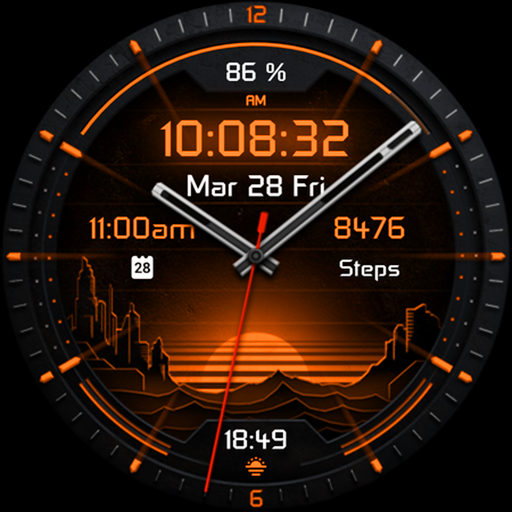
Dark Sunset hybrid watch face
Paid

Cyber Agent - health animated
Paid
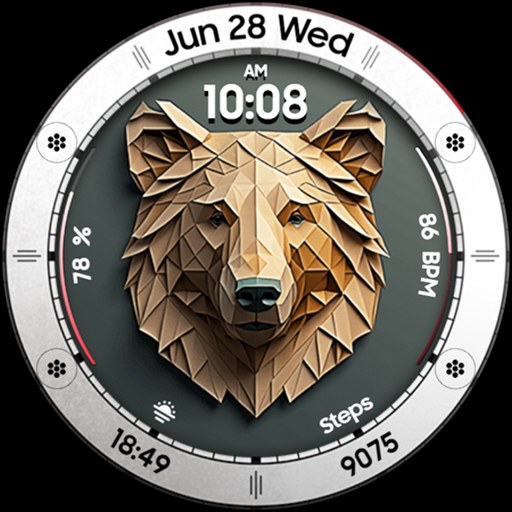
Bear Accessory - watch face
Paid

Christmas Magic - watch face
Paid

Cyberoid Ultra - watch face
Paid

Alpha Dark - modern minimalist
Paid
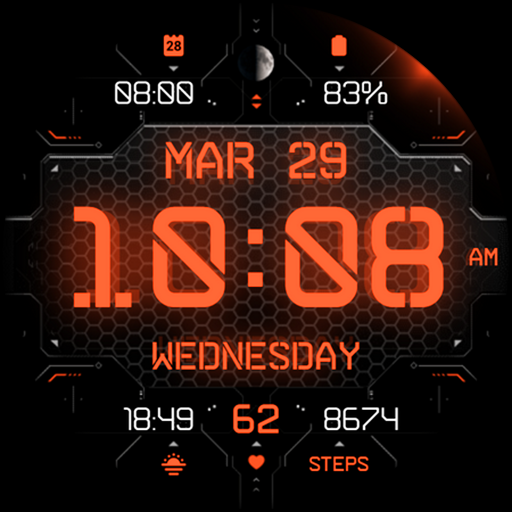
Cyber Carbon - digital health
Paid

Boop Lite - colorful hybrid
Free
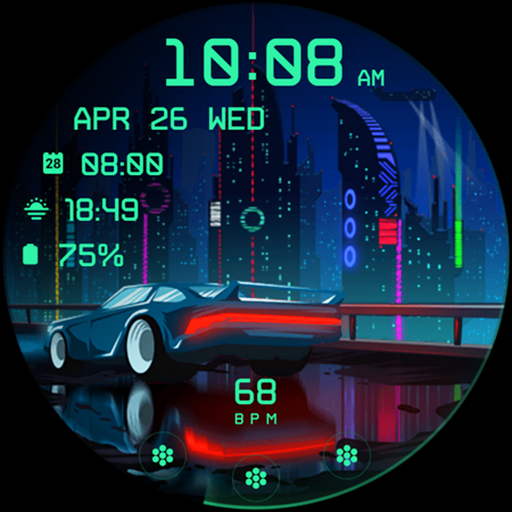
Cyberpunk Ambient - watch face
Paid

Boop - colorful hybrid watch
Paid
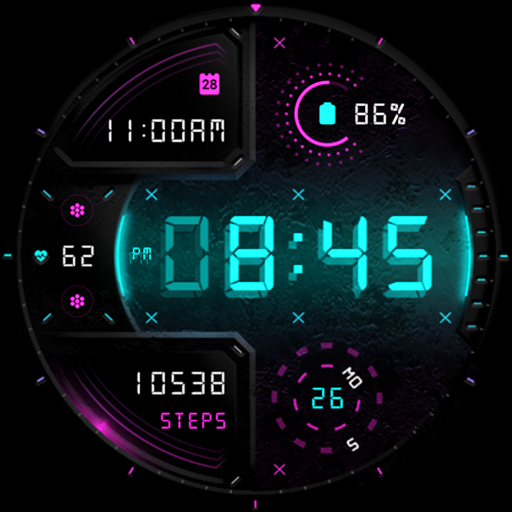
Cyber Digit - digital colorful
Paid

Cyber Phantom - watch face
Paid

Bond 3.0 - digital minimalist
Free

Archeus - analog animated
Paid

Ambient Lights - animated
Paid
Similar Apps

Stiff Night - watch face
Paid

Twin Zone Watch Face
Paid

Battery Saver Pro
Paid
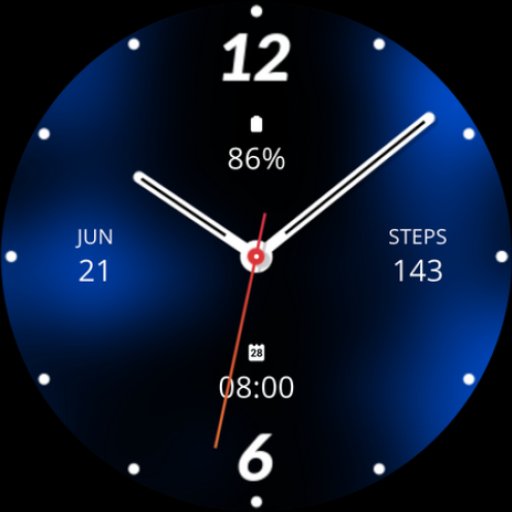
Blue Analogue Watch Face
Paid

Minimal Black v17 Watch Face
Paid

Regarder Midnight - Watch Face
Paid
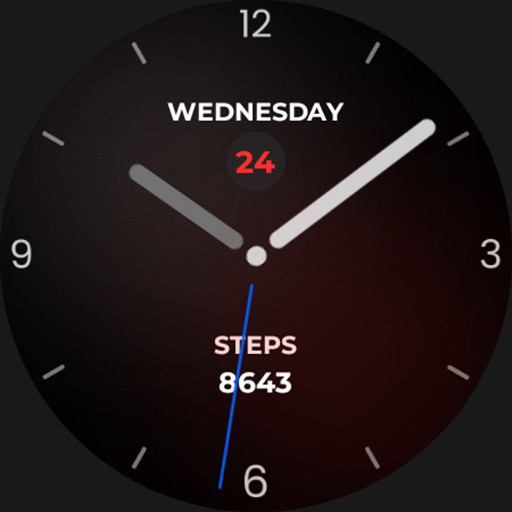
Nighty Analog 14 - watch face
Paid

Vortex Time Watch Face
Free

Ghost Time Watch Face
Paid

Modern Dashboard Watch Face 03
Free

DarkElegant pro
Paid

Orbit Sync Watch Face
Paid

Analog watchface A5
Paid
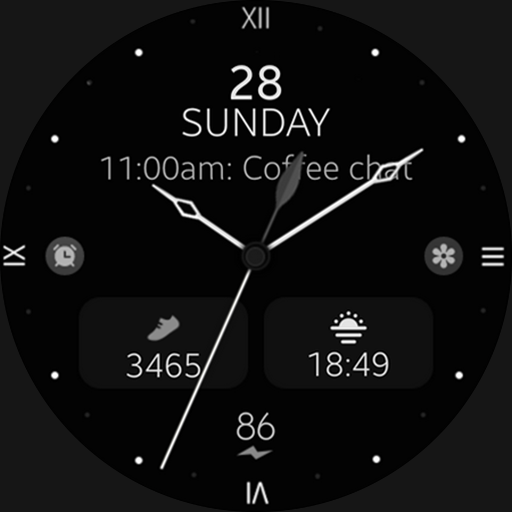
Minimal Black v28 watch face
Paid

NightGlow - Watch Face
Paid
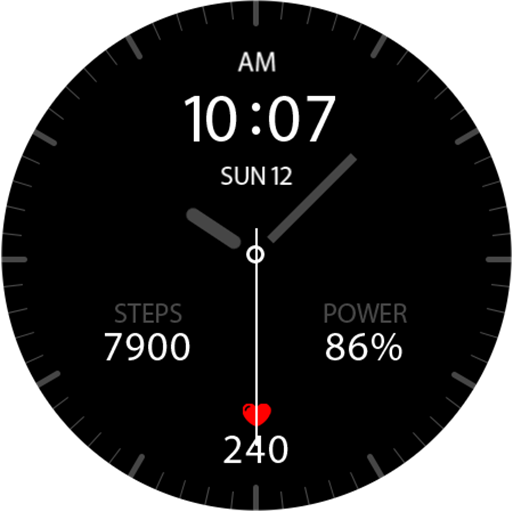
Key041 Analog Watch Face
Free
Scan this QR code to download

Forwarding you to the page at Google Play market in seconds...
Open Google Play market now