
Wolfram Cloud v1.2.23.2025112585
Wolfram Group LLC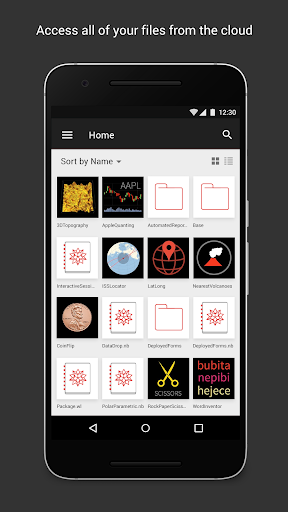

About this app
Developer Description
Wolfram Cloud: access the Wolfram Language with notebooks & instant apps
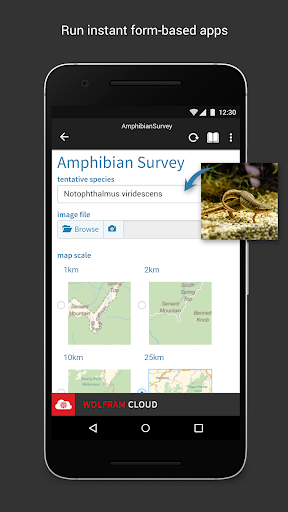
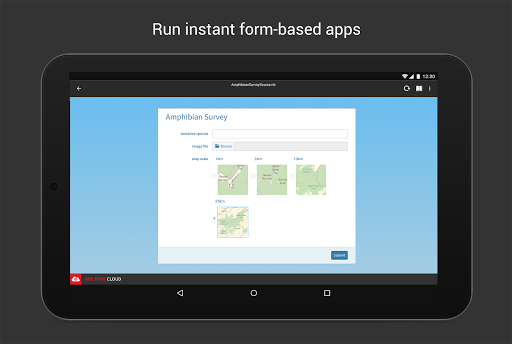
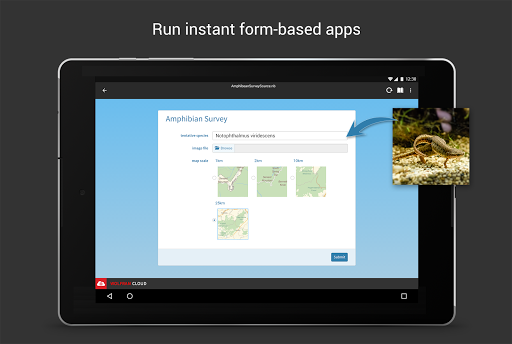
View your deployments on the go with the Wolfram Cloud mobile app. Whatever your target, the Wolfram Cloud lets you deploy your code or content at production scale in an unprecedentedly powerful and simple way, and now you can view and interact with your deployments on mobile.
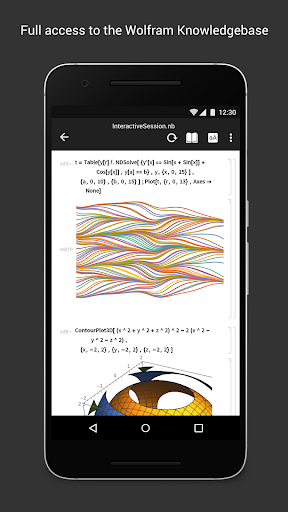
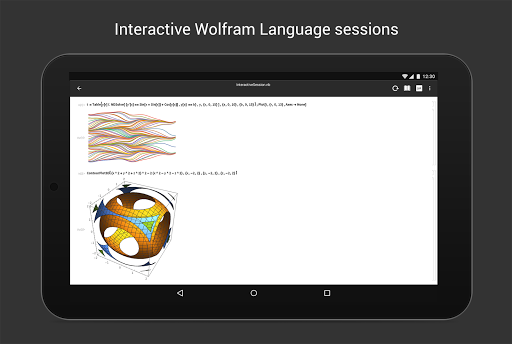
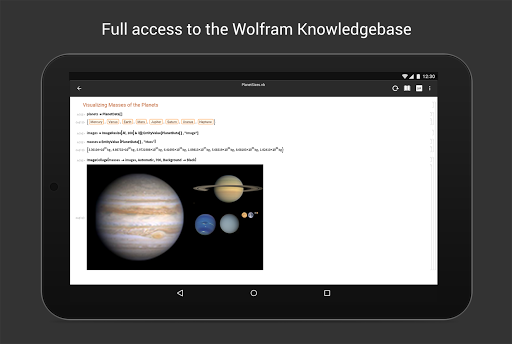
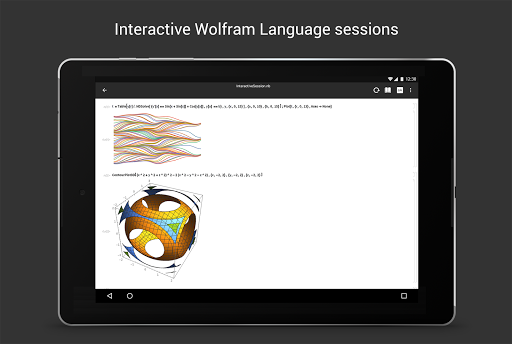
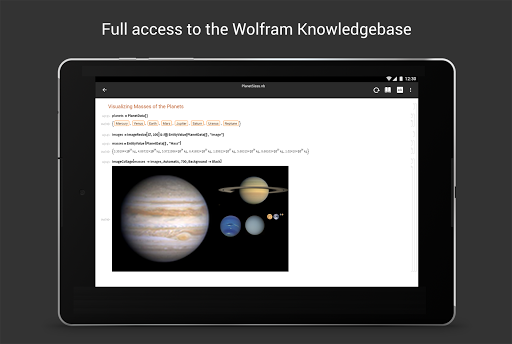
Building on more than 25 years of technology development, the Wolfram Cloud brings the revolutionary capabilities of the Wolfram Language to bear on creating and deploying production software systems and applications. With its philosophy of building in vast algorithmic and knowledge resources, and its commitment to maximum automation, the Wolfram Language dramatically changes the economics and possibilities of programming.
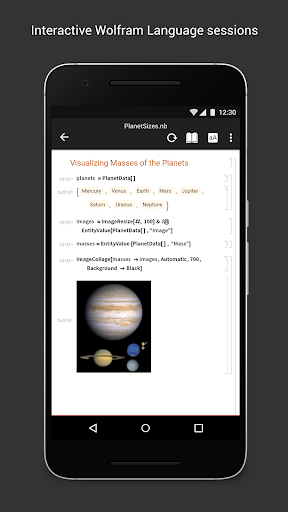
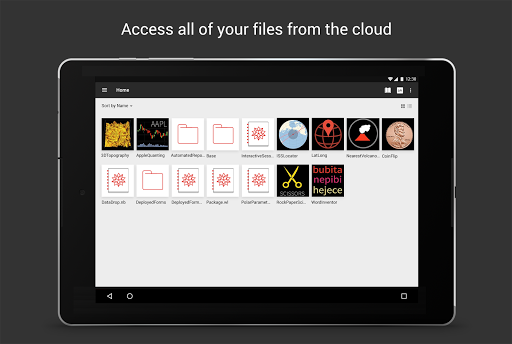
We’ve made the Wolfram Language available in Desktop and Cloud, so that you can write, test, and deploy your code directly in the cloud, and now you can access it on mobile too.
By leveraging the Wolfram technology stack, the Wolfram Cloud makes it possible for you to develop and deploy a useful application in minutes—and build a major production system in days or weeks.
Version Information
- Version
- 1.2.23.2025112585
- Downloads
- 100K+
- Updated on
- Dec 4, 2025
- Released
- Feb 15, 2016
- Requires
- Android 10
Statistics
Google Play Rating History
Rating Distribution
Downloads Over Time
Wolfram Cloud has been downloaded times. Over the past 30 days, it averaged downloads per day.
Shaded area shows 30-day prediction based on historical trends
Historical data collection started recently. More data points will be available over time.
Wolfram Cloud users say on Google Play
 shankar r
It will be better if these things are added. Quick login, Quick copy paste, Quick delete cell
 Cheque P
The app works fine in mobile devices but not in tablets there are overlaps, inputs are not that easy but since the app is for mobile use is ok, if you know how to use wolfram cloud deployment, handling files is ok if not you can only import images from the mobile. In general is a good app if you have experience in handling the wolfram language and its curated databases.
 Kaan Şimşek
There should be an option to enable/disable the internal keyboard when one uses a bluetooth keyboard because the default one covers more than half of the screen on tablet in landscape mode. App does everything I want when I can't use my PC -- that's why I can't give lower than 3 stars. Also, I agree with other reviewers on basic functionalities.
 Michael Sollami
Wish I could say otherwise but it's still unusable on Android. It can't open local or email-attached notebooks, lacks cursor selection control, no copy paste, no undo, graphics and controls are not manipulateable, no stylesheets, slideshows are terrible, and importing local files are not allowed. Please fix these issues in the next year?
 Sam Rosati
I love the concept of this but please allow an option to turn off the internal keyboard and also make it more touch friendly. This is a terror to use and it looks like you have dissatisfied your users. What a shame.
ApkTrusted Ratings & Reviews
More from Wolfram Group LLC
See more apps

Similar Apps

Scientific Calculator Pro
Paid

Socratic AI: Math Help, Solver
Paid

Mathos AI: Math Helper & Tutor
Free

Champ Scientific Calculator
Free

Mathway: Scan & Solve Problems
Free

Lib of Dev (Open Source)
Free

Desmos Graphing Calculator
Free

Daily Science Experiment
Paid

Symbolab: AI Math Solver
Free

Tutor AI - math solver
Free

Numerade - Homework Help
Free

Cymath - Math Problem Solver
Free

Course Hero: AI Homework Help
Free
HiPER Calc Pro
Paid

UpStudy - Camera Math Solver
Free

CircuitMess Playground
Free
Scan this QR code to download

Forwarding you to the page at Google Play market in seconds...
Open Google Play market now