Docs Reader - Word Office App v3.0.39
Brain Trust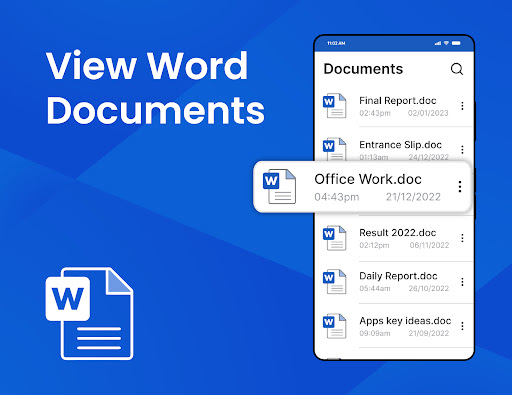





About this app
Developer Description
Docx reader is a simple and fast app to read word documents.
■ View word documents in Android
■ View docx, docs and doc files
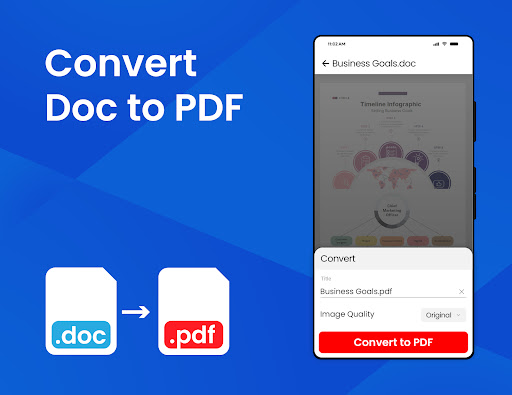
■ Convert Doc to PDF
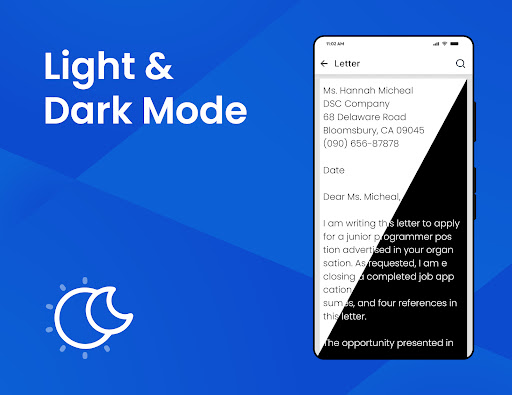
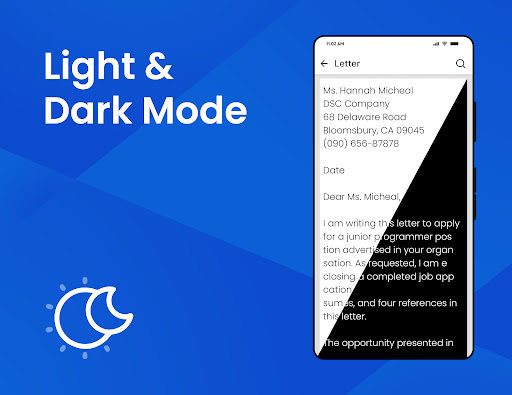
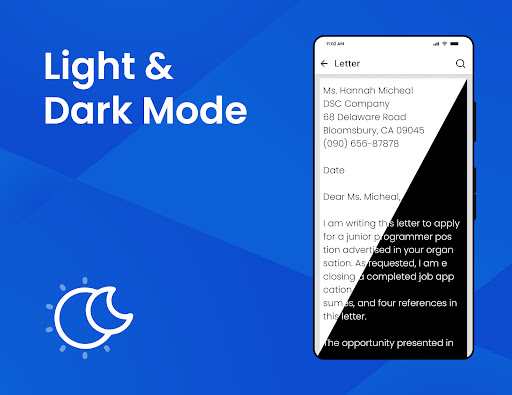
■ Read docs in dark mode
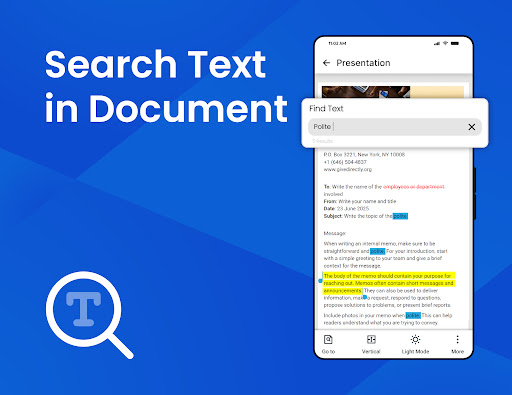
■ Search text in document files.
■ Share and print word documents
Well, this docx reader is exclusively designed to open word documents in Android. Word file reader is a docs app that let you open and view a wide range of MS Office documents right on your phone. Docx reader is a quick and genuine app that helps to read word office documents. Doc, docx, docs, or any other word format can be quickly viewed in this app. Whether it's a business document or a school assignment, the docs reader can help you open and edit word docs on your phone. Read and view documents on your mobile device using word document reader just like you do on your PC. No need to print your whole bunch of documents to send them to others when you can easily share files with others with this docx reader. Documents are easy to read and share with the docs reader app. Apart from opening word docs office, word document reader also supports view for other office documents. The word file reader can be used to read documents, letters, business documents, or school assignments.
Docx reader is an all-in-one office word app that helps to read word office documents and open MS Office files on your phone. The amazing part is that word office app automatically finds and organizes all the docs files in the app. Users can search files by name in the word docs reader app to quickly open word docs and read docx files. Users can read all word files available on the phone and open word files directly from their email attachments.
Docs reader is a state-of-the-art app to view word docs on Android anytime, anywhere. View documents, and convert Doc to PDF documents using the word reader app on your mobile device. From document reading to converting docs to PDF and more, word file reader is one of the best docs apps to edit and read documents on the go. Users can convert word documents to PDF using the Doc to PDF converter feature in word file reader app. Doc to PDF converted files will be saved directly on your device. Read documents and open emails and other attachments with the built-in document viewer. Users can access word files and read docs more efficiently using the word office app.
Word documents can be sorted by name, size, and date modified to give users an easy experience of reading office word docs. Frequently used files can be added to favorites in the word document reader app for easy access. To easily access and read all word documents, users can add frequently used files to favorites in the docs app. Unlike other applications, this word file reader supports both horizontal and vertical modes to read word office documents. Users can view word docs office in dark mode and enjoy navigating through docs reader in dark view mode. The dark mode is the best feature of the word document reader when it comes to reading large document files. Dark mode provides the best experience when it comes to reading documents. Large document files can be easily viewed in the word reader app and read for a long time in dark mode. It is not only a doc reading app but a word office app that can be used to rename, delete and share word docs with others and much more.
What's New
Dark mode added
Improved user experience
In-app purchases
$19.99 - $29.99 per item
Version Information
- Version
- 3.0.39
- Downloads
- 500K+
- Updated on
- Dec 13, 2025
- Released
- Jan 4, 2023
- Requires
- Android 7.0
Statistics
Google Play Rating History
Rating Distribution
Downloads Over Time
Docs Reader - Word Office App has been downloaded times. Over the past 30 days, it averaged downloads per day.
Shaded area shows 30-day prediction based on historical trends
Historical data collection started recently. More data points will be available over time.
Docs Reader - Word Office App users say on Google Play
 tushar sharma
A realiable app for managing and tracking document versions .
 Wolf monster FF
I have some problems with it.
 Aryan
Aryan
Good
 Rilahi MMM
Work, but not properly. And it doesn't open a doc as A4 size.
 Farhad Hussain
Annoying ads. You can't do your work but waste time watching those annoying ads.
ApkTrusted Ratings & Reviews
More from Brain Trust
See more apps


Similar Apps
DOCX Editor: PDF, DOC, XLSX
Free
Office Word Reader Docx Editor
Free
Polaris Office: Edit&View, PDF
Free

PDF Reader(KDAN PDF): Edit PDF
Free
PDF viewer lite
Free
All Document Reader: PDF, Word
Free
PDF Reader App : Read All PDF
Free

CSV File Viewer - Smart CSV
Free

MobiOffice: Word, Sheets, PDF
Free
PDF Reader App - PDF Viewer
Free
PDFelement-PDF Editor & Reader
Free

PDF Merge: Scan, Sign & Edit
Free
PDF Editor – Edit Everything!
Free

PDF Reader Zone
Free

WPS Office-PDF, Word, Sheet
Free

Notepad - Notes and Tasks
Free
Scan this QR code to download

Forwarding you to the page at Google Play market in seconds...
Open Google Play market now