
CSV File Viewer - Smart CSV v2025.11.03
MinimalistApps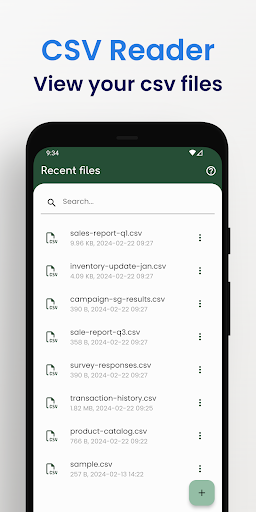





About this app
Developer Description
Effortlessly explore CSV Editor: AI assistant, PDF/chart, filter, SQL, and more
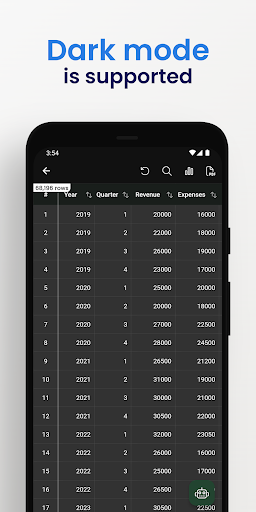
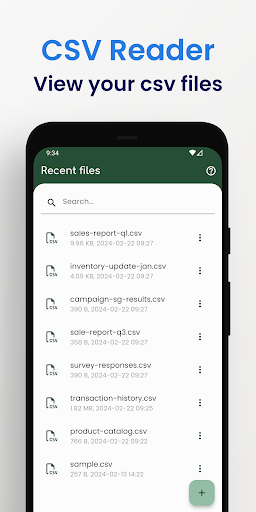
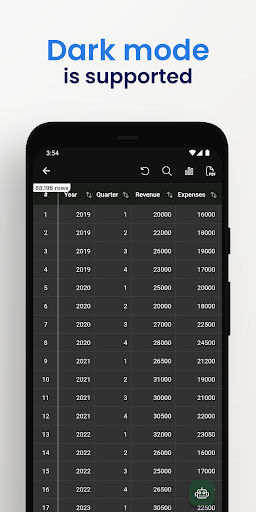
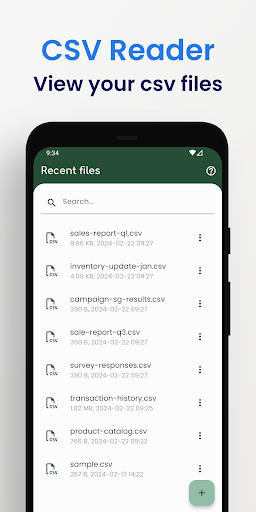
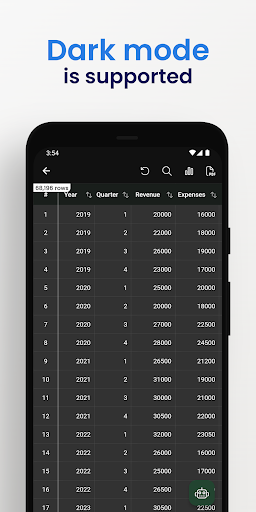
- Easy to view your CSV file.
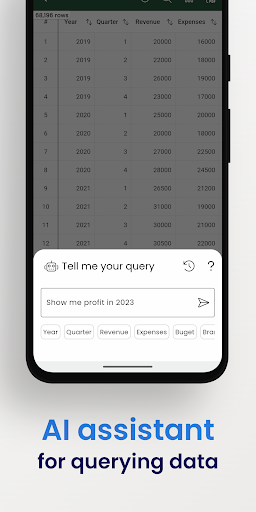
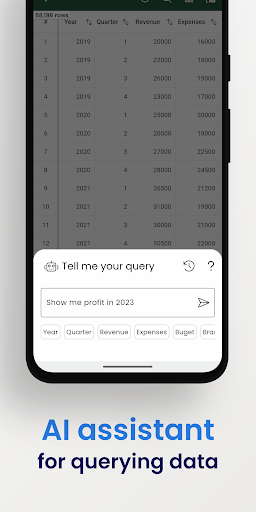
- Use AI Assistant to query CSV content.
- Show column image URL as an image.
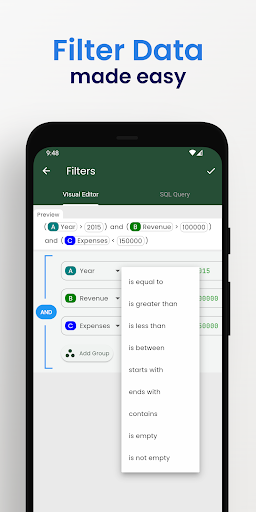
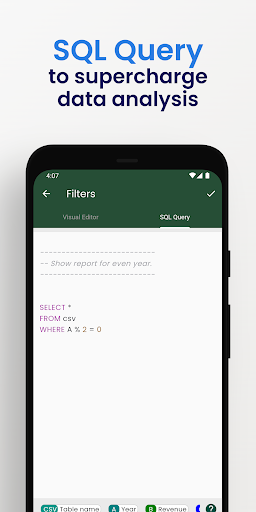
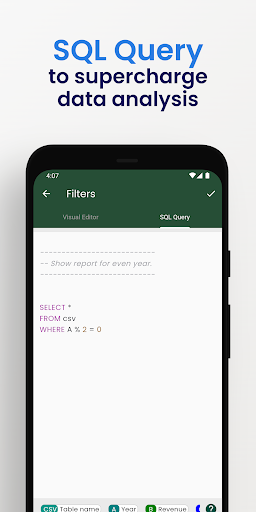
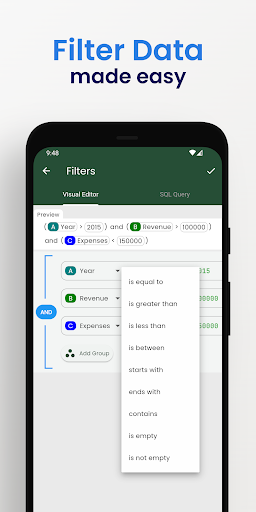
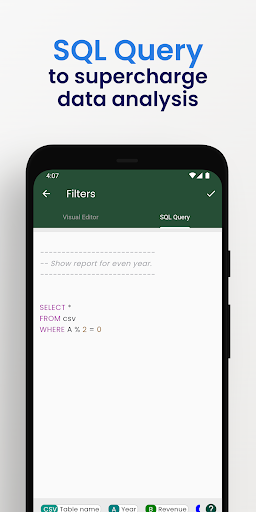
- Analyzing your data is easy by using visual filters or SQL queries.
- Easy filter data with Visual Filter Editor.
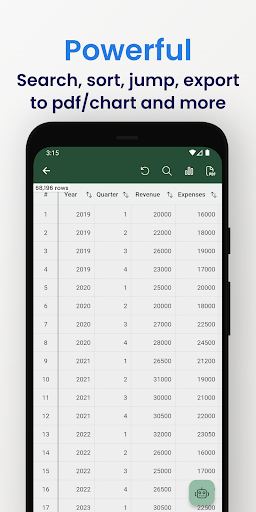
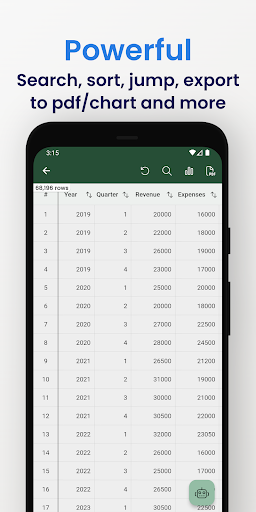
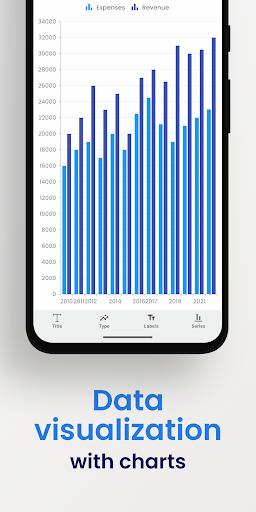
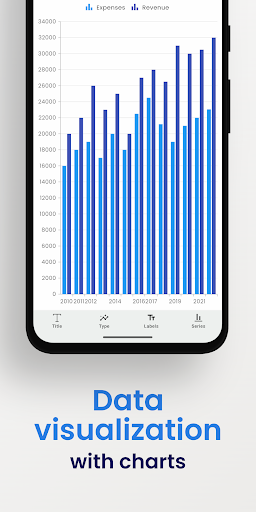
- Generate a chart image.
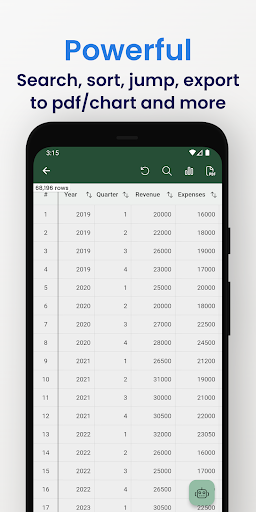
- Convert to PDF file. A CSV file can be custom data and style to export to a pdf file as you want.
- Manage all the exported files and share them with your friends.
- Easy to search your content.
- Copy the selected rows.
- Support both csv & tsv file format.
- Files open instantly after import, even those of large size.
- and more.
# FAQ
- Q: What is csv file?
- A: From wikipedia: Comma-separated values (CSV) is a text file format that uses commas to separate values, and newlines to separate records. A CSV file stores tabular data (numbers and text) in plain text, where each line of the file typically represents one data record. Each record consists of the same number of fields, and these are separated by commas in the CSV file.
---
- Q: Which chart types are supported?
- A: Currently, Smart CSV Viewer support column chart, bar chart, line chart, area chart, spline chart, scatter chart, step line chart, and step area chart.
---
- Q: What do you mean by “customizable”?
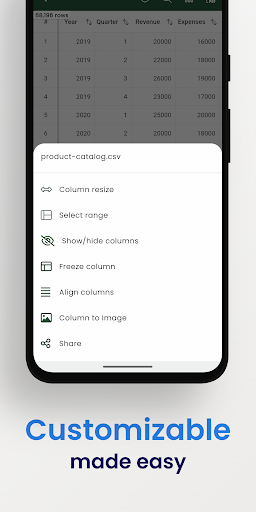
- A: In Smart CSV Viewer you can custom as much as you can. For example, when you only want to copy a part of data in a row, you can use the “filter” feature to exclude it. You can extract data by column. When you export to a pdf file, you can custom the style (color scheme) to match your expectation. More than a CSV converter tool, now you can change the look of your pdf file by styling it.
---
- Q: Why my file not being updated?
- A: If your file has been updated, you will need to re-import it. During the import process, the CSV file will be imported into the SQLite database. Consequently, you will be able to instantly view the updated file and utilize SQL queries to retrieve your data.
If you have any questions, don't hesitate to contact us:
Website: https://minimalistapps.github.io/smartcsv/
Email: imuosdev@gmail.com
We hope you are more productive with Smart CSV!
What's New
We hope you're loving Smart CSV. Tell us what you think by leaving a review! :)
In-app purchases
$0.99 - $39.99 per item
Version Information
- Version
- 2025.11.03
- Downloads
- 100K+
- Updated on
- Nov 2, 2025
- Released
- Feb 13, 2022
- Requires
- Android 7.0
Statistics
Google Play Rating History
Rating Distribution
Downloads Over Time
CSV File Viewer - Smart CSV has been downloaded times. Over the past 30 days, it averaged downloads per day.
Shaded area shows 30-day prediction based on historical trends
Historical data collection started recently. More data points will be available over time.
CSV File Viewer - Smart CSV users say on Google Play
 Philippe Choquette
This is one of the only apps that allows the proper display of CSV files. The UI stays smooth across even with files that contain thousands of rows, and it can even search through them effortlessly. The developer is very responsive and quickly pushed an update to address an issue I was having with a given file.
 Tim Tschanz
Quite pretty, clean UI: Well done! However, the free version is too limited for me to discover the full potential of the app and even consider buying premium.
 macrothylacia rubi
Nice interface and actually works unlike some other apps here, but you can't access storage directly and have to import/export, and it feels a bit sluggish even with simple files. Also minus points for pointless AI that you can't disable.
 Matt Qualls
Could be nice... without the paywall. I use Flow CSV Viewer on Windows (11) to view tracklog file fom an OBDII reader recorded by TorquePro. It lays out all the variables unline ANY other app I've seen. Nothing has came close. AND it's free. It's neat, clean, you can clor code each data point. I feel like this app here, on Android, MIGHT have half of those abilities, but you have to pay $20+ dollars to find out. Guess I'll be sticking with my PC since it transfers in seconds, anyways.
 Tera G
api key doesn't work. too difficult to edit anything and constant warnings when just downloading the app is beyond annoying so never even tested it beyond 3 attempts since that's all I can handle of the pop ups. add ads it's less annoying than warnings when you haven't even tested anything yet
ApkTrusted Ratings & Reviews
More from MinimalistApps
See more apps
Similar Apps

Regula Document Reader
Free

Microsoft 365 Admin
Free

OfficeSuite Pro + PDF
Paid

Content - Workspace ONE
Free

fileee - No more paperwork
Free

Total Commander - file manager
Free

DAVx⁵ – CalDAV CardDAV WebDAV
Paid

Rocketbook
Free
Polaris Office: Edit&View, PDF
Free

File Manager - File Explorer
Paid
PDF viewer lite
Free

Smallpdf: Scanner & PDF Editor
Free

PDFelement-PDF Editor & Reader
Free

Jira Cloud by Atlassian
Free

Zoho Sheet: Spreadsheet App
Free

MobiOffice: Word, Sheets, PDF
Free
Scan this QR code to download

Forwarding you to the page at Google Play market in seconds...
Open Google Play market now