Office Calculator v5.3.9
taobits.net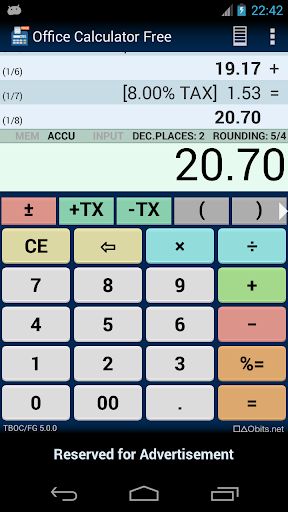
About this app
Developer Description
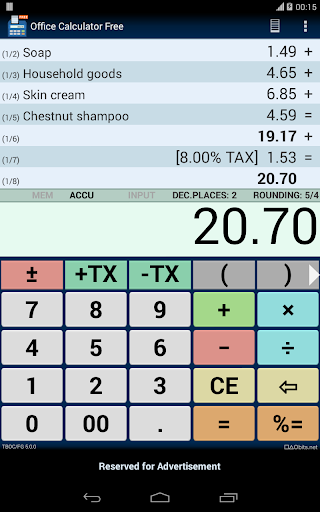
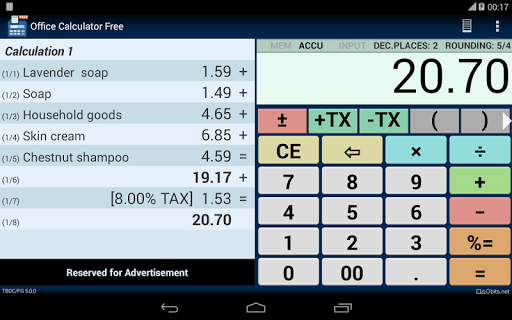
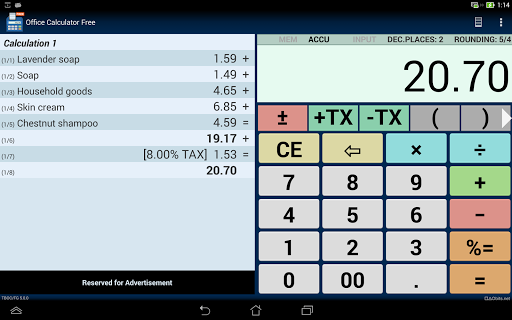
Calculator with virtual tape, percentage and tax calculation.
It supports commercial rounding, easy percentage calculation and does correct tax calculation.
Install it on your device and you get the optimal calculator for office tasks.
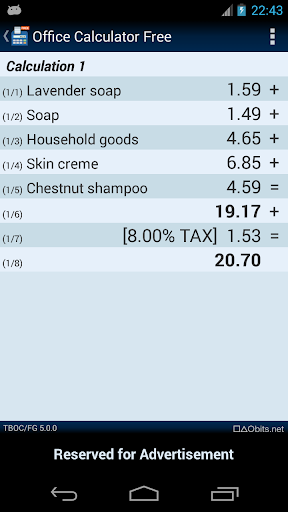
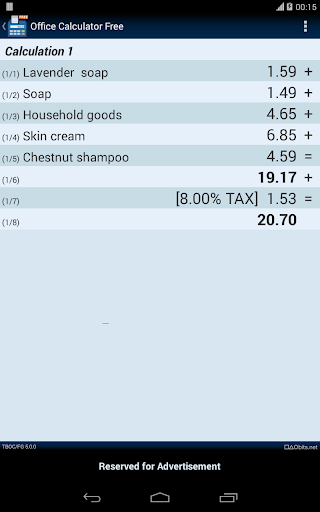
Virtual Tape
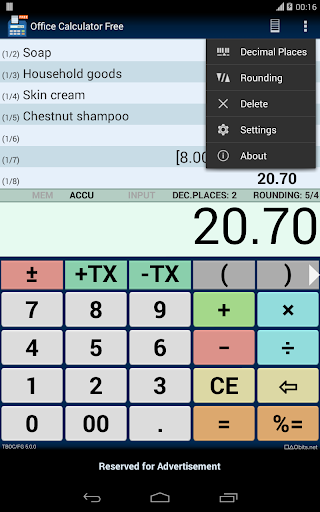
You can switch between calculator view and and tape view to have a full screen view of the tape.
Just tap on the tape icon to switch between views.
The tape of the calculator can have up to 1000 lines.
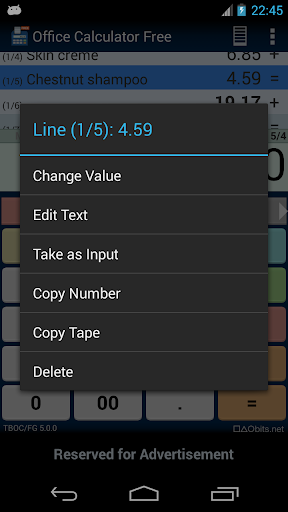
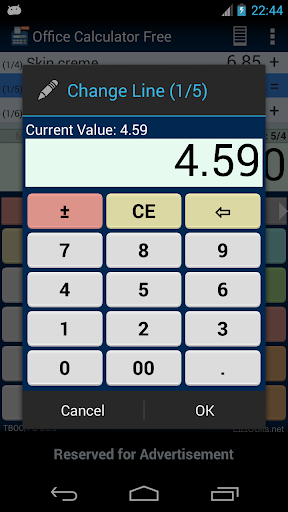
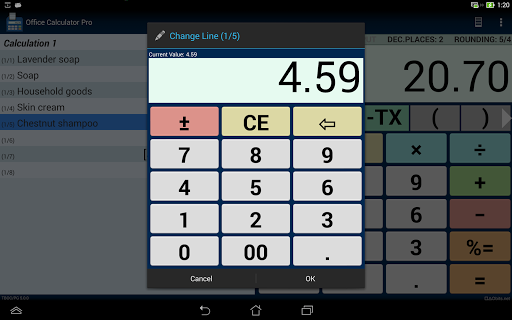
Corrections on the Tape Tape
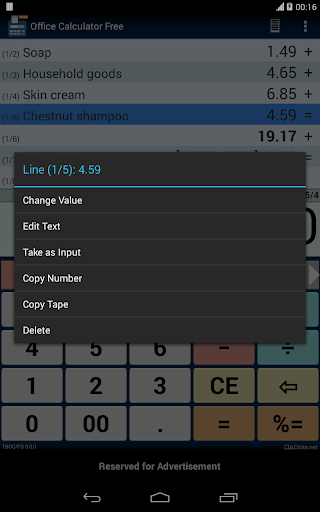
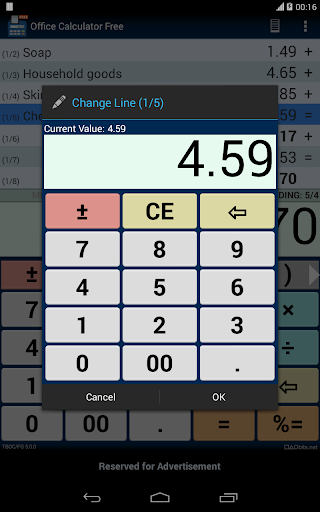
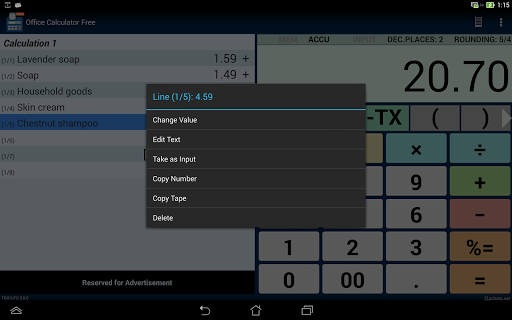
You can change values on the virtual tape to make corrections.
For corrections go to the context menu of the tape line with a long press.
Percentage Calculation
The calculator has percent calculation to add or subtract percent values.
The tape will display the percentage and the resulting value.
Tax Calculation
The calculator has tax buttons (TX+, TX-) to add or sub tract tax (sales tax, VAT)
This makes it very easy to calculate tax amounts with the calculator.
The tape will display the tax rate and the resulting value.
Annotations on the Tape
You can write a comment to a tape line.
Fixed Point and Floating Point Calculation
The fixed point arithmetic has 20 digits and 0 - 4 decimal places.
The floating point arithmetic has 64 bits (IEEE double precision).
By default, the calculator works with fixed point arithmetic and 2 decimal places as needed for most calculations with amounts.
Rounding
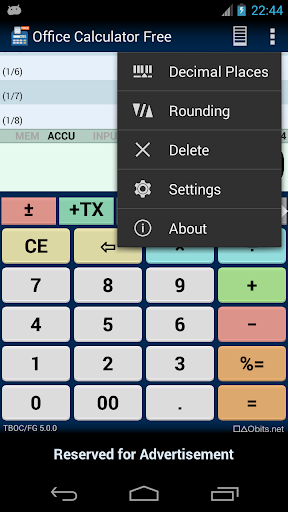
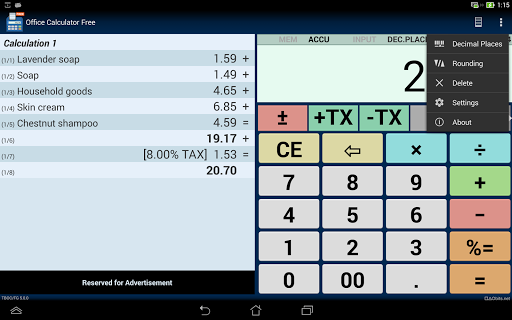
The calculator supports three rounding modes: up, down or 5/4.
This is the ad-sponsored variant of Office Calculator,
a Pro variant of Office Calculator without ads is also available.
What's New
Version Information
- Version
- 5.3.9
- Downloads
- 1M+
- Updated on
- Jul 21, 2024
- Released
- May 16, 2010
- Requires
- Android 5.0
Statistics
Google Play Rating History
Rating Distribution
Downloads Over Time
Office Calculator has been downloaded times. Over the past 30 days, it averaged downloads per day.
Shaded area shows 30-day prediction based on historical trends
Historical data collection started recently. More data points will be available over time.
Office Calculator users say on Google Play
 A Google user
I bought the pro version coz I like it so much since the beginning when I accidentally installed the free version. I really like the way that app works on numerous calculation with combo, and until now still save my daily problem. Im hoping that one day or another, looking forward for the future development if it will happen to have a function that will print the task calculation through thermal printer. God bless, and more power to you.
 Hovig Tanielian
I like the app alot and I use it often. My only suggestion to the developers is to make the plus and division signs bigger to make them easier to distinguish. Right now they look quite a bit alike. I have to look carefully to make sure I'm using the correct function. Thank you
A Google user
Clear memory register option doesn't work. Can you add feature which can save calculation with date? And I think delete list feature should be added. Maybe it will be effective just a single tap (delete button) or swipe. And undo feature should be added too.
 Shri. Sanjay R. Chaudhari
point is not working Exp. 1.25 it's type 125 after pressing . button not working
A Google user
I bought the paid version on Amazon app store. He never updates it so now it is not compatible with my new phone. I can't use the app I paid for
ApkTrusted Ratings & Reviews
More from taobits.net
See more apps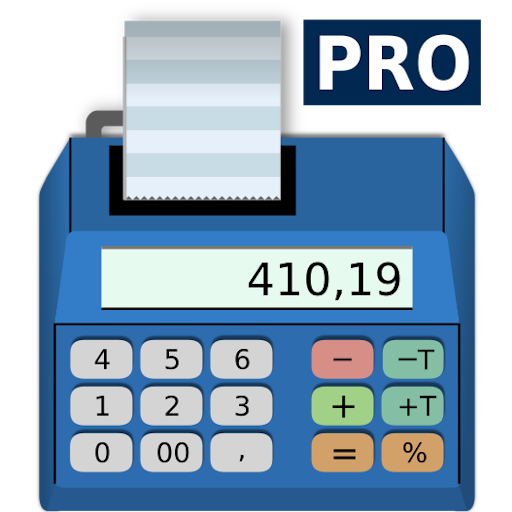
Similar Apps

EMI Calculator Premium
Paid

CalcTape Calculator with Tape
Free

ConstructionOnline
Free

Tally Counter & Score Clicker
Free

Scientific Calculator Pro
Paid

Quotation Maker
Free
All in One Calculator
Free
Easy Invoice & Quotation Maker
Free

Square Invoices: Invoice Maker
Free
Champ Scientific Calculator
Free

ProBooks: Invoice Maker
Free

Trackwallet: Budget & Expenses
Free

Receipt Tracker App - Dext
Free

MyMoney Pro - Expense & Budget
Paid
Invoice Maker - Simple Invoice
Free

Invoice Maker & Estimate App
Free
Scan this QR code to download

Forwarding you to the page at Google Play market in seconds...
Open Google Play market now