Adobe Digital Editions v1.1
Adobe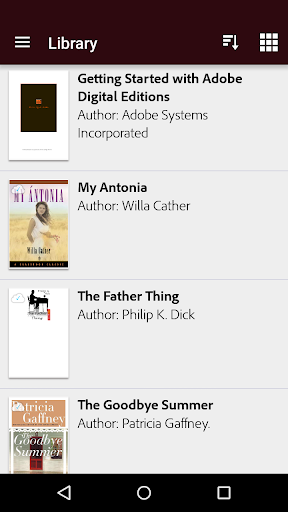
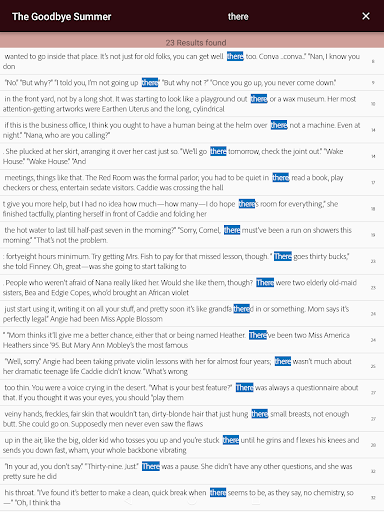
About this app
Developer Description
eBook reader for all your Adobe DRM protected books
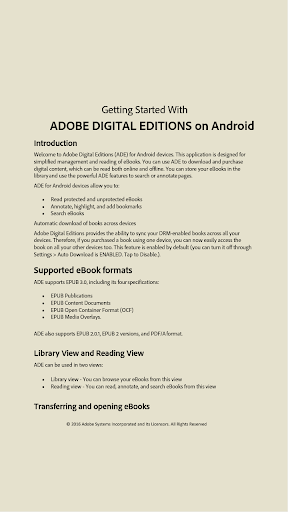
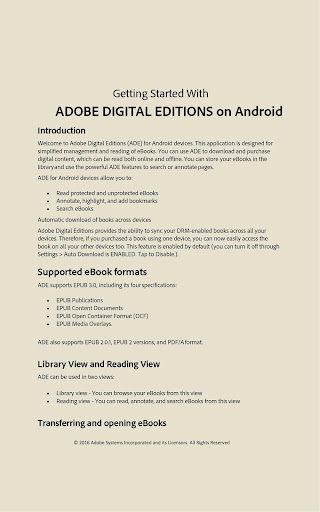
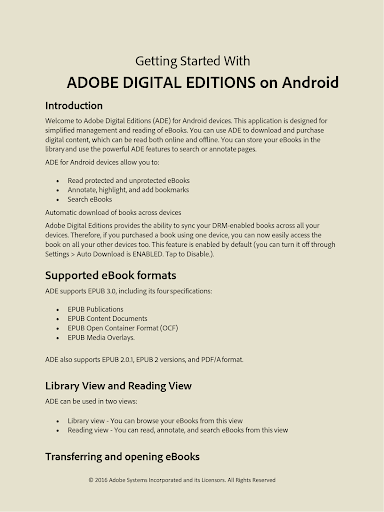
Experience gorgeous media rich books filled with interactive features, videos, and more. ADE’s support for EPUB3 standard allows you: consistent rendering of audio and video content; dynamic image resizing without loss in clarity; support for multi-column layouts, interactive quizzes, and math formulas.
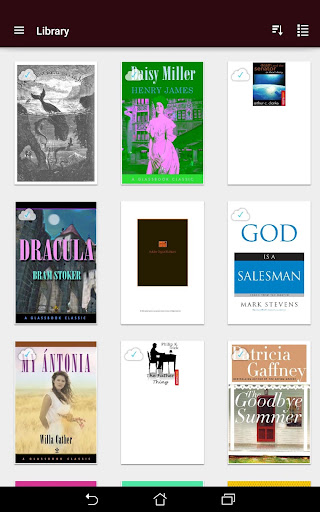
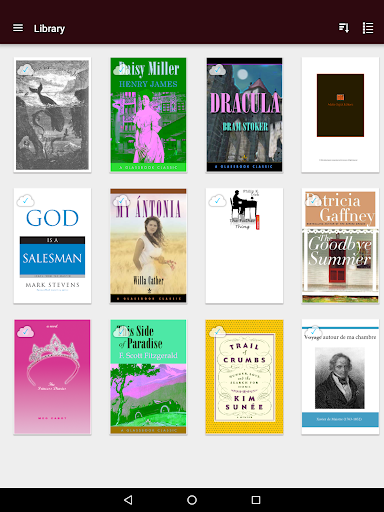
Seamless fulfillment of books across devices: With this new feature, when a consumer fulfills a book on one device, the book will be automatically downloaded to all the other devices that belong to this consumer (activated using the same user ID).
• Choose from different font sizes and five easy-to-read page modes
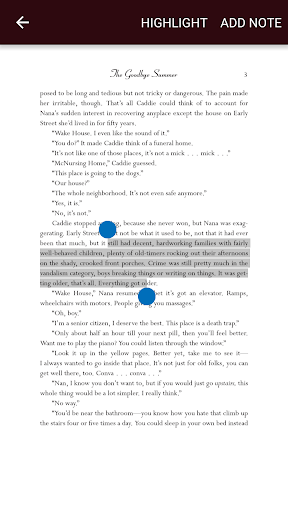
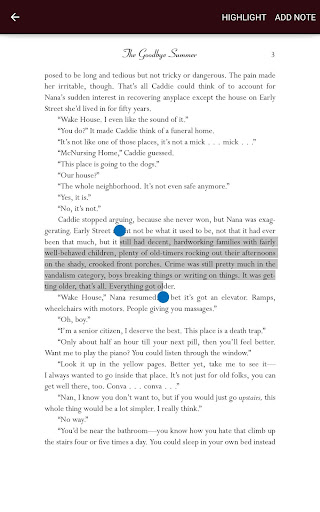
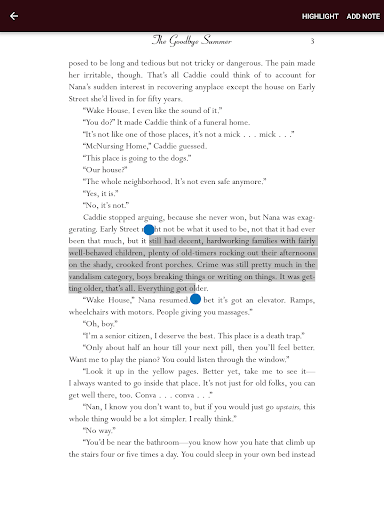
• Highlight your favorite passages and add notes with the built-in bookmarking features
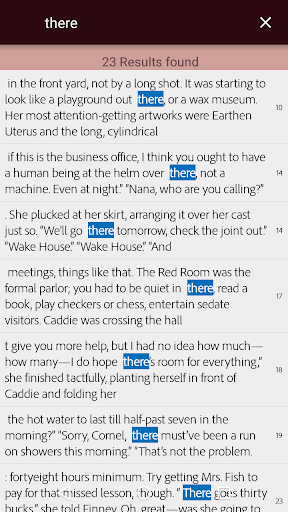
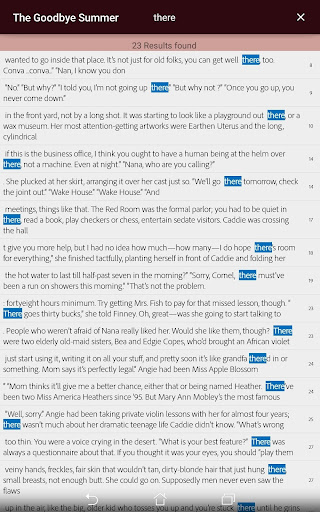
• Easily find a word or a character anywhere in the book with the powerful search feature
• Use the night mode, or adjust your screen brightness to find the perfect lighting for any environment
By downloading, you agree to the Terms of Use at, http://www.adobe.com/special/misc/terms.html
Do not sell my information: https://www.adobe.com/privacy/ca-rights.html
What's New
Version Information
- Version
- 1.1
- Downloads
- 1M+
- Updated on
- Dec 20, 2023
- Released
- Sep 28, 2015
- Requires
- Android 4.4
Statistics
Google Play Rating History
Rating Distribution
Downloads Over Time
Adobe Digital Editions has been downloaded times. Over the past 30 days, it averaged downloads per day.
Shaded area shows 30-day prediction based on historical trends
Historical data collection started recently. More data points will be available over time.
Adobe Digital Editions users say on Google Play
 Daniel-Teodor Circa
Adobe is it great.
 Anne Patkau
used app to read library books 📚 in olden days.
 Amber
Amber
It would be good if the highlight associated with "add notes" is a different colour than the normal highlight, so you can see which highlight has a note when sliding through the pages. Additionally, it would be good to be able to scroll through the pages by visually seeing consecutive pages at the bottom. This way, one can more easily slide towards a page that one is looking for (based on images and headings), because no one remembers pages to jump to and sliding one-by-one is time-consuming.
 Shreya Kushwaha
please update it with.. dark mode option
 Larry Anderson
I'd give this app zero stars if I could. It NEVER fully loads any pictures (displaying highly annoying grey boxes instead- MAYBE after the 5th or 6th reload you might get one or two if you're lucky!!) And it has minimal text controls. (No alternative fonts offered or sepia, dark, etc backgrounds.) Also, you have to watch out because if you make your font size too large it'll just crop your text! Ughhhh! This app is very bad.
ApkTrusted Ratings & Reviews
More from Adobe
See more apps
Adobe Learning Manager
Free

Adobe Scan AI PDF Scanner, OCR
Free

Adobe Account Access
Free

Adobe Express: AI Photo, Video
Free

Lightroom Photo & Video Editor
Free

Photoshop Express Photo Editor
Free

Adobe Firefly: AI Generator
Free

Adobe Acrobat Reader: Edit PDF
Free

Adobe Photoshop: Photo Editor
Free
Adobe Analytics dashboards
Free

Adobe Connect
Free
Adobe Experience Manager Forms
Free
Adobe Xd
Free
Adobe Acrobat Sign
Free

Project Pulsar XR Video Editor
Free

Adobe Government Forum 2026
Free
Similar Apps
ReadEra Premium – ebook reader
Paid

Foxit PDF Editor
Free
PDF Editor & Reader | Xodo
Free

PDFelement-PDF Editor & Reader
Free

Falcon PDF Viewer Lite Editor
Free

UPDF - AI-Powered PDF Editor
Free

Bookshelf
Free

PDFEsign.com PDF E-Sign
Free
PDF Editor – Edit Everything!
Free

FBReader: Favorite Book Reader
Free

eReader Prestigio: Book Reader
Free
pdfFiller Edit, fill, sign PDF
Free

Docusign - Upload & Sign Docs
Free

Kobo | eBooks & Audiobooks
Free
Cantook by Aldiko
Free

eBoox: ePub PDF e-book Reader
Free
Scan this QR code to download

Forwarding you to the page at Google Play market in seconds...
Open Google Play market now