
AirMirror: TV Cast via AirPlay v1.4.8
BoostVision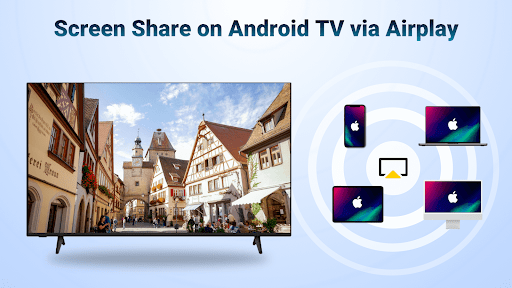






About this app
AirMirror: TV Cast via AirPlay solves the problem of screen mirroring and casting web videos to Android TV, benefiting most users who own Android TVs and iOS devices, as it leverages AirPlay for seamless connectivity. Compared to alternatives in the Video Players category, AirMirror stands out with its focus on AirPlay functionality, but may fall short in terms of content offerings. With a high user rating of 4.3/5 and over 1 million downloads, it has established a good reputation. However, its limited feature set and reliance on in-app purchases might deter some users.
Pros
- AirMirror boasts a high user rating of 4.3/5, indicating a well-received app with a strong reputation among its user base, which is a significant advantage in the Video Players category.
- With over 1 million downloads, AirMirror has demonstrated significant social proof, suggesting that many users find its screen mirroring and casting capabilities to be reliable and effective.
- The app's developer, BoostVision, provides a clear website and email for feedback, showing a commitment to user support and communication, which is essential for building trust.
- AirMirror's lack of ads is a significant pro, as it ensures an uninterrupted viewing experience for users, making it a great option for those who value ad-free entertainment.
- The app's compatibility with Android 6.0 and above ensures that a wide range of devices can utilize its features, making it accessible to a broad user base.
Cons
- One concern is the app's monetization model, which includes in-app purchases ranging from $1.99 to $10.99 per item, potentially leading to a fragmented user experience for those who do not make purchases.
- The limited feature set of AirMirror, focusing primarily on AirPlay functionality, might not be enough for users seeking a more comprehensive video player or streaming solution.
- Although AirMirror has a high rating, some users may experience compatibility issues with certain devices or video formats, which could impact its overall performance and user satisfaction.
- The app's requirement for a stable internet connection for casting and mirroring might be a drawback for users in areas with poor network connectivity.
Best for: The ideal user for AirMirror is likely a tech-savvy individual or family who owns both an Android TV and iOS devices, values seamless cross-device connectivity, and is looking for a straightforward solution to cast and mirror content without the hassle of complex setup processes or excessive ads.
Developer Description
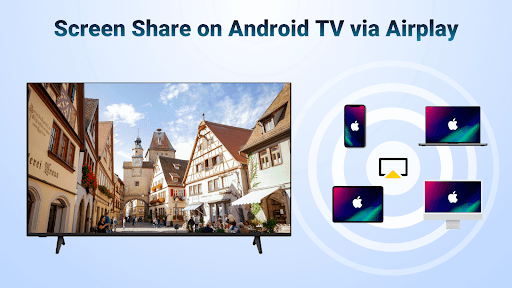
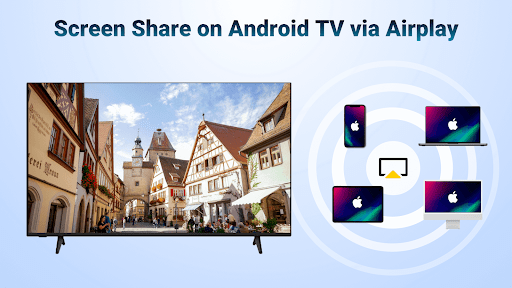
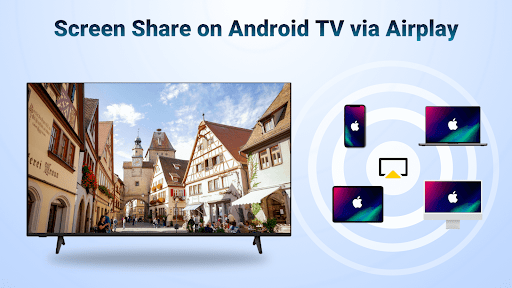
AirMirror Receiver - Screen mirroring/cast web videos to Android TV by AirPlay.
This Apple mirroring receiver can help you:
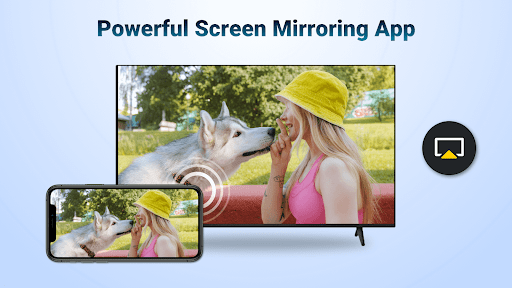
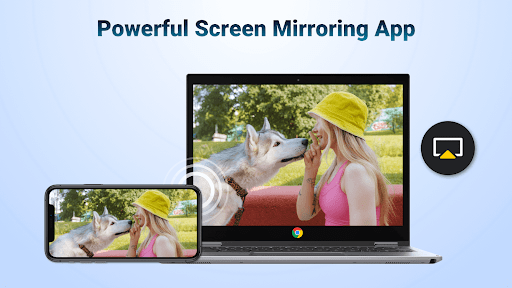
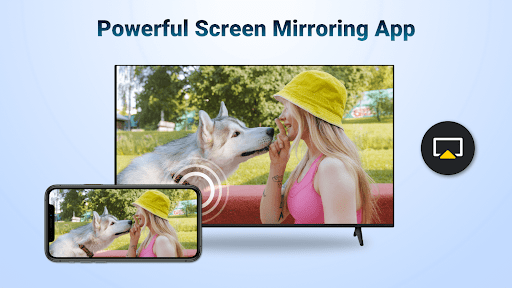
Screen mirror from your iOS device to share the teaching content on Android TV.
Screen share your presentation from iPhone on a big TV display during business meetings.
Share the relaxing game time with friends by mirroring screen of multiplayer game.
Share your happy travel experience with families by air casting travel photos to Android TV.
Exercise with the fitness instructor by airstreaming your fitness videos to Android TV.
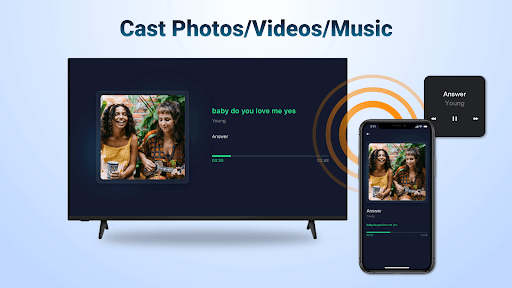
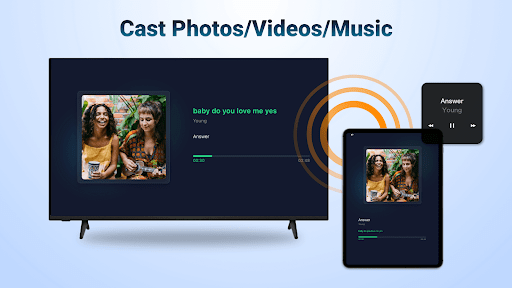
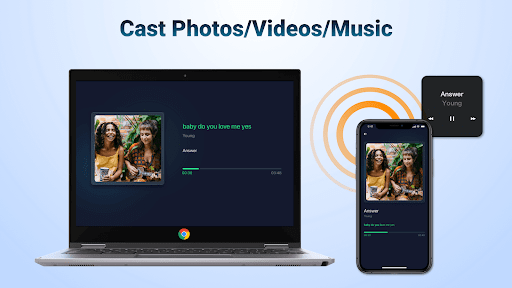
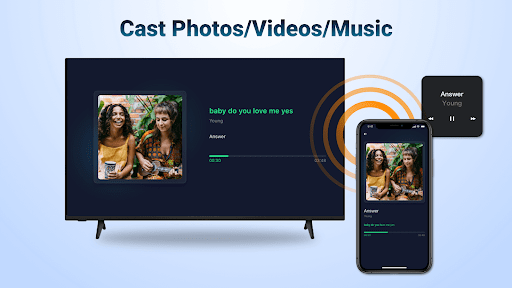
Stream iPhone/iPad music to Android TV with great sound quality to enjoy the beauty of music.
Discuss the plot with buddies by screen mirroring exciting movies to Android TV.
Key Features:
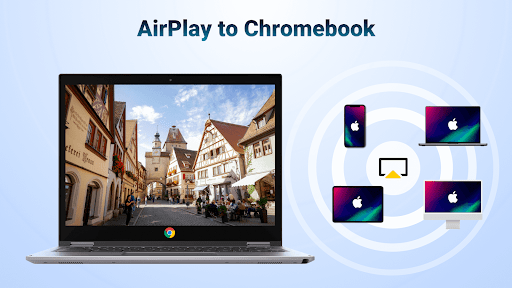
-Stream audio/video/photo from the devices enabled Airplay (itunes, iOS, ...)
-Screen cast video/music from streaming media (where DRM allows)
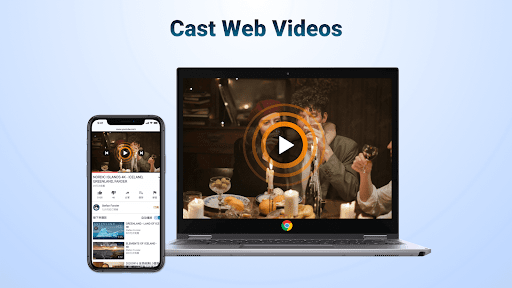
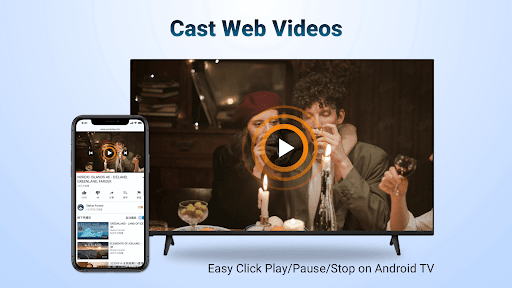
-Cast web videos via airplay, smooth & super fast
-Click Play/Pause/Stop directly on the receiving end enabled airplay
-You can switch between landscape and portrait on your own
-Simple connectivity and stable mirroring and screen casting
Steps to stream content from Apple devices with this media cast app:
Download the AirMirror Cast app on Android TV where you want to receive content
Make sure your iOS device and Android TV are connected to the same WiFi
Launch the mirroring receiver app and the name of Android TV will be shown (remember it)
Tap "Screen Mirroring" on the Apple device and choose the Android TV name to start streaming content
Note:
Your Android TV and the mirroring receiver app must be under the same WiFi
Most connection problems can be resolved by restarting the air screen receivers or Apple devices
The app does not work with DRM protected content like Netflix, paid iTunes videos, paid Google Movies etc
Terms of Use: https://www.boostvision.tv/terms-of-use
Privacy Policy: https://www.boostvision.tv/privacy-policy
Visit Our Page: https://www.boostvision.tv
Privacy
Given that AirMirror requests no permissions, it appears to be a relatively safe app in terms of data collection, but users should still be cautious when connecting devices via AirPlay, ensuring they are on the same network and that their device settings are secure. It's also advisable to review the terms of service and privacy policy on the developer's website to understand any potential data collection practices.
Tips
For the best experience with AirMirror, ensure that both your Android TV and iOS device are connected to the same Wi-Fi network before attempting to mirror or cast content. Additionally, check that your devices are updated to the latest software versions to avoid compatibility issues. To optimize performance, close other resource-intensive apps while using AirMirror to prevent lag or buffering.
What's New
Stream audio/video/photo from AirPlay clients
Airplay & screen mirroring to Android TV within taps!
In-app purchases
$1.99 - $10.99 per item
Version Information
- Version
- 1.4.8
- Downloads
- 1M+
- Updated on
- Jan 6, 2026
- Released
- Apr 24, 2023
- Requires
- Android 6.0
Statistics
Google Play Rating History
Rating Distribution
Downloads Over Time
AirMirror: TV Cast via AirPlay has been downloaded times. Over the past 30 days, it averaged downloads per day.
Shaded area shows 30-day prediction based on historical trends
Historical data collection started recently. More data points will be available over time.
AirMirror: TV Cast via AirPlay - Google Play Rankings
Top Rankings
| Rank | Country | Category | List | Change |
|---|---|---|---|---|
| — |
Ranking History in
No ranking data available yet. Rankings are updated daily.
#36 in Top Free Video Players in United States


#16 in Top Free Video Players in France


#16 in Top Free Video Players in Australia


#26 in Top Free Video Players in Russia


AirMirror: TV Cast via AirPlay users say on Google Play
 Shubham Rawat
This is perfect! This app does what it says. This makes your Android device act as an AirPlay receiver and lets you mirror and even extend your display from an iOS, iPadOS, and macOS device. I used it on my Android tablet and phone to mirror my MacBook display. I'm at my sister's place for a few weeks and wanted a secondary display for work. While there were a few more apps, after comparing all, this seems to be the perfect one. Kudos to the developers of this app.
 Norman Pietersen
must first see
 Lister Sandalo
App that works but shady. Their payment options are not clear. If you open the QR code from the app on tv, it kind of take you to a different app on tbe phone.
 liisi toomiste
Absolutely terrible.Downloaded on my projector and try to get the full version and it's not registering that I bought the full version , although everything is connected properly , it just says restoring failed. overall , it would be great if it worked properly. wont even let me contact customer support through the app. I was using it alot and it worked perfectly before they introduced premium version
 ayat awad
this app is is under a paywall after around 30 minutes force you to pay their plan if they want money then they should have add ads
ApkTrusted Ratings & Reviews
More from BoostVision
See more apps
Cast to TV - Screen Mirroring
Free

Miracast for Screen Mirroring
Free

Universal TV Remote for All TV
Free

Remote for Smart Web TV
Free

Remote for Fire TV & FireStick
Free

TV Remote control for All TV
Free
TV Cast for Chromecast
Free
Remote for Smart Samsung TV
Free

Smart TV Remote for Android TV
Free
Similar Apps

spacedesk - USB Display for PC
Free

TeamViewer QuickSupport
Free

Browser TV Web - BrowseHere
Free

Cast for Chromecast & TV Cast
Free

Send files to TV
Free

Apple TV: Shows, Movies & More
Free

AnyDesk Remote Desktop
Free

Hue Essentials
Free
Screen Mirroring: Cast to TV
Free

Twilight: Blue light filter
Free

SmartThings
Free

Link to Windows
Free

CANAL+, Live and catch-up TV
Free

LocalSend: Transfer Files
Free

Kodi
Free

TIDAL Music: HiFi sound
Free
Scan this QR code to download

Forwarding you to the page at Google Play market in seconds...
Open Google Play market now