
Infinite Painter v7.2.2
Infinite Studio LLC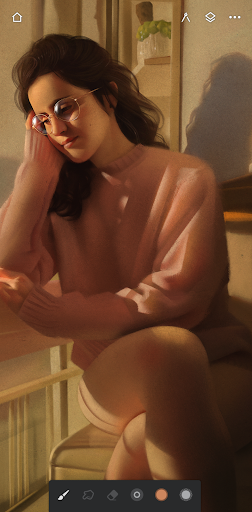
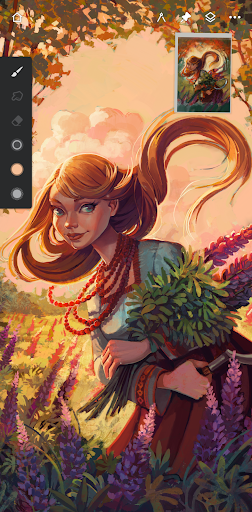
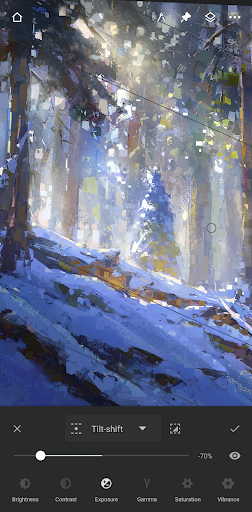
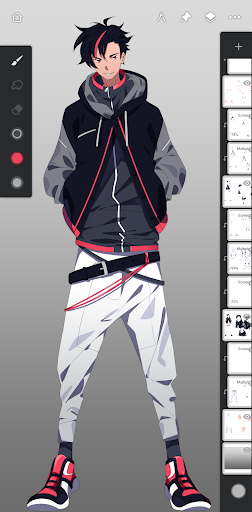

About this app
Infinite Painter solves the problem of providing a comprehensive digital painting, drawing, and sketching experience on Android devices, benefiting artists, designers, and hobbyists alike. With its high user rating and large download base, it stands out as a top-tier app in the Art And Design category, offering a wide range of features that compare favorably to alternatives. However, its in-app purchase model may be a barrier for some users. Overall, Infinite Painter's excellent reputation and frequent updates make it a compelling choice for creative professionals and enthusiasts.
Pros
- With over 10 million downloads and a 4.5-star rating, Infinite Painter has demonstrated its quality and reliability, making it a trustworthy choice for users.
- The app's feature set is robust, offering a wide range of tools and brushes that cater to various artistic needs, from simple sketches to complex paintings.
- Infinite Painter's developer, Infinite Studio LLC, has a good reputation and actively updates the app, ensuring that users receive new features and bug fixes regularly.
- The app's offline capability and lack of ads make it an excellent choice for users who want an uninterrupted creative experience.
- Infinite Painter's accessibility features, such as support for Android 9 and above, make it a great option for users with disabilities or those who prefer a more streamlined interface.
Cons
- The in-app purchase model, with prices ranging from $1.99 to $9.99 per item, may be a turn-off for some users who prefer a one-time payment or subscription-based model.
- Although the app has a high user rating, some users may experience performance issues or bugs, which can be frustrating for those who rely on the app for professional or creative purposes.
- The lack of transparency regarding data collection and usage may be a concern for users who prioritize privacy, although the app's permission analysis shows that it does not request any sensitive permissions.
- Some users may find the app's interface and feature set overwhelming, particularly those who are new to digital art or design.
Best for: The ideal user for Infinite Painter is a creative professional or enthusiast, likely between the ages of 18 and 45, with a moderate to advanced level of technical skill and a passion for digital art, design, or illustration, who is looking for a comprehensive and reliable tool to express their creativity and bring their ideas to life.
Developer Description
Painting, drawing, & sketching
HIGHLIGHTS
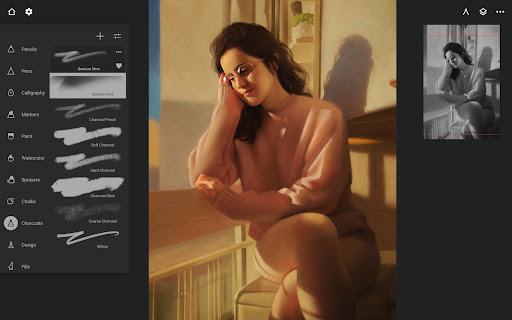
- Best-in-class pencils
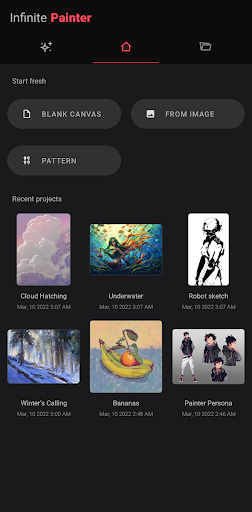
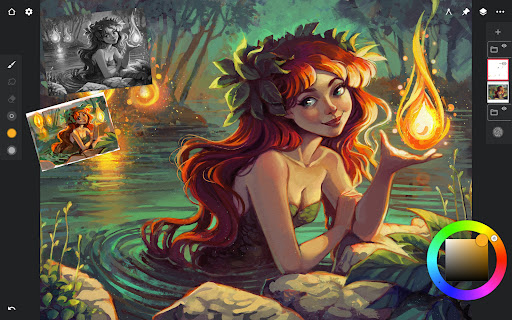
- Minimal and intuitive interface
- Robust, powerful tool set
- Share Timelapse recordings with your friends
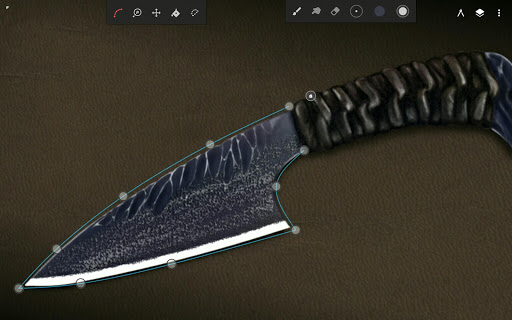
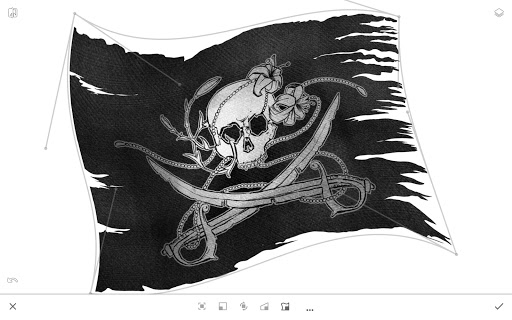
- Convert brush strokes into editable shapes
REIMAGINING BRUSHES
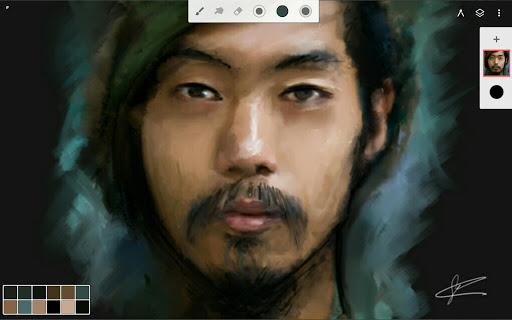
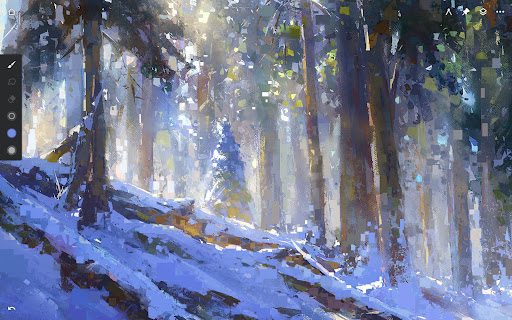
- Hundreds of built-in brushes
- Realistic brush to canvas interaction
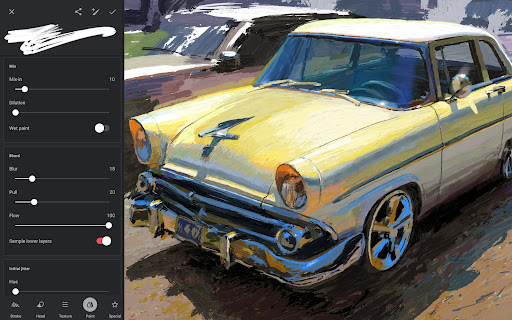
- Over 100 customizable brush settings
- Organize and share your favorite brushes and brush sets
- Designed for stylus devices with full pressure and tilt support
- Apply realtime color adjustments and live effects to any brush
- Sample lower layers when blending
- Import and export custom brushes and brush sets
GETTING THE MOST OUT OF YOUR SPACE
- More canvas, less clutter with a clean, customizable interface
- Assign finger functions separate from your stylus
- Expand and collapse layers with a flick
- Dock brush settings for quick, easy editing
- Quick access eyedropper
- Rotate and flip canvas with gestures
- Group layers with a pinch
MAKING ART LESS WORK
- Pin tools and actions to the main interface
- Pull the color wheel on the canvas with two fingers
- Add multiple reference images
- Lighting-fast saving and loading
- Step back in time with Project History
DIVERSIFYING TOOLS
- Simple or complex symmetry with Radial or Kaleidoscope
- Draw with precision using Guides or Shapes
- Smart shape detection by pausing when drawing
- Innovative Hatching guide
NEVER LOSING PERSPECTIVE
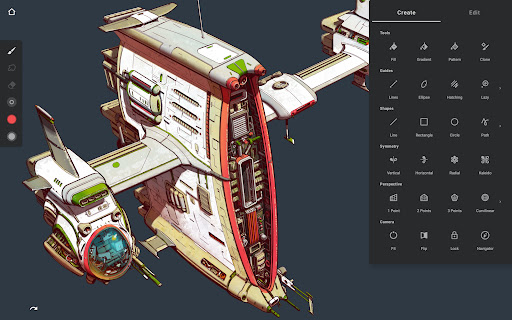
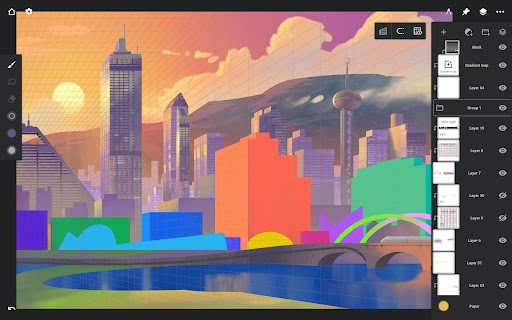
- Design 3D cityscapes with five different Perspective Guides
- Drag Rectangle and Circle shapes in perspective
- Create game art with Isometric perspective
PIXEL-PERFECT EDITING
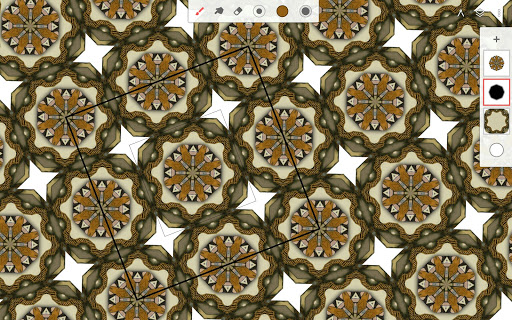
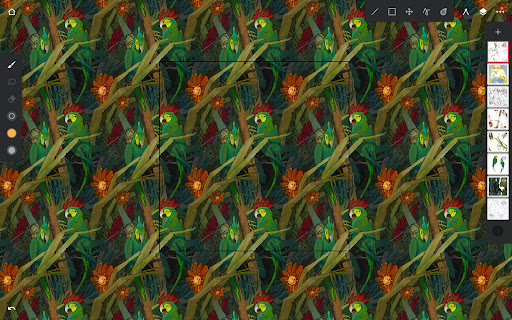
- Seamless Pattern projects
- Selection & Masking tools
- Industry-leading Transformations
- Transform multiple layers at once
- Gradient and Pattern Fill tools
- Target separate layers or all layers with Fill tools
- Drag with Fill tool or Magic Wand for live tolerance adjustment
- Bring your painting to life with Timelapse
- Canvas Preview with flip and grayscale (for checking proportions and values)
- Artistic & Photo cloning
- Tools for pattern creation
EVERYTHING YOU NEED TO CREATE
- 64-bit Deep Color when painting
- Layer support with 30 blend modes
- Masks for layers, adjustments, and groups
- Clipping masks
- Gradient map, Color Curves, and Filter layers
- Industry-leading color correction
- Over 40 live Filter effects
- Focus and Tilt-shift masking
- Liquify
- Crop and Resize
- Pattern and Array tools
- Powerful selection workspace
- Photoshop®-like smart layers for multiple transformations without loss of quality
- Solo & Trace modes
- Print presets & CMYK color modes
ACCELERATE YOUR WORKFLOW
- Import from Photos, Camera, Clipboard, or Image Search
- Search over 1 million free for commercial-use images
- Export images as JPG, PNG, WEBP, ZIP, layered PSD files, or Painter projects
- Share artwork to Infinite Painter's ever-growing community and see what others are creating #InfinitePainter
WHAT’S FREE?
- 3 layers at the device resolution
- Solid Fill, Lasso selection, Basic Transform and Symmetry tools
- Seamless Pattern projects
- All the built-in brushes and brush editing
- Smart shape detection
WHAT’S PRO?
- HD canvas sizes and tons of layers*
- Adjustments and live Filter layers
- Layer groups and masks
- Over 40 powerful, professional tools
* Maximum number of layers depends on the canvas size and your device
TAKE INFINITE PAINTER WITH YOU
See what you can do.
ARTIST CREDITS
Tiffanie Mang
Yong Hong Zhong
Kamila Stankiewicz
Anthony Jones (RobotPencil)
Andrew Theophilopoulos (Theonidas)
Piotr Kann
@dwight_theartist
Constantine Rotkevich
Diane Kay
Ssecretgarden
Gadelhac
RapCore
Sunyu
Privacy
Given that Infinite Painter does not request any permissions, users can be assured that their data is not being collected or shared without their consent. However, as with any app, it is essential to be cautious when making in-app purchases and to review the app's terms and conditions. To maintain privacy, users should also be mindful of the data they create and store within the app.
Tips
To get the most out of Infinite Painter, users should take the time to explore the app's various tools and features, including its brush engines and layer management system. Additionally, users can optimize performance by closing unnecessary apps and adjusting the app's settings to suit their device's capabilities. For beginners, it is recommended to start with the app's tutorials and online resources to learn the basics of digital painting and drawing.
What's New
- Fully editable Text layers
- Smart placement with snapping and alignment guides
- Font flexibility: import custom fonts and adjust Variable settings
- Outline styles: Hollow and Border
- Precision control: Alignment, spacing, and letter casing
- Pro layout: advanced justification (Scale Justify & Balance Lines)
- Global support for Right-to-Left (RTL) languages and emojis
Minor bug fixes & improvements.
Visit www.infinitestudio.art for details and feedback.
In-app purchases
$1.99 - $9.99 per item
Version Information
- Version
- 7.2.2
- Downloads
- 10M+
- Updated on
- Dec 21, 2025
- Released
- Apr 2, 2012
- Requires
- Android 9
Statistics
Google Play Rating History
Rating Distribution
Downloads Over Time
Infinite Painter has been downloaded times. Over the past 30 days, it averaged downloads per day.
Shaded area shows 30-day prediction based on historical trends
Historical data collection started recently. More data points will be available over time.
Infinite Painter - Google Play Rankings
Top Rankings
| Rank | Country | Category | List | Change |
|---|---|---|---|---|
| — |
Ranking History in
No ranking data available yet. Rankings are updated daily.
#27 in Top Free Art And Design in United States

#50 in Top Grossing Art And Design in United States
#12 in Top Free Art And Design in Russia

#14 in Top Grossing Art And Design in Spain


Infinite Painter users say on Google Play
 david?
The most recent update fixed the bugs that has been affecting the app for awhile, the app still has Bugs like stability issues and crashes. But overall, Infinite Painter is a intermediate and professional drawing app With a clean, uncluttered UI that makes it great for beginners to start out with. I highly recommend it. And i hope that more updates come in the future!
 Stickerthebat
This is by far the best free app I can find for the S 20 I ended up buying the extra layers and such because I enjoyed this app so much. UPDATE this bad boy works again heck yes and also a text future now fantastic.
 Chris Stankowski
app keeps crashing on my as of late. I used to really like it but now it's really hard to used and not have it crash :(
 Matthew Simpson-Morgan
After years of no troubles, two recent updates and the app constantly crashes trying to open jpg or png
 Mimi Monye
this app is so broken omg. sometimes the app will just delete multiple if not all layers of a piece for no reason, and when you try to recover it, all your recent saves just disappear? ESPECIALLY if your device dies while you're drawing. again, it doesn't matter if you save. the file will just decide to corrupt and all your work is gone. the app also crashes a lot and once again, risks corrupting your file. I paid for the full version by the way.
ApkTrusted Ratings & Reviews
More from Infinite Studio LLC
See more apps
Similar Apps

Sketch Pro: Draw & Create Art
Free

Tayasui Sketches
Free

HiPaint: Sketch & Draw art
Free

MediBang Paint:Draw Art, Comic
Free
Sketchbook
Free

Picsart Color - Painting, Draw
Free

PaperColor
Free

PENUP – Drawing-sharing SNS
Free
ibis Paint
Paid

ibis Paint X
Free

ArtFlow: Paint Draw Sketchbook
Free

Clip Studio Paint
Free
Drawing Desk: Learn to Draw
Free
Nomad Sculpt
Free

Sketchar AR Drawing Sketchpad
Free

FlipaClip: Create 2D Animation
Free
Scan this QR code to download

Forwarding you to the page at Google Play market in seconds...
Open Google Play market now