USB Media Explorer v11.5.2
Homesoft, LLC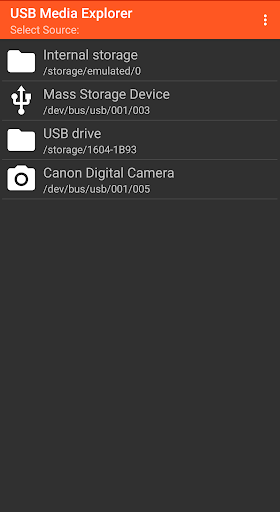
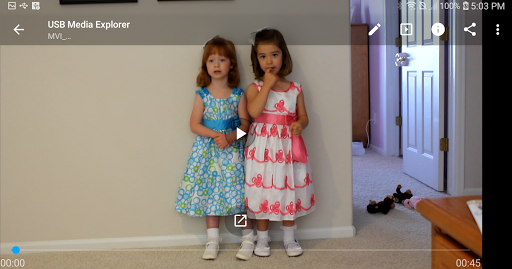
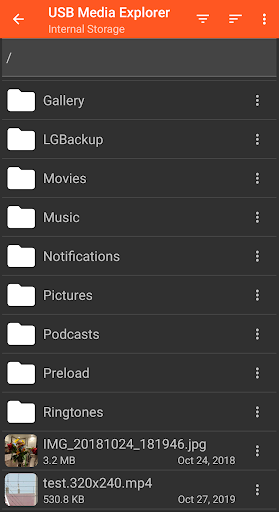
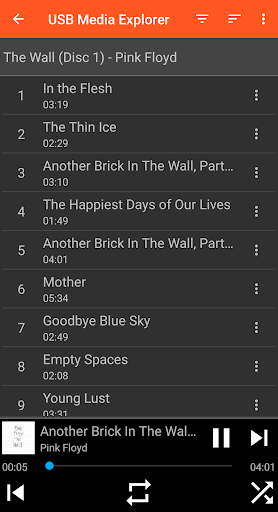
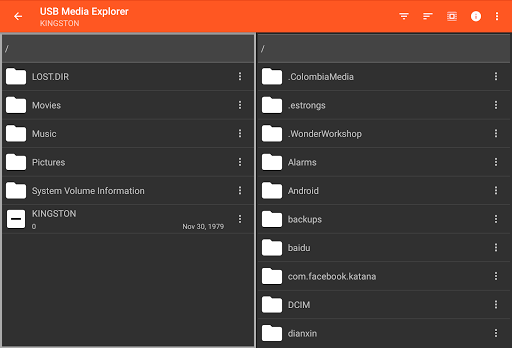
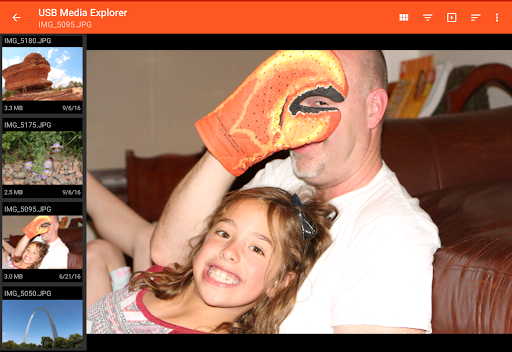
About this app
Developer Description
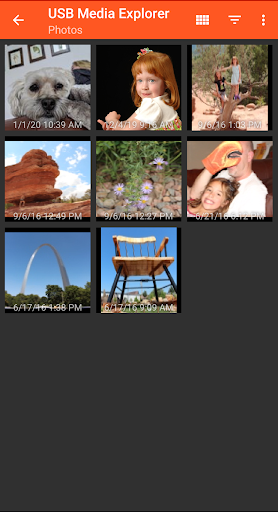
USB Storage Access for Photos, Videos, Music and Documents
Supported Devices:
- Flash/Pen Drives
- Card Readers
- Hard Drives2
- Cameras3
- Other Android devices4
- MTP/UMS audio players5
- Some DVD drives6
Additional Hardware Requirements:
- Connecting most devices will require a microUSB OTG cable or USB C to USB adapter. These are available from most major retail websites.
Notes:
1. Video and audio formats not natively supported by Android (AVI, Dolby, DTS, WMV) may require a third party player like VLC.
2. Hard drives require considerable power and may require an external power source, like a powered USB hub.
3. Only cameras with storage are supported. Live image devices like endoscopes and webcams are not supported.
4. To access another Android device, put the target device in MTP/File Transfer Mode.
5. Most “i” devices use a proprietary protocol. These are NOT supported.
6. Only DVD drives that support AV Connect mode or similar are supported. See your DVD drive manual. Commercial DVDs are not supported.
Support:
- If you have an issue, you can tap "Homesoft" from the About screen for email support. I read and reply to reviews, but due to their one way nature, it’s difficult to resolve issues. If you have a support request, please include the Android device you are using, the USB device you are trying to use and a description of the problem.
What's New
- Interface Updates
- Bug fixes
Version Information
- Version
- 11.5.2
- Downloads
- 500K+
- Updated on
- Aug 22, 2025
- Released
- Aug 9, 2012
- Requires
- Android 6.0
Statistics
Google Play Rating History
Rating Distribution
Downloads Over Time
USB Media Explorer has been downloaded times. Over the past 30 days, it averaged downloads per day.
Shaded area shows 30-day prediction based on historical trends
Historical data collection started recently. More data points will be available over time.
USB Media Explorer - Google Play Rankings
Top Rankings
| Rank | Country | Category | List | Change |
|---|---|---|---|---|
| — |
Ranking History in
No ranking data available yet. Rankings are updated daily.
#42 in Top Paid Photography in United States


#13 in Top Paid Photography in Japan

#15 in Top Paid Photography in Germany

#36 in Top Paid Photography in India

USB Media Explorer users say on Google Play
 MTC
MTC
For years, I suffered with the atrocious, unreliable, buggy POS Fuji App for camera file transfers to my phone on the go. Then I bought an OTG Card Reader only to find out that Android 12 / Pixel 6 Pro DO NOT support exFAT format SD cards which all of my cameras use by default in camera formating (yes, you could use FAT32 but that's an extra hassle). Eventually I found this little gem. It's perfect, finally I can transfer my camera files regardless of the SD card format. Much love to the devs.
 Julien Cercillieux
I do use it quite frequently to store my media on my phone. Especially now that most modern phone don't support microsd, it's a great tool to have to back up and store on the go. One thing it's lacking is a good media support and maybe a support for comic books format .cbz? You can play MP4 but that's about it you need to use VLC to open MKV or other software that you have installed. That'll be nice
 Aron S
Updated, the develop seems to be planning to resolve some of the issues mentioned in my previous review. However, I should not have relied on this app for important work-related files or use it with large quantities of files, due to the lack of separation of Favorites into a new folder, and the glitchiness of the app in general. Created much more work for me when I purchased it to make life easier...
 Jacob Ashcraft
used to be really great! now all of a sudden, it just keeps saying max lun failed. and not reading the usb.
 Beemo 2
So I got the app for the purpose of being able to export to an exFAT drive from my pixel 6 pro (I saw it was a solution to no exFAT support on Reddit). The purpose of having an exFAT drive was to not have a file size limit. Well I come to find that I can't even transfer a 19 minute video because it exceeded the system max file size. The app is useless otherwise because transferring smaller videos doesn't require anything special and you don't need a third party to do it.
ApkTrusted Ratings & Reviews
More from Homesoft, LLC
See more apps

Similar Apps

Video Converter Pro
Paid

MP4Fix Video Repair Tool
Free

SuperCam Plus
Free

ASTRO File Manager & Cleaner
Free

Send Anywhere (File Transfer)
Free

Arenti
Free

Smart Switch - File Transfer
Paid

mcpro24fps manual video camera
Paid

Explorer
Free

Castro Premium - system info
Paid

ReSound Smart 3D
Free

XPENG
Free

Dr. Dish Player
Free

HQ Video Player & Casting
Paid

INTEGRA CONTROL
Free

USB Audio Player PRO
Paid
Scan this QR code to download

Forwarding you to the page at Google Play market in seconds...
Open Google Play market now