Geo Tracker - GPS tracker v5.5.0.4522
Ilya Bogdanovich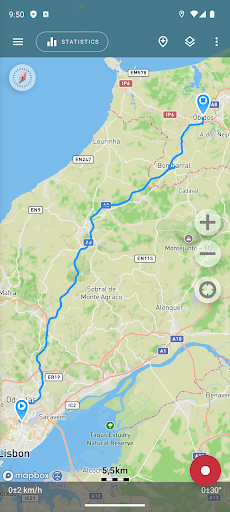
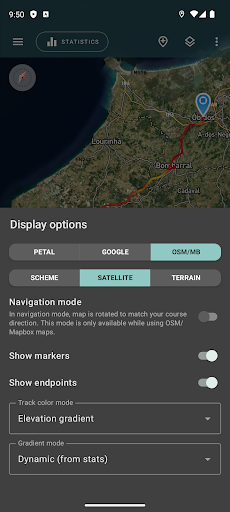
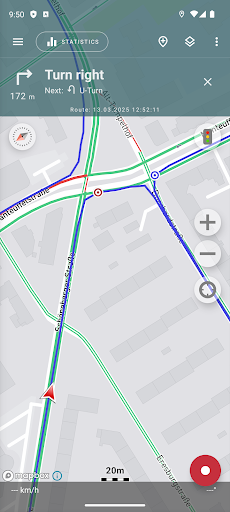
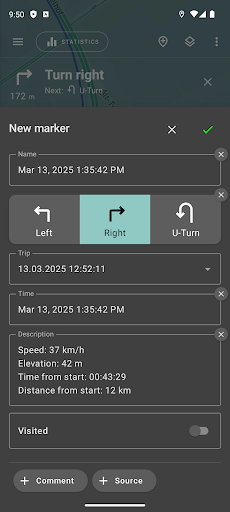
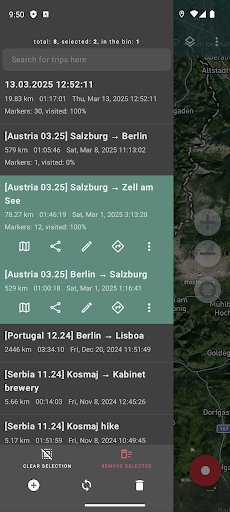


About this app
The Geo Tracker - GPS tracker app effectively solves the problem of tracking and analyzing GPS routes, making it an excellent choice for outdoor enthusiasts, athletes, and individuals who need to monitor their travel routes. With over 10 million downloads and a 4.6-star rating, it stands out in the Travel And Local category for its reliability and feature-rich interface. Compared to alternatives, Geo Tracker's simplicity and lack of ads give it a competitive edge. However, its in-app purchase model may deter some users seeking a fully free experience.
Pros
- With a high user rating of 4.6 out of 5 stars and over 10 million downloads, Geo Tracker demonstrates strong social proof and a well-regarded reputation among its user base.
- The app's developer, Ilya Bogdanovich, maintains a professional website and provides a clear support email, indicating a commitment to user support and feedback incorporation.
- Geo Tracker's ability to record GPS tracks, analyze statistics, and share with friends makes it a versatile tool for various user needs, from fitness tracking to travel logging.
- The absence of ads within the app enhances the user experience, allowing for uninterrupted use of its features.
- The app's requirement for no permissions is a significant advantage, ensuring that users' data privacy is respected and minimizing potential security risks.
Cons
- The in-app purchase model, with prices ranging from $1.99 to $43.99 per item, might be seen as aggressive or expensive by some users, potentially limiting the app's accessibility to those on a tight budget.
- Despite its strong ratings, some users might find the lack of a completely free version without in-app purchases to be a drawback, especially if they are accustomed to free services with similar functionalities.
- There is a potential concern regarding the collection of GPS data and how it might be used, especially considering the app's requirement for no permissions could imply that data handling is internal and not transparent to the user.
- The app's compatibility, limited to Android 6.0 and above, might exclude users with older devices, potentially limiting its reach to a broader audience.
Best for: The ideal user for Geo Tracker is an outdoor enthusiast or athlete, likely between the ages of 25 and 50, with a moderate to high level of technical skill, who regularly engages in activities such as hiking, cycling, or running, and is looking for a reliable, ad-free GPS tracking solution to monitor and analyze their routes and performance statistics.
Developer Description
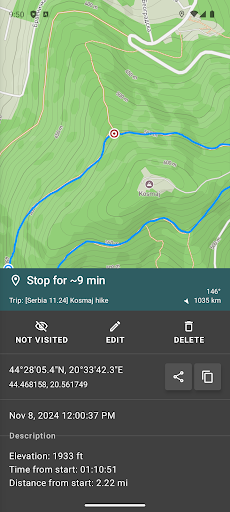
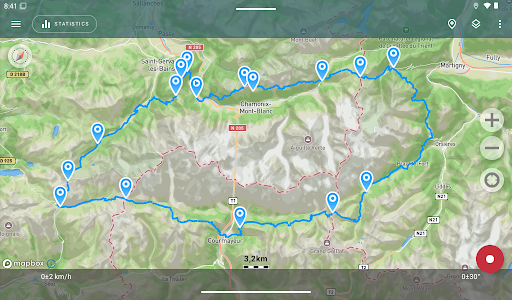
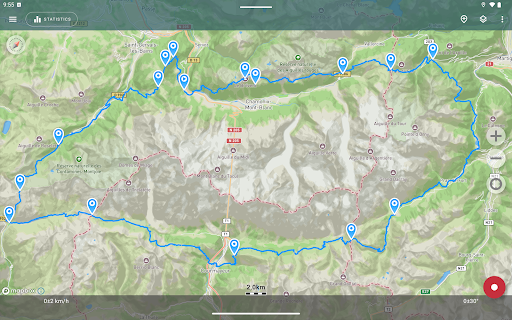
Record gps tracks of your trips, analyze statistics and share with friends!
Record GPS tracks of your trips, analyze statistics, and share them with your friends!
Geo Tracker can help:
• Making the way back in an unfamiliar area without getting lost;
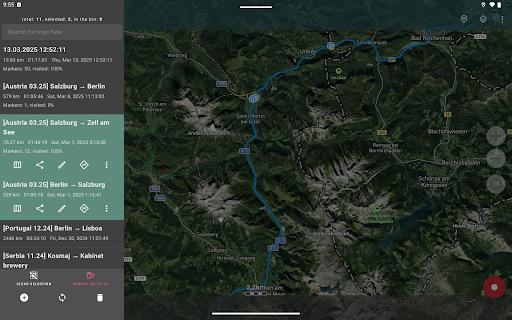
• Sharing your route with friends;
• Using someone else's route from GPX, KML or KMZ file;
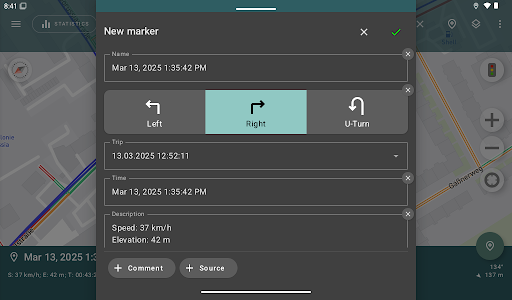
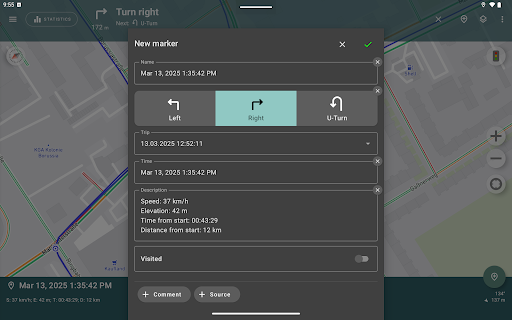
• Marking important or interesting points on your way;
• Locating a point on the map, if you know its coordinates;
• Showing off colorful screenshots of your accomplishments on social networks.
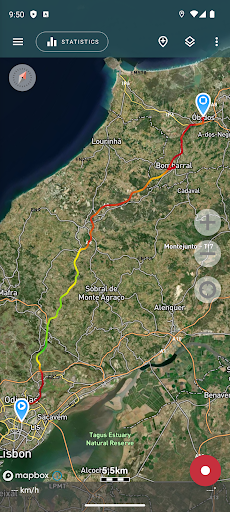
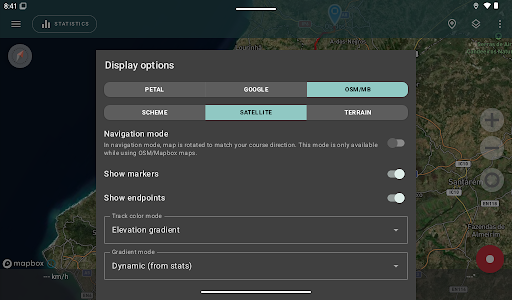
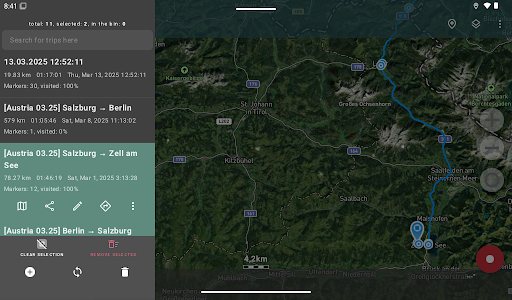
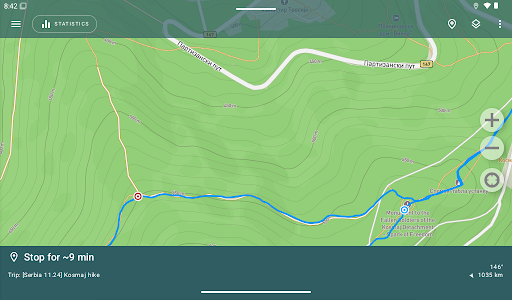
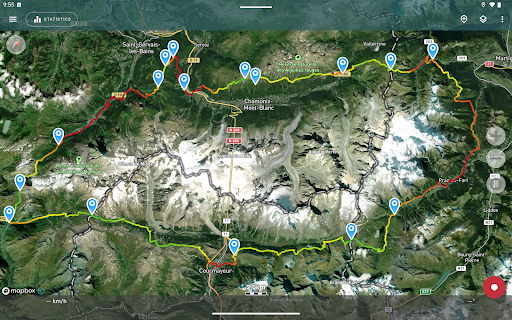
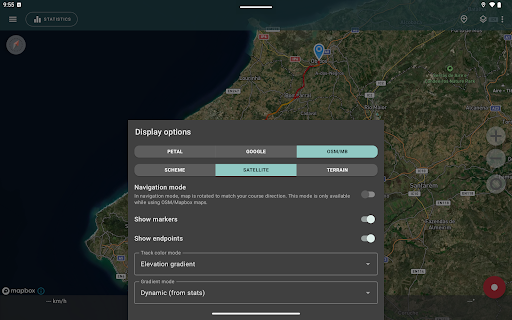
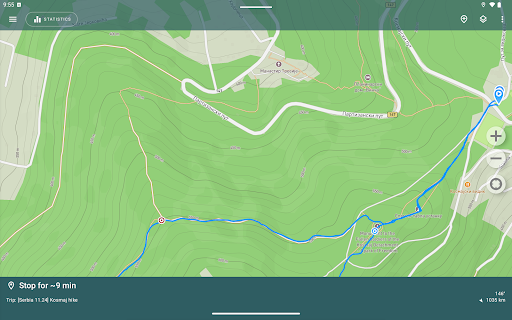
You can view the tracks and the surrounding area in the application using a scheme from OSM or Google, as well as satellite images from Google or Mapbox - this way you will always have the most detailed map of the area anywhere worldwide. The map areas you view are saved to your phone and remain available offline for a while (this works best for OSM maps and Mapbox's satellite images). To record and calculate track statistics only a GPS signal is needed - the Internet is only required to download map images.
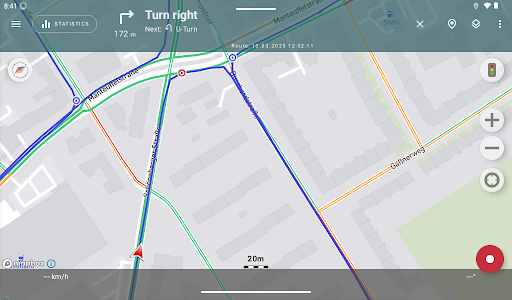
While driving, you can turn on the navigation mode, in which the map automatically rotates in the direction of travel, which greatly simplifies navigation.
The application can record tracks while being in the background (on many devices, this requires additional configuration in the system - be careful! The instructions for these settings are available in the application). Power consumption in background mode is greatly optimized - on average, the phone's charge is enough for a whole day of recording. There's also an economy mode - you can turn it on in the app settings.
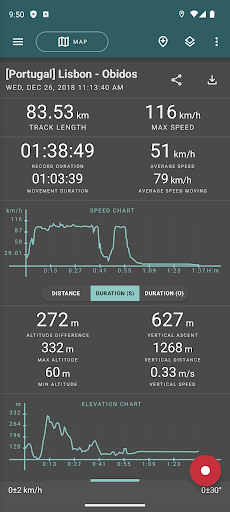
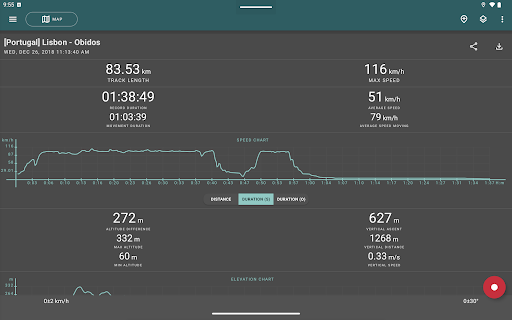
Geo Tracker calculates the following statistics:
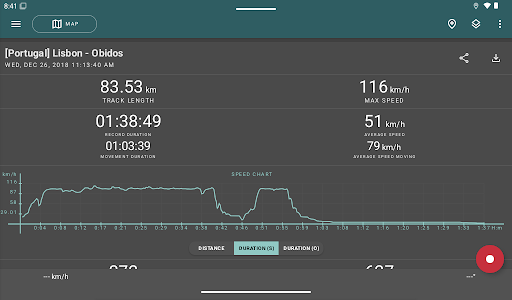
• Distance traveled and recording time;
• Max and average speed on the track;
• Time and average speed in motion;
• Min and max altitude on the track, altitude difference;
• Vertical distance, ascent and speed;
• Min, max, and average slope.
Also, there are detailed charts of speed and elevation data available.
Recorded tracks can be stored as GPX, KML, and KMZ files, so they can be used in other well-known applications like Google Earth or Ozi Explorer. Tracks are stored locally on your device and are not transferred to any servers.
The app does not make money from ads or your personal data. To support the development of the project, a voluntary donation can be made in the application.
Useful tips & tricks to solve common GPS issues with your smartphone:
• If you start the tracking please wait a bit until the GPS signal is found.
• Restart your smartphone and make sure that you have a "clear view" of the sky before you start (no disturbing objects like high buildings, forests, etc.).
• The reception conditions are permanently changing because they are influenced by the following factors: weather, season, positioning of satellites, areas with bad GPS coverage, high buildings, forests, etc.).
• Go to phone settings, choose "Location" and activate it.
• Go to phone settings, choose "Date & time" and activate the following options: "Automatic date & time" and "Automatic time zone". It may occur that it takes longer until the GPS signal is found if your smartphone is set to the wrong time zone.
• Deactivate the airplane mode in your phone settings.
If none of these tips & tricks helped to solve your issues, deinstall the app and reinstall it again.
Be aware that Google uses in their Google Maps app not only the GPS data but also additional data of the current location from surrounding WLAN networks and/or mobile networks.
More answers to frequent questions and solutions for popular issues can be found on the website: https://geo-tracker.org/faq/?lang=en
Privacy
Given that Geo Tracker requires no permissions, it presents a low-risk profile in terms of data privacy and security. However, users should still be cautious about sharing their GPS tracks, especially if they contain sensitive location information. It is advisable to review the app's privacy policy, available on the developer's website, to understand how GPS data is handled and shared.
Tips
To get the most out of Geo Tracker, users should first ensure their device's GPS is calibrated and that they have a clear view of the sky for accurate tracking. Additionally, exploring the app's settings to customize the tracking features according to specific needs, such as activity type or data export options, can enhance the user experience. Regularly updating the app can also ensure that users have access to the latest features and performance optimizations.
What's New
- Performance boosts: lower memory footprint, faster rendering, smoother experience.
In-app purchases
$1.99 - $43.99 per item
Version Information
- Version
- 5.5.0.4522
- Downloads
- 10M+
- Updated on
- Oct 5, 2025
- Released
- Jan 11, 2013
- Requires
- Android 6.0
Statistics
Google Play Rating History
Rating Distribution
Downloads Over Time
Geo Tracker - GPS tracker has been downloaded times. Over the past 30 days, it averaged downloads per day.
Shaded area shows 30-day prediction based on historical trends
Historical data collection started recently. More data points will be available over time.
Geo Tracker - GPS tracker - Google Play Rankings
Top Rankings
| Rank | Country | Category | List | Change |
|---|---|---|---|---|
| — |
Ranking History in
No ranking data available yet. Rankings are updated daily.
#12 in Top Grossing Travel And Local in Brazil


#17 in Top Grossing Travel And Local in Mexico

#19 in Top Grossing Travel And Local in Indonesia
#22 in Top Grossing Travel And Local in Argentina


Geo Tracker - GPS tracker users say on Google Play
 CyberUtilia
It's very reliable these days, I've been recording hundreds of tracks since October without any interruptions. The settings are pretty advanced. The stats are not that great in my opinion but I don't care because I have my own program to calculate stats in the way I want. It records GPX track points with pretty raw data, I'm happy. I'm considering to subscribe cause I would love to have more features like a bit of track editing.
 Sean Bradley
I downgraded my review one star. The app works great. I just would like the start date & time info to not be duplicated and the current speed to be made larger and easier to read.
 Andrew Denny
I made what I thought was a donation, but it seems to be a subscription. I don't want to renew, how do I cancel? Will uninstall automatically cancel? One problem is it won't work inside trains, which is a problem since I want to see train journeys. Thanks.
 Cyber Fan
Used to work very well. Stopped working several months ago. Shows errors: "No signal""Cannot add a point because GPS coordinates are not available". Also it's now harder to export at once selected trips data e.g. in the GPX format.
 Tony Barry
Can't get it to work on my Redme Note 11 pro. The instructions for setting it up on a Xiaomi phone are out of date as the menus referenced do not match what is on the device so that may be the cause of the problem. It is tracking the location ok but it's not saving the data (no SD card in this device). On the first trial it recorded about 100' of a 2mile walk and on the 2nd it recorded 10'
ApkTrusted Ratings & Reviews
Similar Apps

My Track
Free
Save Location GPS
Free

My Location - Track GPS & Maps
Free
Karta GPS Offline Maps Nav
Free

Magic Earth Navigation & Maps
Free
Avenza Maps: Offline Mapping
Free
WhatsGPS
Free
Offline Map Navigation
Free

OsmAnd — Maps & GPS Offline
Free
Find my Phone - Family Locator
Free
Sygic GPS Navigation & Maps
Free

Gaia GPS: Offline Trail Maps
Free
Be Closer: Family location
Free

MAPS.ME: Offline maps GPS Nav
Free
Bikemap: Cycling Tracker & GPS
Free

HiiKER: The Offline Hiking app
Free
Scan this QR code to download

Forwarding you to the page at Google Play market in seconds...
Open Google Play market now