
AirScreen - AirPlay & Cast v2.15.1
Ionitech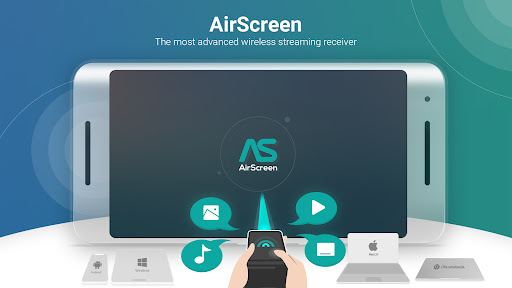















About this app
AirScreen - AirPlay & Cast solves the problem of streaming content across different devices by supporting multiple protocols, making it a versatile tool for those with diverse device ecosystems. However, its below-average user rating suggests significant issues that may deter some users. Compared to other entertainment apps, AirScreen's broad compatibility is a standout feature, but its user experience and reliability issues may make alternatives more appealing. The app's ability to receive streams from various sources without requiring additional hardware is a notable advantage, yet its execution and user satisfaction levels are concerning.
Pros
- With over 10 million downloads, AirScreen has a significant user base, indicating a level of social proof and popularity among those seeking streaming solutions.
- The app's support for AirPlay, Cast, Miracast, and DLNA makes it a comprehensive streaming receiver, catering to a wide range of devices and ecosystems.
- The developer, Ionitech, provides a website and email for support, offering users avenues for feedback and issue resolution, which is crucial for an app with a below-average rating.
- AirScreen's feature set is robust, aiming to meet the needs of users looking for a single app to handle their cross-device streaming needs without the need for additional hardware.
- Despite its issues, the app's regular updates suggest that the developer is actively working on improving the user experience and addressing concerns.
Cons
- The below-average user rating of 2.5/5 indicates significant issues with the app's performance, reliability, or user experience, which could deter potential users.
- The presence of ads and in-app purchases, with prices ranging from $1.49 to $84.99, may lead to a cluttered or monetization-aggressive experience, potentially affecting user satisfaction.
- The lack of permissions requested by the app is unusual for a streaming app, which might raise questions about its functionality or how it achieves its streaming capabilities without accessing necessary system resources.
- User complaints and the low rating pattern suggest that the app may have compatibility issues with certain devices or streaming protocols, which could limit its effectiveness for some users.
Best for: The ideal user for AirScreen - AirPlay & Cast is likely a tech-savvy individual or a household with multiple devices from different manufacturers, seeking a unified solution for streaming content across their ecosystem, and who is willing to navigate potential issues in exchange for the convenience of a multi-protocol streaming receiver.
Developer Description
The most advanced streaming receiver for AirPlay, Cast, Miracast, and DLNA.
Why pick AirScreen:
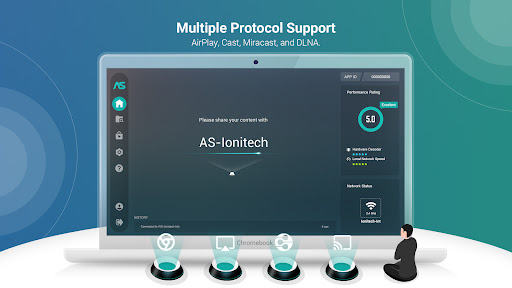
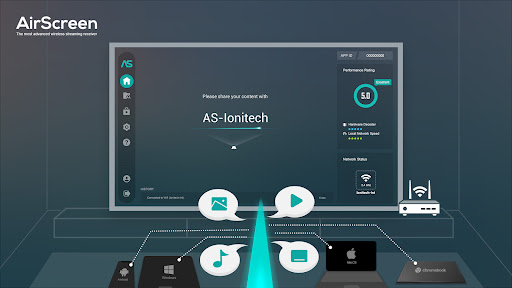
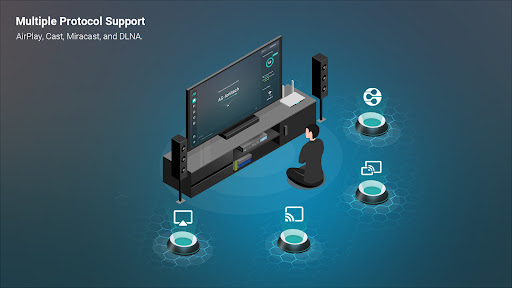
• Multiple Protocol Support: AirScreen supports AirPlay, Cast, Miracast*, and DLNA, making it easy to receive content from your devices without any cables.
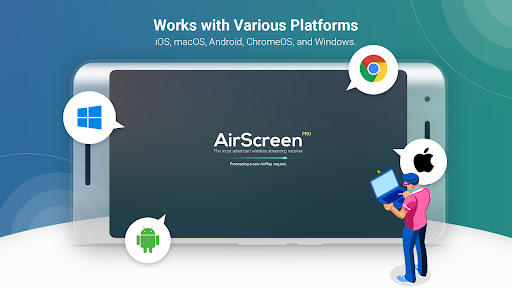
• Works with Various Platforms: Enjoy smooth media sharing across iOS 8-18, macOS 10.5-15, Android 5-15, ChromeOS 63-134, and Windows 7-11 devices.
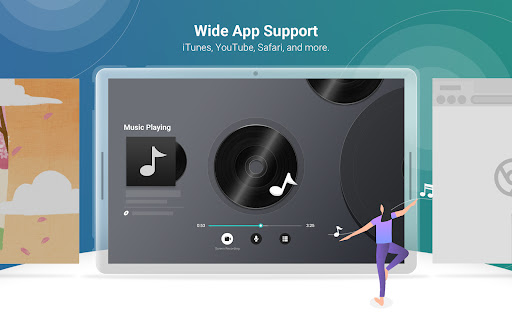
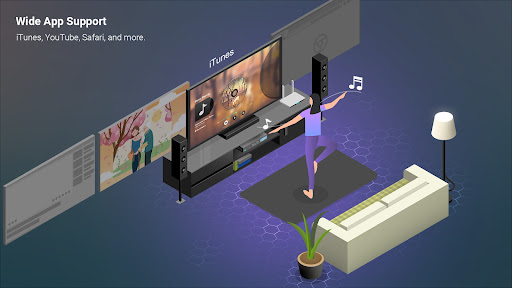
• Wide App Support: Listen to tunes from iTunes, watch videos on YouTube, browse Safari and Chrome webpages, and more. With thousands of compatible apps, AirScreen offers endless entertainment possibilities.
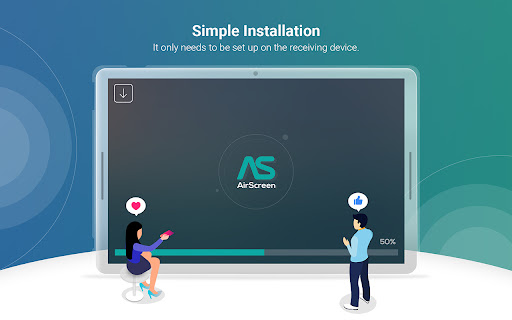
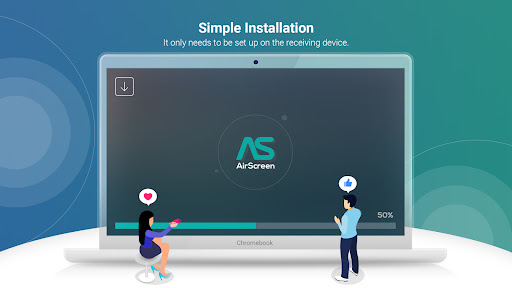
• Simple Installation: Set up AirScreen on the receiving devices only, with no need to install it on the sender devices.
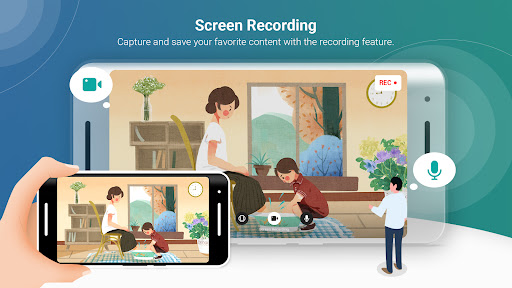
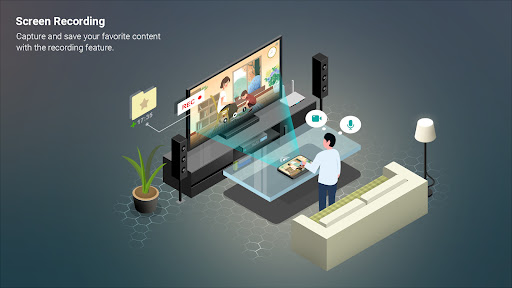
• Screen Recording: Capture and save your favorite content with AirScreen's recording feature.
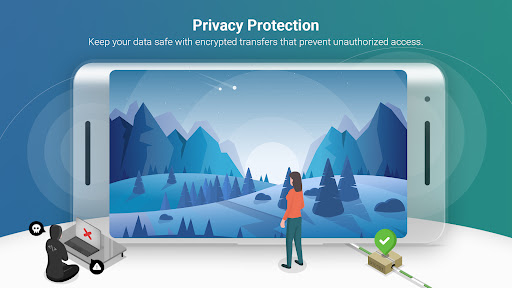
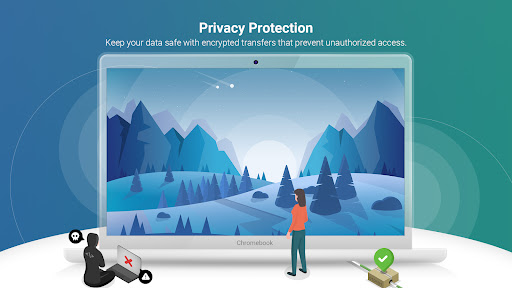
• Privacy Protection: Keep your data safe with encrypted transfers that prevent unauthorized access.
• Extra Perks: Get improved video playback with Video Hardware Acceleration, enjoy crystal-clear 4K Ultra High-Definition resolution, multitask with Background Service Mode, personalize device names, and more.
Upgrade your media sharing experience with AirScreen, the user-friendly wireless streaming receiver perfect for quality time with family and friends.
AirScreen Video Tutorials:
https://www.youtube.com/c/AirScreenApp
We want your feedback! Email your comments, questions, or concerns to support-as@ionitech.cn.
* Miracast feature disabled since Android Oreo (8.0).
PLEASE NOTE BEFORE DOWNLOADING: Some Android phones/tablets and Android TV models might not be fully supported by the current version. If you experience glitches, report any issues (including your device model and AirScreen app ID) to support-as@ionitech.cn. We're working hard to make AirScreen available on all devices as soon as possible.
Privacy
Given that AirScreen requests no permissions, it's essential for users to be cautious about the data it might collect through other means, such as in-app analytics. Users should review the app's privacy policy on its official website to understand data collection practices. Additionally, ensuring the app is downloaded from trusted sources like the Play Store can help mitigate risks associated with data security.
Tips
For optimal performance, users should ensure their devices and AirScreen app are updated to the latest versions. Setting up the app involves a straightforward process of selecting the streaming protocol and following the on-screen instructions, but users may need to consult the app's support resources for troubleshooting common issues. To minimize battery drain, closing the app when not in use and adjusting device settings for Wi-Fi and Bluetooth can help.
What's New
2. Optimized the scanning speed of Media Store for local media files.
3. Stability and performance improvements.
In-app purchases
$1.49 - $84.99 per item
Version Information
- Version
- 2.15.1
- Downloads
- 10M+
- Updated on
- Dec 10, 2025
- Released
- Feb 4, 2016
- Requires
- Android 5.0
Statistics
Google Play Rating History
Rating Distribution
Downloads Over Time
AirScreen - AirPlay & Cast has been downloaded times. Over the past 30 days, it averaged downloads per day.
Shaded area shows 30-day prediction based on historical trends
Historical data collection started recently. More data points will be available over time.
AirScreen - AirPlay & Cast - Google Play Rankings
Top Rankings
| Rank | Country | Category | List | Change |
|---|---|---|---|---|
| — |
Ranking History in
No ranking data available yet. Rankings are updated daily.
#80 in Top Grossing Entertainment in Thailand
 DopaMax: AI Magic Video, Photo
AirScreen - AirPlay & Cast
DopaMax: AI Magic Video, Photo
AirScreen - AirPlay & Cast
 UPICK : Global Fandom Platform
#85 in Top Free Entertainment in Saudi Arabia


AirScreen - AirPlay & Cast users say on Google Play
 l'homme de Paris
The airplay streaming from the app DJAY was constantly freezing in video mode. But now it's working so much better. Thank you Mr Developer. Please continue collaboration with the Djay app to ensure best customer experience. Love it. But I don't understand why the app is trying to make me accept ad tracking by third party marketing companies when I have PRO SUBSCRIPTION. My audio streaming quality gets totally destroyed by ad tracking and Airscreen app doesn't let me scroll down and inspect to deny Ad tracking. Doesn't work with remote or USB mouse connected to the Xiaomi mi box s Android tv device.
 Shpendi Celmeta
TCL TV on my ceiling I turned on my TV and I need to set up it and now let's check everything what is in the box I checked to put everything and now let's turn on TV I need to install all apps I'm going to install YouTube Now YouTube music and the last one Airscreen we don't have all apps it is not Google tv it is Android TV so scary I did it win anyone bag forever I can do it myself I can do it myself but I don't have any apps I install the YouTube application and we need to install IQIYI after we installed IQIYI we need to install all apps we installed all apps now after we installed all apps I'm going to open out let's iPhone cat mirror and I'm going to check it out
 Anna Alano
it works for about 15 minutes when you're using the free version. afterwards it gets disconnected then you have to reconnect again. it wouldn't let me connect using the wi-fi so i had to connect my tv to my phone's hotspot for it to work.
 Lloyd Osam
requiring internet kills all the joy
 Charmaine Harvey
I only did the free trial which I did not know is a free trial in the first place. I assume the app was free as it did not charge you up front. however even during the free trial the app was super laggy. I still ended up watching the content from my phone even though it was casting on the TV
ApkTrusted Ratings & Reviews
Similar Apps

spacedesk - USB Display for PC
Free

TeamViewer QuickSupport
Free

Cast for Chromecast & TV Cast
Free

AnyDesk Remote Desktop
Free

Hue Essentials
Free

Send files to TV
Free

Tuya - Smart Life,Smart Living
Free

Home Assistant
Free

Apple TV: Shows, Movies & More
Free

SmartThings
Free
Screen Mirroring: Cast to TV
Free

Philips Hue
Free
SmartLife - Smart Living
Free

ScreenStream
Free

Philips Air+
Free

Twilight: Blue light filter
Free
Scan this QR code to download

Forwarding you to the page at Google Play market in seconds...
Open Google Play market now