
MediaFire v5.6.0
MediaFire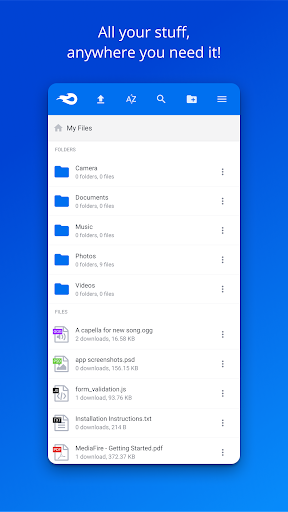
About this app
The MediaFire app solves the problem of storing and accessing large files on-the-go, benefiting individuals who need to stream media or access documents from anywhere. Compared to alternatives in the Productivity category, MediaFire stands out with its generous 50GB free storage offer, making it an attractive option for those who need to store and share large files. However, its simplicity and lack of advanced features may make it less appealing to power users who require more complex file management capabilities. Overall, MediaFire's strength lies in its ease of use and generous storage capacity.
Pros
- With over 10 million downloads and a 3.8/5 user rating, MediaFire has established itself as a reliable and popular choice for cloud storage, demonstrating a high level of social proof and user trust.
- The app's simple and intuitive interface makes it easy to upload, download, and stream files, even for those with limited technical expertise.
- MediaFire's generous 50GB free storage offer is a significant advantage over other cloud storage services, making it an attractive option for individuals who need to store large files.
- The absence of ads and in-app purchases ensures a seamless and distraction-free user experience, allowing users to focus on managing their files without interruptions.
- The developer's reputation and commitment to regular updates demonstrate a focus on maintaining and improving the app's performance and security.
Cons
- One concern is the lack of advanced features, such as file encryption or more granular permission controls, which may make it less appealing to users who require more robust security and management capabilities.
- Some users may be deterred by the app's simplicity, which, while easy to use, may not offer the level of customization or complexity that power users require.
- The app's reliance on internet connectivity may make it less useful for users who frequently find themselves in areas with limited or no internet access.
- The absence of permissions requests may be seen as a positive, but it also means that users have limited control over the app's access to their device's resources and data.
Best for: The ideal user for MediaFire is an individual who needs to store and access large files, such as students, professionals, or creatives, who value simplicity, ease of use, and generous storage capacity, and who are looking for a reliable and trustworthy cloud storage solution to streamline their workflow and enhance their productivity.
Developer Description
Store and stream all your photos, music, videos and docs. Up to 50GB free!
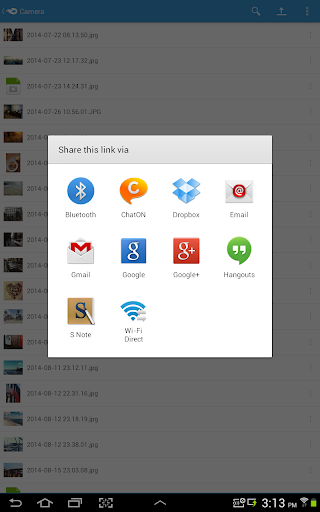
Upload files and folders from other Android apps (including most file managers) by using the Android "Share to" option and selecting "MediaFire". This will upload the file or folder directly into your MediaFire account.
Features:
• Upload files from anywhere with "Share to MediaFire".
• 12 GB of space - free!
• Earn up to 50 GB of free space.
• View docs, spreadsheets, presentations, video, and listen to audio.
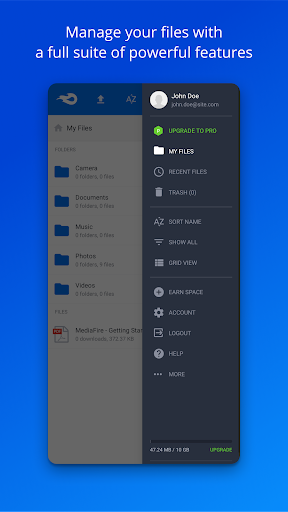
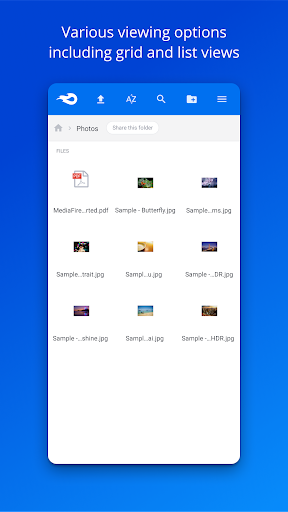
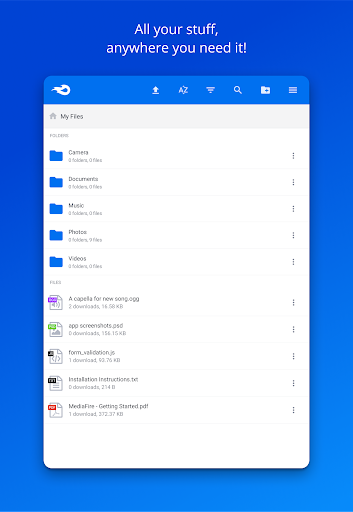
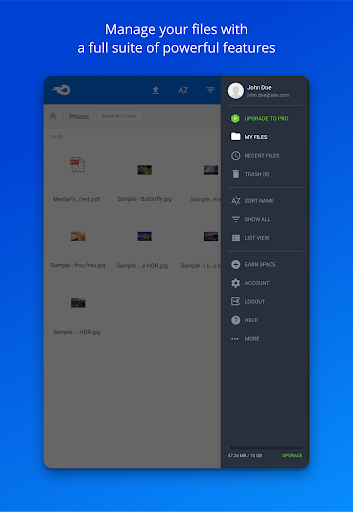
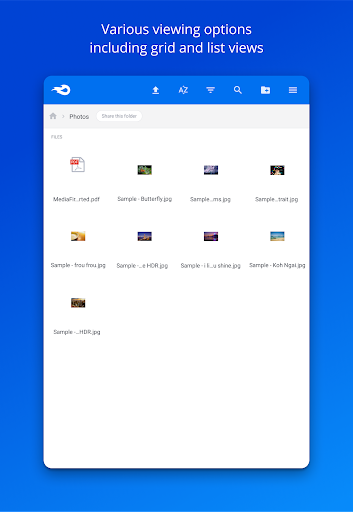
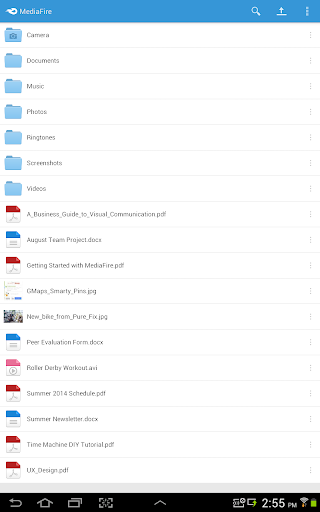
• Create and manage folders of files.
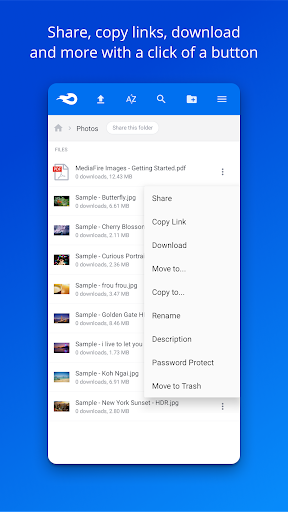
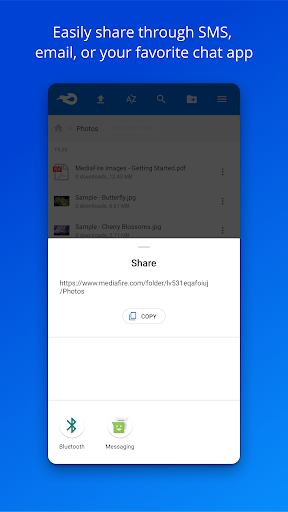
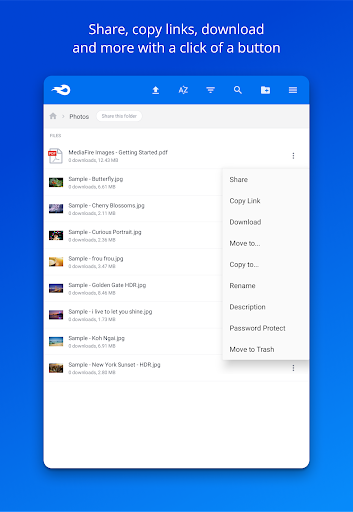
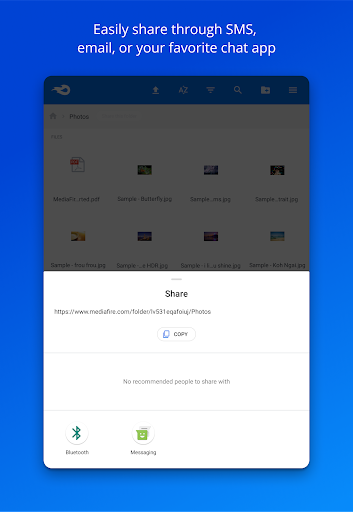
• Share files on the go via email, SMS, Facebook, Twitter, other Android apps, or copy and paste links.
• Quickly search all your files and folders.
• Keep all your important files at your fingertips.
Securely store, organize, and share all your media through your Android phone or tablet. MediaFire keeps all your photos, videos, reading material, work docs, spreadsheets, presentations, and even your homework in your pocket, ready for you to view or share anytime. All your files will always be safe in your MediaFire account - no matter what happens to your Android device.
Privacy
Given the app's lack of permissions requests, users should be aware that their data is being stored on MediaFire's servers, and while the company has a good reputation, it's essential to be mindful of the types of files being uploaded and to regularly review account activity. To ensure maximum security, users should use strong passwords and enable two-factor authentication whenever possible.
Tips
To get the most out of MediaFire, users should take advantage of the app's streaming capabilities, which allow for seamless playback of media files without the need for local storage. Additionally, users can optimize performance by regularly cleaning up unused files and folders, and by using the app's built-in search function to quickly locate specific files. Finally, users can integrate MediaFire with other apps and services to enhance their productivity and workflow.
What's New
Version Information
- Version
- 5.6.0
- Downloads
- 10M+
- Updated on
- Oct 3, 2023
- Released
- Jan 14, 2013
- Requires
- Android 5.0
Statistics
Google Play Rating History
Rating Distribution
Downloads Over Time
MediaFire has been downloaded times. Over the past 30 days, it averaged downloads per day.
Shaded area shows 30-day prediction based on historical trends
Historical data collection started recently. More data points will be available over time.
MediaFire users say on Google Play
 George Mavroudis
I am rating the whole service and not just the android app. It is a very reliable cloud storage, that I have used for many years (more than 15 years now). Never had a single problem, never lost a single file, never seen a 404. Thank you for that perfect service all those years.
 Vivek
Vivek
It gives you 10GB free cloud storage, downloading and uploading speed is also good 👍
 Jonathan Dragoon
App crashes every time I try to upload a video longer than 1 minute.
 రమేష్ గోకమళ్ళ
not installing
 Lalu Korah
Very disappointing experience from the management. you people are denying access to the app without any withstanding reason. This will only help the clients to keep away by uninstall the app. If you don't want us please give us notice before doing like this. Then we can download our data and exit the app. But your ACT is purely UNLAWFUL and can't justify. In other words it's CHEATING. Don't think that you can force Clients to buy space through this CHEAP ACT. Hope you will change your policy
ApkTrusted Ratings & Reviews
Similar Apps

Super File Manager Explorer
Free

Shizuku
Free

RAR
Free
RS File Manager File Explorer
Free

ZArchiver
Free
Material Files
Free

EX File Manager
Free

Explorer
Free

RealVNC Viewer: Remote Desktop
Free

Degoo: 20 GB Cloud Storage
Free

ExitLag: Lower your Ping
Free

Medal - Gaming Clips
Free

LagoFast Game Booster: Low Lag
Free

Cx File Explorer
Free
File Manager
Free

OXO Gameplay Clips & Community
Free
Scan this QR code to download

Forwarding you to the page at Google Play market in seconds...
Open Google Play market now