
EX File Manager v1.5.5
Ace Mobile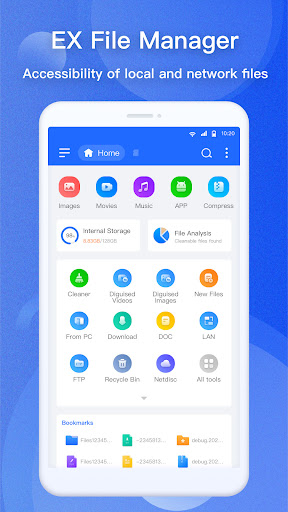


About this app
EX File Manager solves the problem of efficiently managing files on Android devices, benefiting power users and those with large storage needs. With over 10 million downloads and a 4.1-star rating, it stands out in the Tools category for its well-received user experience. Compared to alternatives, EX File Manager's ad-supported model with in-app purchases may be a drawback for some, but its feature set and developer reputation make it a solid choice. However, the lack of permissions requested by the app raises questions about its functionality and data collection practices.
Pros
- EX File Manager has a high download count of over 10 million, indicating a large user base and social proof of its effectiveness.
- The app's 4.1-star rating suggests that it is well-received by users, with many finding it useful for their file management needs.
- The developer, Ace Mobile, has a website and email contact, providing a level of transparency and accountability not always seen in app development.
- The app's small size and lack of permissions requested suggest that it may be a lightweight and efficient solution for file management.
- The availability of in-app purchases provides users with the option to customize their experience and support the developer.
Cons
- The presence of ads in the free version may be a drawback for some users, potentially disrupting their file management experience.
- The in-app purchase model, with prices ranging from $0.99 to $24.99, may be seen as aggressive or expensive by some users.
- The lack of permissions requested by the app raises questions about its ability to fully manage files on the device, potentially limiting its functionality.
- Some users may be concerned about the potential for data collection by the app, despite its lack of permissions, due to its ad-supported model.
Best for: The ideal user for EX File Manager is a technically savvy individual, likely between the ages of 18 and 45, who requires a reliable and efficient file management solution for their Android device, and is willing to tolerate ads or make in-app purchases to access additional features and support the developer.
Developer Description
Full-featured File Manager & File Explorer!
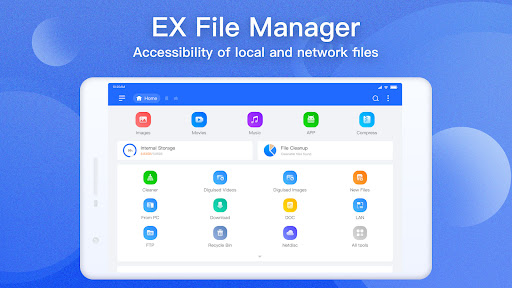
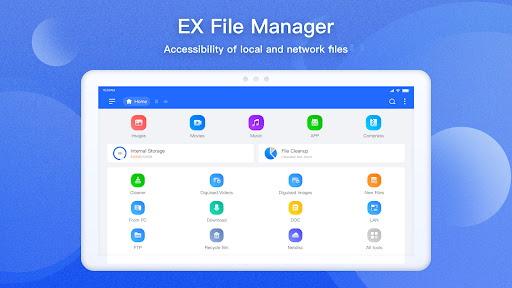
Free, Safe, Simple, Manage your files efficiently and easily with EX File Explorer - File Manager is easy and powerful file explorer for Android devices. It's free, fast and full-featured.
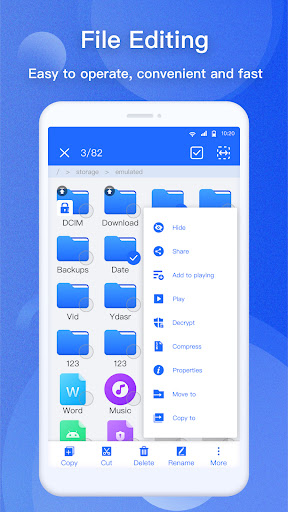
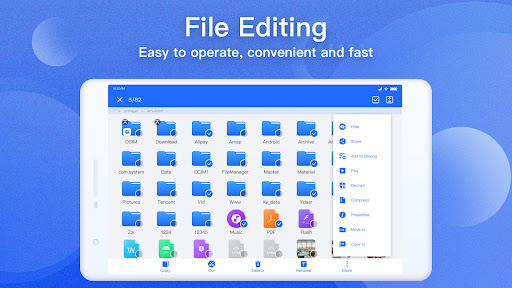
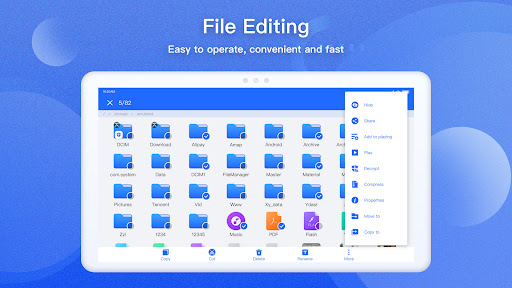
Manage your files like you do on your desktop or laptop using Multiple Select, Cut/Copy/Paste, Move, Create, Delete, Rename, Search, Share, Send, Hide, Create Shortcut, and Bookmark.
With File Explorer File Manager, you can easily manage your files and folders on your device and cloud storages. What's more, you can find how many files & apps you have on your device at a glance immediately after opening File explorer.
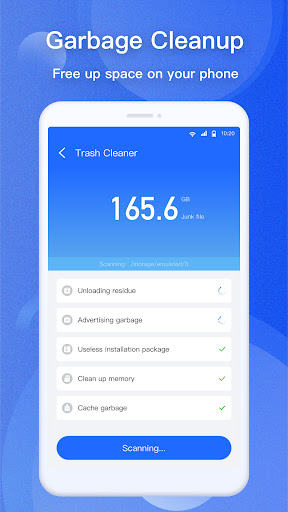
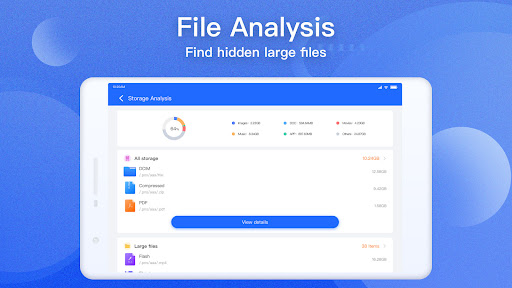
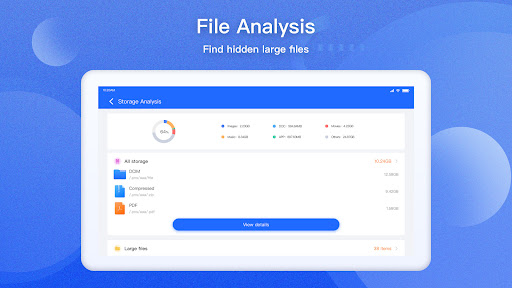
● Disk Analysis : analyze your space usage, large files, file categories, recent files, folder size
● Cloud Drive access : Google Drive™, Dropbox, OneDrive, Yandex, Mega, NextCloud
● Manage your network storages : FTP, FTPS, SFTP, WebDAV
● Local area network : SMB 2.0, NAS, CIFS, FTP, HTTP
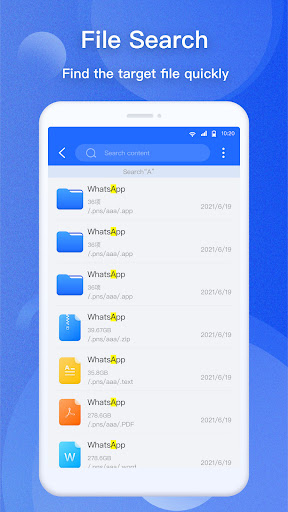
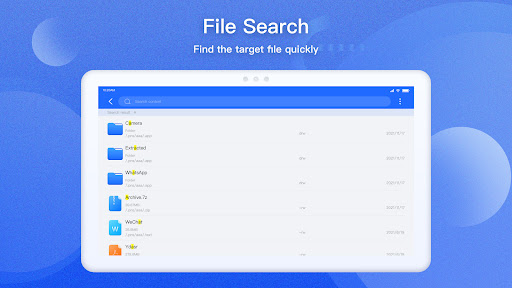
● Efficient file search : Search for your file immediately
● Compress and Decompress : Zip, Rar, 7zip, obb
● Access files from PC
● Favorite and bookmark folders or files
● Thumbnails for images and video as well as for various file types
● View APK files as ZIP
● Share - send files by Bluetooth, email, or whatever the device supports
● Easily work with Zip (as if it was normal folder)
● File Encryption : 128-bit encryption
● PDF Reader : Pdf viewer
● Book Reader : Novel Reader, support EPUB, PDF, MOBI, AZW, TXT etc.
● OTG : Connect to your USB device, support FAT32, exFat, NTFS
With EX File Manager at your disposal, you can do almost anything with your files, you have 100% control over your file system. Sometimes it can be frustating to find what you are looking for but with File Explorer everything can be found easily organized.
Languages Supported by our file explorer es (spanish), de (german), ko (korean), ru (russian), fr (french), it (italian), hi (hindi), th (thai), pt (portuguese) and many more
If you have any suggestions for improvements or just want to get in touch please reach out to us at our support email.
Privacy
Given the app's lack of permissions, it is likely that EX File Manager does not collect sensitive user data. However, users should still be cautious when using the app, especially when making in-app purchases or clicking on ads. To minimize potential risks, users should review the app's terms of service and privacy policy, and consider using a secure payment method for in-app purchases.
Tips
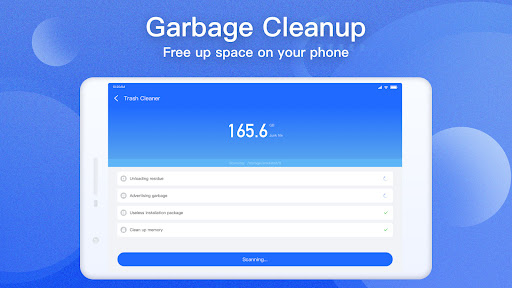
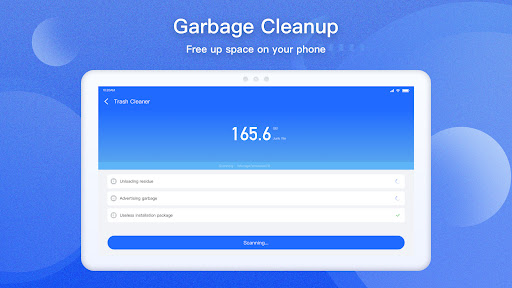
To get the most out of EX File Manager, users should start by exploring the app's various features and settings, such as the file browser and search function. Users can also optimize the app's performance by closing unnecessary files and folders, and by regularly cleaning up temporary files. Additionally, users can take advantage of the app's customization options, such as themes and icons, to personalize their experience.
What's New
2. Fix bugs
In-app purchases
$0.99 - $24.99 per item
Version Information
- Version
- 1.5.5
- Downloads
- 10M+
- Updated on
- Sep 28, 2025
- Released
- Jul 18, 2022
- Requires
- Android 6.0
Statistics
Google Play Rating History
Rating Distribution
Downloads Over Time
EX File Manager has been downloaded times. Over the past 30 days, it averaged downloads per day.
Shaded area shows 30-day prediction based on historical trends
Historical data collection started recently. More data points will be available over time.
EX File Manager users say on Google Play
 John Carpenter
For some reason this file Manager seams to be the only working zipper/unzipper.... why? anyway, good file manager with excellent additions that makes it useful for every day tasks. ;)
 Deep-Love
plzzzz hide folder open in hide position...hide file check only after restoring..not check in hide position... other wise good app... when you solve it problem..I gave a 5 star for the app...
 Deano
Deano
I was a data hacker for many years and the term "Legitimate interests" means nothing to most. Legitimate to only the data seller. In this case the Scambag Devs. Their cookies are already activated, no option to opt out of all. Its illegal to not offer the option in UK. Always manage cookies on these apps & turn off legitimate ones that are already activated. Legitimate to who? Not the user! Protect your data from these data sellers. #Irony. OK App though. Subscription apps always suck.
 Rae Moore
no option for transferring files to USB drive
 John Condry
I was considering buying this app, but then the free version started running ads with adult content. Seems they want porn to be everywhere now. Either that, or it's a hostage situation... pay me or I'll keep showing you offensive material! Hard pass.
ApkTrusted Ratings & Reviews
More from Ace Mobile
See more apps
Similar Apps

RS File Manager File Explorer
Free

Cx File Explorer
Free

RAR
Free

Super File Manager Explorer
Free
File Manager
Free

File Manager
Free

File Manager
Free
Material Files
Free
ZX File Manager
Free

File Manager
Free

Explorer
Free

Total Commander - file manager
Free

FX File Explorer
Free

ZArchiver
Free

MediaFire
Free

Storage Analyzer & Disk Usage
Free
Scan this QR code to download

Forwarding you to the page at Google Play market in seconds...
Open Google Play market now