
Microsoft Translator v25.10.2.8 g1db5cfa4 1db5cfa4 (2530202)
Microsoft Corporation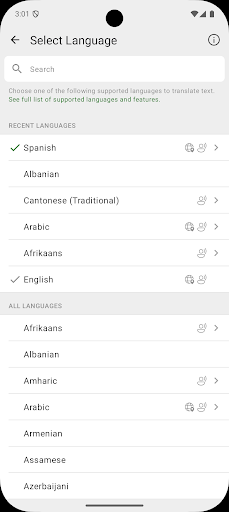



About this app
Developer Description
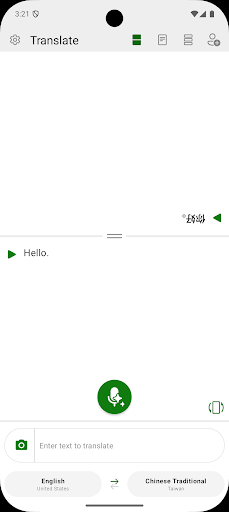
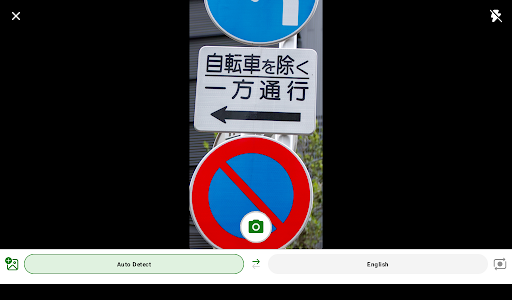
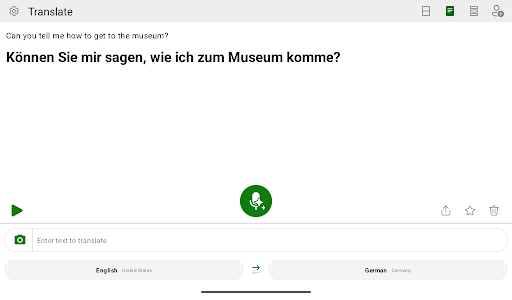
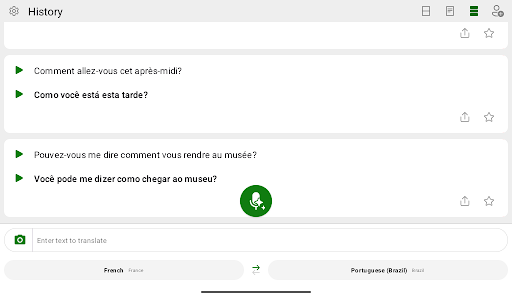
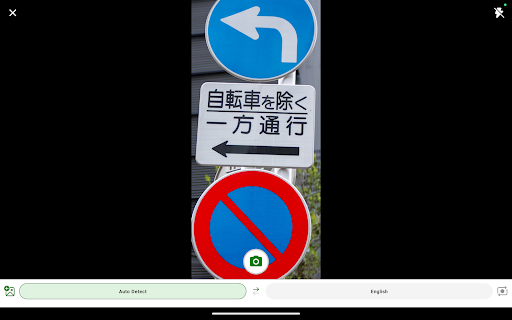
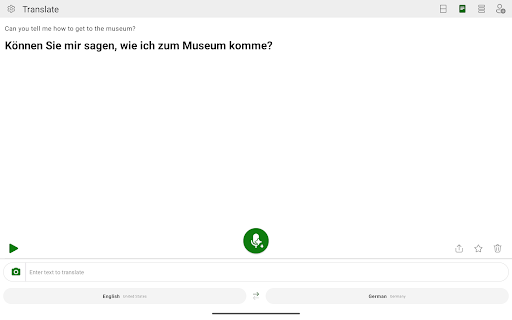
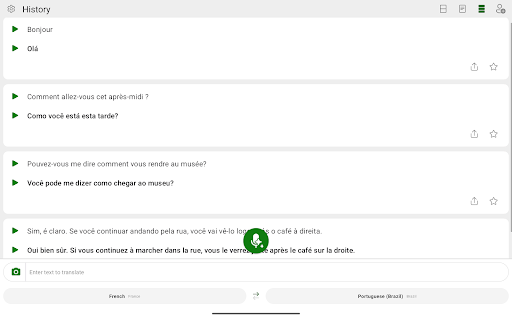
Translate text, voice, images, and conversations into 100+ languages
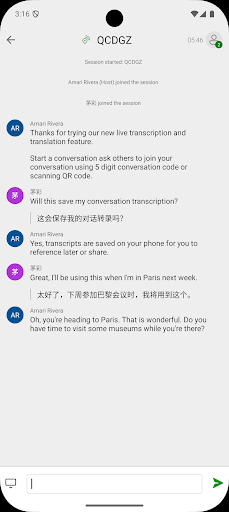
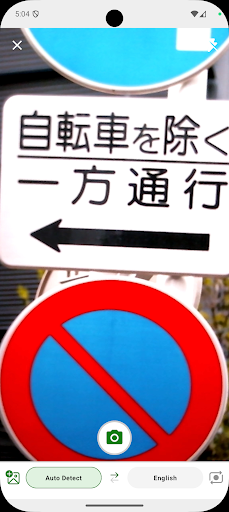
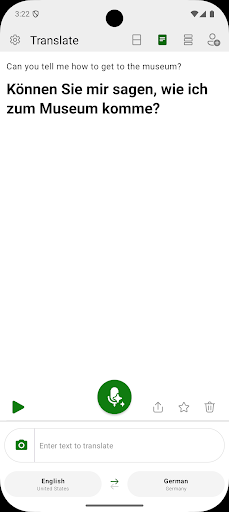
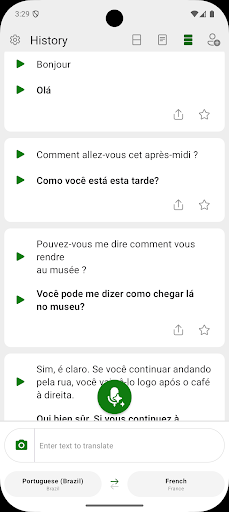
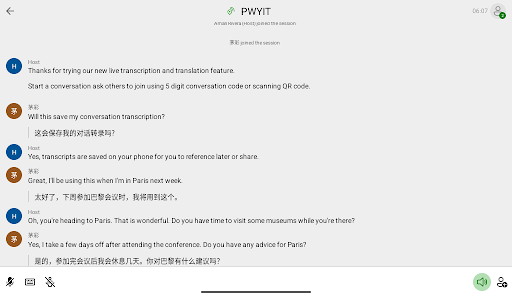
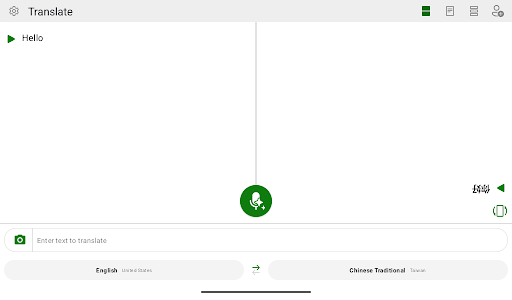
Microsoft Translator allows you to translate text, speech, images, and group conversations in over 100 languages - for free. Whether you’re traveling and need help understanding a menu or navigating unfamiliar streets, or you’re trying to communicate with a colleague at work or school, Microsoft Translator has you covered. Download it now and see how it can help you break language barriers, stay on top of group conversations by navigating easily within transcripts. With an intuitive interface and real-time accurate translations, Microsoft Translator makes it easier to communicate with confidence.
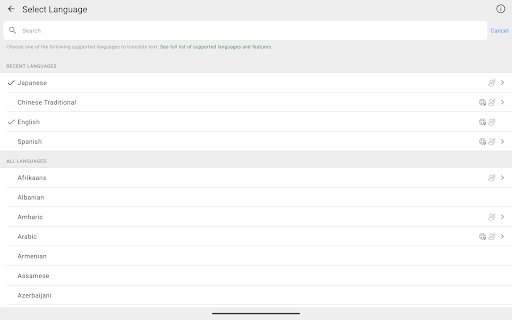
Don’t let language barriers hold you back. Download Microsoft Translator now and see how it can help you connect with people from different cultures and backgrounds. With support for over 100 languages (https://aka.ms/applanguages), you’ll be able to communicate with ease no matter where you are in the world.
What's New
Version Information
- Version
- 25.10.2.8 g1db5cfa4 1db5cfa4 (2530202)
- Downloads
- 50M+
- Updated on
- Oct 31, 2025
- Released
- Aug 5, 2015
- Requires
- Android 10
Statistics
Google Play Rating History
Rating Distribution
Downloads Over Time
Microsoft Translator has been downloaded times. Over the past 30 days, it averaged downloads per day.
Shaded area shows 30-day prediction based on historical trends
Historical data collection started recently. More data points will be available over time.
Microsoft Translator users say on Google Play
 Milind Kamat
I would like to select two languages and continuously translate from one to the other and vice versa without having to press listen button for the particular language. also it should not auto stop listening, it should listen continuously
 Peitso Laurinen
This app used to be the best translator, but since the change in the interface, there are things that no longer work intuitively. For example, you can no longer see the dictionary word definitions -- you only get one translation. And if you switch languages, the typed words disappear. Please include the features of the old app that made it superior.
 Melissa
enjoyed this app when they used to have the full screen translation like a flash card. I used it to show words in extreme large font for my hard visioned and hard hearing grandma. she would read the words.
 Najeed Alshakhshir
Update: They now force the shutter sound at the loudest for picture translate. I use this in the library. Not cool. The New UI change seems to affect older versions too, and breaks their functionality.
 sam asam
I use the app It's fine, the app is acting up again I can't hear what I translated when I click to hear the translation. there's bug's in the app and this is not the first time the app started acting up and did weird things. fix the app.
ApkTrusted Ratings & Reviews
More from Microsoft Corporation
See more apps
Microsoft Authenticator
Free

Microsoft Bing Search
Free

Microsoft Azure
Free

MSN
Free

MSN Money- Stock Quotes & News
Free

MSN Weather - Forecast & Maps
Free

IoT Plug and Play
Free

Microsoft Build
Free

Microsoft Bing Webmaster Tools
Free

Link to Windows
Free

Warehouse Management
Free

Bing Wallpapers
Free

Microsoft Advertising
Free

Microsoft Identity Pass
Free

As Dusk Falls Companion App
Free

SMS Organizer
Free
Similar Apps

DeepL Translate
Free
Instant Voice Translate
Free

Reverso Translate and Learn
Free
iTranslate Translator
Free
Gaminik: Auto Screen Translate
Free

Talking Translator - Languages
Free

Yandex Translate
Free
Languages Translator App
Free

Instant Translate On Screen
Free
All Languages Translator App
Free

Hi Translate - Chat translator
Free

Talk & Translate AI Translator
Free

Naver Papago - AI Translator
Free

All Languages Voice Translator
Free

Voice & Language Translator
Free

Transcribe Speech to Text
Free
Scan this QR code to download

Forwarding you to the page at Google Play market in seconds...
Open Google Play market now