
Touch Screen Test v9.2.0
Microsys Com Ltd.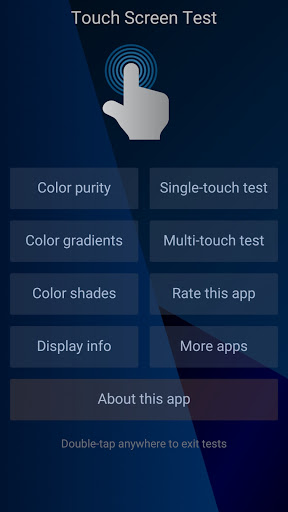
About this app
The Touch Screen Test app effectively solves the problem of assessing smartphone touchscreen functionality, benefiting users who have recently purchased a new device or are experiencing issues with their current one. Compared to other tools in the category, this app stands out due to its simplicity and lack of ads, making it a trustworthy choice. However, it falls short in terms of additional features, as it only provides basic testing capabilities. With over 1 million downloads and a 4.5-star rating, it is clear that this app has gained the trust of many users.
Pros
- The Touch Screen Test app has an excellent rating of 4.5 out of 5 stars, indicating a high level of user satisfaction with its performance and functionality.
- With over 1 million downloads, this app has achieved a significant level of social proof, demonstrating its reliability and effectiveness.
- The app's developer, Microsys Com Ltd, has a professional website and provides a contact email, showcasing their commitment to transparency and customer support.
- The app does not require any permissions, which is a significant advantage in terms of user privacy and security.
- The app's small size and lack of ads make it a lightweight and non-intrusive solution for testing touchscreen functionality.
Cons
- One concern is that the app's functionality is somewhat limited, as it only provides basic testing capabilities without any additional features or customization options.
- Some users may find the app's interface to be somewhat outdated or lacking in terms of visual appeal, which could impact the overall user experience.
- There is no clear indication of how frequently the app is updated, which could raise concerns about its long-term support and compatibility with future Android versions.
- The app's lack of in-app purchases or other monetization methods may raise questions about the developer's ability to sustain the app in the long term.
Best for: The ideal user for the Touch Screen Test app is likely an individual who has recently purchased a new smartphone or is experiencing issues with their current device's touchscreen, and is looking for a simple and reliable way to assess its functionality, with a moderate level of technical skill and an interest in troubleshooting and optimizing their device's performance.
Developer Description
Quick tests to assess the functionality of a smartphone touchscreen.
Features
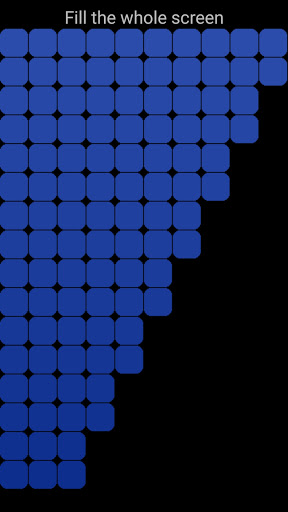
-- comprehensive tests for touch screens
-- free application, no ads, no limitations
-- no permission required
-- portrait orientation
-- compatible with most tablets and smartphones
Privacy
Given that the Touch Screen Test app does not require any permissions, users can be confident that their data and privacy are protected. However, it is still essential to be cautious when downloading and installing any app, and to monitor the app's behavior for any unexpected activity. To ensure optimal safety, users should only download the app from trusted sources, such as the Google Play Store.
Tips
To get the most out of the Touch Screen Test app, users should start by calibrating their touchscreen and then running the app's tests to identify any issues. Additionally, users can try restarting their device and running the tests again to ensure accurate results. For optimal performance, users should also close any background apps and ensure that their screen is clean and free of debris.
What's New
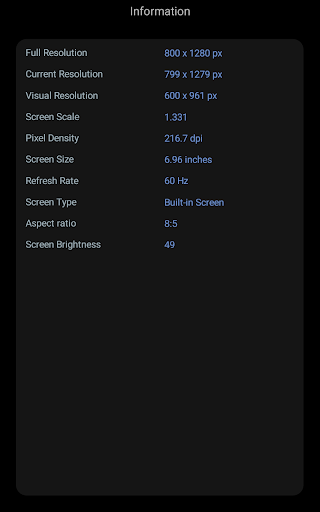
- Device information added
- Color lines test added
- Sounds option added
- Exit command added
- More display information
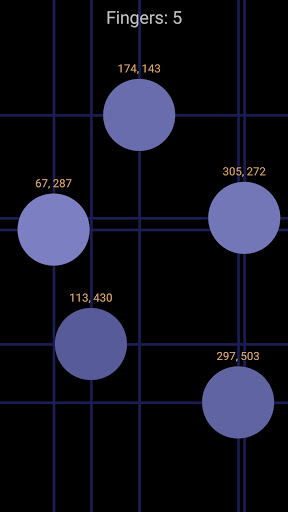
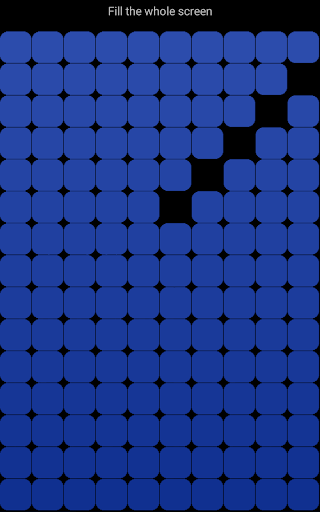
- Up to 10 simultaneous touches
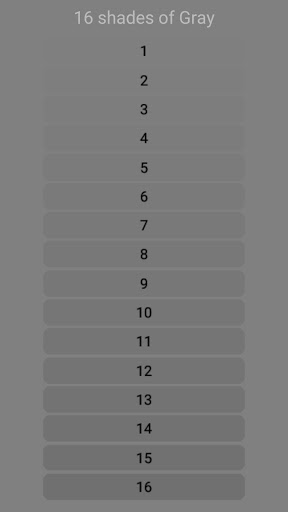
- Color Shades test was added
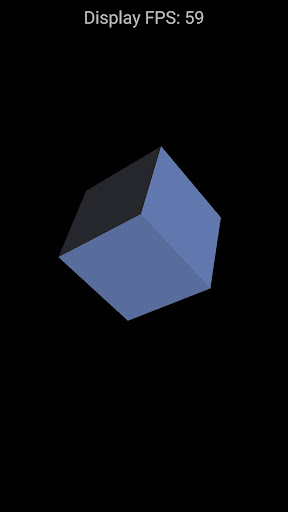
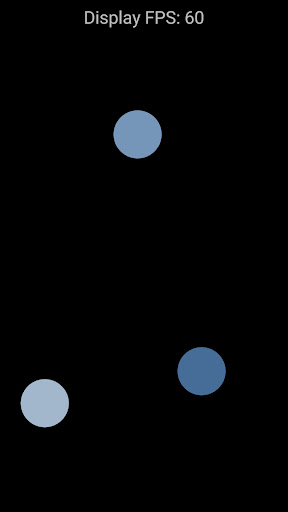
- 2D and 3D tests with FPS counters
Version Information
- Version
- 9.2.0
- Downloads
- 1M+
- Updated on
- Dec 3, 2025
- Released
- Jan 16, 2021
- Requires
- Android 6.0
Statistics
Google Play Rating History
Rating Distribution
Downloads Over Time
Touch Screen Test has been downloaded times. Over the past 30 days, it averaged downloads per day.
Shaded area shows 30-day prediction based on historical trends
Historical data collection started recently. More data points will be available over time.
Touch Screen Test users say on Google Play
 Elvis Creer
Great screen test is like touch screen calibration. I really like this application is Free to test my android. others out there not to test yet. add free trial.. so if I agree I paid it ..?! they are asking Gcash account credit cards.. oh my goodness. this application is Free keep it up Dev.. Vote 5⭐⭐⭐⭐⭐rates .
 Precious Ochimana
does it's job well. thanks
 Iqbal Hasan
व्हेरी नाईस ॲप व्हेरी गुड
 Добрый Котик
проблема не в том, как выходить из тестирования нажатий. а в том, что если 2 раза быстро нажать в режиме тестирования, это закрывает активити. зачем нужно такое тестирование? вы, как разработчик, должны понимать, что тестирование нажатий предполагает многократные нажатия на экран. а они у вас сейчас закрывают окно тестирования. UI/UX покинул чат
ApkTrusted Ratings & Reviews
More from Microsys Com Ltd.
See more apps







Similar Apps
Macrorify - Image Auto Clicker
Free

Quikshort: Shortcut Creator
Free

Automate
Free

MacroDroid - Device Automation
Free

DevCheck Device & System Info
Free
Charge Meter
Free

G-CPU:Monitor CPU, RAM, Widget
Free

Spatial Touch™
Free

Taskbar
Free
CPU Monitor - temperature
Free
Starlink
Free
AccuBattery
Free
Automatic Scroll
Free

dynamicSpot - Dynamic Island
Free
Anti Spy Detector - Spyware
Free
Auto Clicker - Automatic tap
Free
Scan this QR code to download

Forwarding you to the page at Google Play market in seconds...
Open Google Play market now