Remotly - NextGen Connectivity v2.2
Mirillis





About this app
Developer Description
Remote Access to Apps and Games on PC. Remote Desktop. Remote Support.
FOR WORK, SUPPORT AND LEARNING
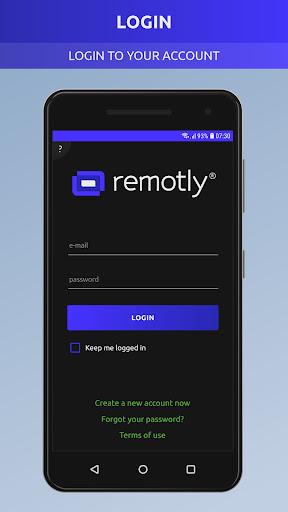
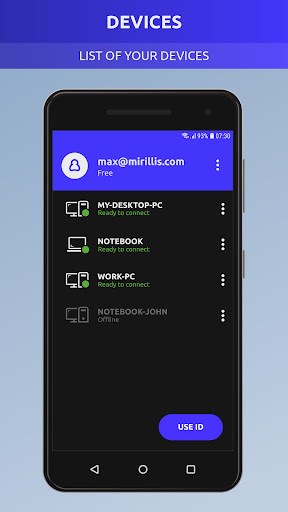
* With just a few clicks you can connect to any of your Windows PC's. Remotly gives you the best remote access experience - stable connection, low latency and crisp quality.
* Remotly offers you the lowest latency possible - down to 0 frames. Working with Remotly is so convenient that you will forget you are away from your real computer.
* Remotly remote access software won’t let you down in any conditions. There are no situations that Remotly can’t overcome – double NATs and firewalls are not a problem anymore. Connect Anywhere feature guarantees the best connection quality and accessibility from any place you can imagine, as long as you have access to a stable Internet connection of course.
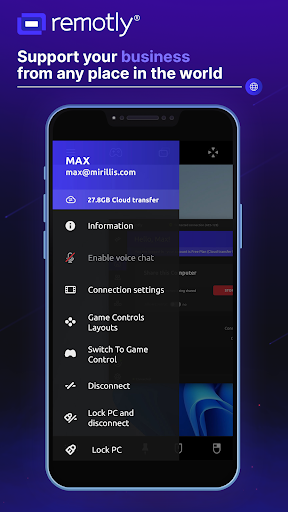
* Remotly is not only a remote access software. It is also an easy-to-use communicator. With real-time voice and camera chat you can comfortably work with your co-workers and clients and stay in touch with your friends and family.
* Our invitation system allows to create invitations for your friends or work partners and let them access your PC remotely. The access can be time restricted and controlled at all time, you can delete and cancel active invitations wherever you are.
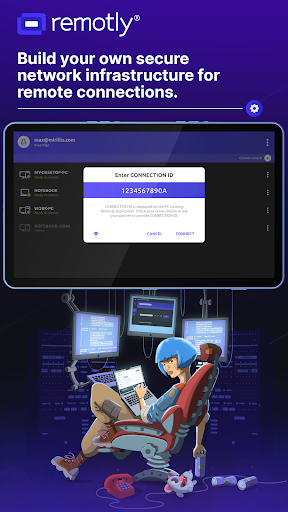
* Remotly gives you a unique opportunity to create your own, fully private and secure connection infrastructure. By having your own relay server(s) you can be 100% sure of data ownership. Remotly app and servers will run on your machines only, thus removing access to your private data from anyone but you. All your transmitted data is handled in one place without the need to send it to any third parties. This way your data always stays yours.
* All data transmitted with Remotly, including audio, video, mouse, keyboard, microphone and webcam data is encrypted. To avoid unauthorized connections you can even enable additional 2-step device authorization for every new device that is trying to connect to your PC. We keep your data and privacy secured.
FOR ENTERTAINMENT AND GAMING
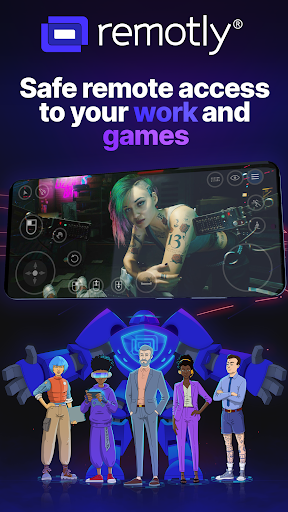
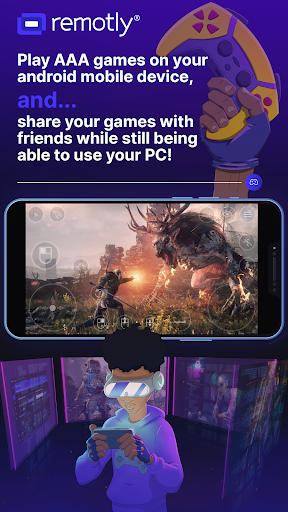
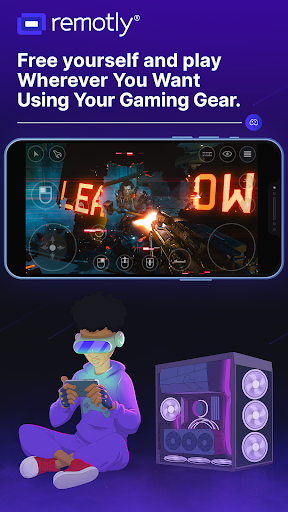
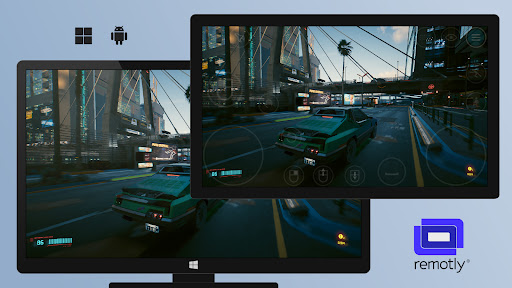
* Check out the best remote control software for Windows and see how smooth playing advanced games on your Android devices or other low-end PCs can be. All of this in stunning video quality in up to 4K resolution and 60fps, with ultra-low latency and low battery usage!
* Remotly is the only remote access software on the market that supports HDR streaming. You can enjoy playing your favourite games in true HDR, as long as both your devices support HDR display technology.
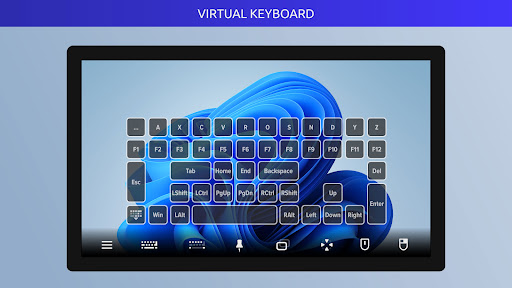
* With Remotly you can easily use controllers of any type. Play any game you want using mouse and keyboard or use your favourite gamepad. You can also filter out some keys while playing with your friends.
* Invite your friends and let them access your computer to play your games. They just have to install our application. All you need to do is create an invitation for them. There is no limit to the number of friends that can be invited. Enjoy!
* Remotly's game control layout manager allows to create and duplicate layouts and fully customize all game controls. Import/Export option allows to share favourite game control layouts between your Android devices. Play any PC game on your tablet or smartphone and see how comfortable it is!
What's New
Version Information
- Version
- 2.2
- Downloads
- 50K+
- Updated on
- Nov 30, 2025
- Released
- Jan 19, 2023
- Requires
- Android 5.0
Statistics
Google Play Rating History
Rating Distribution
Downloads Over Time
Remotly - NextGen Connectivity has been downloaded times. Over the past 30 days, it averaged downloads per day.
Shaded area shows 30-day prediction based on historical trends
Historical data collection started recently. More data points will be available over time.
Remotly - NextGen Connectivity users say on Google Play
 Jay Kimble
Great app for remote connecting/streaming from a desktop computer to your phone or other android device. I use it with a hand held game system that runs android. You can stream play games (& I think it's better than any of streaming services)
 mofeed mounir
أصبح التطبيق بطئ نوعا ما. سأغير تقيمي في حالة حل المشكلة.
 Mohammed Hadi
Needs way much improvements, buggy and ugly interface, parsec is much better
ApkTrusted Ratings & Reviews
More from Mirillis
See more apps
Similar Apps

PADL
Free

Smart Switch - File Transfer
Paid

Linksys
Free

Backbone — Next-Level Play
Free

RealVNC Viewer: Remote Desktop
Free

RICOH Smart Device Connector
Free

Thaura
Free

HeadTrack
Paid

PDK Access by ProdataKey
Free

Quick Share: File Transfer
Paid

MERCUSYS
Free
Wi-Fi Toolkit
Free
Elgato Stream Deck Mobile
Free

LiveMic: Bluetooth Mic Speaker
Paid
Scan this QR code to download

Forwarding you to the page at Google Play market in seconds...
Open Google Play market now