
Screen recording vVARY
ColorOS



About this app
Developer Description
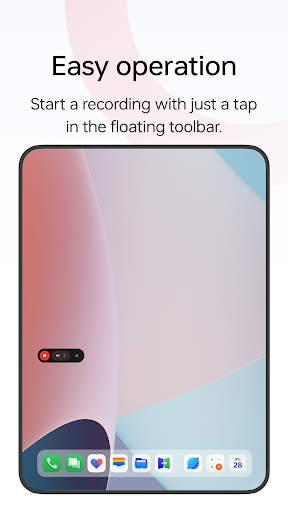
A simple screen recording app
Multiple ways to open this tool
- Bring up the Smart Sidebar from the screen edge and tap "Screen recording".
- Swipe down from the top of the screen to bring up Quick Settings and tap "Screen recording".
- Swipe down in an empty area on the Home screen, search for "Screen recording" and tap the icon of this tool.
- Open a game in Game Space, swipe from the upper-left corner of the screen to the lower-right corner, and choose "Screen recording" from the menu.
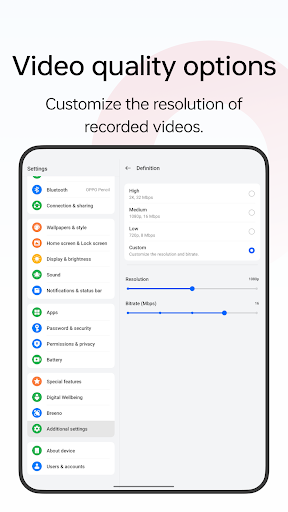
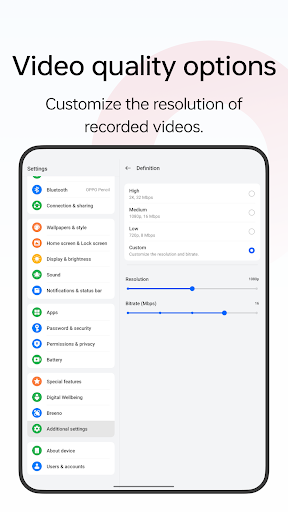
Various video quality options
- Choose the definition, frame rate, and coding format you want to record with.
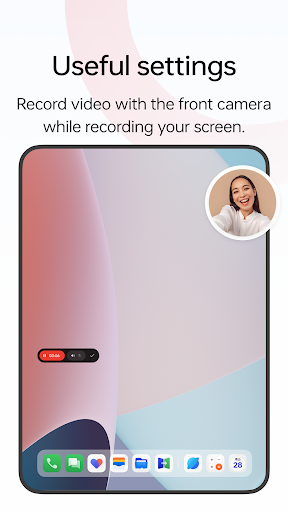
Useful settings
- You can record the system sound, external sound through the microphone, or both at once.
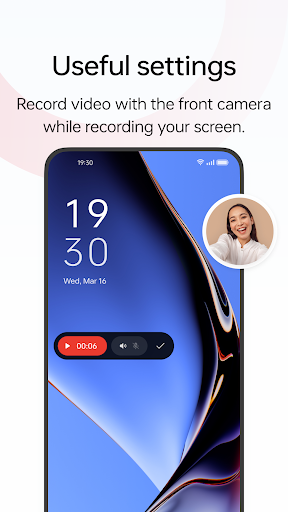
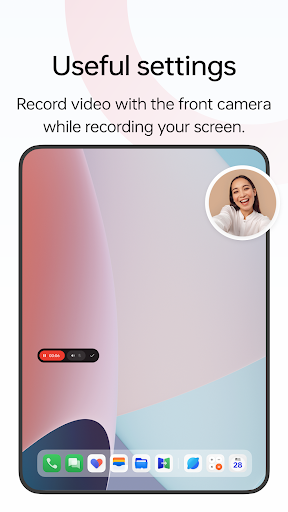
- You can record video with the front camera while simultaneously recording your screen.
- Screen touches can also be recorded.
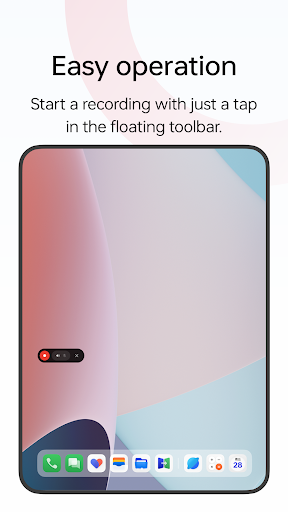
- You can pause or resume a recording by tapping the button on the recorder toolbar.
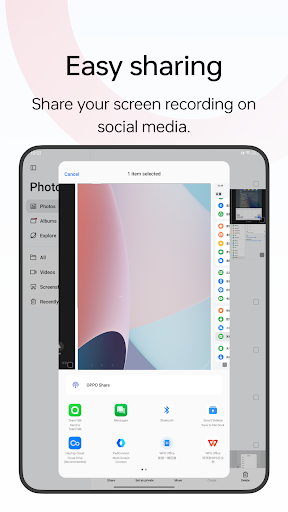
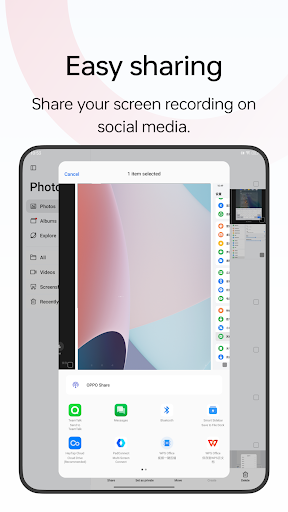
Share your recordings
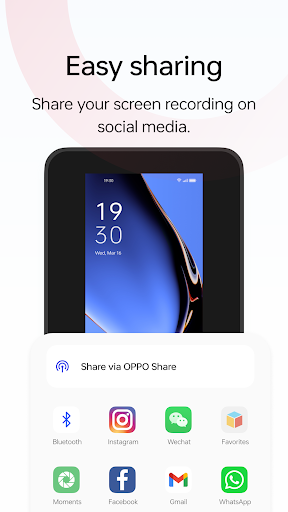
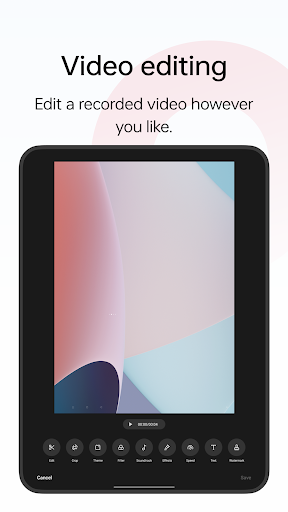
- When a recording is complete, a floating window will appear. You can tap "Share" under the window to share it or tap the window itself to edit the video before sharing.
Version Information
- Version
- -
- Downloads
- 50K+
- Updated on
- -
- Released
- Mar 14, 2023
- Requires
- Android Varies with device
Statistics
Google Play Rating History
Rating Distribution
Downloads Over Time
Screen recording has been downloaded times. Over the past 30 days, it averaged downloads per day.
Shaded area shows 30-day prediction based on historical trends
Historical data collection started recently. More data points will be available over time.
Screen recording users say on Google Play
 just do it
Please you create awesome apps but i wandering if you develop an app such as sound Assistant in Samsung that can support reverb concrete hole sound affect and equalizer for Bluetooth devices
 Rushil
Quality isn't good. 3rd party records in better quality than this despite having the similar settings, I guess it has something to do with how this app is optimised. Please fix this issue. I want the screen record quality provided by an app named as AZ Screen Recorder. Please check it and even you will find the screen record quality better over there.
 clau silva
isn't optimized at all. mono audio recording and low quality is two issues that make me stop using this system app.
 FSWOTJ 027
Please please....do something with the overlay button showing when recording.... it's too big . whenever i play a game it's remain in screen and lags too much.
 Shailendra kushwaha
Not record changed voice ( realme 8 ) Recording original voice when I enable voice changer in colorOS games app
ApkTrusted Ratings & Reviews
More from ColorOS
See more apps
Clock
Free
OPPO Photos
Free

ODialer
Free

Game Space
Free

My Files
Free

OPPO Clone Phone
Free
Wireless Earphones(ColorOS11)
Free
Weather
Free

Simple mode
Free
Wireless Earphones
Free

Phone Manager
Free
WeatherService
Free

ColorOS Pictorial
Free

HeyTap Games
Free

Account Center
Free

Graphics Enhancement Service
Free
Similar Apps

Castro Premium - system info
Paid

Screen Recorder: Audio & Video
Paid

OnePlus Community
Free

Quick Share: File Transfer
Paid

Edge Lighting Clock Light
Paid

Eye Break Reminder
Paid

Smart Tutor for SAMSUNG Mobile
Free
ChargeNow
Free

Ares Dark Icon Pack
Paid

SuperCam Plus
Free

Translate: Screen Translator
Paid

Loom – Screen and Cam Recorder
Free

Chaos Audio
Free

Hiya: Spam Blocker & Caller ID
Free

Foxcolab - Secure Messenger
Paid

Horizon – Shorts/Reels blocker
Free
Scan this QR code to download

Forwarding you to the page at Google Play market in seconds...
Open Google Play market now