
TinyFlick - Video Compressor vVARY
photoshop mobile apps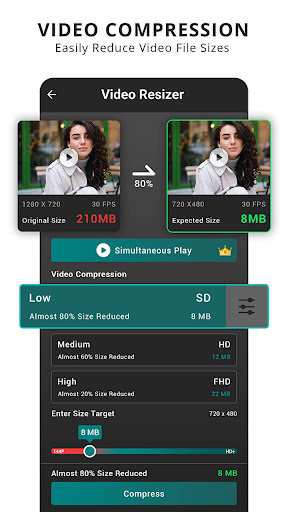
About this app
Developer Description
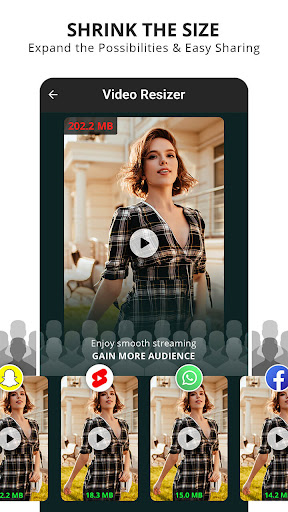
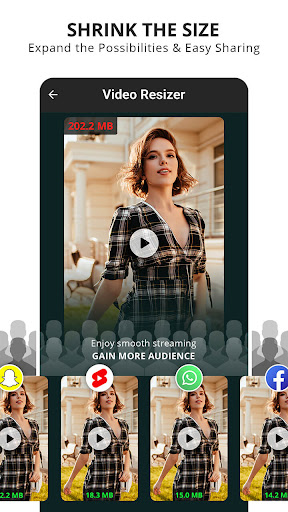
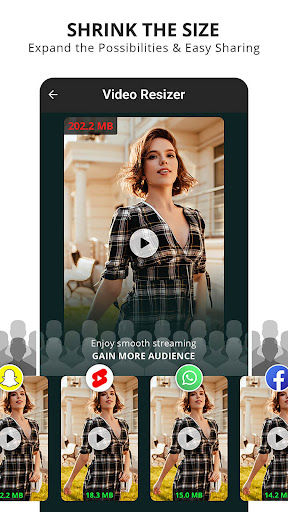
Shrink the Size, Expand the Possibilities!
Key Features:
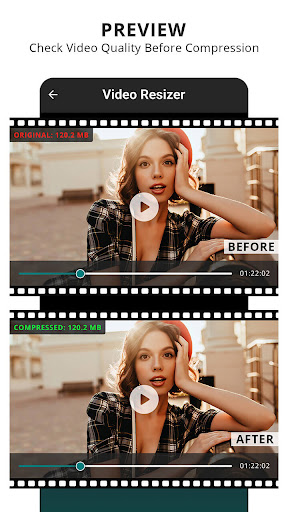
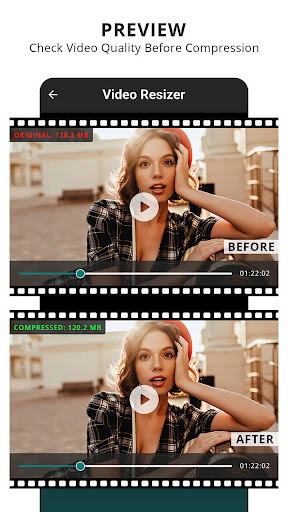
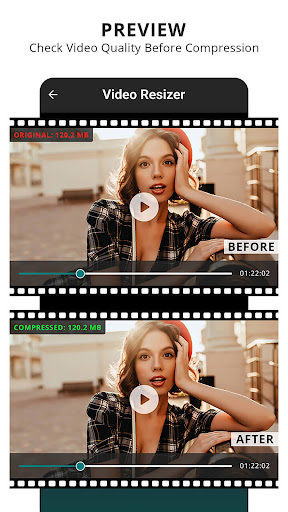
Preview Before Compression: With TinyFlick, you can preview the compressed video to ensure it meets your quality standards. See the changes before you save, ensuring your videos look just the way you want them.
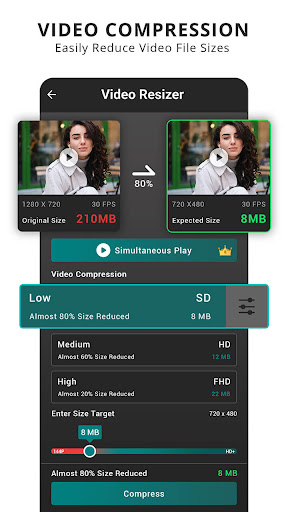
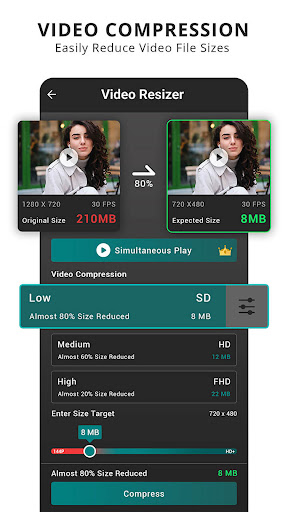
Custom File Size: Choose your desired file size, and TinyFlick will intelligently adjust the compression settings to achieve the size you want. It's like having a personal video optimizer at your fingertips.
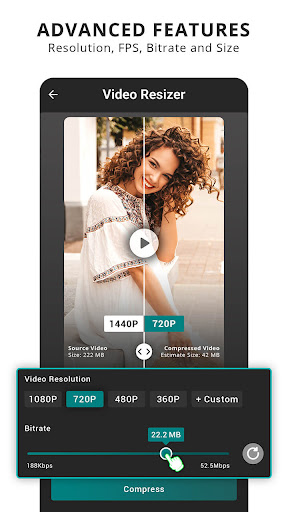
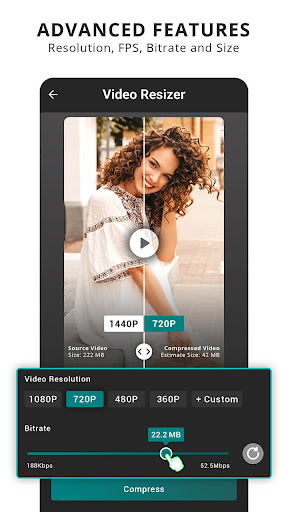
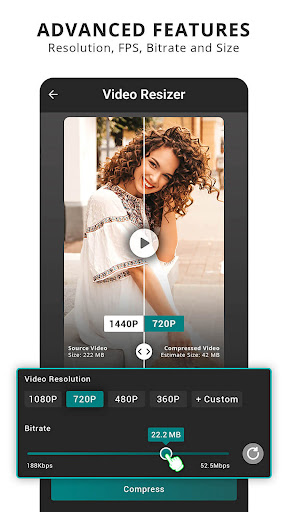
Advanced Features for Premium Users: Upgrade to TinyFlick Premium for even more control over your video compression. Premium subscribers gain access to a host of customizable settings, including resolution, FPS, bitrate control, and Simultaneous Preview.
Resolution Control: Adjust the resolution of your videos to suit your needs. Whether you want to keep your videos in full HD or downsize for efficient sharing, TinyFlick Premium has you covered.
FPS (Frames Per Second) Selection: Control the frame rate of your videos for smoother playback or specific editing requirements. Premium users can choose the FPS that best fits their content.
Bitrate Management: Take charge of the video bitrate to balance file size and quality. Whether you need high-quality output or smaller files for quick sharing, you decide the bitrate that's right for you.
Ad-Free Experience: Enjoy an ad-free environment while using TinyFlick Premium. Focus on your video compression tasks without interruptions.
Video Compression: Easily reduce video file sizes without altering the original format. TinyFlick keeps your videos in their native quality while saving space.
File Size Reduction: Reduce the file size of your videos, making it simpler to share and store your favorite clips.
High Definition Support: TinyFlick handles the compression of HD videos seamlessly, ensuring your high-quality footage remains stunning even after compression.
Quality Preservation: Rest assured that your video quality will be preserved throughout the compression process. No more pixelation or loss of detail.
Intuitive Interface: TinyFlick offers a user-friendly experience, making video compression a breeze. Choose the video you want to compress, preview the changes, set your desired file size or customize advanced settings, and save your videos with confidence.
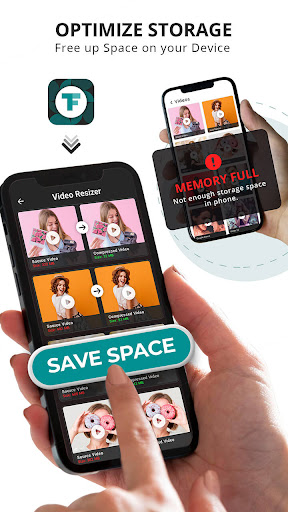
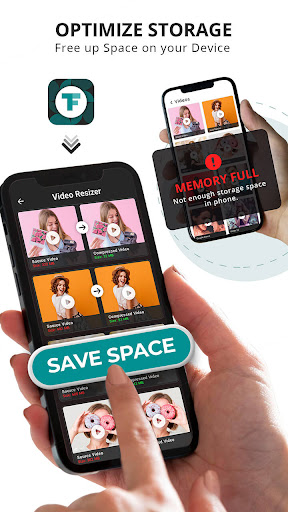
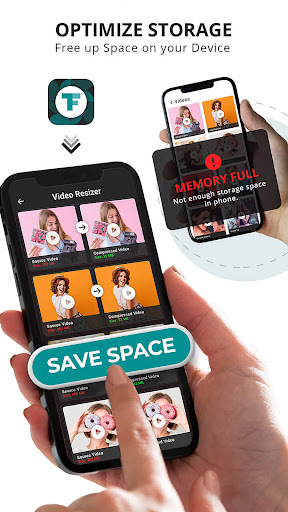
Optimize Storage: Free up space on your device without sacrificing your video library. TinyFlick is your go-to app for maintaining an organized and efficient storage space.
TinyFlick gives you the best of both worlds – video quality preservation, custom file size selection, advanced settings for premium users, and storage optimization. Download our app today and experience the benefits of efficient video compression with personalized controls. Take control of your video storage with TinyFlick!
In-app purchases
$1.99 - $9.99 per item
Version Information
- Version
- -
- Downloads
- 10K+
- Updated on
- -
- Released
- Nov 18, 2023
- Requires
- Android Varies with device
Statistics
Google Play Rating History
Rating Distribution
Downloads Over Time
TinyFlick - Video Compressor has been downloaded times. Over the past 30 days, it averaged downloads per day.
Shaded area shows 30-day prediction based on historical trends
Historical data collection started recently. More data points will be available over time.
TinyFlick - Video Compressor users say on Google Play
 Ankit Pandya
Amazing
 D .Harder
Overpriced. Like buying another monthly car payment. There are far better apps that are "FREE"! Quit making these Nickle and Dime money sponges!
 George Koussa
Very bad app .. Final result is catastrophic.. I do not recommend it at all for those who really care for their videos .
ApkTrusted Ratings & Reviews
More from photoshop mobile apps
See more apps
Invitation Card Maker: Ecards
Free

Audio Extractor: Video to MP3
Free

Sparkle Soft Light Effects
Free

Video Invitation Maker PartyZa
Free
Story Maker for Status
Free

Video Merge: Joiner & Combiner
Free

Lens Flare
Free

Auto Cut Paste: BG Eraser
Free

PostLab: Designer Collages, Po
Free
PostLab: Designer Collages, Po
Free

Video Speed Changer: SlowMo
Free

Baby Pics: Baby Collage
Free
Swift Logo Maker Logo Designer
Free

Superimpose Pictures
Free

DSLR Blur Effects: Photo Focus
Free

Art4Cause
Free
Similar Apps







Scan this QR code to download

Forwarding you to the page at Google Play market in seconds...
Open Google Play market now