Swift Logo Maker Logo Designer vVARY
photoshop mobile apps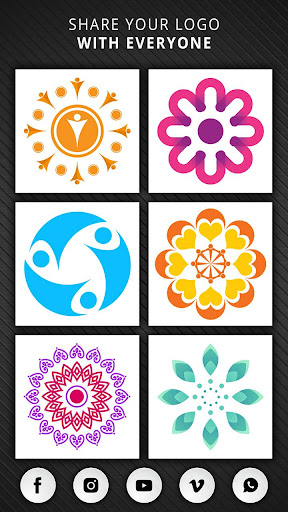
About this app
Developer Description
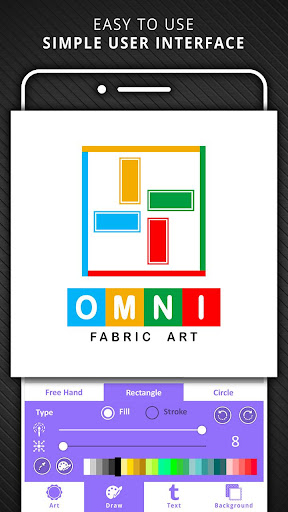
Design Your Unique Logo with ease using Swift Logo Maker.
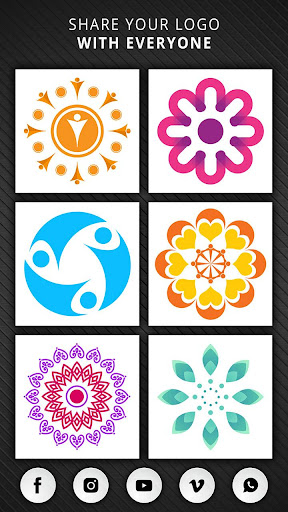
Your logo is the face of your brand, an immediately recognizable image that tells the world what you’re all about. You can easily create your own UNIQUE logo to convey the personality of your business or product.
Logo design is easy with Swift Post Brand identification depends on powerful graphics, and you have only a few seconds to capture people’s attention and make an impact. With Swift Logo Maker, you can create eye-catching Logos with ease.
Features
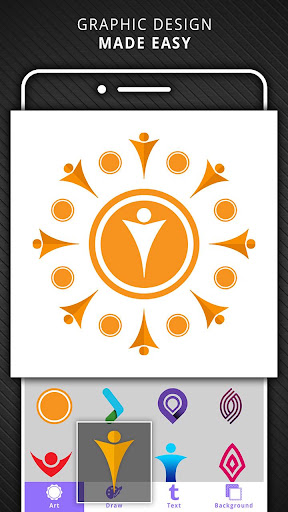
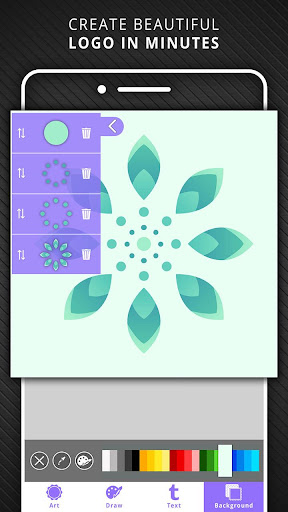
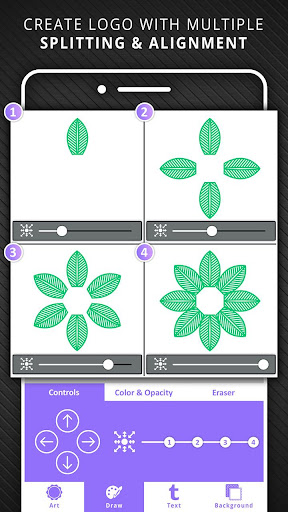
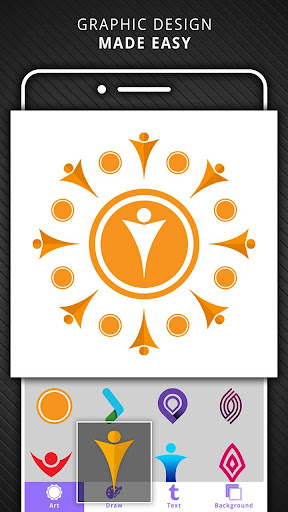
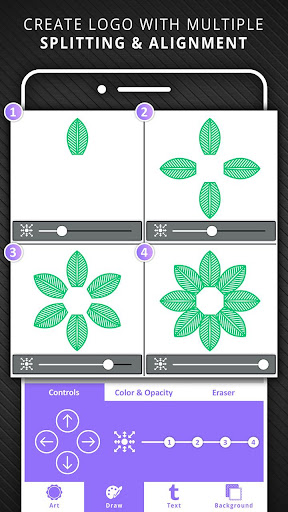
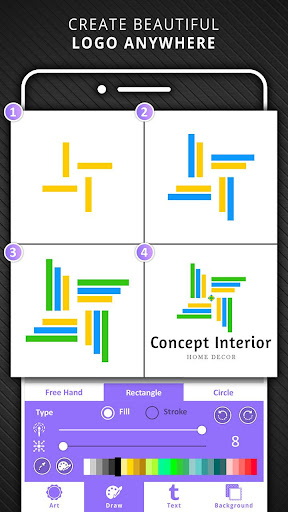
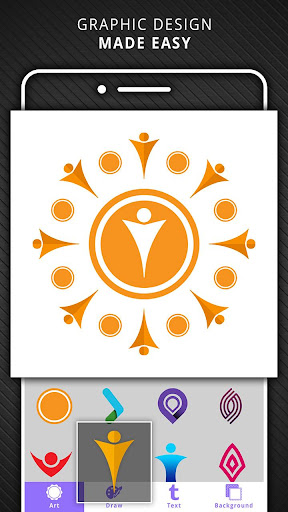
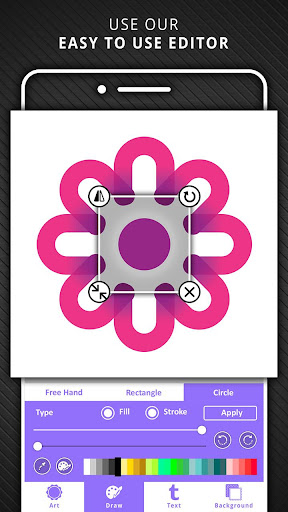
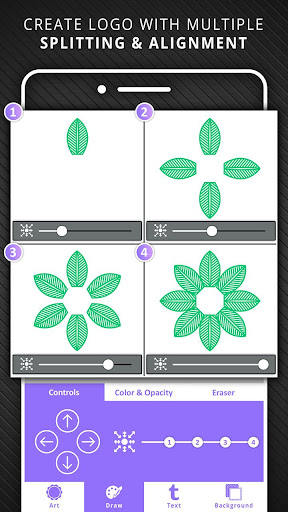
1. Build up your Logo - Build your unique logo using sub components shapes,art pieces,drawing
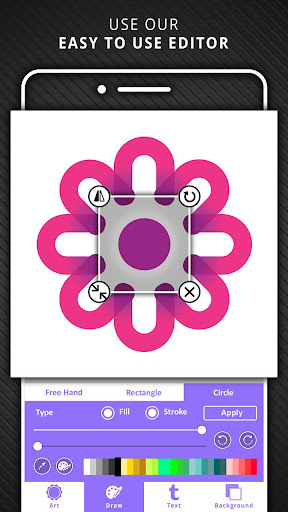
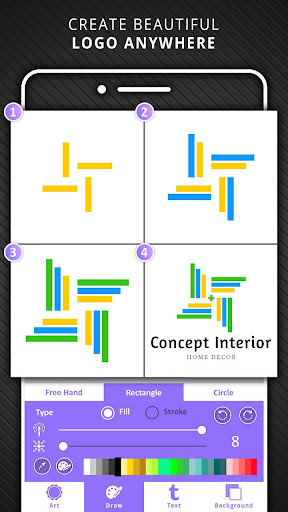
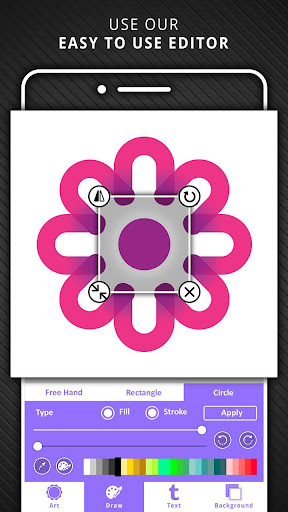
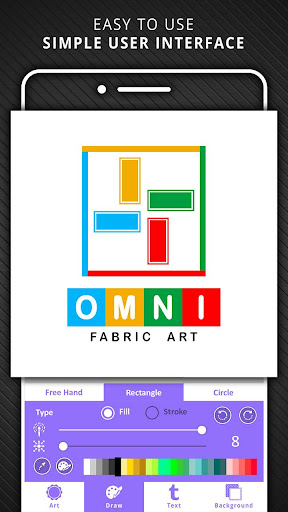
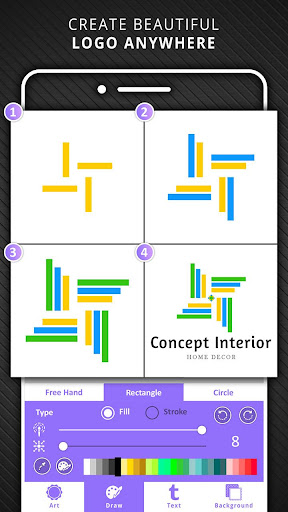
2. Brush Tool - Draw Freely or use Circles and Rectangles to draw
3. Colors Use color pallets to change colors of background or individual components
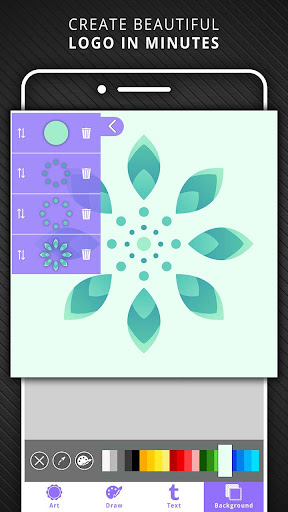
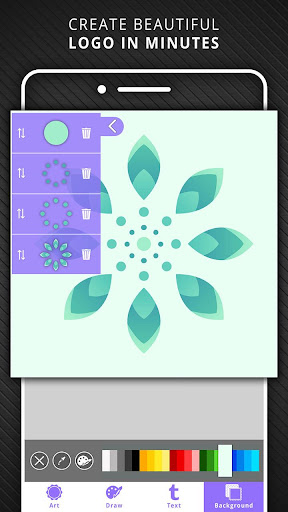
4. Layers Manage Layers makes it easy for creating your Logos
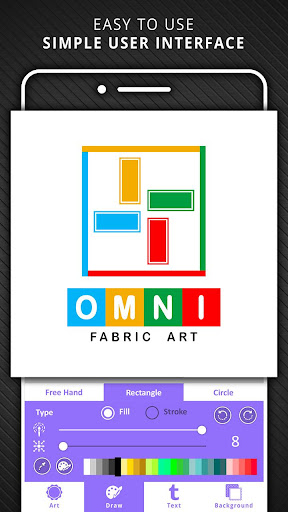
5. Text Typography is at the heart of many logo designs. Tons of free Fonts available to choose from.
6. Erase Use erase function to edit individual Art pieces
Whether you’re looking for something casual, formal, antique or futuristic, our SWIFT LOGO MAKER LOGO DESIGNER has you covered.
Customize your logo to add some personality. Let SWIFT Logo Maker be your Logo Design Expert!!!
In-app purchases
$4.49 - $9.49 per item
Version Information
- Version
- -
- Downloads
- 500K+
- Updated on
- -
- Released
- Nov 2, 2018
- Requires
- Android Varies with device
Statistics
Google Play Rating History
Rating Distribution
Downloads Over Time
Swift Logo Maker Logo Designer has been downloaded times. Over the past 30 days, it averaged downloads per day.
Shaded area shows 30-day prediction based on historical trends
Historical data collection started recently. More data points will be available over time.
Swift Logo Maker Logo Designer users say on Google Play
 Kerry S. Strong
I love this app. It's a really unique app that let's you style text and simple art to make visually interesting images and logos. Great for typography type pictures. I like to make pictures that say something. So I'll usually start with a word or phrase and then I pay with the fonts and colors the the endless amount of ways you can organize the text to make it eye catching.
 COLLINS ACHA
GREAT
 MILAL
MILAL
Crashes on every feature except the "draw" option, but since that's the Most Amazing aspect! I guess it's ok...
 Lorena De La Cruz-Blackard
I am just learning, but I love what I have created already. However, there doesn't seem to be any instructions on how to insert the logo onto a picture at least none that I could find.
 Princess & The P
Basic app - I wouldn't waste your time, I wrote this review before but the developer must have deleted it?! This app is EXACTLY the same as another app and has limited options. There are far better variants on the market with more logo solutions and far more font variants to choose from (that are indeed free)!
ApkTrusted Ratings & Reviews
More from photoshop mobile apps
See more apps
Invitation Card Maker: Ecards
Free

Audio Extractor: Video to MP3
Free

Sparkle Soft Light Effects
Free

Video Invitation Maker PartyZa
Free
Story Maker for Status
Free
Video Merge: Joiner & Combiner
Free

Lens Flare
Free
Auto Cut Paste: BG Eraser
Free
PostLab: Designer Collages, Po
Free

Video Speed Changer: SlowMo
Free

Baby Pics: Baby Collage
Free

Video Splitter - Status Maker
Free
Superimpose Pictures
Free

DSLR Blur Effects: Photo Focus
Free

TinyFlick - Video Compressor
Free

Art4Cause
Free
Scan this QR code to download

Forwarding you to the page at Google Play market in seconds...
Open Google Play market now