
Audio Extractor: Video to MP3 v2.6
photoshop mobile apps



About this app
Developer Description
AI Vocal Remover, Video to MP3 Converter & MP3 Cutter. Fast audio extraction.
🌟 NEW: AI Music & Vocal Splitter
Magically separate your audio into two distinct parts with our latest update.
AI Vocal Remover: Separate vocals and music from any song with high precision.
Karaoke Maker: Isolate the background music to create your own karaoke tracks.
Daily AI Credits: Get 150 free credits daily to experience professional AI splitting technology.
🎶 Ultimate Video to MP3 Converter & Music Extractor
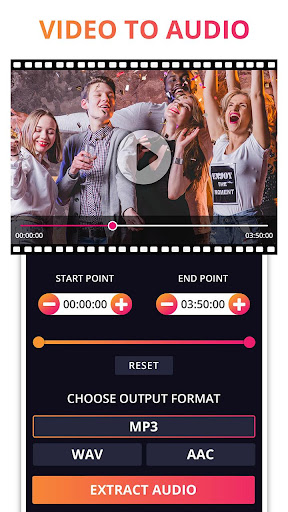
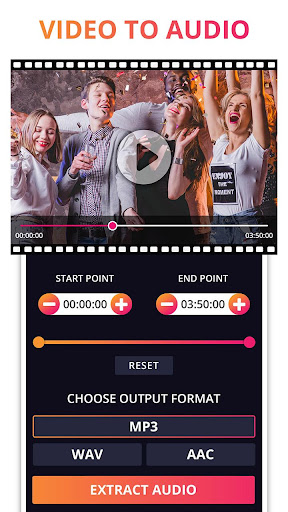
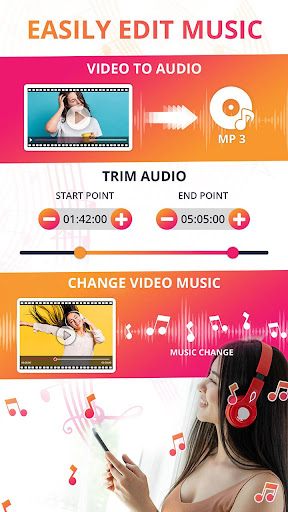
Need to extract sound from video? Our core feature makes video to audio conversion effortless. We help you isolate high-quality audio tracks from any video file with a simple, intuitive process.
Fast & Efficient Extraction: Instantly convert videos to your desired audio format.
Powerful Audio Extractor: Easily extract audio from a full video file or a specific time segment.
Comprehensive Format Flexibility: Convert all common video files (like MP4 to MP3 Converter) into high-quality MP3, AAC, or WAV formats.
Superior Audio Quality: We ensure the final extracted audio maintains excellent sound clarity.
✂️ Precision MP3 Cutter & Ringtone Maker
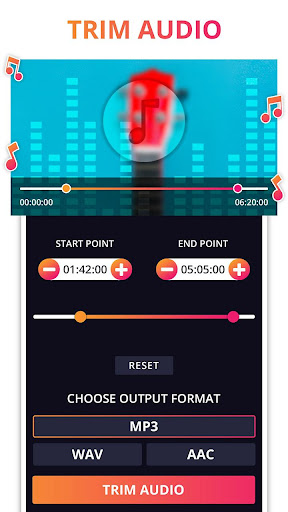
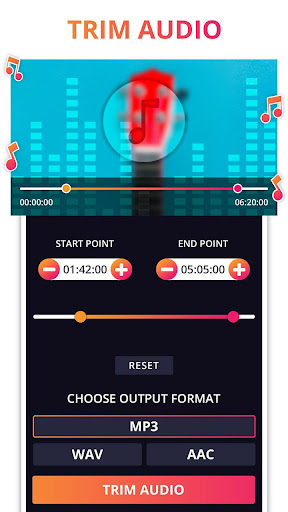
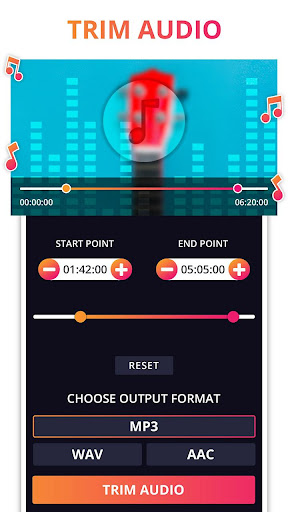
Why use multiple apps when you can trim and edit right here? Our integrated Audio Cutter and Audio Trimmer features allow you to pinpoint and save only the parts you need.
Exact Trim Audio: Set the exact start and end points to precisely trim audio from any imported or extracted file.
Custom Ringtone Maker: The perfect tool to create custom ringtones, notification tones, or alarms from your favorite videos or songs.
Simple Audio Editor: Easily edit your audio, then save the trimmed file in any format you choose.
🔄 Seamless Audio Changer for Video Files
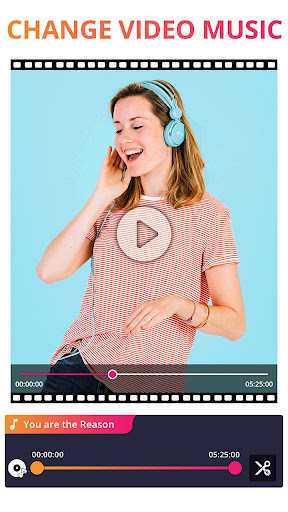
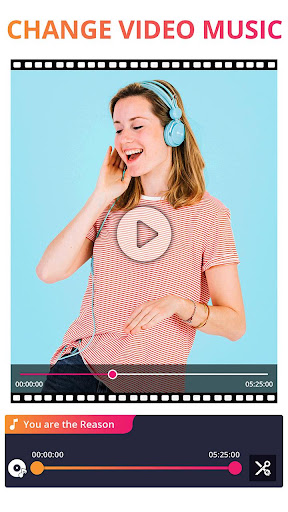
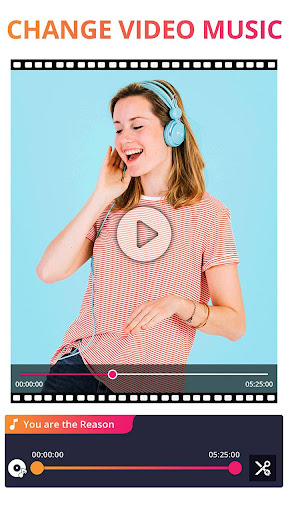
Go beyond simple extraction. Our unique Audio Changer feature lets you modify your videos by replacing the original soundtrack.
Change Audio in Video: Easily substitute the existing video audio with any new sound file (extracted or custom).
Apply Split Tracks: Take your AI-separated vocals or music and apply them directly to a new video.
Smart Loop Option: Apply audio tracks with a convenient looping feature to perfectly fit the entire duration of your video.
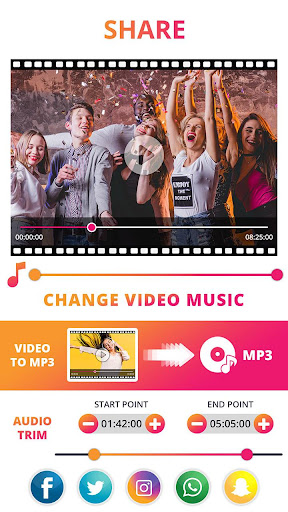
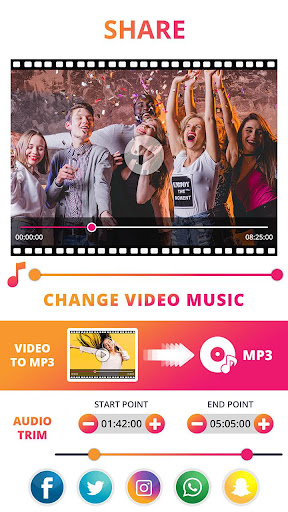
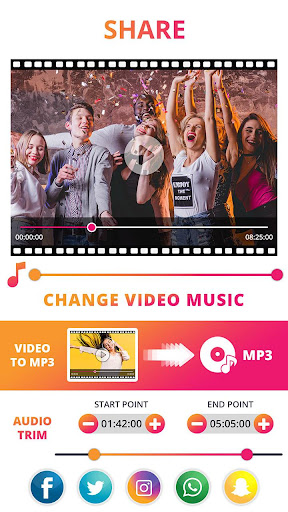
Preview & Share: Preview your video with the new audio before finalizing and sharing.
✨ Designed for Speed, Reliability, & User Experience
We’ve optimized our app for performance, making sure your conversion tasks are completed quickly and reliably.
Simple & Intuitive Operation: Clear, user-friendly interface that requires no technical skill.
Efficient Background Process: Use the ‘Notify me when completed’ feature to let the app work in the background while you use other apps.
Real-time Notifications: Get real-time updates on your conversion process, even when the app is closed.
No Watermark Guaranteed: We respect your content—exported videos and audio converter files are always clean and watermark-free.
📥 Download the Best Audio Extractor Today!
Ready to convert, cut, and change your media? Download Audio Extractor: Video to MP3 now to experience the ultimate AI Vocal Splitter, MP4 to MP3 converter, and music editing utility! Start extracting sound effortlessly and join our community of satisfied users.
What's New
In-app purchases
$1.99 - $19.99 per item
Version Information
- Version
- 2.6
- Downloads
- 1M+
- Updated on
- Jan 6, 2026
- Released
- Jul 17, 2019
- Requires
- Android 7.0
Statistics
Google Play Rating History
Rating Distribution
Downloads Over Time
Audio Extractor: Video to MP3 has been downloaded times. Over the past 30 days, it averaged downloads per day.
Shaded area shows 30-day prediction based on historical trends
Historical data collection started recently. More data points will be available over time.
Audio Extractor: Video to MP3 users say on Google Play
 Laura McCarvell
yes, there's a few ads, but still easy to use and did the job without a hassle. my only difficulty was after adding a video to the allowed media, I didn't realize I needed to long press my selection to continue.
 Malik Babutsi (Phenyo)
it's legit
 Francis Miranda
Far too many ads. As soon as I opened the app for the first time, I was greeted by double ads. every download, Double ads. Uninstalled after one use
 Summer Thyme
Works well for me. But I hate splash screens with ads but without the "close the window" button clearly visible. Yes, that was your ad selling me a subscription. Don't be so intrusive. This won't make me subscribe anyway.
ApkTrusted Ratings & Reviews
More from photoshop mobile apps
See more apps
Invitation Card Maker: Ecards
Free

Sparkle Soft Light Effects
Free

Video Invitation Maker PartyZa
Free
Story Maker for Status
Free

Video Merge: Joiner & Combiner
Free

Lens Flare
Free

Auto Cut Paste: BG Eraser
Free

PostLab: Designer Collages, Po
Free
PostLab: Designer Collages, Po
Free

Video Speed Changer: SlowMo
Free

Baby Pics: Baby Collage
Free

Swift Logo Maker Logo Designer
Free

Superimpose Pictures
Free

DSLR Blur Effects: Photo Focus
Free

TinyFlick - Video Compressor
Free

Art4Cause
Free
Similar Apps

Add Music To Video & AI Editor
Free

Ringtone Maker Wiz
Free

SoundHound ∞ - Music Discovery
Paid

Voice Changer - Audio Effects
Free
Music Audio Editor, MP3 Cutter
Free

Video Converter Pro
Paid

Text & Image to Video AI Gen
Paid

Video Downloader & HLS Player
Free

Video downloader: Vid Play
Free

JAMMATES
Paid

unMix - AI Vocal Remover
Free

AI Cover & Songs: Music AI
Free

BeatSync: Photo & Music Videos
Free

Boom: Bass Booster & Equalizer
Free

Video to MP3 - Video to Audio
Free

Symfonik
Paid
Scan this QR code to download

Forwarding you to the page at Google Play market in seconds...
Open Google Play market now