
Video Splitter - Status Maker v3.9
photoshop mobile apps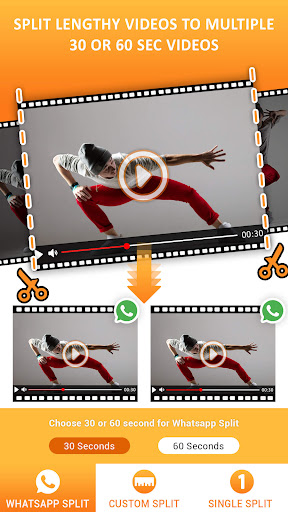



About this app
Developer Description
Video splitter & video cutter. Fast story splitter & status maker. Split video.
Get the simplest Video Splitter on the Play Store. Stop struggling with complex video editor apps just to cut long videos. Our app does one thing perfectly: it cuts your videos for social media.
This is the ultimate Status Maker and Story Cutter for users who value speed. Whether you need a Status Splitter for WhatsApp or an IG Story Splitter for Instagram, our app gets the job done in seconds.
KEY FEATURES:
✅ FAST & EASY: A clean, simple interface. Split video files with just two taps.
✅ NO WATERMARK: Your videos are always clean. We never add a watermark.
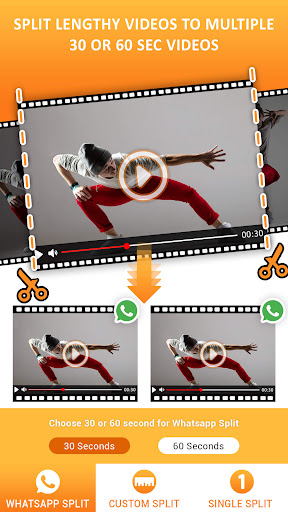
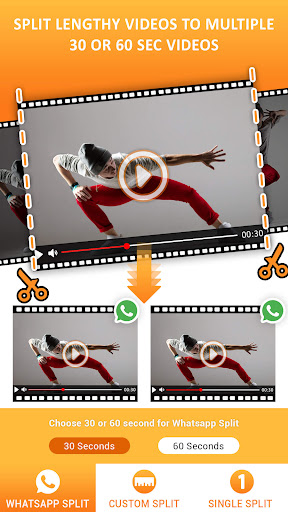
✅ STATUS SPLITTER: Automatically cuts long videos into perfect 30-second clips for your WhatsApp Status.
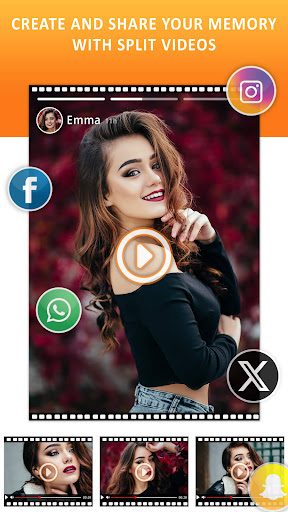
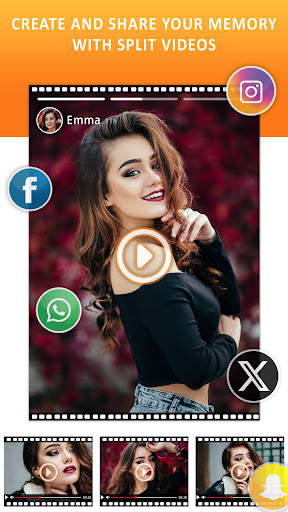
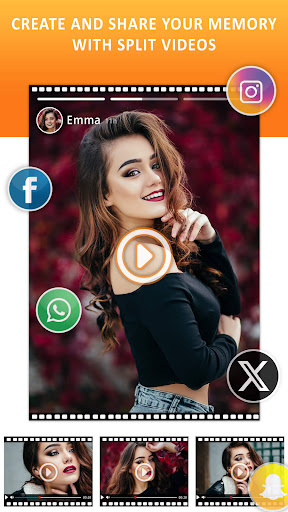
✅ STORY CUTTER: Divides your videos into 15-second segments for seamless Instagram, Facebook, or Snapchat stories.
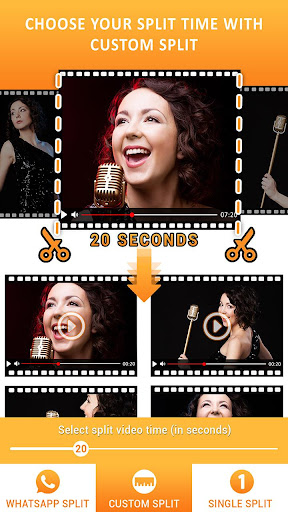
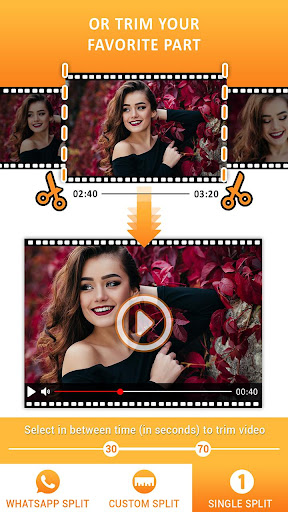
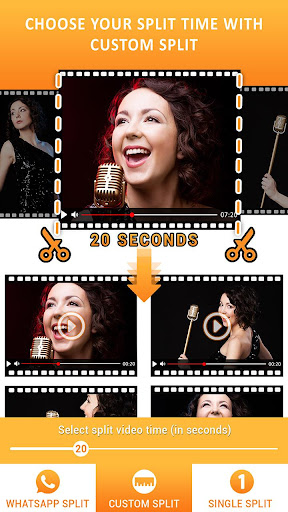
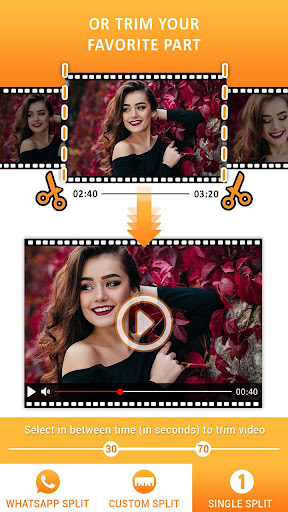
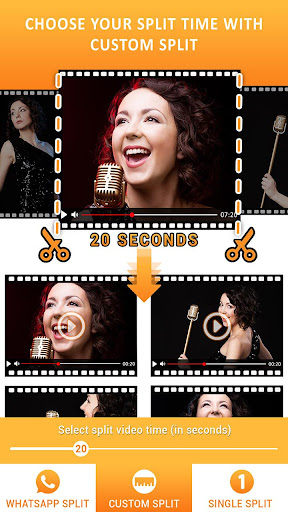
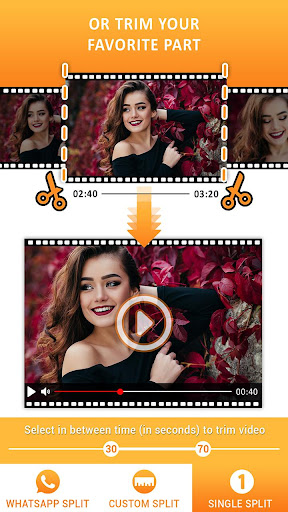
✅ VIDEO CUTTER & TRIMMER: Use the custom mode as a video trimmer to cut video files to any length you need.
✅ REELS & SHORTS SPLITTER: This video slicer is also perfect for preparing clips for Instagram Reels and YouTube Shorts.
✅ HIGH QUALITY: Maintains the original video quality. No compression, no blurriness.
✅ WORKS OFFLINE: No internet? No problem. It’s a video divider that works anywhere.
HOW IT WORKS:
Choose your video.
Choose your split option (e.g., Status, Story, Custom).
Save.
That's it. Your new clips are saved to your gallery, in order, ready to be shared.
Download the best Video Splitter today and start sharing your full stories without the hassle!
What's New
In-app purchases
$2.99 - $19.99 per item
Version Information
- Version
- 3.9
- Downloads
- 1M+
- Updated on
- Oct 17, 2025
- Released
- Jan 17, 2019
- Requires
- Android 7.0
Statistics
Google Play Rating History
Rating Distribution
Downloads Over Time
Video Splitter - Status Maker has been downloaded times. Over the past 30 days, it averaged downloads per day.
Shaded area shows 30-day prediction based on historical trends
Historical data collection started recently. More data points will be available over time.
Video Splitter - Status Maker users say on Google Play
 Ampene Conutsey
Great app was filled with mixed feelings as to whether I will get the result. I had it as I wanted it.
 premanand koli
Superb
 -
-
it works pretty well, it's a little slow but it does what you wanted to. my biggest gripe and why I don't use it is the massive Watermark at the bottom come on that's completely unnecessary and unprofessional for my video so I don't use it. if you don't mind that it's probably okay
 Bendegúz Ács
Slow to load if there are many videos, cannot handle video file share from other, faster apps.
 Kody Schweickhardt
way too slow. app used to be great but ever since ads were involved the processing takes ungodly amounts of time to split the video. look ads are fine if you want a paid version, but please dont allow those ads to run your app into the ground because of making the app itself extremely slower just because you want to use ads to generate revenue. keep the ads if you want but dont sacrifice processing speed. ive used this app for years and now it sucks in terms of processing speed.
ApkTrusted Ratings & Reviews
More from photoshop mobile apps
See more apps
Invitation Card Maker: Ecards
Free

Audio Extractor: Video to MP3
Free

Video Invitation Maker PartyZa
Free
Dynamo - Animated Video Waterm
Free

Story Maker for Status
Free

Video Merge: Joiner & Combiner
Free

Lens Flare
Free

Auto Cut Paste: BG Eraser
Free

Mirror Photo
Free

PostLab: Designer Collages, Po
Free

Video Speed Changer: SlowMo
Free

Baby Pics: Baby Collage
Free

Superimpose Pictures
Free

DSLR Blur Effects: Photo Focus
Free

TinyFlick - Video Compressor
Free

Art4Cause
Free
Similar Apps

Smart Video Crop - Video Cut
Free

Spring - Video Editor & Maker
Free

Promeo - Story & Reels Maker
Free

BeatSync: Photo & Music Videos
Free

Videoleap: AI Video Editor
Free

VLLO - Video Editor Vlog Edits
Free

ActionDirector - Video Editing
Free

PowerDirector - Video Editor
Free

LightCut -AI Auto Video Editor
Free

Focus Video - Video Compressor
Free

RosettaMind
Paid

GoPro Quik: Video Editor
Free

Fliki - AI Video Editor
Free

FaceViral: AI Video Face Swap
Free

Splice - Video Editor & Maker
Free

Add Music To Video & AI Editor
Free
Scan this QR code to download

Forwarding you to the page at Google Play market in seconds...
Open Google Play market now