Drawing Pad Lite - Artbook v2.5.8.3
Cards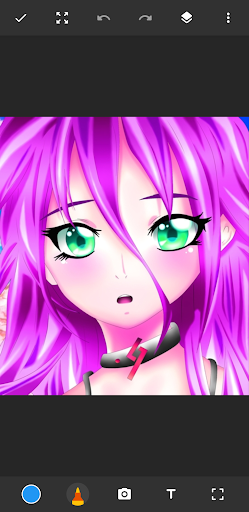



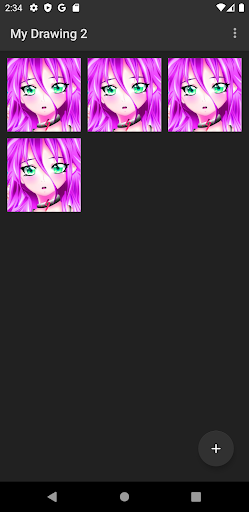
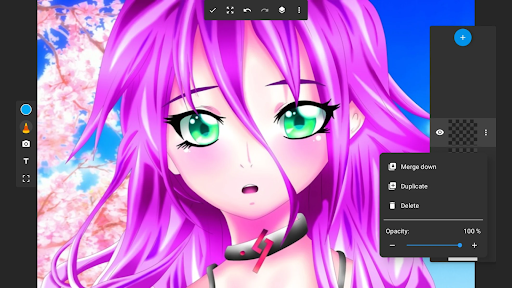

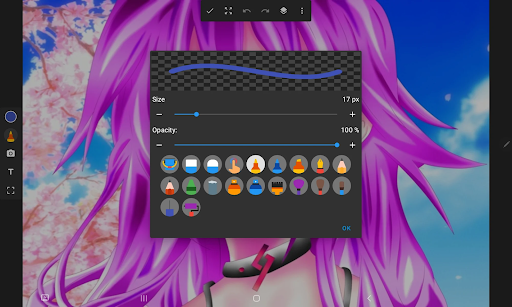

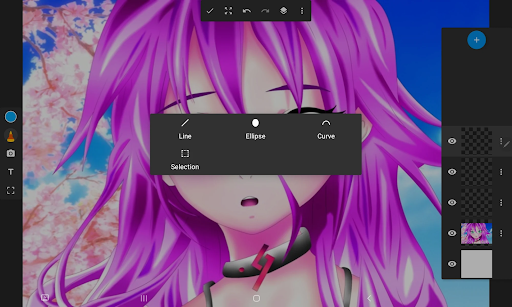
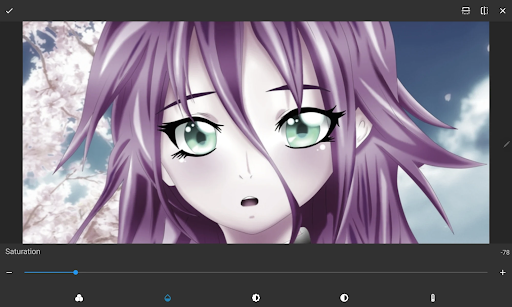
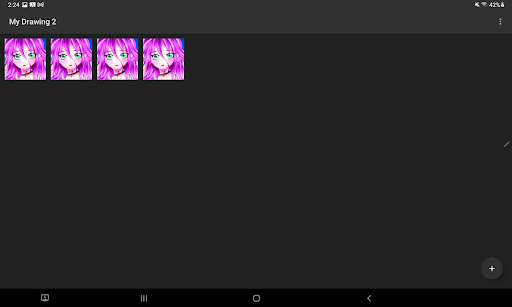

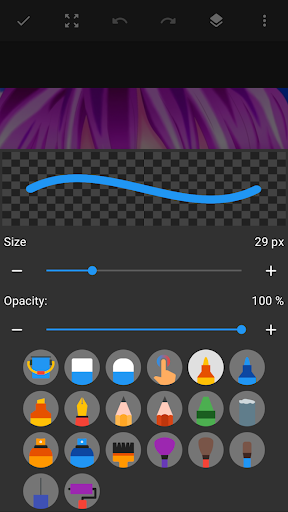


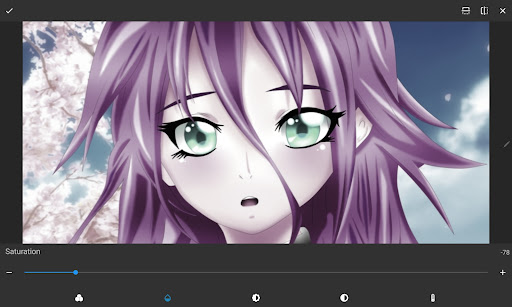
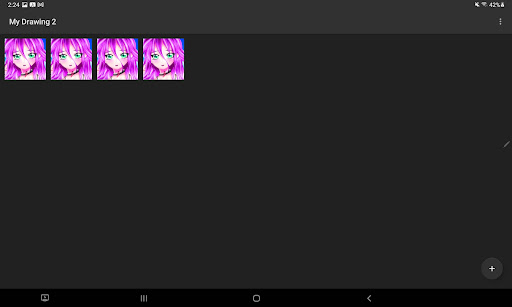
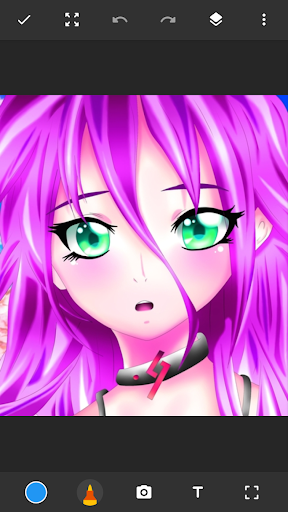

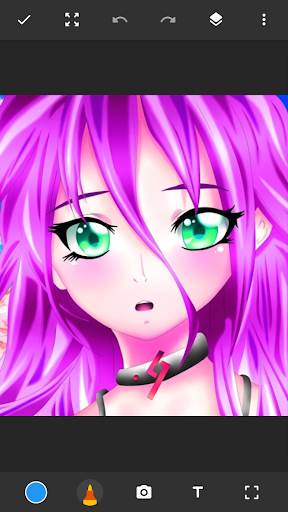
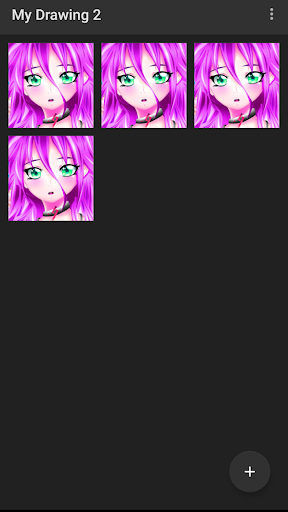
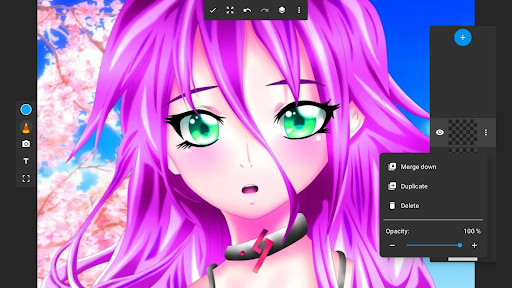
About this app
The Drawing Pad Lite - Artbook app solves the problem of providing an easily accessible digital canvas for users to express their creativity, benefiting individuals of all ages and skill levels who enjoy drawing and painting. With over 10 million downloads and a high user rating of 4.5/5, it stands out as a top-tier app in the Art And Design category, offering a user-friendly interface and a range of features that cater to diverse artistic needs. Compared to alternatives, Drawing Pad Lite's simplicity and lack of permissions make it an attractive option for those seeking a hassle-free creative experience. However, its limited features and presence of ads may deter some users seeking more advanced functionality.
Pros
- With over 10 million downloads, Drawing Pad Lite has demonstrated its popularity and social proof, indicating a high level of user satisfaction and trust in the app's quality and functionality.
- The app's high user rating of 4.5/5 reflects its ability to meet user expectations and provide a positive experience, making it a reliable choice for those seeking a digital drawing platform.
- The developer's reputation and presence of a dedicated website and support email suggest a commitment to user support and app maintenance, which is essential for a creative tool like Drawing Pad Lite.
- The app's lack of permissions is a significant advantage, as it ensures that users' data and device security are not compromised, making it an attractive option for those concerned about privacy.
- The presence of in-app purchases provides users with the option to expand the app's functionality and access additional features, allowing for a more tailored experience.
Cons
- The presence of ads in the app may be distracting and disrupt the creative workflow, potentially affecting the overall user experience and satisfaction.
- The limited features and functionality of the app may not be sufficient for advanced users or those seeking more complex artistic tools, which could lead to user dissatisfaction and abandonment.
- The app's monetization model, which includes in-app purchases, may be perceived as aggressive or exploitative by some users, particularly if the prices are deemed excessive or the purchases are not clearly explained.
- The lack of information about the type of data collected by the app, despite its minimal permissions, may still raise concerns about user privacy and data security.
Best for: The ideal user for Drawing Pad Lite is an individual of any age who enjoys drawing and painting, has basic technical skills, and is looking for a simple, user-friendly, and accessible digital canvas to express their creativity, whether as a hobby or as a professional artist seeking a convenient tool for sketching and brainstorming.
Developer Description
The perfect place to start sketching! Use Sketchbook to draw and paint sketches.
Sketchbook Lite - Artbook!
Say Hello to Sketchbook Lite - Artbook - the ultimate sketch pad designed to ignite your creativity and provide the perfect place to start sketching independently. With its intuitive and user-friendly interface, this drawing tablet is your gateway to the world of digital art and doodles, offering a range of brushstrokes and pen tools that will have you drawing masterpieces in no time.🖌
Great Sketchbook Brushstrokes!✏
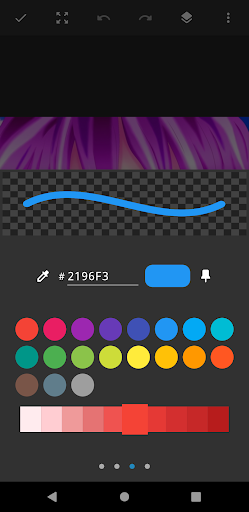
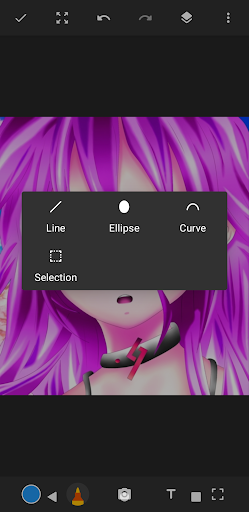
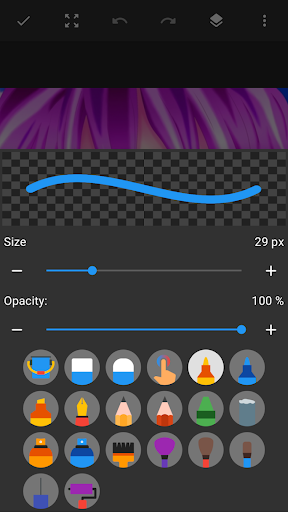
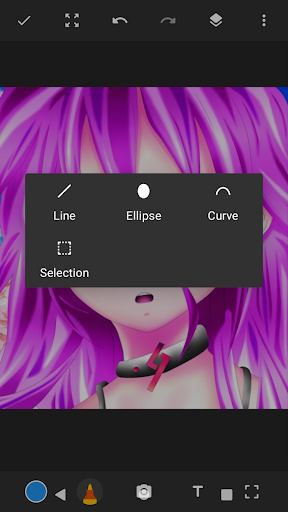
At the heart of Sketchbook Lite is its powerful brushstroke and pencil tools. With a diverse selection of brush and pencil types, sizes, and styles, you can easily create the perfect brushstroke on your drawing pad. With Sketch Pad Lite, the brush tools provide you with complete control over your drawings and paintings.
Great Sketch Pad Features:
✅Easy To Use Sketch Pad;
✅Beautiful Brushstrokes;
✅Pencils, pens, and markers,
✅Layers - Save Your Digital Art In Layers
✅Drawing Pad - Draw On Photos;
✅Sketchbook - Doodle for Fun;
✅Create Amazing Digital Art!
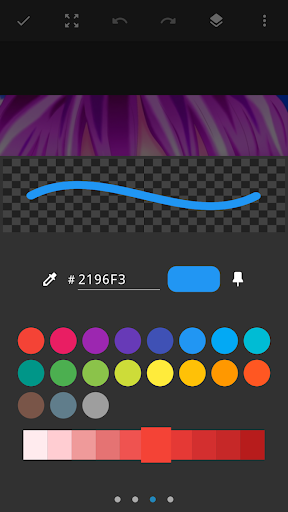
Paint Your Sketches With Vibrant Colors!🎨
Let your drawings, sketches, and digital art burst with vibrant colors and intricate details using Sketch Pad Lite. Whether you're into anime coloring, paintings, manga, or if you like to draw on photos, this drawing pad app allows you to express your creativity to the fullest. Unleash your inner artist with this drawing editor and watch your drawings come to life.
Sketchbook Layer Option For Customization!
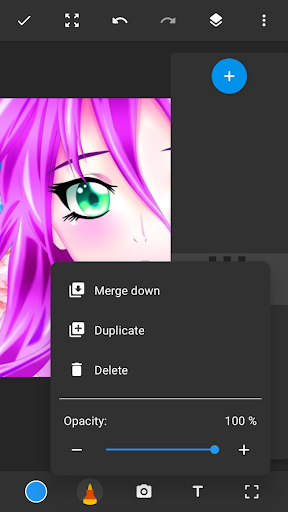
The layers feature in Sketch Lite is a game-changer for your digital art. Organize your sketches on your drawing tablet easily and experiment with different ideas. Create as many layers on your paintings as you need and effortlessly rearrange them or adjust their opacity to achieve the desired effects. This drawing app has it all!
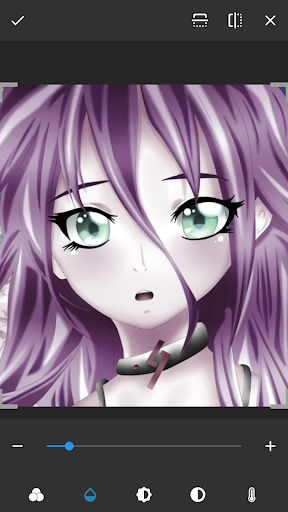
With our comprehensive drawing app editing options, Sketch Lite empowers you to refine your work until it reaches perfection. It's like having a professional drawing editor at your fingertips, allowing you to achieve flawless sketches every time.
Amazing Sketch Pad Artbook!🗒
Sketch Lite is not just a drawing app or a sketch pad; it's an artbook for your sketches in your pocket. It combines the convenience of a drawing tablet and a drawing editor with the joy and freedom of traditional sketching.
Unleash Your Creativity With Sketchbook Lite - Artbook!
So, what are you waiting for? Download Sketch Pad Lite - Artbook and embark on a journey of artistic expression. Doodle on your drawing tablet and even draw on photos. Let Sketchbook Lite be your creative companion, guiding you to create stunning drawings, sketches, paintings, and digital art that will leave a lasting impression.
Privacy
Given the app's lack of permissions, it is likely that the primary data collected is related to in-app purchases and advertising, which may include anonymous usage statistics and device information. To maintain privacy, users should be cautious when making in-app purchases and review the app's terms of service and privacy policy. Additionally, users should ensure that their device's security settings are up to date and that they are using a reputable payment method for in-app transactions.
Tips
To get the most out of Drawing Pad Lite, users should explore the app's various features and tools, such as the different brush types and colors, and experiment with different techniques and styles. Additionally, users can optimize the app's performance by closing other resource-intensive apps and ensuring that their device has sufficient storage space. By doing so, users can enjoy a seamless and creative experience with the app.
What's New
In-app purchases
$0.99 - $99.99 per item
Version Information
- Version
- 2.5.8.3
- Downloads
- 10M+
- Updated on
- Aug 19, 2025
- Released
- Nov 30, 2021
- Requires
- Android 6.0
Statistics
Google Play Rating History
Rating Distribution
Downloads Over Time
Drawing Pad Lite - Artbook has been downloaded times. Over the past 30 days, it averaged downloads per day.
Shaded area shows 30-day prediction based on historical trends
Historical data collection started recently. More data points will be available over time.
Drawing Pad Lite - Artbook - Google Play Rankings
Top Rankings
| Rank | Country | Category | List | Change |
|---|---|---|---|---|
| — |
Ranking History in
No ranking data available yet. Rankings are updated daily.
#40 in Top Free Art And Design in United States

#9 in Top Free Art And Design in Poland
#12 in Top Free Art And Design in Brazil

#14 in Top Free Art And Design in Turkey

Drawing Pad Lite - Artbook users say on Google Play
 Tyra Barton
I honestly have nothing to complain about, the ads aren't very consistent because most of the time it's a little bar at the top of your screen (away from where you draw at, like most other apps). I like how you can add pictures if you need a reference right there in front of your face. I've been looking for an app like that for a while and this one is great, trust me guys if the reviews are negative it might be there device just give it a try, it's Been great for me and I've made great art❤✨
 Nana
Nana
amazing
 Vijayalakshmi Biji
good but money for pro, no no no
 Frances Eckrich
It's got more ads than potentially any other app I've used in my life. It's literally to the point where I have a hard time navigating and figuring out what I'm doing because every time you hit a button, you have to watch 3 ads before it brings you back to what you're trying to do. I spend more time watching and closing ads than I do drawing. So I've uninstalled it and would recommend you try something - anything - else.
ApkTrusted Ratings & Reviews
More from Cards
See more apps
Incognito Calculator Tools
Free

Allah Wallpaper: Islamic 4k HD
Free

Add Text on Photo
Free

Nickname Maker: Gamer names
Free

4K Wallpaper & HD Backgrounds
Free

Age Calculator - Date of Birth
Free

Instory | Story Video Maker
Free

Black and White Photo Editor
Free

Remind Me (using Call)
Free

Aesthetic Symbols - Fancy Text
Free

AI Eng Spell Checker Keyboard
Free

Tattoo Simulator Tattoo Maker
Free

Note It - Notes, To-Do List.
Free

APK Backup & App Recovery
Free
Face Changer - My Fake Look
Free

Live Mic to Bluetooth Speaker
Free
Similar Apps

Tayasui Sketches
Free

Sketch Pro: Draw & Create Art
Free

ibis Paint X
Free
Drawing Desk: Learn to Draw
Free

MediBang Paint:Draw Art, Comic
Free

PaperColor
Free

Sketchbook
Free

HiPaint: Sketch & Draw art
Free

Picsart Color - Painting, Draw
Free

Clip Studio Paint
Free

Diary Me: My Journal With Lock
Free
Draw Easy AI: AR Trace Sketch
Free

FlipaClip: Create 2D Animation
Free
ibis Paint
Paid

PENUP – Drawing-sharing SNS
Free

Sketchar AR Drawing Sketchpad
Free
Scan this QR code to download

Forwarding you to the page at Google Play market in seconds...
Open Google Play market now