
Resume Builder: CV maker PDF v6.3.1
Tools for Daily Use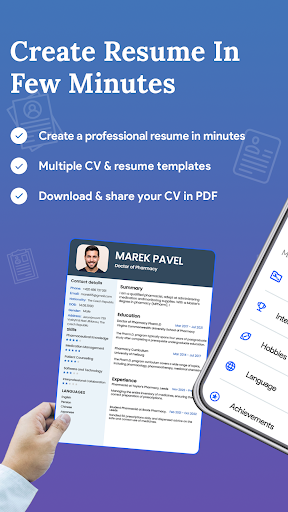





About this app
The Resume Builder: CV maker PDF app solves the problem of creating a professional-looking CV in a short amount of time, benefiting job seekers and professionals looking to update their resumes. With over 10 million downloads and a 3.8-star rating, it stands out in the Business category for its ease of use and PDF export feature. However, its reliance on ads and in-app purchases may detract from the user experience. Compared to alternatives, this app's simplicity and lack of overwhelming features make it a great choice for those who want a straightforward CV creation process.
Pros
- The app's high download numbers and good user rating indicate a high level of social proof and overall user satisfaction.
- With no permissions required, users can rest assured that their data is not being collected or shared without their knowledge.
- The app's offline capability allows users to work on their CVs anywhere, without the need for an internet connection.
- The developer's frequent updates suggest a commitment to maintaining and improving the app's functionality and performance.
Cons
- The app's monetization model, which includes ads and in-app purchases, may be seen as aggressive or intrusive by some users.
- Some users may find the app's feature set to be limited, particularly compared to more comprehensive resume-building tools.
- The developer's website appears to be an ad-serving platform, which may raise concerns about the company's priorities and values.
Best for: The ideal user for this app is a young to middle-aged professional, likely in the early stages of their career, who needs to create or update their CV quickly and easily, and is looking for a simple and intuitive tool to help them do so, with a moderate level of technical skill and a focus on ease of use and convenience.
Developer Description
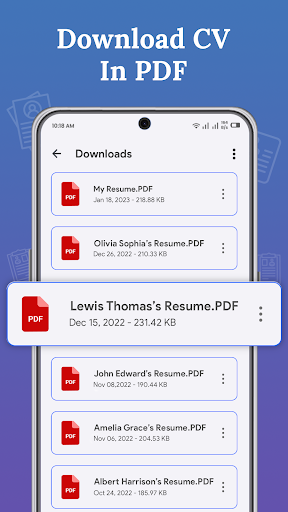
Craft your dream CV in 5 minutes, Download your CV in PDF!
The resume maker app is a very simple and useful tool to help you create a Curriculum Vitae of professional level in just a few steps. CV maker is a professional resume builder app that is simple for both freshers & experienced. Curriculum Vitae is the first impression while job hunting. Having a great resume will place you ahead of the competition in the job search. The resume builder app will assist you to generate, manage & share your CV resume quickly.
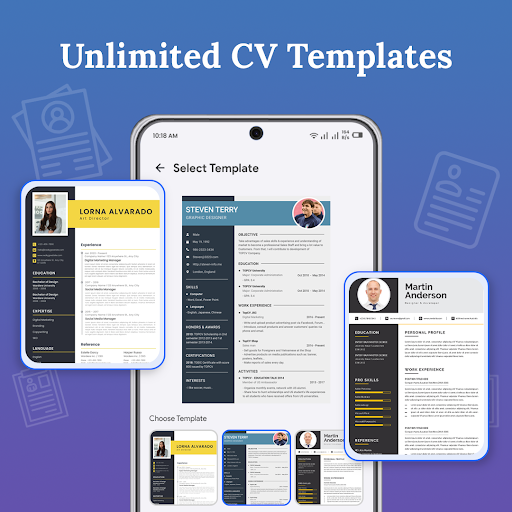
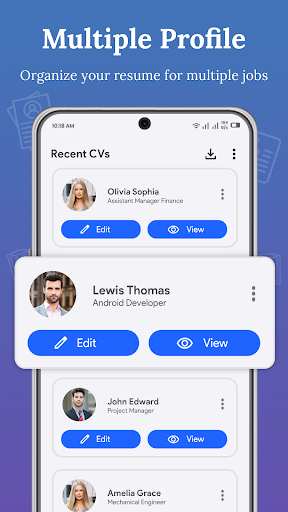
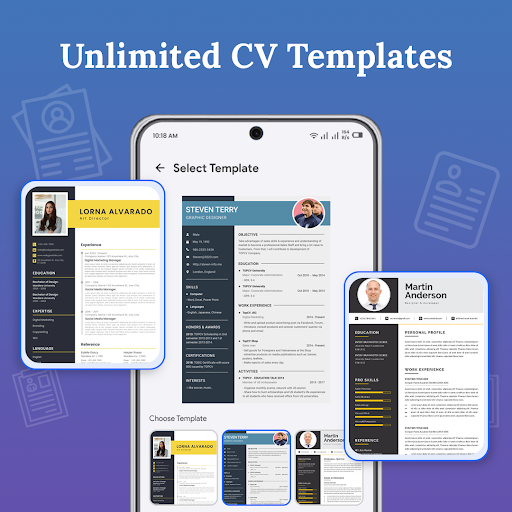
A perfect resume format for the job is compulsory when you apply for any job or go for an interview. The resume builder app has 30+ professional resume templates through which you can create multiple resumes as per your working experience. The resume maker app will be beneficial in generating a perfect resume.
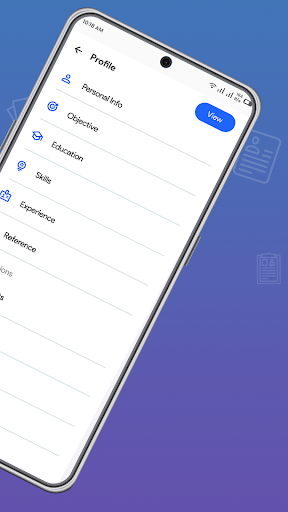
The following features are provided by resume builder to assist you in creating your Curriculum Vitae:
- Objective
- Education details
- Working experience
- Projects details
- Skills both Non-technical/Technical
- Known Languages
- Other activities, achievements & awards
- Hobbies/ Interests/ curricular activities
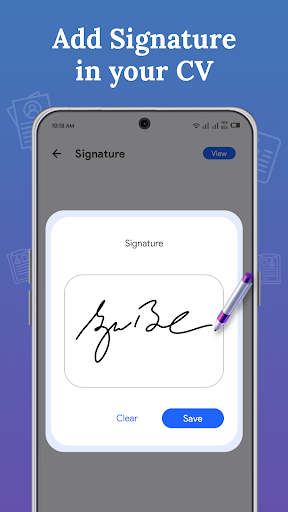
- Photograph & E-Signature
How to use CV maker app:
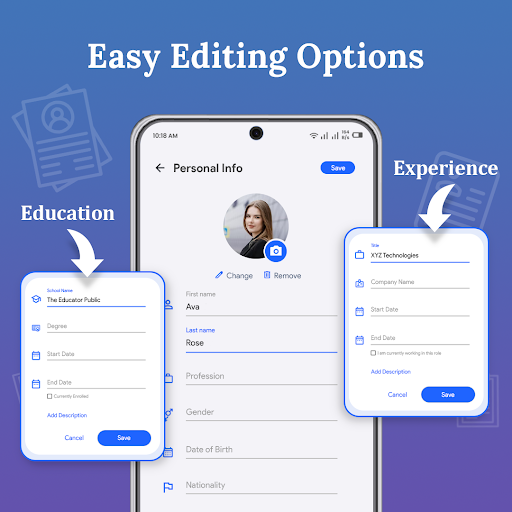
1. Fill out all the required fields in the personal information section. Also provide details regarding education, projects, work experience, other skills, etc.
2. Select any resume template you want.
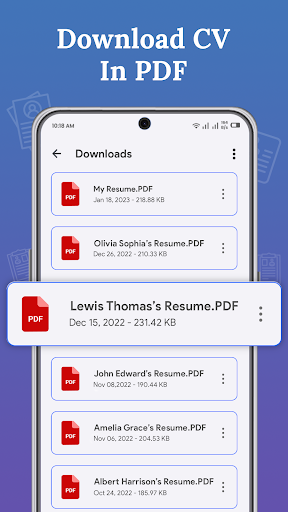
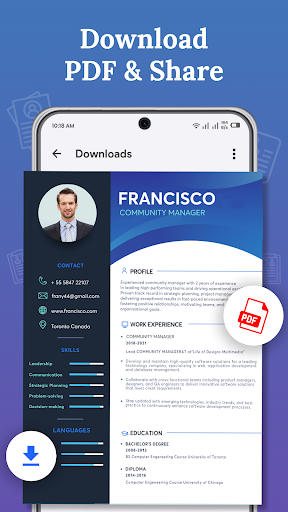
3. Resume Maker enables you to download resume CV in PDF/JPEG format.
4. You can also email or print the resume directly with the professional resume builder app.
You may easily modify the design of your CV to whatever format you like, such as reverse chronological, functional, or combination CVs, etc. by using a professional cv resume builder application.
Hopefully, the CV maker app will be beneficial for you. Your feedback is welcome to us. If you want to suggest more features or give any feedback regarding the professional resume builder app, please feel free to contact us via email: at gamotronicarts@gmail.com. Do not forget to rate this app 5★ for developer support. Thank you for using it!
Privacy
Given that the app requires no permissions, users can be confident that their data is not being collected or shared without their knowledge. However, users should still be cautious when exporting their CVs as PDFs, as this may involve sharing personal information with third-party services or individuals. To stay safe, users should only export their CVs to trusted sources and be mindful of their online presence.
Tips
To get the most out of this app, users should start by exploring the various templates and customization options to find the one that best suits their needs. Additionally, users can optimize their CVs for better performance by using clear and concise language, and by proofreading their work carefully before exporting it as a PDF. Finally, users can integrate this app with other productivity tools, such as calendar or email apps, to streamline their job search process.
What's New
- Performance improved
In-app purchases
$2.49 - $100.00 per item
Version Information
- Version
- 6.3.1
- Downloads
- 10M+
- Updated on
- Apr 8, 2025
- Released
- Jul 18, 2022
- Requires
- Android 5.0
Statistics
Google Play Rating History
Rating Distribution
Downloads Over Time
Resume Builder: CV maker PDF has been downloaded times. Over the past 30 days, it averaged downloads per day.
Shaded area shows 30-day prediction based on historical trends
Historical data collection started recently. More data points will be available over time.
Resume Builder: CV maker PDF - Google Play Rankings
Top Rankings
| Rank | Country | Category | List | Change |
|---|---|---|---|---|
| — |
Ranking History in
No ranking data available yet. Rankings are updated daily.
#6 in Top Grossing Business in Philippines


#7 in Top Grossing Business in Turkey

#15 in Top Grossing Business in Argentina
#16 in Top Grossing Business in Egypt

Resume Builder: CV maker PDF users say on Google Play
 Masroor Awan
absolutely amazing app without any problem you can make your cv with in 5 minutes thanks...
 Oluwasola Olusegun
Perfect experience
 ISAAC LEBICO
i stop this use because they charge me after 3days free trial but i cannot find the unsubscribe
 Wendy Coralde
pls give a refund .. my son accidentally download this app and subscribe.. I did not notice that it subscribe the free trial.. and iwas shock when it notify me that it automatically credit to my gcash.. it's for the milk of my baby😭😭😭😭😭
 Margot Kaye linde
I need a refund! the developer of this app is not answering my email, what a fradaulent activity is this. answer my email and refund my money, this is wrong both ways. deducting without permission and it is unauthorized.
ApkTrusted Ratings & Reviews
More from Tools for Daily Use
See more apps


Similar Apps
AI Resume Builder CV Maker PDF
Free

Resume Builder - CV Engineer
Free
Invoice Maker by Invoice Home
Free

Indeed Job Search
Free

Mobi PDF・Editor・Scanner・Reader
Free

WPS Office-PDF, Word, Sheet
Free
Easy Invoice Maker by GimBooks
Free
pdfFiller Edit, fill, sign PDF
Free

Naukrigulf - Job Search App
Free
Invoice Maker - InvoiceBase
Free
Photo to PDF Maker & Converter
Free

Invitation Maker: Cards & RSVP
Free

PDF Scanner app - TapScanner
Free

PDF Editor – Edit Everything!
Free
PDF Reader - PDF Editor
Free
Simple Invoice Manager
Free
Scan this QR code to download

Forwarding you to the page at Google Play market in seconds...
Open Google Play market now