Salesforce Authenticator v4.7.1
Salesforce.com, inc.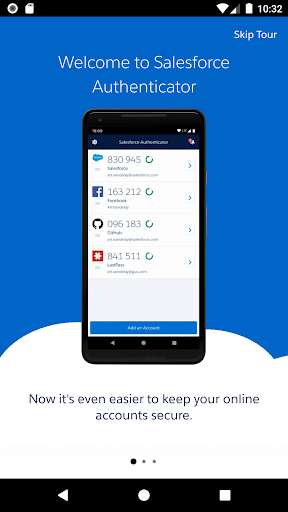
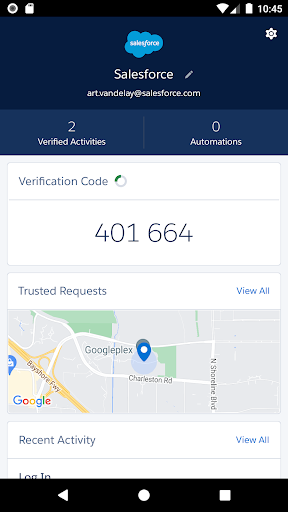
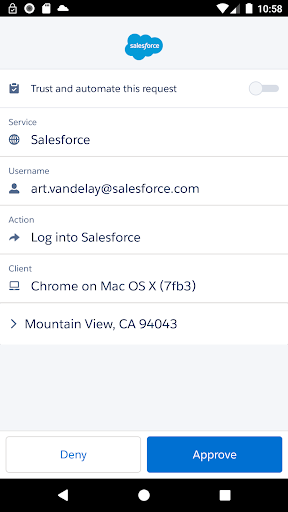
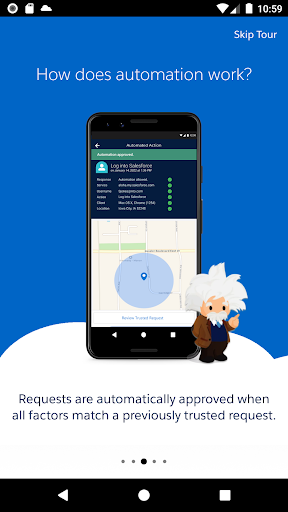
About this app
Developer Description
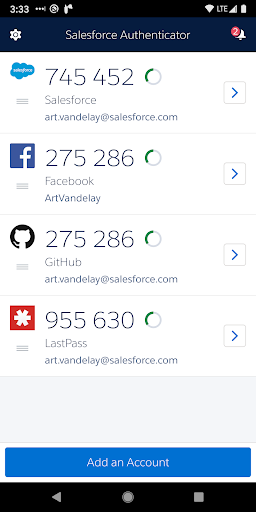
Salesforce Authenticator provides additional security with 2-step verification.
Use Salesforce Authenticator to secure all your online accounts that support time-based one-time passwords (TOTP). Any service that allows multi-factor authentication using an “Authenticator app” is compatible with Salesforce Authenticator.
Location Data & Privacy
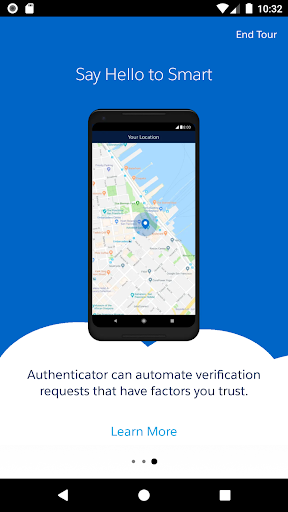
If you enable location-based automation in Salesforce Authenticator, location data is stored securely on your mobile device and not in the cloud. You can delete all location data from your device or turn off location services at any time. Learn more about how the app uses location data in Salesforce Help.
Battery Usage
Rather than getting precise location updates, Salesforce Authenticator only receives updates when you enter or leave the approximate area, or “geofence,” of a location that you trust. By minimizing the frequency of location updates, Salesforce Authenticator conserves your mobile device’s battery life. To reduce battery usage even more, you can turn off location services and stop automating your activity.
What's New
Version Information
- Version
- 4.7.1
- Downloads
- 1M+
- Updated on
- Sep 23, 2025
- Released
- Nov 4, 2013
- Requires
- Android 9
Statistics
Google Play Rating History
Rating Distribution
Downloads Over Time
Salesforce Authenticator has been downloaded times. Over the past 30 days, it averaged downloads per day.
Shaded area shows 30-day prediction based on historical trends
Historical data collection started recently. More data points will be available over time.
Salesforce Authenticator - Google Play Rankings
Top Rankings
| Rank | Country | Category | List | Change |
|---|---|---|---|---|
| — |
Ranking History in
No ranking data available yet. Rankings are updated daily.
#70 in Top Free Business in Netherlands


#80 in Top Free Business in Australia


#115 in Top Free Business in Italy


#117 in Top Free Business in Poland


Salesforce Authenticator users say on Google Play
 Kirk Aab
Does what it is designed to do. The few times that it didn't automatically prompt for approval I was able to manually enter the key. All in all it works well.
 Aadarsh Singh
good app
 MnM Sh83
longer session required. Productivity matters.
 Varoxez 8
I can't restore my backup to my new phone Samsung s25 ultra it keep inside a loop of adding backup account and enter other then secure pin then start from the beginning flow
 Les Vandever
At least 3 or 4 times a year, I run into issues where it will not send a notification for me to approve. typing in the code rarely works. one of the worst apps forced on users.
ApkTrusted Ratings & Reviews
More from Salesforce.com, inc.
See more apps











Similar Apps

Okta Verify
Free

SAP Concur
Free
2FA Authenticator (2FAS)
Free

Aegis Authenticator - 2FA App
Free

Twilio Authy Authenticator
Free

Microsoft Authenticator
Free

SAP SuccessFactors Mobile
Free

Boxer - Workspace ONE
Free

Darwinbox
Free

Viva Engage
Free
1Password: Password Manager
Free

LastPass Password Manager
Free

Bitwarden Password Manager
Free

Duo Mobile
Free

Content - Workspace ONE
Free

MyBlock
Free
Scan this QR code to download

Forwarding you to the page at Google Play market in seconds...
Open Google Play market now