USB Dual Camera v11.4.9
沈垚 / ShenYao China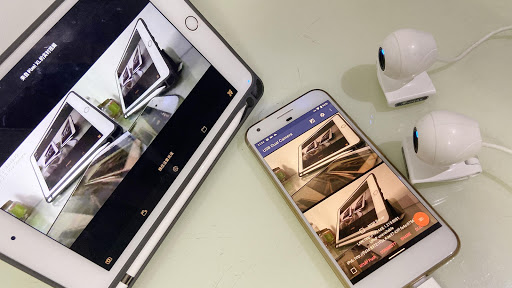










About this app
Developer Description
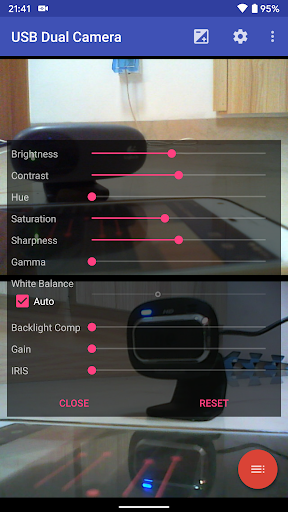
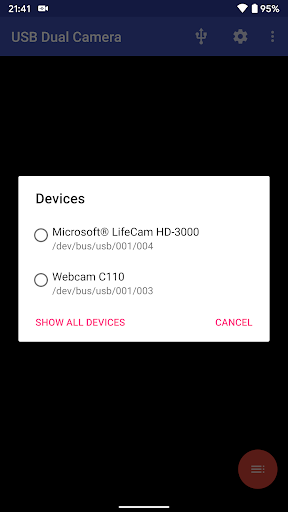
Connect 2 UVC devices for recording and broadcast video/audio stream
Tip:
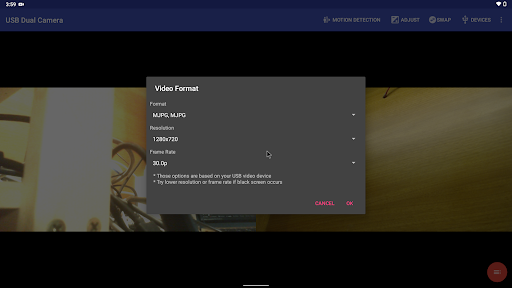
* Supports UVC WebCam WITH microphone and UVC video grabber WITH audio input(Up to 4K via HDMI, Supports progressive and interlaced video). MJPEG(or H.264, H.265, HEVC) format is required when using 2 cameras at the same time.
* Windows Hello Camera and IR Camera
* Geek szitman supercamera(2ce3:3828)non-UVC devices, e.g. USB Endoscope
Please use a good quality OTG cable and ensure power supply
Please ensure that the 2 cameras have sufficient power supply. It is recommended to use HUB with external power supply! Some devices may need to bridge HUB to work properly, e.g. Elgato Cam link.
Using HEVC for video recording/streaming requires Android 5.0 or above, and the device must supports HEVC codec.
Using AV1 for video streaming requires Android 10 or above, and the device must supports AV1 codec.
See the video for more info: https://youtu.be/B569qfWx83U
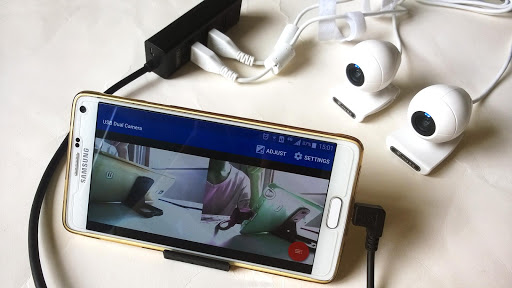
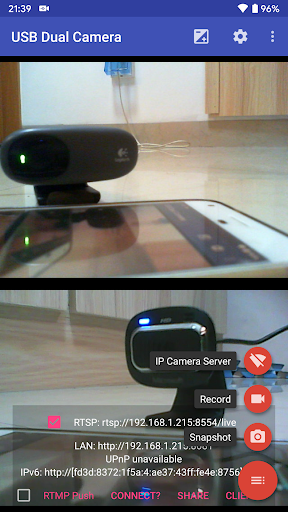
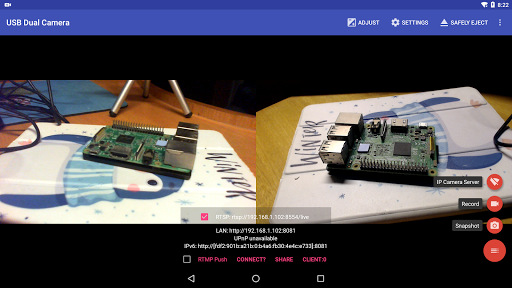
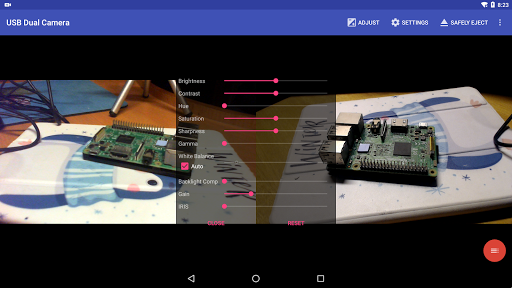
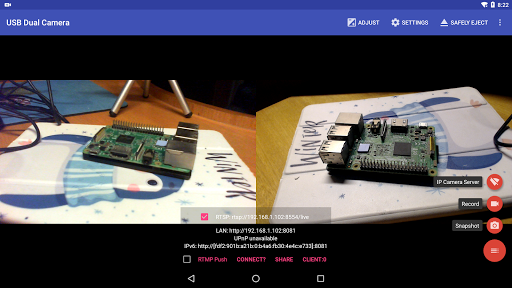
"USB Dual Camera" can let your android device connect to 2 USB WebCams or video capture cards via USB-OTG at the same time. You can record video or capture snapshot., OR turn your phone into a wireless IP Camera via build-in RTSP and HTTP Server for security monitoring WITH Bi-directional audio support, you can use your browser to view, of course, include "IP Camera" App.
"USB Dual Camera" can push the video and audio to RTMP/SRT live media server and use for network live broadcast. It supports the rtmps security protocol and SRT protocol and it can also push the media to multiple media server at the same time. It also supports HEVC/AV1 over RTMP and can be used for YouTube Live currently.
"USB Dual Camera" can mix USB Audio with a built-in microphone or system audio and output, or overlay the built-in camera/screen video onto the external camera video.
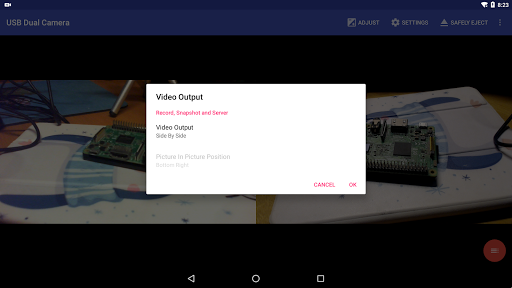
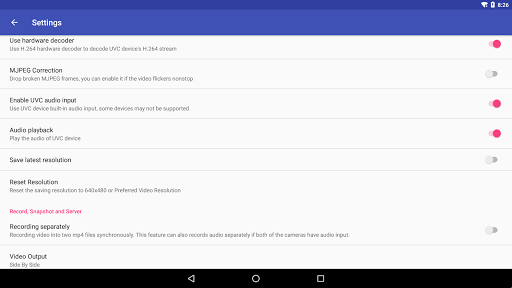
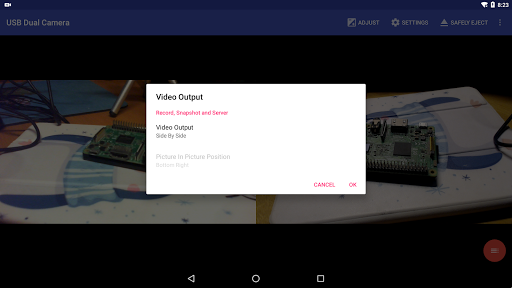
"USB Dual Camera" can record video into two mp4 files synchronously if you connect to 2 USB WebCams at the same time and record. This feature can also records audio separately if both of the cameras have audio input. It can also set to create full Side-by-Side (SBS) 3D video. You can use your 3D video player to view 3D video. It can mix audio automatically if both cameras have audio input.
"USB Dual Camera" can add timestamp, GPS, speed and other info on the video frames while recording. Or overlay the built-in camera video onto the external camera video.
USB Dual Camera can seamless switching between foreground and background. Just press 'Enter background' from menu. The recording will not interrupted during switching!
It support auto video recording which based on Motion Detection and the video record can be uploaded to FTP server automatically and notify you via Email!
For Pro version
"USB Dual Camera" supports loop-recording. Can set auto-segment when recording and auto-delete old video archives when no enough storage. "USB Dual Camera" can be used as "Dash Cam"
Bi-directional audio requires IP Camera App, you can get it from https://play.google.com/store/apps/details?id=com.shenyaocn.android.WebCam
IMPORTANT! On Android 9 and above, Camera permission is required to get fully USB Video device access.
This is userspace driver so it used for the app only. Android does not allow to install kernel driver so it unable to use for third-party apps.
What's New
* Can disable camera overlay when entering background
* Now you can overlay the screen and internal camera video onto USB video at the same time
* Supports mix the system audio output with USB audio or Built-in microphone
* Some UVC devices may containing multiple cameras now can be accessed correctly, e.g. Windows Hello Camera and IR Camera
* Supports 'Geek szitman supercamera' (ID 2ce3:3828) devices, which are commonly used in USB endoscopes
Version Information
- Version
- 11.4.9
- Downloads
- 100K+
- Updated on
- Dec 28, 2025
- Released
- Apr 18, 2017
- Requires
- Android Varies with device
Statistics
Google Play Rating History
Rating Distribution
Downloads Over Time
USB Dual Camera has been downloaded times. Over the past 30 days, it averaged downloads per day.
Shaded area shows 30-day prediction based on historical trends
Historical data collection started recently. More data points will be available over time.
USB Dual Camera users say on Google Play
 Sikandar Ali
Possible to remove Watermark when using EasyCap (VCR to Phone)? When recording it watermarks "AV TO USB2.****" on top left. I've purchased Pro as well but still couldn't find any option to do it, any help?
 Diego Restrepo
I connect two UVCs through a OTG Hub and only one works at a time. Message: "AV to USB2.0: This device does not support MJPEG/H.264 format, may unable to start preview!". I would like to have some feedback on how to solve this issue. . I have two suggestions: 1. Please allow to flip horizontally each channel independently. 2. Please work in an app to support 4 channels. I have seen a lot of people asking for this, and I think that's the maximum anyone could need. Thanks.
 Sam
Sam
Not compatible with Easycap (unlike the single-camera version). Works with a cheap webcam I have.
 Brian Ciesicki
Last time I tried to stream on Twitch on the road with a 3D camera apparently Android security locks out this program being piped to Streamlabs obs. I'll gladly change my review if I could find a way to broadcast live on Twitch in stereoscopic 3D using two usb cameras. Also I would like a "side-by-side half" feature. This product only broadcasts in "side by side full"
 Benhin meti
Compatible with OTG cable but very cheap webcam quality..iam using redmi note 7s 48megapixel camera but when I connect it to webcam im getting very low webcam quality just like VGA camera .so better I use my phone camera for recording.instead of connecting to webcam.
ApkTrusted Ratings & Reviews
More from 沈垚 / ShenYao China
See more apps



Scan this QR code to download

Forwarding you to the page at Google Play market in seconds...
Open Google Play market now