
Share with Luminar Neo v1.1.10.362
Skylum Software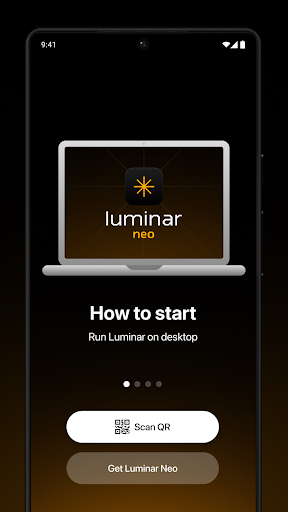

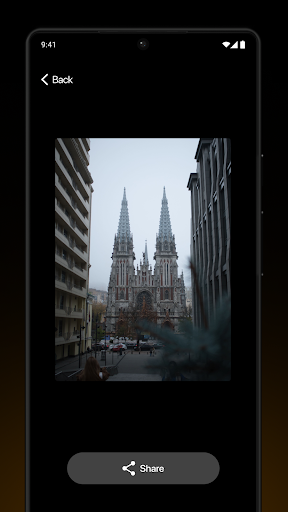
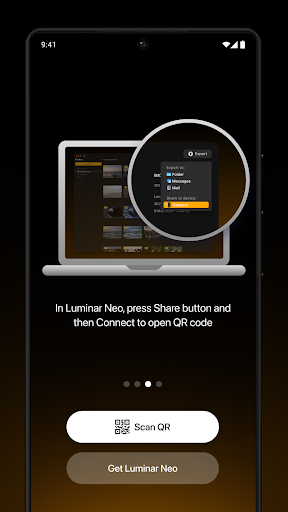
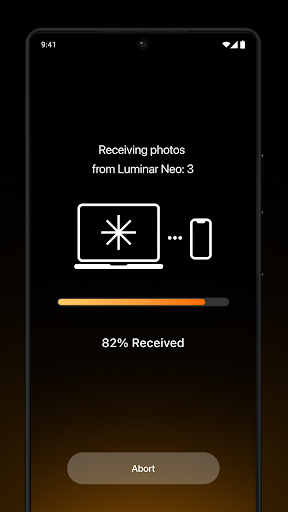
About this app
Developer Description
Transfer your photos easily
Features of Luminar Share include:
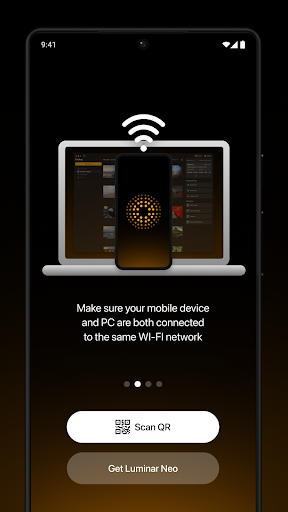
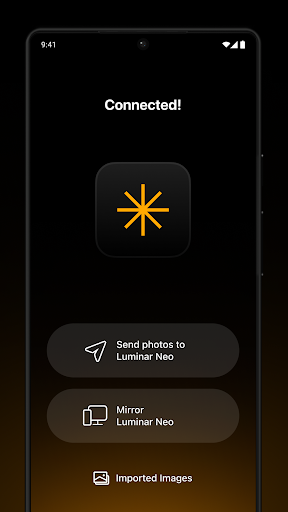
Wireless transfer of photos between the desktop Luminar Neo app and the Luminar Share mobile app
Mirroring of photos from Luminar Neo on a mobile device
Easy sharing of photos to social media
Streamline the process of sharing your creations. Transfer photos that you took on your travels with your smartphone and edit them in Luminar Neo with its powerful AI tools. Or transfer photos you took with your camera and edited in Luminar Neo to your mobile and quickly share them with your followers on social media.
The Luminar Share app is available on both Android and iOS and is free for all Luminar Neo users.
What's New
A fresh design that reflects the new color scheme for Luminar Neo
A new icon that complements Luminar Neo’s redesigned logo
Update and enjoy!
Version Information
- Version
- 1.1.10.362
- Downloads
- 100K+
- Updated on
- May 24, 2024
- Released
- Jan 10, 2022
- Requires
- Android 7.0
Statistics
Google Play Rating History
Rating Distribution
Downloads Over Time
Share with Luminar Neo has been downloaded times. Over the past 30 days, it averaged downloads per day.
Shaded area shows 30-day prediction based on historical trends
Historical data collection started recently. More data points will be available over time.
Share with Luminar Neo users say on Google Play
 Darshit Sheer
It was not performing good previously. Just get disconnected continuously.But now it is optimized so it's not getting disconnected.Keep Growing Skylum.We want a Photo editing app for Android as well.🙂
 Geoff Hirst
Really good, but... Where does the app store the downloaded images? None of my file apps can see the images I have edited and I want to publish to Vero but I can't. The path you provided, that is a difficult one to access if on Android 11 or greater due to system file protections. Can this be altered at all to perhaps using the images folder? I know that applications like Nikon Snapbridge make the images available.
 Paul West
If you want to transfer photos to you pc to edit it's great. Sending them back to your phone for anything other than sharing with other people is frustrating. You can a see thumbnail via the app but are hidden directly from your phone. Nothing in Gallery, where every other photo appears. A big flaw for me. Nearly a year on, and still no way to put photos back onto your phone where they came from. (Send from Gallery, edit, then send back to Gallery is all I want!)
 Daz Gam
Not easy to set up, a long way to go before plug and play ease of use. Also luminar neo pc version is average, constantly crashes and freezes. Great results when I can get it to work. Hate the thought of having to go back to LR but not looking good. I think this company and software will be a top performer in the years to come. Just not there yet.
 Kelly Pennington
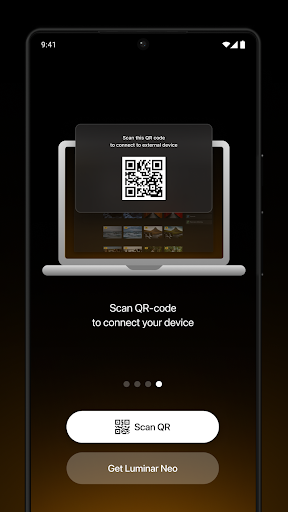
I've tried to connect multiple times using the app and scanning QR code from Luminar Neo on my desktop. I am connected to the same wifi network and it NEVER connects!!! Waste of space on my phone!!! 🤬 Every single user seems to be experiencing this same issue. Why not fix the bugs in the app and not make every single person reach out individually. UPDATE 10/30/24. OVER TWO YEARS LATER.....Still does not connect.... Skylumn tries REALLY HARD to get your money, but minimally tries to improve free
ApkTrusted Ratings & Reviews
More from Skylum Software
See more apps
Similar Apps

3D Photo: Imager
Paid

Banano Pro İmage Generator
Paid

PhotoSpot: For Travel Planning
Free

DreamBuild: Sketch to 3D
Paid

Lensa: photo editor & AI art
Free

ClayLab
Free

PhotoPills
Paid

eZy Watermark Photos Pro
Paid

PicWish: AI Photo Editor
Free
ColorWiz Cam
Paid

Tattoo AI: Ink Design Try-On
Paid

Prisma Art Effect Photo Editor
Free

Text & Image to Video AI Gen
Paid

Oji: AI Avatar Photo Generator
Free

AI Photo Editor: AI Expand
Free

DRC - Polyphonic Synthesizer
Free
Scan this QR code to download

Forwarding you to the page at Google Play market in seconds...
Open Google Play market now