
Squid: Take Notes, Markup PDFs vVARY
Steadfast Innovation, LLC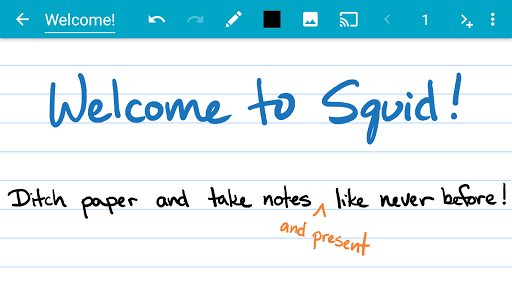







About this app
Developer Description
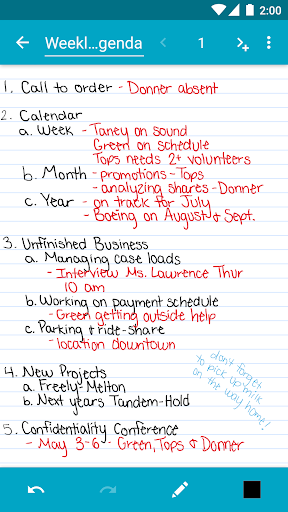
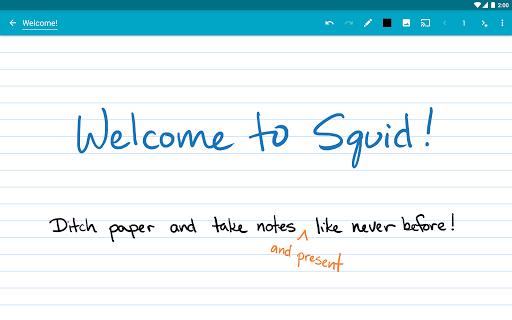
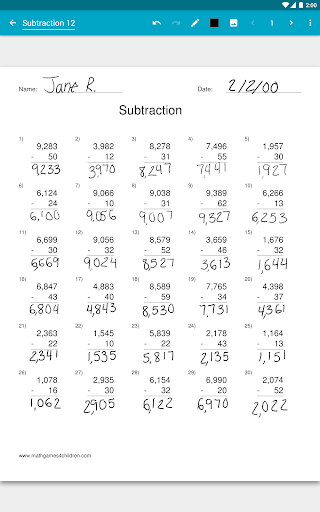
Take handwritten notes for class, work, or fun! Easily markup PDFs and share…
✨ Key Features:
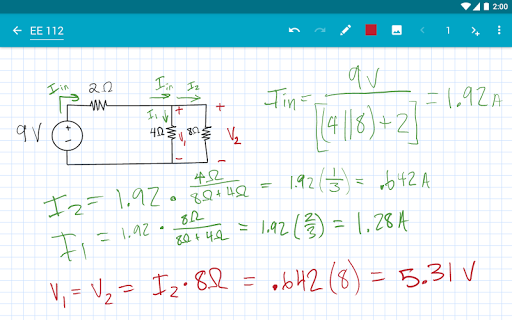
• ✍️ Natural Writing: Seamlessly write with a pen and erase with your finger on active pen enabled devices like Samsung devices with S Pen. Use your finger or capacitive stylus on other devices.
• ⚡ Low Latency Ink: Enjoy a seamless and responsive writing experience with support for low latency ink¹.
• 🔒 Private: Notes are stored on your device and are completely private. No account or sign-in required. Backup your notes to your desired location.
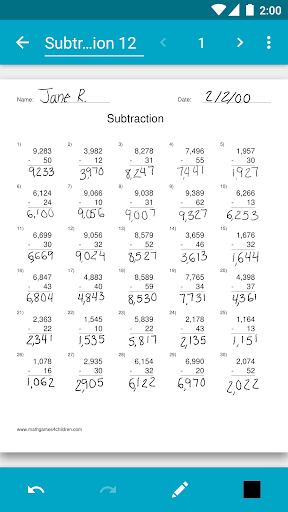
• 📝 PDF Markup: Easily annotate PDFs, fill out forms, edit/grade papers, and sign documents.
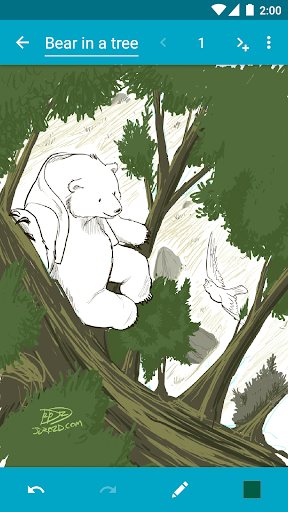
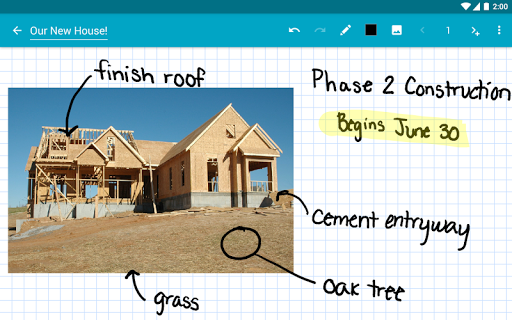
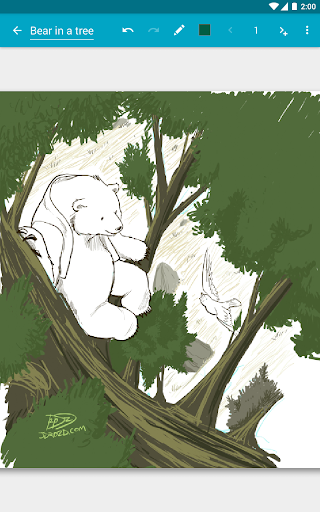
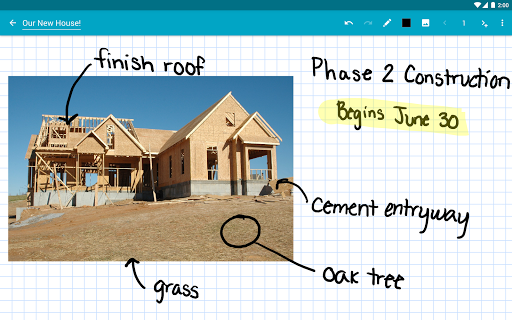
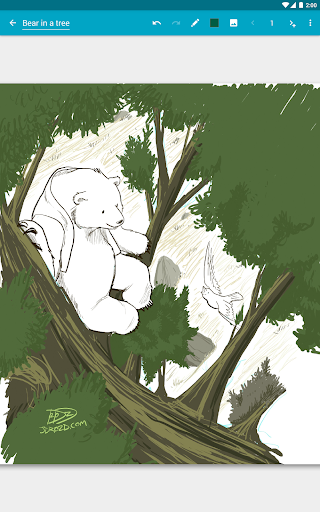
• 🧰 Versatile Tools: Use any color pen or highlighter, import images, draw shapes, and add typed text.
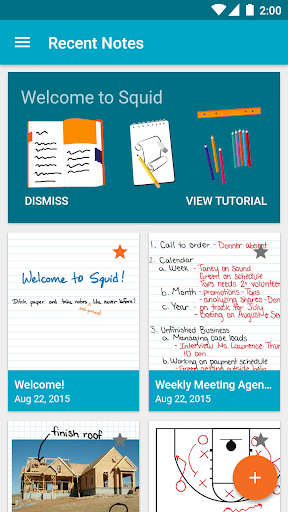
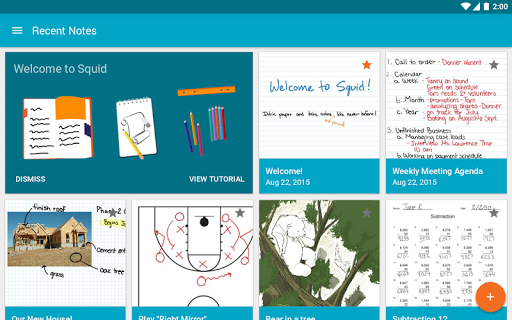
• 📁 Organize: Select, copy/paste, and move content between pages and notes. Place notes in folders to stay organized.
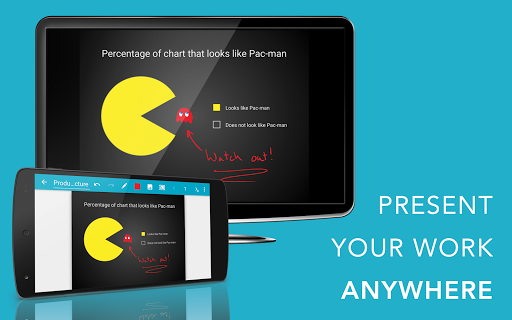
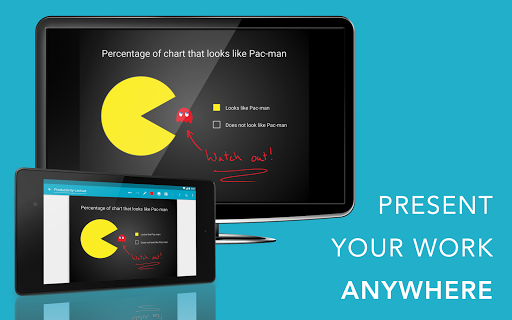
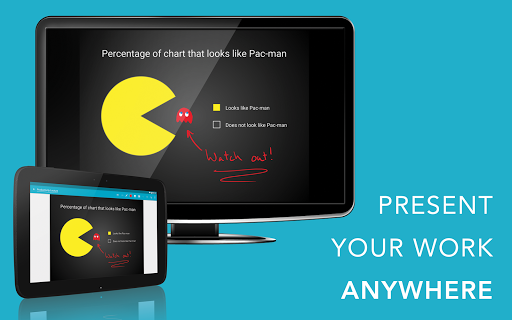
• 📊 Presentations: Turn your device into a virtual whiteboard and cast your notes to a TV/projector.
• 📤 Export: Export notes as PDFs, images, or Squid Note format and share or store in the cloud.
• 💰 Save: Reduce stationery costs and replace paper notebooks with Squid for eco-friendly note-taking!
🏆 Awards/Recognition:
• 🌟 Featured App and Editors' Choice in Google Play
• 📈 Category Honorable Mention for Productivity in the Samsung Galaxy Note S Pen App Challenge
• 🎉 Popular Choice Award in the Dual Screen App Challenge
👑 Squid Premium:
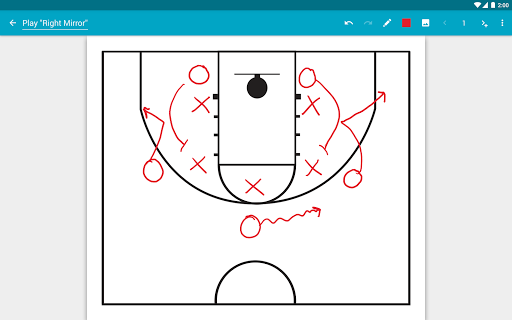
• Premium paper backgrounds: math, engineering, music, sports, planning, & more
• Import and markup PDFs
• Additional tools: highlighter, true eraser, shapes, text
• Backup/restore and bulk export notes as PDFs to Google Drive, Dropbox, or Box
🛠️ Base Features:
• Vector graphics engine keeps your notes beautiful at any zoom level and on any device
• Various paper backgrounds (blank, ruled, graph) and sizes (infinite, letter, A4)
• Erase entire letters or words quickly with the stroke eraser
• Undo/redo, select, move, and resize
• Change color and weight of selected items
• Cut, copy, and paste items between notes
• Two-finger scroll, pinch-to-zoom, and double tap for quick zoom
• Sort and organize notes and folders
• Import, crop, and resize images
• Export notes to PDF, PNG, JPEG, or Squid Note format
• Share notes via email, Google Drive, Evernote, etc.
• Multi-Window support (take notes while watching a video)
• Shortcuts to create new notes or open folders
• Dark theme
🎓 Google Workspace for Education customers can purchase Squid Premium in bulk at https://squidnotes.com/edu
🐞 If you encounter any bugs, please email us at help@squid.app with a description.
💡 We would love to hear your feedback or feature requests at https://idea.squidnotes.com
¹Low latency ink is available now on Chromebooks and coming soon to Android devices.
🎯 Increase your productivity and unleash your creativity with digital handwritten notes. 👉 Try Squid for FREE today!
What's New
Latest Highlights
• Improved support for Android 15+
• Improved local backup process
• Fixed several PDF rendering issues and crashes
• Updated translations
• Misc bug fixes and improvements
Full changelog: http://goo.gl/EsAlNK
In-app purchases
$1.00 - $14.99 per item
Version Information
- Version
- -
- Downloads
- 10M+
- Updated on
- Dec 19, 2025
- Released
- Mar 28, 2012
- Requires
- Android Varies with device
Statistics
Google Play Rating History
Rating Distribution
Downloads Over Time
Squid: Take Notes, Markup PDFs has been downloaded times. Over the past 30 days, it averaged downloads per day.
Shaded area shows 30-day prediction based on historical trends
Historical data collection started recently. More data points will be available over time.
Squid: Take Notes, Markup PDFs users say on Google Play
 James Campbell
2025 Two years now. Still a great app. 2023 I have been using it with my note 9 for a couple of months now. It's made taking survey notes in the field much more neat and organized. I'm using the app with note 23 now. Still is a great pdf app for your phone. I tried adobe 7 day free trial, even if it was going to cost 99 per year. I really love adobe dc on my pC. But it was just to hard to learn the mobile version. Oh and squid cost pennies compared to adobe.
 Jared Reid
This is your basic note taking app that does the job, but doesn't feel like it's going above and beyond like some others of its kind. The subscription price is low, which is nice, but I think there would be a lot more done with this one. Other apps have far more tools, each with more options (without subscriptions), and there are templates, and other features that make note taking better.
 Christopher Perry
The devs have a lot of nerve to ask for a subscription for an app that feels like something from ten years ago and with so few features. What's up with portions of the document not being visible when scrolling?
 John Lieske
I just tried this app on my e-ink tablet. The app itself has a lot of the features I've been looking for & has a very clean interface. However, when I came across the desire for a feature that must be paid for I found out that the only way to get the premium features is to pay a subscription. I immediately uninstalled the app. I refuse to be tied to a subscription, & recommend to any artist (professional or otherwise) to avoid subscription whenever possible. Too bad that greed got in the way
ApkTrusted Ratings & Reviews
More from Steadfast Innovation, LLC
See more apps
Similar Apps
DrawNote: Drawing Notepad Memo
Free
Jnotes: Note-Taking, AI, PDF
Free

Huion Note : Easy note-taking
Free

MyScript Notes (Nebo)
Free

Notewise - AI Notes, PDF, Docs
Free

StarNote: Handwriting & PDF
Free

Noteshelf 3: Digital Notes
Free
Flexcil Notes & PDF Reader
Free
Kilonotes-Notes & Mark up PDF
Free

Goodnotes: AI Notes, Docs, PDF
Free

touchnotes
Free

YesWriter - Writing, Notes
Free

Mind Notes: Note-Taking Apps
Free
Notes : Color Folders & Lists
Free

Bamboo Paper
Free

Evernote - Note Organizer
Free
Scan this QR code to download

Forwarding you to the page at Google Play market in seconds...
Open Google Play market now